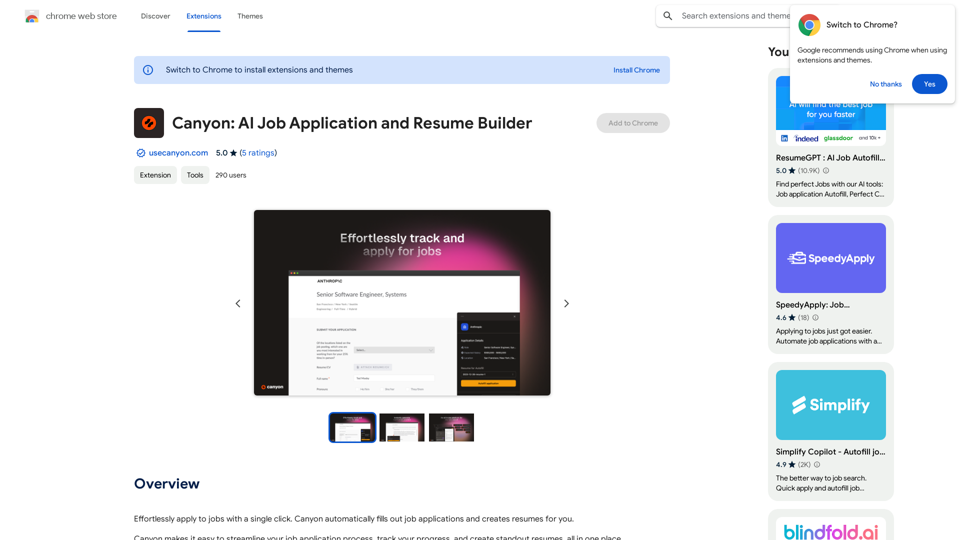
Monica is a comprehensive AI assistant that integrates advanced AI models like GPT-4 and Claude 3. It offers a wide range of functionalities including chatting, searching, writing, translating, and image generation. Monica aims to provide users with versatile AI-powered tools for various applications in work, study, and daily life, all accessible through a single platform.
Monica - Your ChatGPT AI Assistant for Anywhere
Monica integrates leading AI models (GPT-4, Claude 3, Gemini) for one-click chat, search, writing, coding and more. Try it on Chrome, Edge, or our APP.
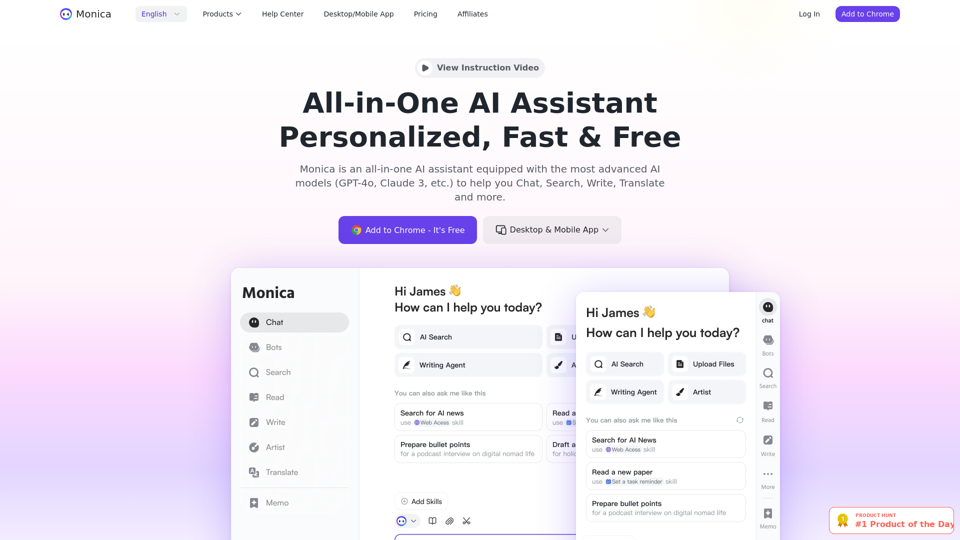
Introduction
Feature
Multiple AI Models Integration
Monica incorporates cutting-edge AI models such as GPT-4 and Claude 3, providing users with access to a diverse set of AI capabilities without the need for separate subscriptions.
Versatile Functionality
Monica offers a wide array of AI-powered tools, including:
- Chatting
- Searching
- Writing assistance
- Translation services
- Image generation
Free Daily Usage
Every user can access Monica's services for free up to a daily usage limit, allowing them to explore and benefit from various AI tools without initial cost.
Subscription Options
For users requiring extended access beyond the free usage limits, Monica offers subscription plans with additional benefits and increased usage allowances.
Image Generation
Monica's advanced AI capabilities include image creation, leveraging the power of GPT-4 to provide users with a seamless creative experience.
Privacy Protection
Monica prioritizes user privacy. User information is not used for training data, and users have the option to delete their accounts and remove all associated data at any time.
FAQ
How can I use Monica for free?
Monica offers free daily usage limits for all users. You can utilize various AI-powered tools up to these limits without any cost.
Can I generate images using Monica?
Yes, Monica's advanced AI capabilities include image generation, allowing users to create images with the assistance of GPT-4.
How many AI models are available on Monica?
Monica provides access to multiple AI models, including GPT-4 and Claude 3, offering a wide variety of AI-powered tools for different applications without requiring separate subscriptions.
How can I maximize my use of Monica AI services?
To maximize your use of Monica:
- Explore the range of available AI tools
- Utilize the daily free usage allowance
- Experiment with different features for various tasks
- Consider a subscription if you need extended access
Will my information be used for your training data?
No, Monica highly values user privacy. Your information will not be used for any training purposes. You can delete your account at any time, which will remove all your data.
When would I need a Monica subscription?
Consider a Monica subscription if:
- Your usage consistently exceeds the daily free limits
- You heavily rely on Monica's AI services for work or personal projects
- You need extended access to advanced features
Related Websites
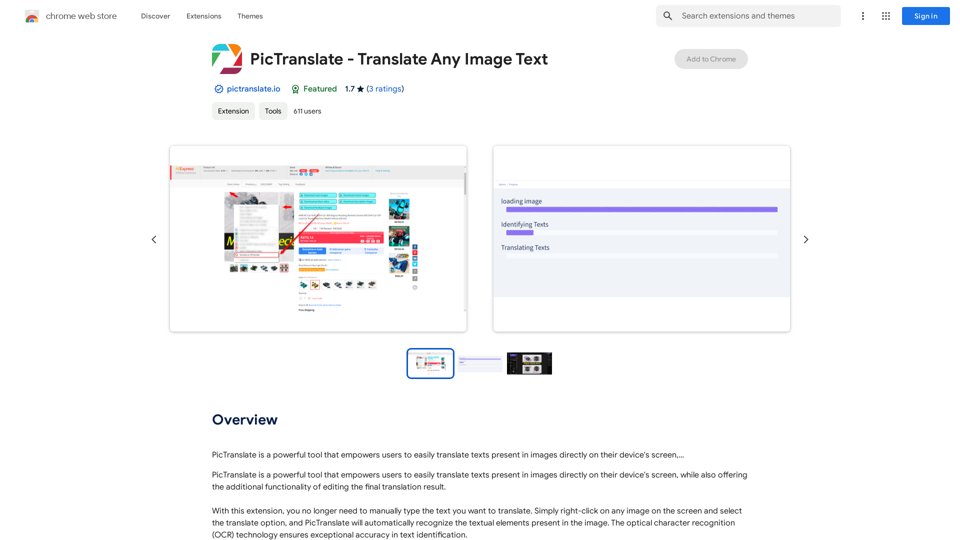
PicTranslate is a powerful tool that empowers users to easily translate texts present in images directly on their device's screen,…
193.90 M
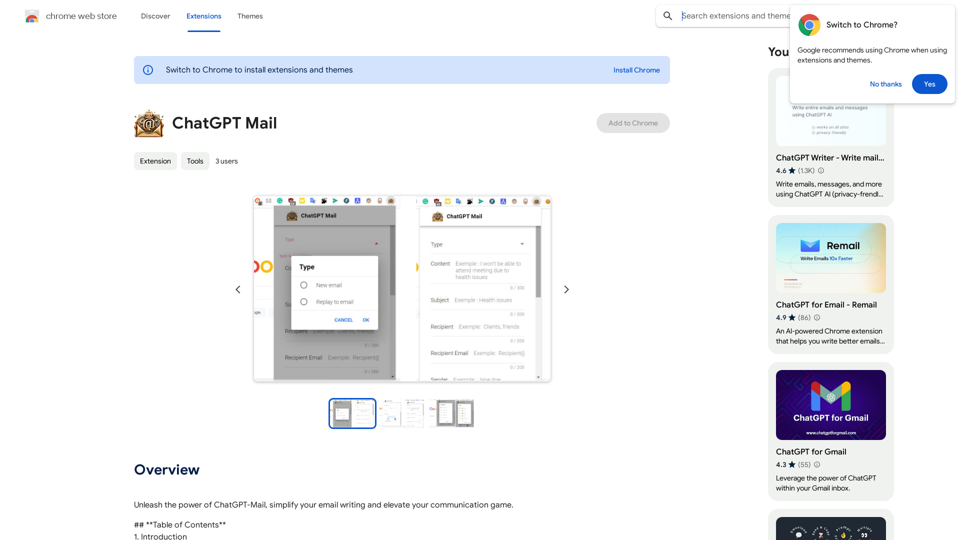
Unleash the power of ChatGPT-Mail, simplify your email writing, and elevate your communication.
193.90 M
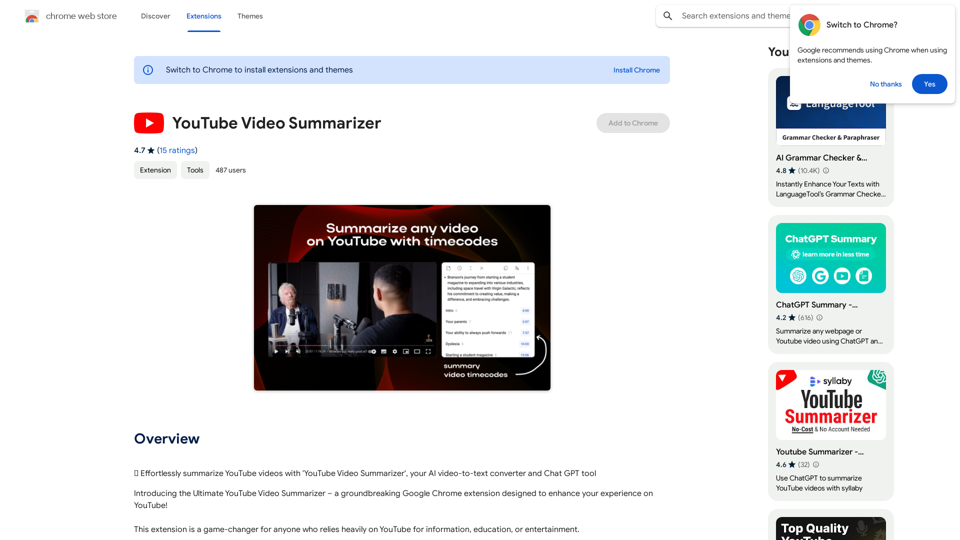
Effortlessly summarize YouTube videos with 'YouTube Video Summarizer', your AI video-to-text converter and Chat GPT tool
193.90 M
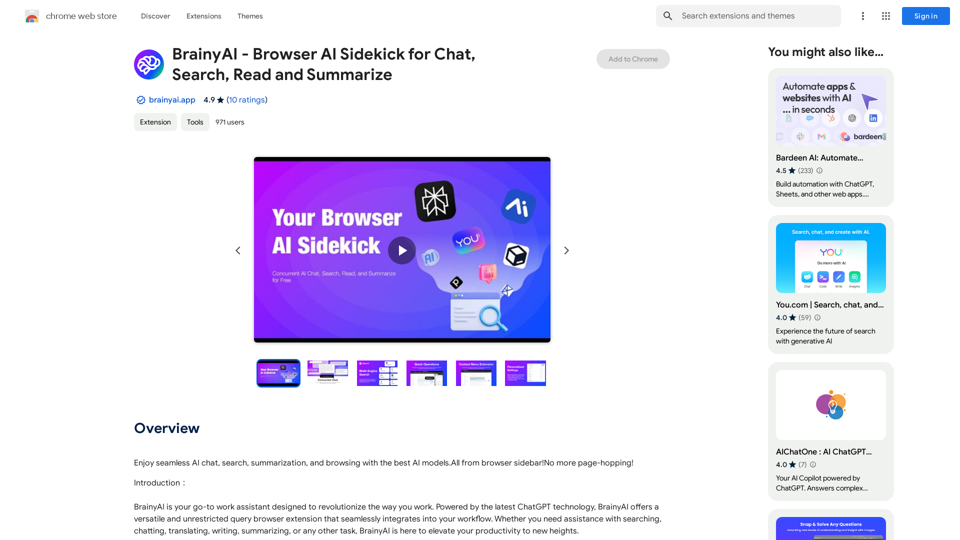
BrainyAI - Browser AI Sidekick for Chat, Search, Read, and Summarize
BrainyAI - Browser AI Sidekick for Chat, Search, Read, and SummarizeEnjoy seamless AI chat, search, summarization, and browsing with the best AI models. All from your browser sidebar! No more page-hopping!
193.90 M
Exthalpy is a serverless retrieval platform. It powers the future of AI by building retrieval-first AI applications and models. These applications and models are less dependent on computation-heavy training processes.
0
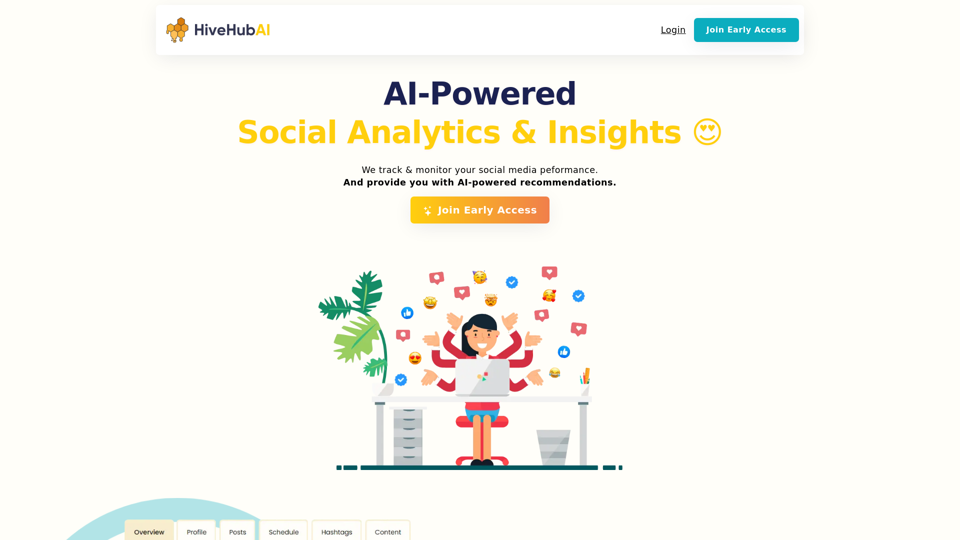
Discover HiveHubAI, your go-to AI-driven social media analytics platform. Elevate your digital influence with real-time Instagram and Facebook analytics, personalized AI insights, and strategic content optimization. Join our early access to transform your social media strategy!
740