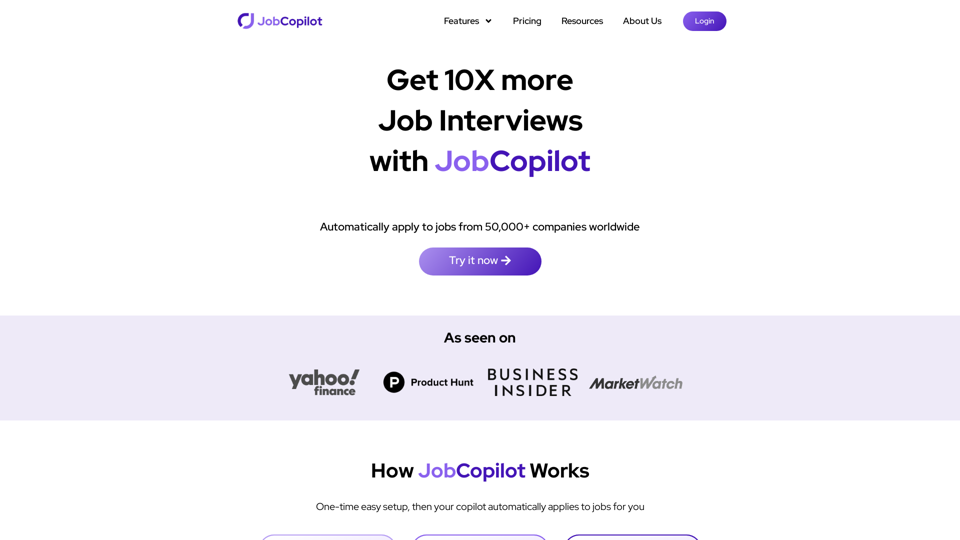
JobCopilot is an AI-powered platform designed to streamline the job search and application process. It automates various aspects of job hunting, including searching for openings, applying to positions, and managing applications. The platform aims to save time for job seekers while increasing their chances of securing interviews.
Automate Job Applications | JobCopilot
Get 10X more Job Interviews with JobCopilot. Automatically apply to jobs from 50,000+ companies worldwide. Try it today!
Introduction
Feature
Automate Job Search
JobCopilot's AI-driven search function scans job listings daily, utilizing multiple filters to find relevant opportunities tailored to the user's preferences and qualifications.
Automate Job Applications
Users can configure JobCopilot to automatically apply to suitable positions on their behalf, significantly reducing the time and effort typically required in the application process.
Job Application Tracker
A comprehensive dashboard allows users to monitor the progress of their applications in one centralized location, facilitating easy tracking and follow-ups.
AI Resume Builder
The platform offers an AI-powered resume writing tool that helps users create or improve their resumes, optimizing them for their specific job search goals.
AI Cover Letter Builder
JobCopilot's AI can generate tailored, professional cover letters for different job applications, helping users stand out from other candidates.
Time-Saving Benefits
By automating various aspects of the job search process, JobCopilot helps users save significant time and effort in their job hunting endeavors.
Increased Interview Opportunities
The platform's efficient and targeted approach to job applications can lead to an increase in interview requests for users.
FAQ
How does JobCopilot work?
JobCopilot utilizes AI technology to automatically search for job openings and apply to relevant positions on behalf of the user, streamlining the entire job hunting process.
What are the benefits of using JobCopilot?
JobCopilot offers several advantages, including time savings, increased chances of receiving job interview requests, and more efficient job searching capabilities.
How do I get started with JobCopilot?
To begin using JobCopilot, users can sign up for a free trial or subscription and follow the platform's straightforward setup process to start benefiting from its features.
Can JobCopilot be customized to my specific job search needs?
Yes, JobCopilot allows users to employ multiple filters and options to find job matches that are relevant to their skills, experience, and preferences. Users can also configure the platform to apply only to jobs that align with their profile.
Related Websites
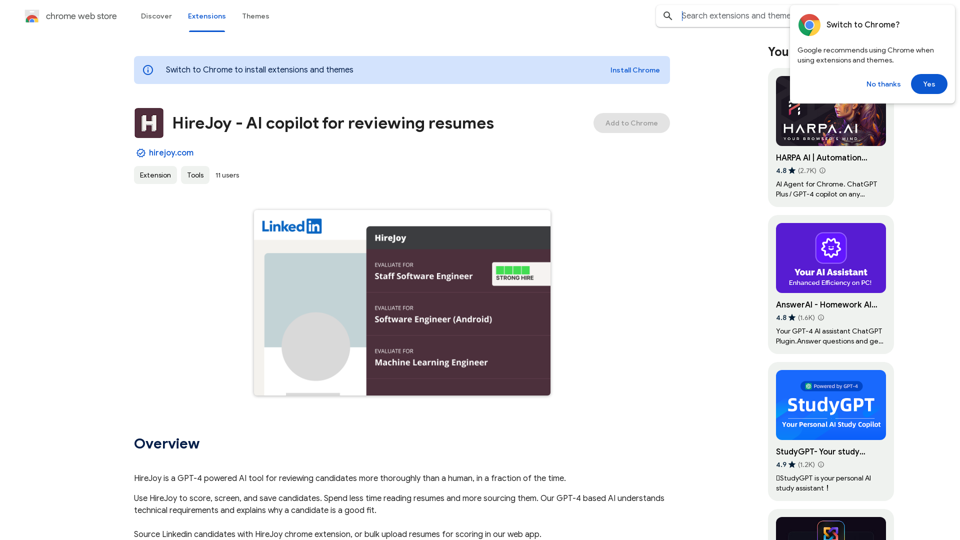
HireJoy is an AI tool powered by GPT-4 that can review candidates more completely than a person, in a much shorter amount of time.
193.90 M
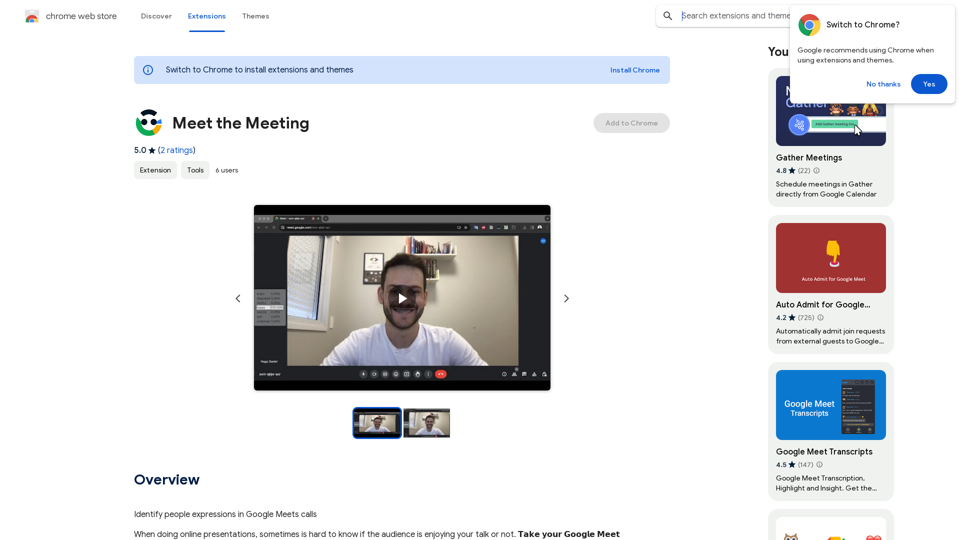
Identifying People Expressions in Google Meets Calls This is a complex task with several challenges: * Technical Limitations: Google Meets doesn't currently offer an API to directly access facial expressions of participants. * Privacy Concerns: Analyzing facial expressions raises significant privacy issues. Users should have control over whether their expressions are being tracked and used. * Accuracy: Even with access to facial data, accurately interpreting expressions can be difficult due to variations in lighting, angles, and individual differences. Possible Approaches (with limitations): * User-Submitted Data: Participants could manually indicate their emotions during the call, which could be collected and analyzed. This relies on user honesty and may not capture subtle expressions. * Third-Party Tools: Some external tools might analyze video feeds and attempt to detect expressions. However, their accuracy and privacy practices should be carefully evaluated. * Future Developments: Google or other companies might develop features that allow for more ethical and accurate expression analysis in the future. It's important to remember that facial expressions are just one aspect of communication, and relying solely on them can be misleading.
193.90 M
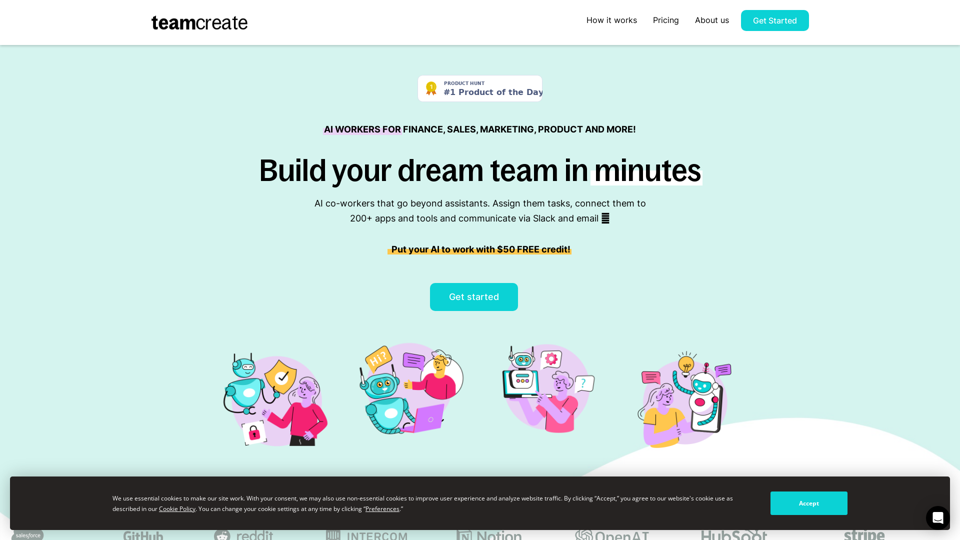
TeamCreate AI: Build Your AI Dream Team in Minutes!
TeamCreate AI: Build Your AI Dream Team in Minutes!What if you could grow your team and boost productivity without the usual financial or hiring constraints? Teamcreate enables companies of all sizes to create AI workers for hundreds of roles in Sales, Finance, Product and more.
422

With just one URL link, you can quickly generate videos in multiple styles using AI. It supports secondary editing and ensures controllable results.
193.90 M
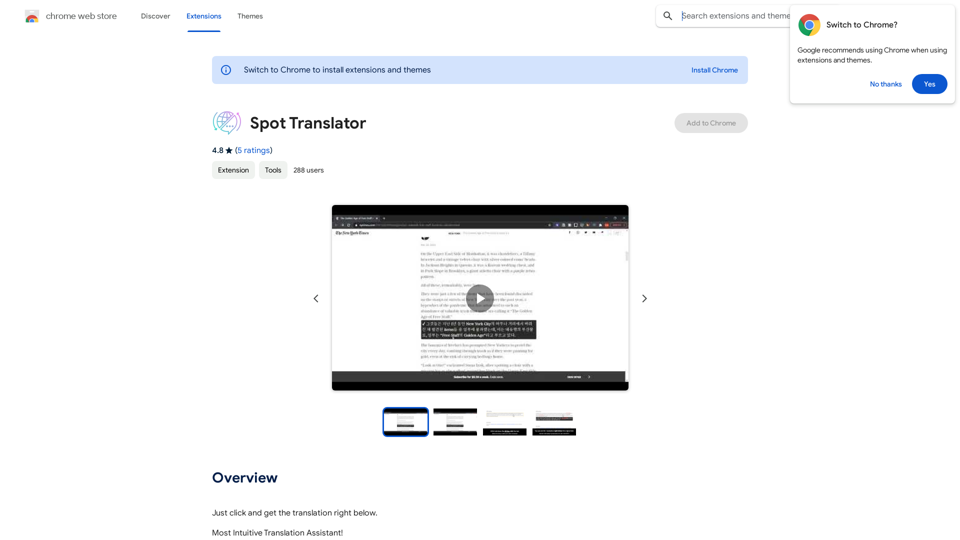
Spot Translator This is a simple tool to translate text from one language to another. How to use: 1. Enter the text you want to translate in the input box. 2. Choose the source language from the dropdown menu. 3. Choose the target language from the dropdown menu. 4. Click the "Translate" button. The translated text will appear in the output box.
Spot Translator This is a simple tool to translate text from one language to another. How to use: 1. Enter the text you want to translate in the input box. 2. Choose the source language from the dropdown menu. 3. Choose the target language from the dropdown menu. 4. Click the "Translate" button. The translated text will appear in the output box.Just click and get the translation right below.
193.90 M
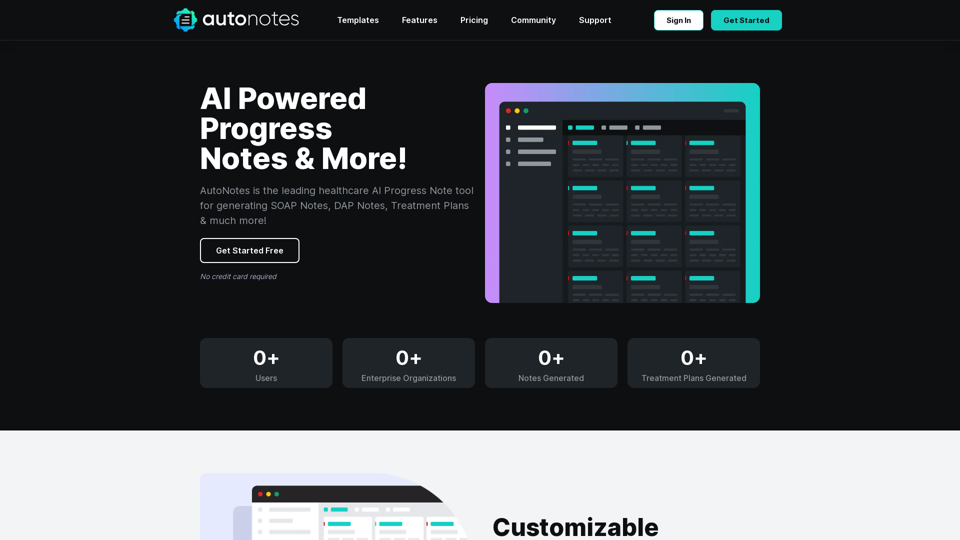
AutoNotes | AI Progress Notes, Assessments & More!
AutoNotes | AI Progress Notes, Assessments & More!AutoNotes is the top AI Progress Notes tool for Mental Health, Speech, and Occupational Therapy. Try AutoNotes for Free Now!
82.19 K