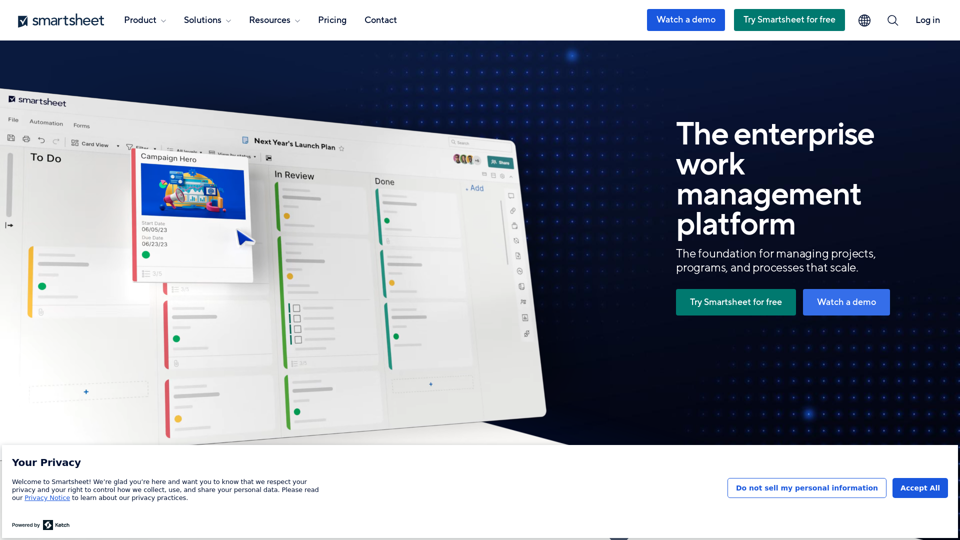
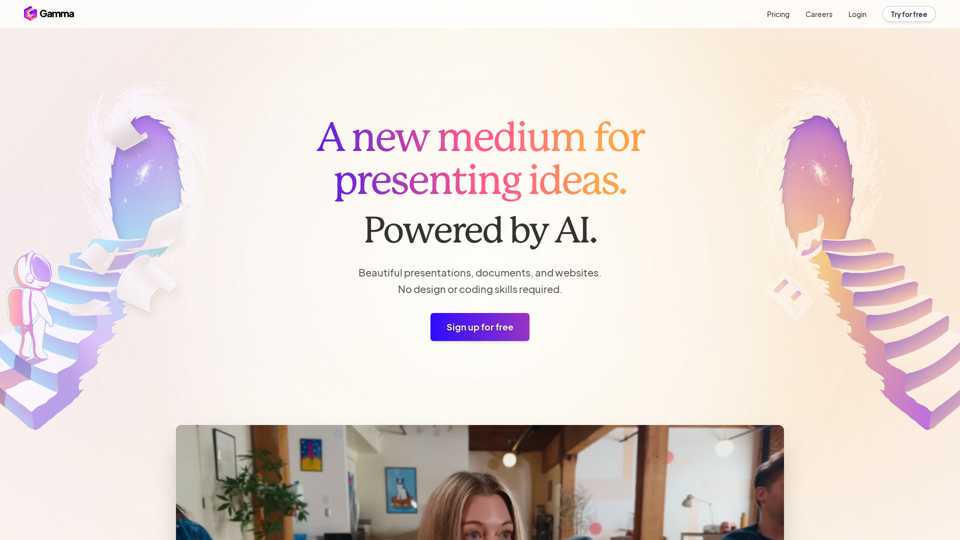
Gamma is an innovative AI-powered platform designed to revolutionize content creation. It empowers users to effortlessly produce stunning presentations, documents, and websites without requiring design or coding expertise. By leveraging advanced AI technology, Gamma streamlines the process of creating polished, professional-looking content, making it accessible to users of all skill levels.
Gamma
Made with Gamma. A new medium for presenting ideas, powered by AI.
Introduction
Feature
AI-Powered Content Creation
Gamma utilizes cutting-edge AI technology to assist users in creating and refining content quickly. This feature includes:
- Advanced AI for text generation and autocomplete
- AI-powered image creation and search capabilities
- Intelligent content rewriting tools
Professional Design Tools
Users can access a wide range of design features to enhance their content:
- Expert-level designs and layouts
- Eye-catching templates for various projects
- One-click restyling options for existing content
Versatile Content Types
Gamma supports the creation of multiple content formats:
- Polished slide presentations
- Dynamic websites
- Interactive documents
Rich Media Integration
Enhance content with various media elements:
- Interactive galleries
- Video embeds
- Data visualization through charts, diagrams, and tables
Seamless Workflow
Gamma offers features to streamline the content creation process:
- Easy import of existing documents and presentations
- Quick text pasting from any source
- Unlimited PDF and PPT file exports
Collaboration and Sharing
Facilitate teamwork and content distribution:
- Real-time collaboration tools
- Easy sharing and publishing options
- Multi-device compatibility for user engagement
Analytics and Security
Ensure content performance and protection:
- Built-in, advanced analytics for tracking engagement
- Password protection for sensitive files
FAQ
What is Gamma?
Gamma is an AI-powered platform that enables users to create professional-quality presentations, documents, and websites without requiring design or coding skills. It offers a range of features including AI-assisted content creation, expert-level designs, and easy sharing options.
How can I use Gamma?
To use Gamma, you can:
- Sign up for a free trial
- Explore its features and tools
- Create presentations, websites, or documents using AI-powered assistance
- Apply pre-made templates or custom designs
- Enhance your content with various media elements
- Share or publish your creations effortlessly
What are the key features of Gamma?
Some of Gamma's key features include:
- AI-powered content creation and refinement
- Professional design tools and templates
- Versatile content type support (presentations, websites, documents)
- Rich media integration (galleries, videos, charts)
- Seamless workflow with easy import/export options
- Collaboration tools and multi-device compatibility
- Advanced analytics and security features
Is there a free trial available for Gamma?
Yes, Gamma offers a free trial. Users can sign up for free to explore its features before deciding to subscribe to its products. However, specific pricing details are not explicitly mentioned in the provided information.
Latest Traffic Insights
Monthly Visits
28.16 M
Bounce Rate
30.41%
Pages Per Visit
10.13
Time on Site(s)
459.33
Global Rank
1024
Country Rank
India 824
Recent Visits
Traffic Sources
- Social Media:0.81%
- Paid Referrals:0.16%
- Email:0.05%
- Referrals:3.07%
- Search Engines:37.82%
- Direct:58.08%
Related Websites

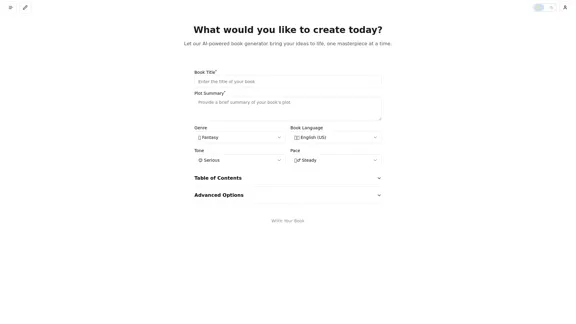

GoEnhance AI - Video to video, Image enhancer and upscaler
GoEnhance AI - Video to video, Image enhancer and upscalergoenhance.ai is an AI-powered platform that specializes in enhancing and upscaling images and videos to high resolution
815.16 K
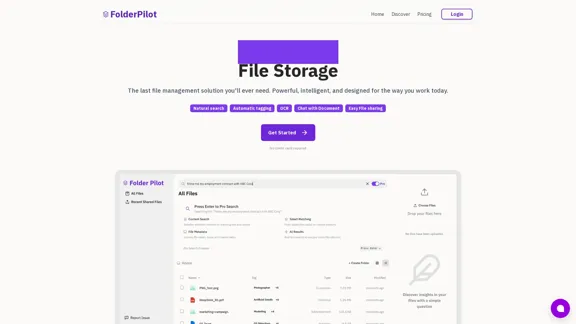
FolderPilot - AI-Driven Document Intelligence Platform
FolderPilot - AI-Driven Document Intelligence PlatformExperience intelligent document interaction with FolderPilot. Chat naturally with your PDFs, documents, files, and videos. Get instant insights, answers, and analysis through AI-powered conversations with your content. Smart document management made simple.
0

WordPress Transcribe AI - The Ultimate Audio Transcription Plugin
WordPress Transcribe AI - The Ultimate Audio Transcription PluginBoost your WordPress site's content creation with WordPress Transcribe AI, the advanced audio transcription plugin. Convert audio files and YouTube links into precise, readable text, enhancing your website's SEO and user engagement.
0
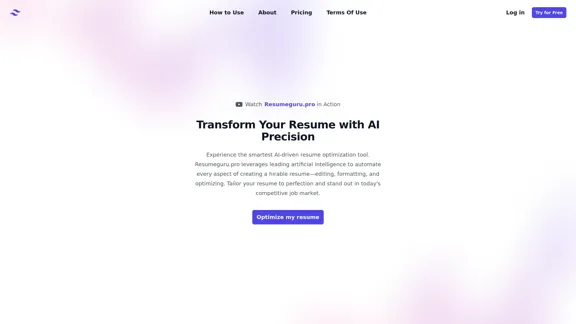
Resumeguru.pro is an advanced AI-powered resume optimization tool designed to transform and enhance job seekers' resumes. By leveraging cutting-edge artificial intelligence technology, it automates the entire process of creating a highly effective and hirable resume, including editing, formatting, and optimization. This innovative platform aims to help users stand out in the competitive job market by tailoring their resumes to perfection.
0

Blacktooth is a powerful AI platform for generating text, images, and more. Access ChatGPT, Claude, Gemini, Stable Diffusion, Flux PRO, ElevenLabs, and more.
191