Filo is an AI-powered email client designed to streamline email management and task organization. It transforms overwhelming emails into concise summaries, quick replies, and AI-generated to-dos, making it easier for users to stay on top of their tasks without the usual stress. With a focus on privacy and security, Filo ensures that user data is protected while providing efficient email handling capabilities.
Filo - AI Email Client & To-Do
Turn overwhelming emails into clear summaries, quick replies, and AI-generated to-dos in one second.

Introduction
Feature
-
Email Summarization
Filo quickly summarizes emails, allowing users to grasp essential information without reading through lengthy messages.
-
AI-Generated To-Dos
The tool extracts to-dos from emails and reminds users at the right time, ensuring that important tasks are not overlooked.
-
Quick Reply Options
Users can respond to emails in different tones—positive, negative, or neutral—using pre-defined templates, which saves time and effort.
-
Integration with Top AI Agents
Filo utilizes advanced AI technologies like ChatGPT, Gemini, and Claude to enhance email summarization and task management.
-
Privacy and Security
Filo is CASA Tier 3-verified, ensuring that user data is processed securely and not shared or used for external AI training.
-
User-Friendly Interface
The application is designed for ease of use, requiring no coding or complex setup, making it accessible for all users.
How to Use?
- Download Filo for your preferred platform (macOS or iOS).
- Log in to your email account through Filo.
- Use the summarization feature to quickly understand the content of your emails.
- Set up reminders for tasks extracted from your emails to stay organized.
- Experiment with different reply tones to find the best fit for your communication style.
FAQ
How does Filo work?
Filo operates by allowing users to input specific commands, such as cleaning up unwanted emails or scheduling tasks, which it then executes seamlessly.
What kinds of tasks can I ask Filo to perform?
Filo can assist with cleaning up your inbox, sorting emails, scheduling tasks, and more, with continuous updates based on user feedback.
Is my data secure with Filo?
Filo does not store user data and relies on Google’s security for email service information, ensuring user trust in data protection.
How can I share feedback?
Users can join Filo's Discord server to provide suggestions or report bugs, ensuring that the development team is responsive to user needs.
Price
- Free plan: $0/month
- Basic plan: $9.99/month
- Standard plan: $19.99/month
- Professional plan: $49.99/month
The price is for reference only, please refer to the latest official data for actual information.
Evaluation
- Filo effectively simplifies email management, making it easier for users to handle their inbox and tasks with AI assistance.
- The summarization and task extraction features are particularly useful for busy professionals who need to manage large volumes of emails.
- However, the reliance on AI may not always capture the nuances of complex emails, leading to potential oversights.
- The user interface, while user-friendly, could benefit from additional customization options to cater to diverse user preferences.
- Overall, Filo presents a valuable tool for improving email productivity, but users should remain aware of its limitations in understanding context.
Latest Traffic Insights
Monthly Visits
6.31 K
Bounce Rate
47.40%
Pages Per Visit
1.42
Time on Site(s)
59.83
Global Rank
3327165
Country Rank
India 314110
Recent Visits
Traffic Sources
- Social Media:4.48%
- Paid Referrals:1.78%
- Email:0.16%
- Referrals:12.37%
- Search Engines:37.27%
- Direct:42.83%
Related Websites

We created AskYourPDF as the ultimate ChatPDF AI App for all your needs. Simply upload your PDF files and interact with our smart chat AI to extract valuable information from your documents.
355.38 K
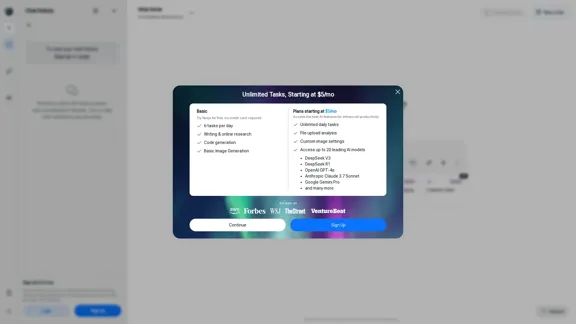
Ninja AI | An All-In-One AI Agent for Unlimited Productivity
Ninja AI | An All-In-One AI Agent for Unlimited ProductivityAccomplish more every day with the best AI tools for research, writing, coding, image generation, file analysis, and more. Try Ninja for free today.
740.62 K
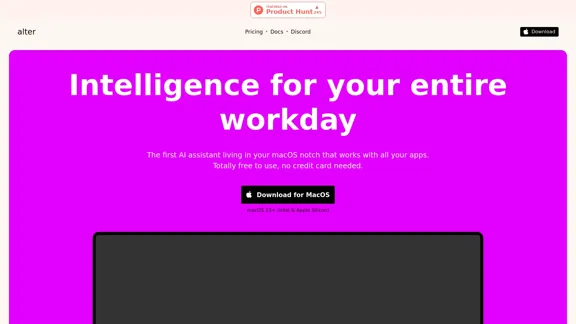
Alter: The seamless AI that enhances your Mac. Bypass the chat, perform instant actions across all applications. Boost your productivity by 10 times with full privacy control.
19.74 K

Here is the translation in English: Access GPT-4, Claude, Gemini, and more. Chat, analyze PDFs, generate images - all in one platform.
88.60 K

Gong captures customer interactions and then delivers insights at scale, enabling teams to make decisions based on data rather than opinions.
1.95 M
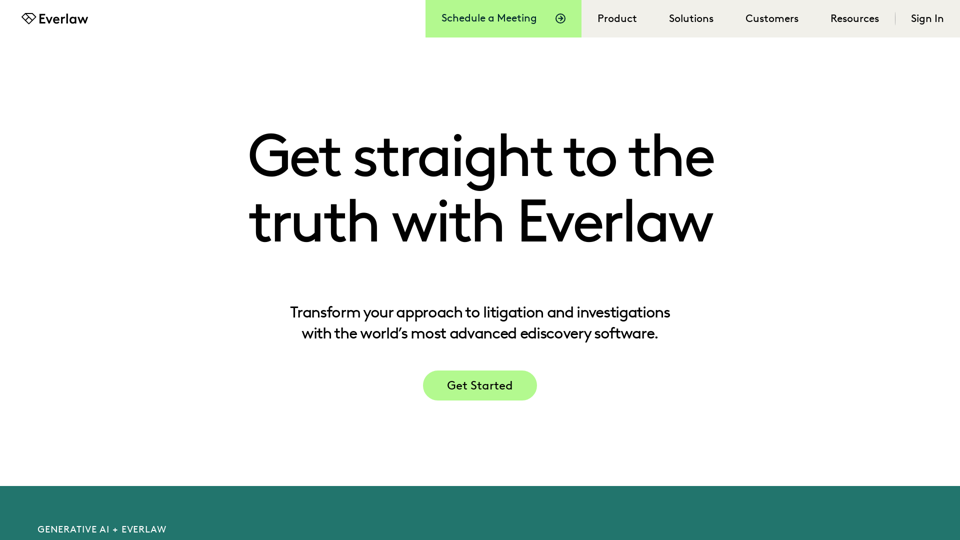
Everlaw Cloud-Native Ediscovery Software | Electronic Discovery | Cloud-Native Ediscovery Software | Everlaw
Everlaw Cloud-Native Ediscovery Software | Electronic Discovery | Cloud-Native Ediscovery Software | EverlawTransform your approach to litigation and investigations with the world's most advanced e-discovery software.
139.03 K