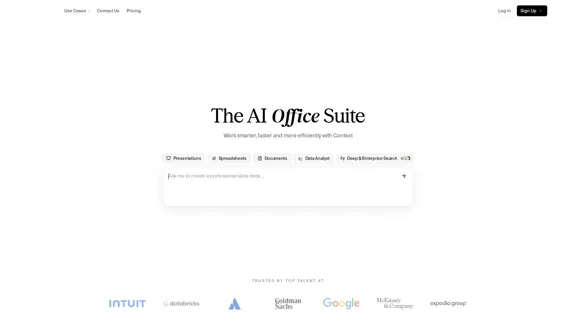
Context is an AI Office Suite designed to enhance productivity by streamlining the creation of presentations, spreadsheets, and documents. It integrates seamlessly with various tools and platforms, transforming scattered inputs into cohesive, presentation-ready deliverables. With advanced research capabilities and smart collaboration features, Context aims to help teams work smarter and more efficiently.
The AI Office Suite
An office suite for the AI era. It's the best way to integrate AI into your work.
Introduction
Feature
-
Smart Collaboration
Context offers built-in editors for presentations, spreadsheets, and documents, allowing multiple iterations across drafts to enhance collaboration.
-
Integration with Existing Tools
The platform integrates with over 300 tools, including Slack, Salesforce, Gmail, and Excel, enabling users to work within their preferred environments without switching platforms.
-
AI-Powered Deliverables
Context utilizes AI to create polished presentations, formatted documents, and insight-ready spreadsheets, ensuring high-quality outputs that are ready for handoff.
-
Deep Research Capabilities
The AI analyzes both internal and external data sources, grounding all deliverables in data tailored to specific use cases.
-
Style Learning
Users can upload existing documents, and Context will learn their style, including typography, color, layout, and voice, ensuring future outputs are consistent with their branding.
-
Endless Use Cases
With over 1000 use cases, Context caters to various corporate roles, making it versatile for different business needs.
How to Use?
- Explore the integration options to connect Context with your existing tools for a seamless workflow.
- Utilize the AI features to automate the formatting and editing of your documents.
- Take advantage of the style learning feature by uploading a sample document to ensure consistency in future outputs.
- Experiment with different use cases to fully leverage the capabilities of Context for your specific role.
FAQ
What is Context?
Context is an AI-powered office suite that enhances productivity by automating the creation of presentations, spreadsheets, and documents.
How does Context improve collaboration?
Context features built-in editors that allow multiple users to work on drafts simultaneously, facilitating smart collaboration.
Can I integrate Context with my existing tools?
Yes, Context supports over 300 integrations, allowing you to connect it with tools like Slack, Salesforce, and Excel.
How does Context ensure the quality of deliverables?
Context uses AI to analyze data and format documents, ensuring that all outputs are polished and ready for presentation.
What types of documents can I create with Context?
You can create presentations, spreadsheets, and various document types tailored to your specific needs.
Price
- Free Plan: $0/month
- Basic Plan: $9.99/month
- Standard Plan: $19.99/month
- Professional Plan: $49.99/month
The price is for reference only, please refer to the latest official data for actual information.
Evaluation
- Context effectively streamlines the document creation process, making it accessible for users across various corporate roles.
- The integration capabilities with numerous tools enhance its usability and adaptability in different work environments.
- While the AI features are robust, there may be a learning curve for users unfamiliar with AI-driven tools.
- Future improvements could include more customization options for document styles and enhanced support for niche use cases.
- Overall, Context presents a strong solution for teams looking to improve productivity, though ongoing user feedback will be essential for continuous enhancement.
Latest Traffic Insights
Monthly Visits
163.98 K
Bounce Rate
39.15%
Pages Per Visit
3.10
Time on Site(s)
120.02
Global Rank
222272
Country Rank
Indonesia 25663
Recent Visits
Traffic Sources
- Social Media:5.49%
- Paid Referrals:0.85%
- Email:0.15%
- Referrals:6.08%
- Search Engines:41.95%
- Direct:45.48%
Related Websites
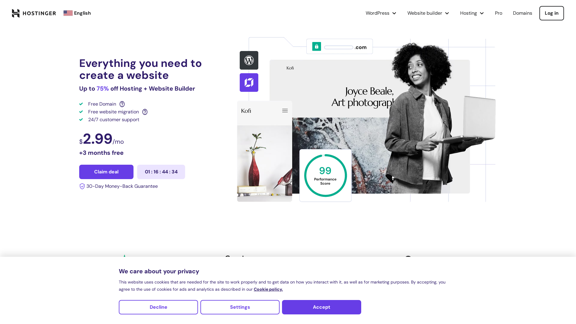
Hostinger - Bring Your Idea to Life Online With a Website
Hostinger - Bring Your Idea to Life Online With a WebsiteChoose Hostinger and create the ideal website. From Shared Hosting and Domains to VPS and Cloud plans. We offer everything you need for online success.
37.72 M
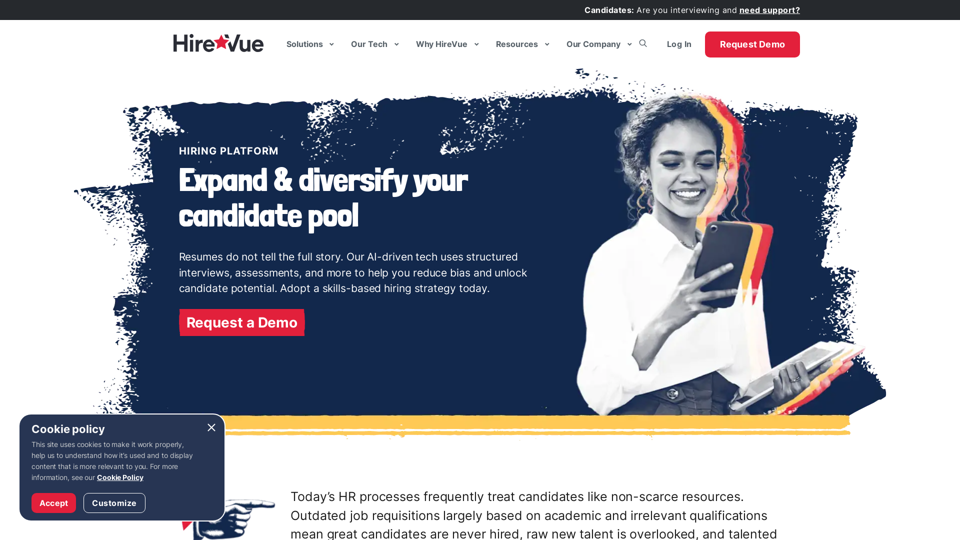
HireVue Hiring Platform: Video Interviews, Assessments, AI, and More
HireVue Hiring Platform: Video Interviews, Assessments, AI, and MoreHireVue's enterprise-level hiring platform is a comprehensive recruitment solution that includes video interviewing, hiring assessments, AI automation, and additional features.
1.69 M
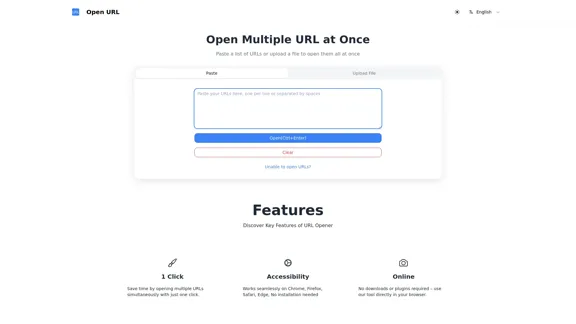
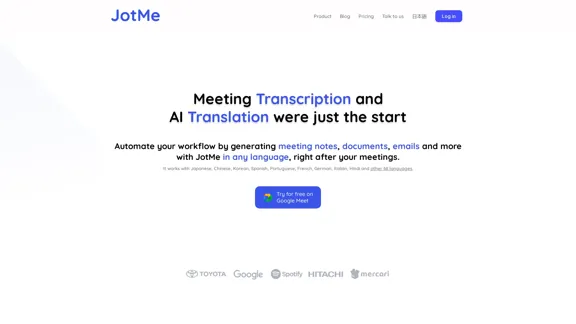
JotMe transcribes and translates your meetings, generating meeting notes, documents, emails, task tickets, and more, all based on the context that is important to you.
129.69 K
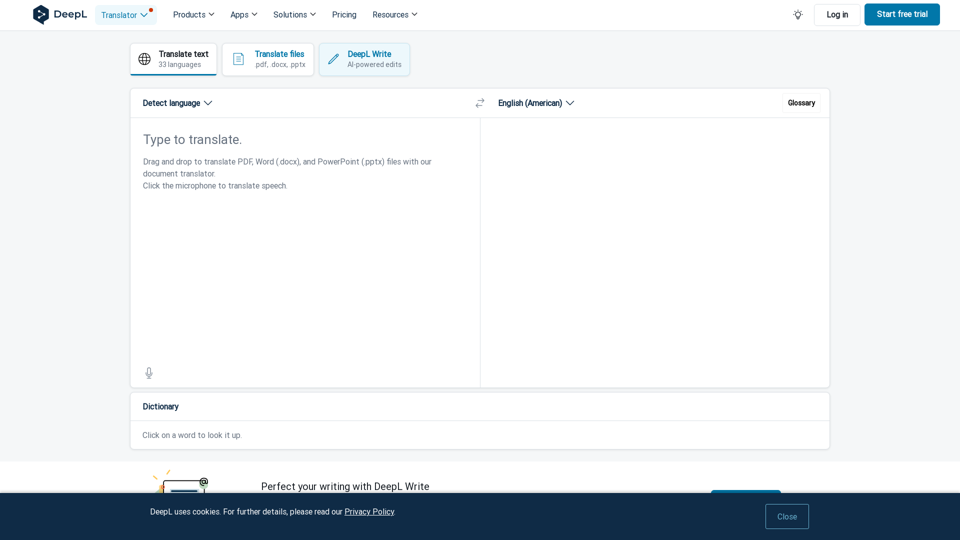
DeepL Translate: The world's most accurate translator
DeepL Translate: The world's most accurate translatorInstantly translate texts and complete document files. Accurate translations for individuals and teams. Millions of people use DeepL for translation every day.
134.30 M
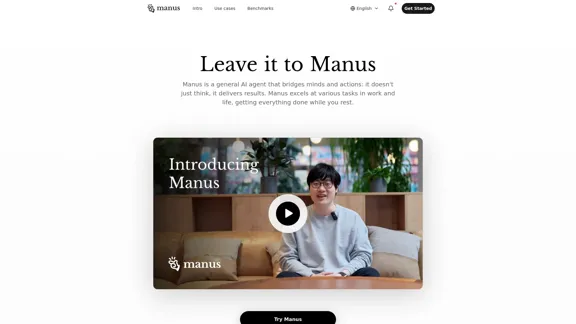
Manus is a general AI agent that transforms your thoughts into actions. It excels at a variety of tasks in both work and life, accomplishing everything while you relax.
13.88 M