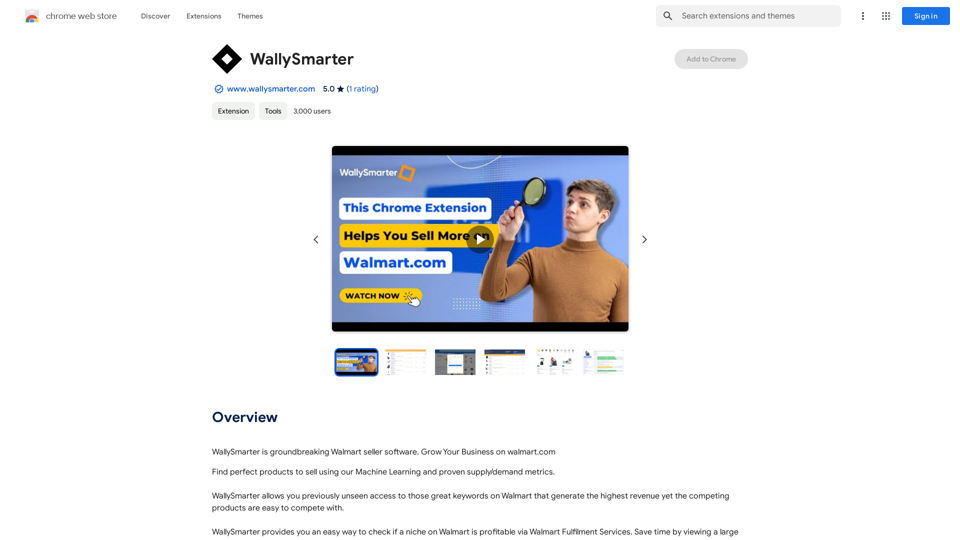
WallySmarter is an innovative software designed for Walmart sellers to enhance their business growth on Walmart.com. It leverages machine learning and supply/demand metrics to identify optimal products for selling through an intuitive interface. This tool simplifies product research, analyzes profitability, and provides data-driven insights to help sellers make informed decisions in the competitive Walmart marketplace.
WallySmarter
WallySmarter is groundbreaking software for selling on Walmart. Grow your business on walmart.com.
Introduction
Feature
Advanced Machine Learning Algorithm
WallySmarter employs sophisticated machine learning techniques to analyze Walmart's vast data, offering sellers the most promising products to list and sell.
Supply and Demand Metrics
The software provides crucial supply and demand metrics, enabling sellers to make data-backed decisions on product selection and market positioning.
Streamlined Product Research
WallySmarter simplifies the process of product research on Walmart, allowing users to easily identify profitable niches and opportunities.
Walmart Fulfilment Services Integration
The tool helps sellers evaluate the profitability of niches through Walmart Fulfilment Services, optimizing logistics and fulfillment strategies.
User-Friendly Interface
With its easy-to-use interface, WallySmarter makes complex data analysis accessible to sellers of all experience levels.
Free Trial Option
WallySmarter offers a free trial period, allowing potential users to explore its features before committing to a subscription.
FAQ
What is WallySmarter and how does it work?
WallySmarter is a Walmart seller software that uses machine learning and supply/demand metrics to help grow businesses on Walmart.com. It analyzes Walmart's data to suggest optimal products for selling.
How can I start using WallySmarter?
To start using WallySmarter:
- Sign up for an account
- Choose a niche on Walmart
- Utilize the machine learning algorithm for product analysis
- Begin selling based on the software's suggestions
Is WallySmarter free to use?
WallySmarter offers a free trial period. After the trial, users can subscribe to their affordable pricing plans.
What are some tips for using WallySmarter effectively?
- Leverage the machine learning algorithm for product discovery
- Conduct thorough research on suggested products
- Utilize Walmart Fulfilment Services to check niche profitability
Related Websites
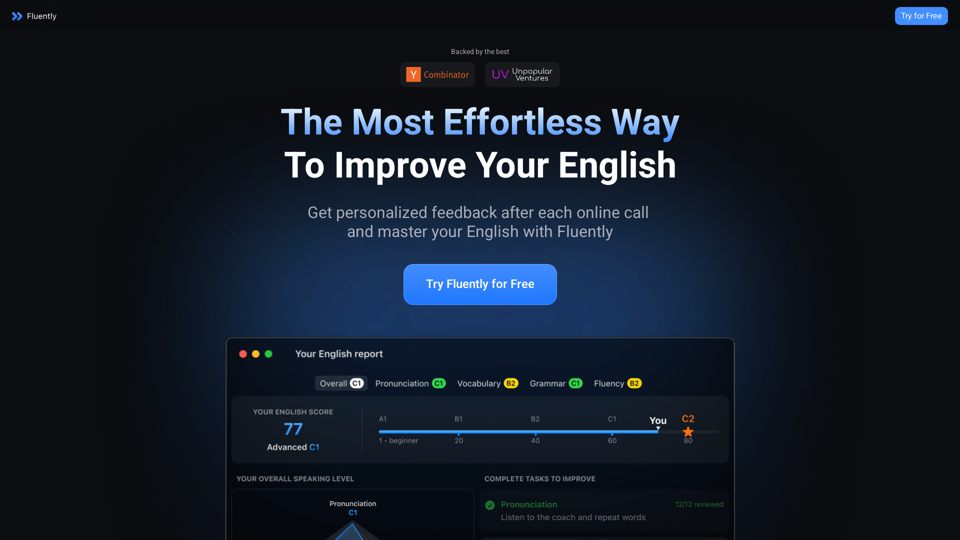
AI-Powered Speaking Coach for Calls Enhance your communication skills and ace your calls with our innovative AI-driven speaking coach. This cutting-edge technology provides personalized feedback and guidance to help you improve your verbal and non-verbal cues, tone, and language.
AI-Powered Speaking Coach for Calls Enhance your communication skills and ace your calls with our innovative AI-driven speaking coach. This cutting-edge technology provides personalized feedback and guidance to help you improve your verbal and non-verbal cues, tone, and language.Fluently is a personal speaking coach that delivers instant feedback on your day-to-day calls to refine your accent, improve grammar, and expand your vocabulary.
352.33 K
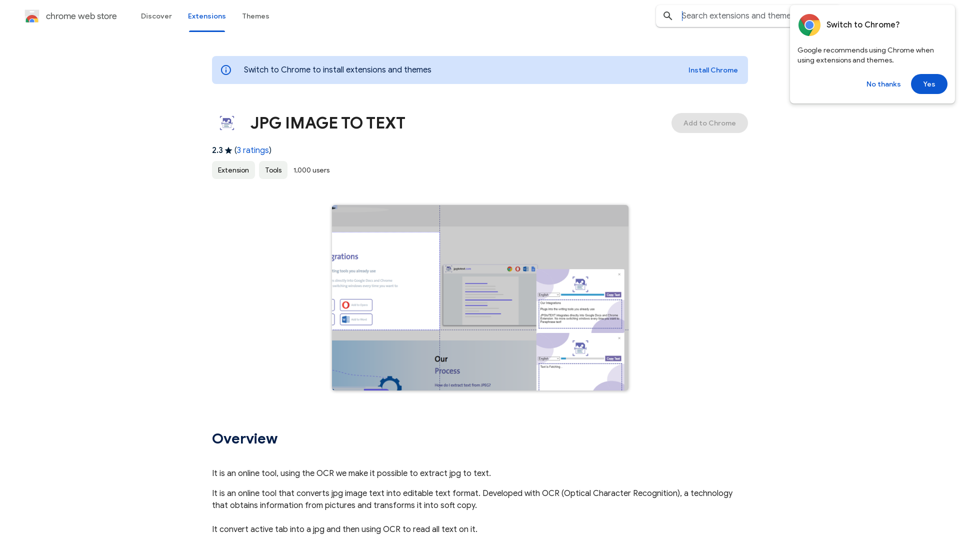
Converting JPG Images to Text Converting a JPG image to text is a process known as Optical Character Recognition (OCR). This technology enables you to extract text from images, scanned documents, and photos. Here's how to do it: Method 1: Online OCR Tools You can use online OCR tools to convert JPG images to text. Here are the steps: 1. Upload your JPG image: Go to an online OCR tool website, such as Online OCR Tools or OCR.space, and upload your JPG image. 2. Select the language: Choose the language of the text in your image. 3. Click on "Convert": The tool will convert the image to text. 4. Download the text: You can download the extracted text as a Word document, PDF, or plain text file. Method 2: Google Drive You can also use Google Drive to convert JPG images to text. Here's how: 1. Upload your JPG image: Upload your JPG image to Google Drive. 2. Right-click on the image: Right-click on the uploaded image and select "Open with" > "Google Docs". 3. The image will be converted: Google Docs will automatically convert the image to text. 4. Edit and download: You can edit the extracted text and download it as a Word document or PDF. Method 3: Adobe Acrobat If you have Adobe Acrobat installed on your computer, you can use it to convert JPG images to text. Here's how: 1. Open Adobe Acrobat: Open Adobe Acrobat on your computer. 2. Create a new document: Create a new document and click on "Tools" > "Recognize Text". 3. Select the image: Select the JPG image you want to convert. 4. Click on "Recognize": Adobe Acrobat will convert the image to text. 5. Edit and save: You can edit the extracted text and save it as a Word document or PDF. These are the three methods to convert JPG images to text. Choose the method that works best for you!
Converting JPG Images to Text Converting a JPG image to text is a process known as Optical Character Recognition (OCR). This technology enables you to extract text from images, scanned documents, and photos. Here's how to do it: Method 1: Online OCR Tools You can use online OCR tools to convert JPG images to text. Here are the steps: 1. Upload your JPG image: Go to an online OCR tool website, such as Online OCR Tools or OCR.space, and upload your JPG image. 2. Select the language: Choose the language of the text in your image. 3. Click on "Convert": The tool will convert the image to text. 4. Download the text: You can download the extracted text as a Word document, PDF, or plain text file. Method 2: Google Drive You can also use Google Drive to convert JPG images to text. Here's how: 1. Upload your JPG image: Upload your JPG image to Google Drive. 2. Right-click on the image: Right-click on the uploaded image and select "Open with" > "Google Docs". 3. The image will be converted: Google Docs will automatically convert the image to text. 4. Edit and download: You can edit the extracted text and download it as a Word document or PDF. Method 3: Adobe Acrobat If you have Adobe Acrobat installed on your computer, you can use it to convert JPG images to text. Here's how: 1. Open Adobe Acrobat: Open Adobe Acrobat on your computer. 2. Create a new document: Create a new document and click on "Tools" > "Recognize Text". 3. Select the image: Select the JPG image you want to convert. 4. Click on "Recognize": Adobe Acrobat will convert the image to text. 5. Edit and save: You can edit the extracted text and save it as a Word document or PDF. These are the three methods to convert JPG images to text. Choose the method that works best for you!It is an online tool that uses Optical Character Recognition (OCR) to make it possible to extract text from images in JPG format.
193.90 M
CozyEQ automatically adjusts the volume of media, preventing loud noises and creating a comfortable listening experience for users.
193.90 M
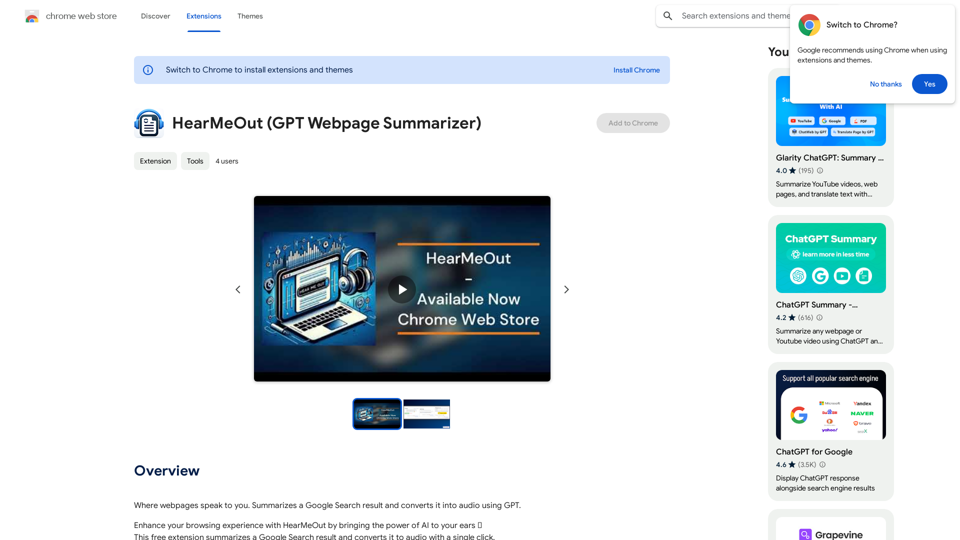
Where webpages speak to you. Summarizes a Google Search result and converts it into audio using GPT.
193.90 M
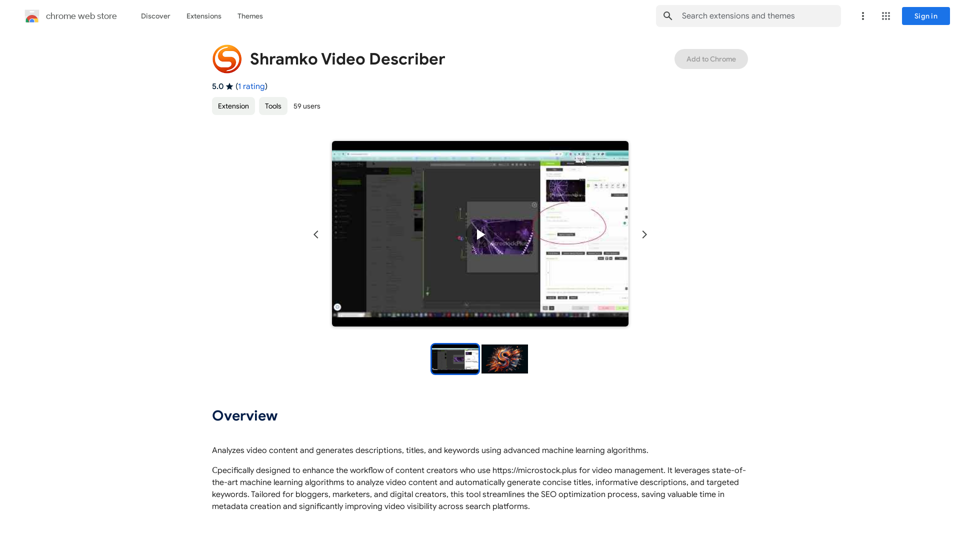
Analyzes video content and generates descriptions, titles, and keywords using advanced machine learning algorithms.
193.90 M