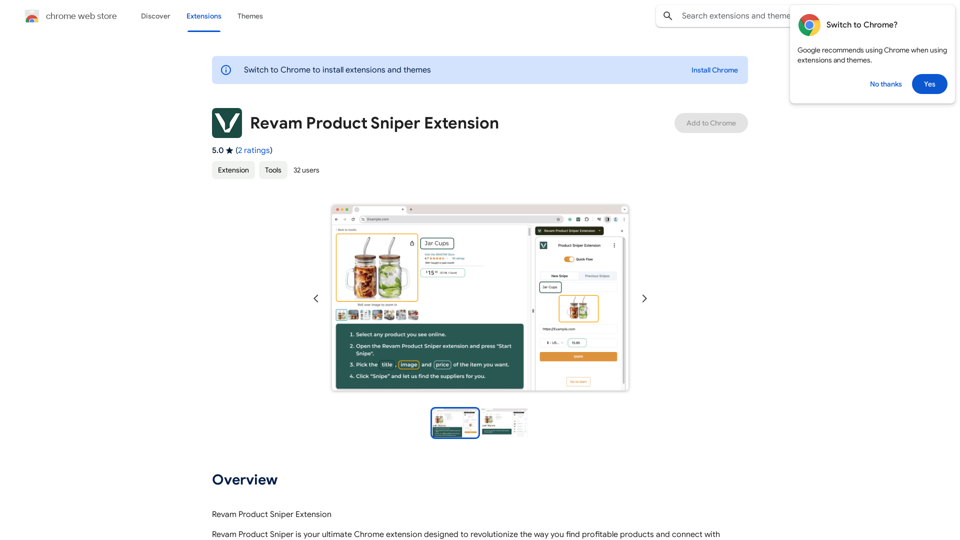
UMLGenius is a Chrome extension that revolutionizes the creation of Unified Modeling Language (UML) diagrams. By harnessing the power of ChatGPT and PlantUML, it transforms natural language descriptions into precise UML diagrams. This tool is invaluable for developers, system architects, and project managers who need to visualize complex system designs quickly and accurately.
UMLGenius
A Chrome extension for generating UML diagrams
Introduction
Feature
Effortless Diagram Creation
Input system descriptions in natural language and receive detailed UML diagrams instantly.
Time-Saving Automation
Reduces hours of manual diagramming to just minutes of automated generation, significantly boosting productivity.
Accuracy and Clarity
Ensures complex system designs are represented clearly and accurately, enhancing communication among team members.
User-Friendly Interface
No steep learning curve, making it accessible for users at any skill level in software development and system design.
Seamless Chrome Integration
As a Chrome extension, it fits effortlessly into existing workflows and is accessible across various devices with Chrome installed.
Free to Use
UMLGenius is a free Chrome extension, allowing immediate use without any cost barriers.
Versatile Applications
- Quick drafting and refining of UML diagrams during the coding process
- Visualization and iteration of complex system architectures
- Enhancement of project plans and workflow communication
- Production of accurate diagrams for technical documentation
FAQ
What is UMLGenius?
UMLGenius is a Chrome extension that transforms natural language descriptions of system designs into precise UML diagrams using ChatGPT and PlantUML technologies.
How do I use UMLGenius?
Simply input your system descriptions in natural language, and the extension will automatically generate detailed UML diagrams for you.
Is UMLGenius free?
Yes, UMLGenius is a free Chrome extension available for immediate use.
Who can benefit from using UMLGenius?
UMLGenius is beneficial for developers, system architects, project managers, and anyone involved in software development, system design, and technical documentation.
What types of diagrams can UMLGenius create?
While specific diagram types aren't mentioned, UMLGenius can likely create various UML diagrams such as class diagrams, sequence diagrams, and use case diagrams based on the input provided.
Related Websites
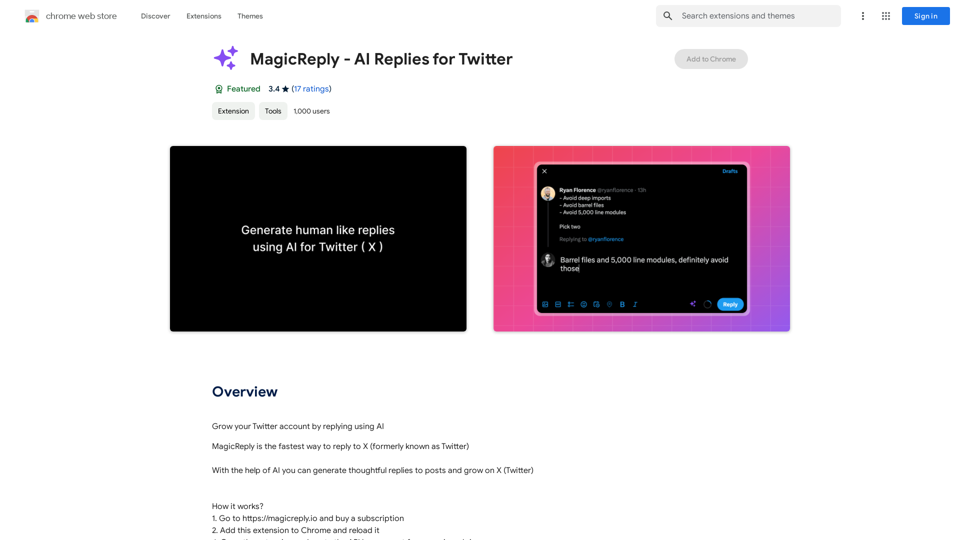
Grow Your Twitter Account by Replying Using AI Are you tired of manually responding to tweets and struggling to grow your Twitter account? Do you want to increase your online presence and engage with your audience more efficiently? Look no further! This article will show you how to grow your Twitter account by replying using AI. What is AI-powered Twitter reply? AI-powered Twitter reply is a technology that uses artificial intelligence to automatically respond to tweets. This innovative tool analyzes the content of incoming tweets and generates a relevant response based on the context. With AI-powered Twitter reply, you can save time and effort while increasing your online engagement. Benefits of using AI-powered Twitter reply 1. Increased efficiency Manually responding to tweets can be time-consuming, especially if you have a large following. AI-powered Twitter reply automates the process, allowing you to focus on other important tasks. 2. Improved engagement AI-powered Twitter reply helps you respond to tweets quickly, which increases the chances of starting a conversation and building relationships with your followers. 3. Personalized responses AI-powered Twitter reply can be customized to fit your brand's voice and tone, ensuring that your responses are personalized and consistent. 4. Scalability As your Twitter account grows, AI-powered Twitter reply can handle a large volume of tweets, ensuring that you never miss a response. How to use AI-powered Twitter reply 1. Choose an AI-powered Twitter reply tool There are several AI-powered Twitter reply tools available, such as [Tool 1], [Tool 2], and [Tool 3]. Research and choose the one that best fits your needs. 2. Set up your AI-powered Twitter reply Once you've chosen a tool, set it up by connecting your Twitter account and customizing your responses. 3. Monitor and adjust Monitor your AI-powered Twitter reply's performance and adjust the settings as needed to ensure that your responses are relevant and engaging. Conclusion Growing your Twitter account requires consistent engagement and timely responses. AI-powered Twitter reply is a game-changer that can help you achieve this goal. By automating your responses, you can increase efficiency, improve engagement, and personalize your interactions. Try AI-powered Twitter reply today and watch your Twitter account thrive!
193.90 M
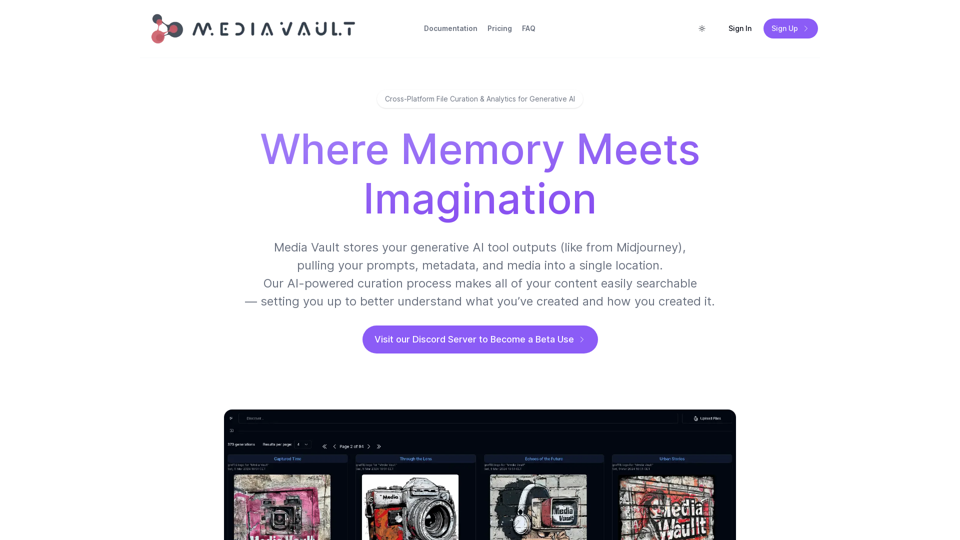
Media Vault AI | Your AI-Powered Media Curator and Cloud Storage Solution
Media Vault AI | Your AI-Powered Media Curator and Cloud Storage SolutionMedia Vault AI is your comprehensive solution for media storage, curation, and analysis. Seamlessly integrating with your favorite generative AI tools, our platform provides AI-powered file naming, tagging, and unique folder structures, a powerful semantic search feature, and insightful analytics tools. Visit Discord today for early access.
203
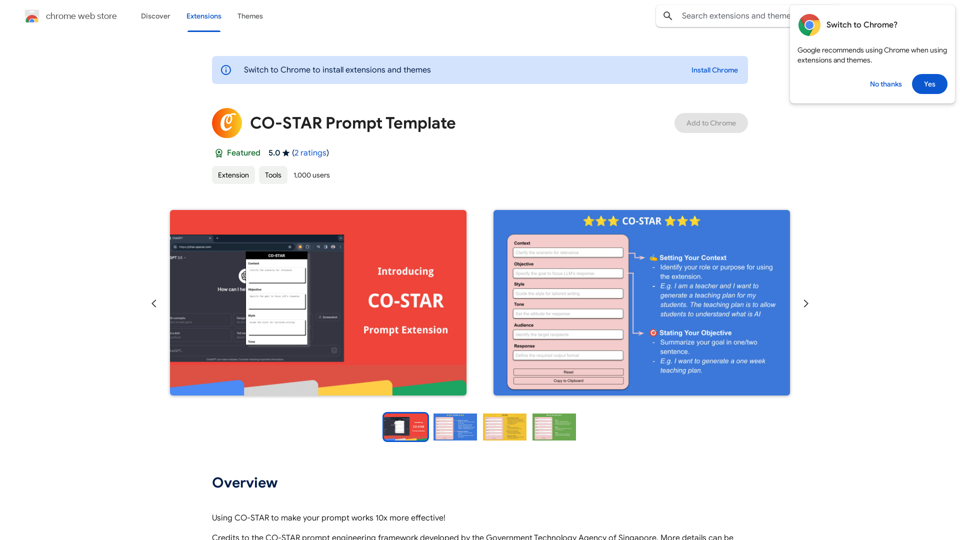
CO-STAR Prompt Template ========================== Task Description Describe the task you want the AI to perform. Be specific and concise. Input Prompt Provide the input prompt that the AI will receive. This can be a question, a statement, or a scenario. Desired Response Describe the desired response from the AI. What type of answer or output are you expecting? Constraints List any constraints or rules that the AI should follow when generating a response. This can include tone, style, or specific keywords to include or avoid. Evaluation Metrics Describe how you will evaluate the AI's response. What metrics or criteria will you use to determine the quality of the response? Example Output Provide an example of what a good response from the AI might look like. This can help clarify the task and provide a target for the AI to aim for.
CO-STAR Prompt Template ========================== Task Description Describe the task you want the AI to perform. Be specific and concise. Input Prompt Provide the input prompt that the AI will receive. This can be a question, a statement, or a scenario. Desired Response Describe the desired response from the AI. What type of answer or output are you expecting? Constraints List any constraints or rules that the AI should follow when generating a response. This can include tone, style, or specific keywords to include or avoid. Evaluation Metrics Describe how you will evaluate the AI's response. What metrics or criteria will you use to determine the quality of the response? Example Output Provide an example of what a good response from the AI might look like. This can help clarify the task and provide a target for the AI to aim for.Using CO-STAR to Make Your Prompt 10 Times More Effective!
193.90 M