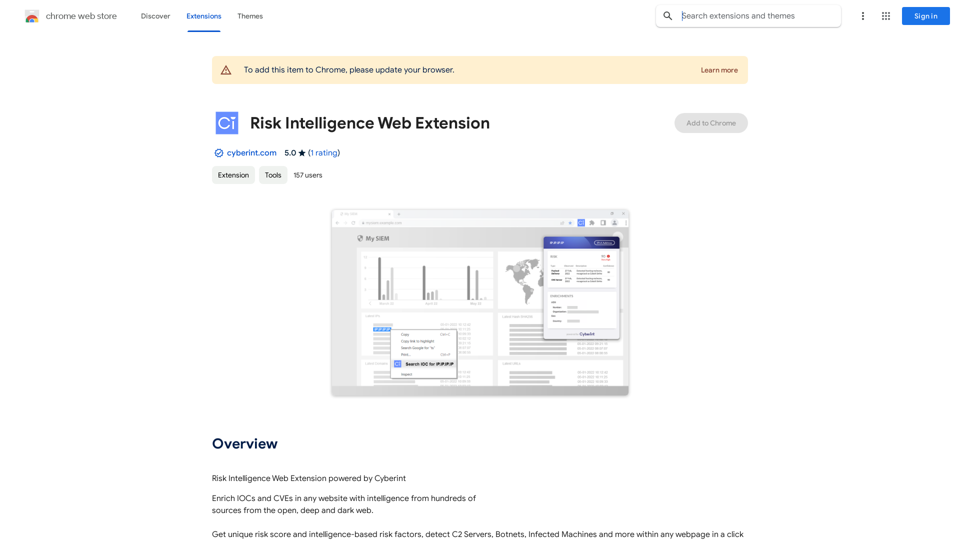
Risk Intelligence Web Extension is a powerful cybersecurity tool that enhances threat detection and analysis capabilities. It provides users with comprehensive intelligence from various web sources, enabling them to enrich Indicators of Compromise (IOCs) and Common Vulnerabilities and Exposures (CVEs) on any website. The extension offers instant detection of Command and Control (C2) Servers, Botnets, and Infected Machines, making it an invaluable asset for cybersecurity professionals and analysts.
Risk Intelligence Web Extension
Risk Intelligence Web Extension powered by Cyberint
Introduction
Feature
Comprehensive Intelligence Gathering
- Collects data from hundreds of sources across open, deep, and dark web
- Provides enriched information for IOCs and CVEs
- Enables users to access valuable threat intelligence directly from any webpage
Advanced Threat Detection
- Instantly identifies C2 Servers, Botnets, and Infected Machines
- Offers one-click detection functionality on any webpage
- Enhances overall cybersecurity posture by providing real-time threat insights
Seamless Integration
- Works with various web interfaces including SOC systems, SIEM, and EDR
- Compatible with blogs and news sites for broader intelligence gathering
- Easily accessible through the Chrome Web Store for quick installation
User-Friendly Interface
- Simple one-click operation for threat detection
- Intuitive design for easy navigation and use
- Provides instant access to critical cybersecurity information
FAQ
What are the primary benefits of using Risk Intelligence Web Extension?
The extension offers several key benefits:
- Enrichment of IOCs and CVEs with intelligence from diverse web sources
- Quick detection of C2 Servers, Botnets, and Infected Machines
- Seamless integration with various cybersecurity tools and platforms
- Access to comprehensive threat intelligence directly from any webpage
Is the Risk Intelligence Web Extension free to use?
The extension itself is free to install, but full access to its features requires a paid subscription with Cyberint. This subscription model ensures users have access to the most up-to-date and comprehensive threat intelligence.
How can I start using the Risk Intelligence Web Extension?
To begin using the extension:
- Install it from the Chrome Web Store
- Set up a subscription with Cyberint to access all features
- Start enriching IOCs and CVEs on any website
- Use the one-click functionality to detect threats on webpages
Are there any precautions to take when using this extension?
Yes, users should:
- Use the extension cautiously due to the sensitive nature of the information it provides
- Access the tool only when necessary to maintain security
- Keep their Cyberint subscription current to ensure access to the latest features and updates
Related Websites
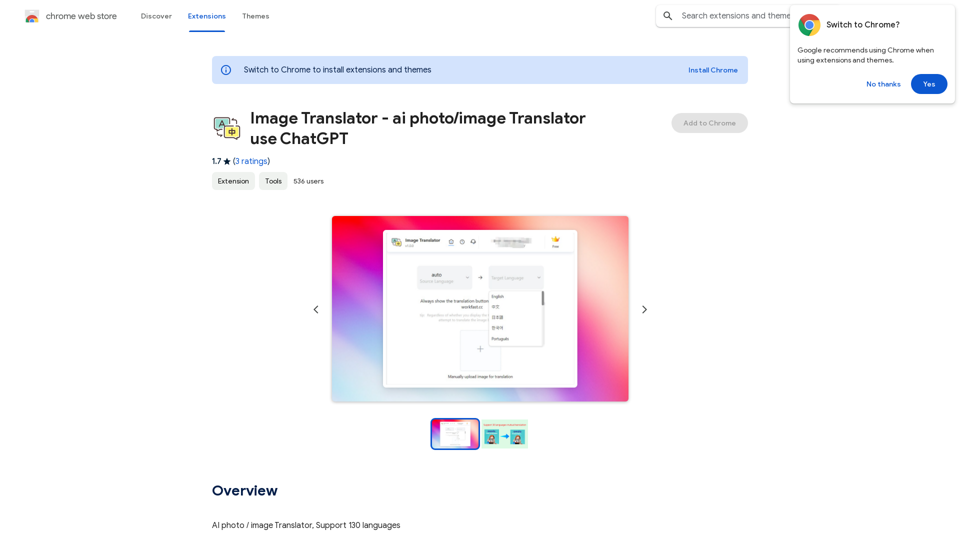
Image Translator - ai photo/image Translator use ChatGPT This is a tool that uses ChatGPT to describe images. You can upload a photo and ChatGPT will generate a written description of what it sees.
Image Translator - ai photo/image Translator use ChatGPT This is a tool that uses ChatGPT to describe images. You can upload a photo and ChatGPT will generate a written description of what it sees.AI Photo/Image Translator, Supports 130 Languages
193.90 M

AI Writing Tool - YanbiAI | yanbiai.com | Generate Quality Copy with One Click
AI Writing Tool - YanbiAI | yanbiai.com | Generate Quality Copy with One ClickYanBi AI (yanbiai.com) is a leading AI writing tool that provides intelligent article creation, continuation, rewriting, and polishing services. Use our AI writing software to quickly generate high-quality content, including papers, presentations, official documents, and more, unleashing your creative potential.
13.43 K

Addlly AI: 1st Complete AI Playground for Content Creation
Addlly AI: 1st Complete AI Playground for Content CreationThe best all-in-one, no-prompt Gen AI Playground for enterprises. Generate SEO blogs, social media posts, ad copy, press releases, newsletters & more.
46.81 K
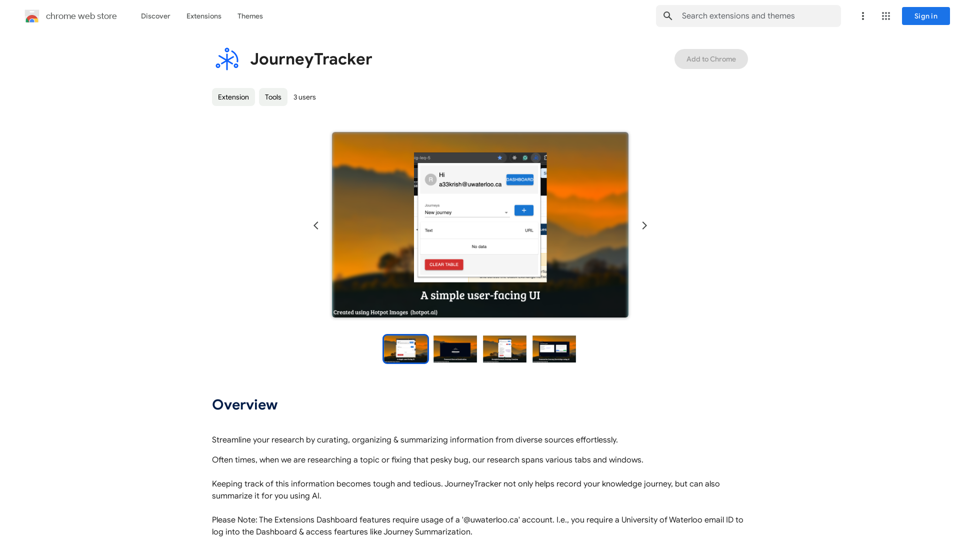
Make your research easier by collecting, organizing, and summarizing information from many different sources with no hassle.
193.90 M
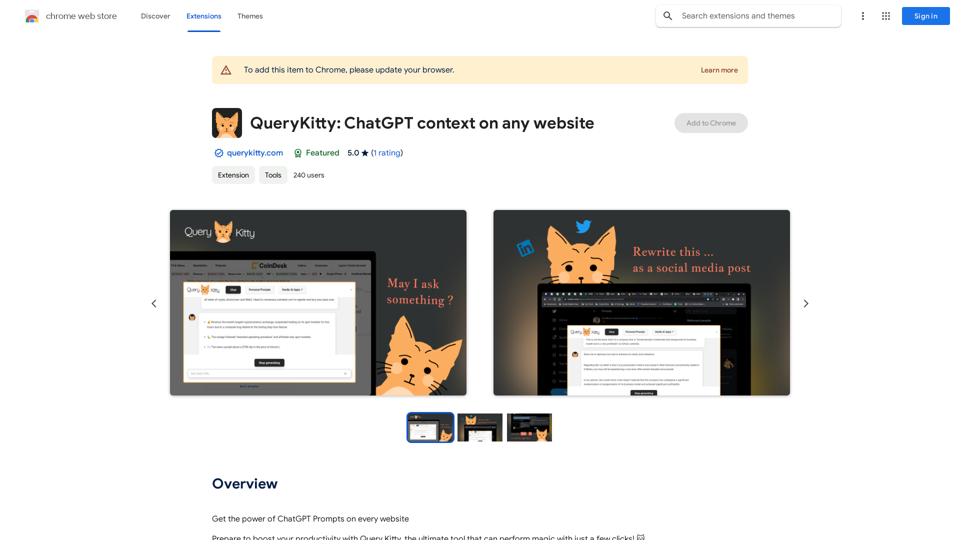
Unlock the Power of ChatGPT Prompts on Any Website Are you tired of switching between multiple tabs to find the perfect prompt for your ChatGPT conversations? Imagine having the power to generate prompts on any website, at any time, with just a few clicks. #Introducing the ChatGPT Prompt Extension Our innovative browser extension brings the magic of ChatGPT prompts directly to your fingertips. With this game-changing tool, you can: * Generate prompts on any webpage: Highlight a sentence, phrase, or paragraph, and our AI will suggest relevant prompts to spark insightful conversations. * Explore new topics and ideas: Get instant access to a vast library of prompts, carefully curated to inspire creativity and foster meaningful discussions. * Enhance your research and learning: Use our prompts to delve deeper into topics, uncover new perspectives, and gain a deeper understanding of complex subjects. #How it Works 1. Install the extension: Add our browser extension to your favorite browser. 2. Highlight and generate: Highlight any text on a webpage, and our AI will suggest relevant prompts. 3. Explore and refine: Browse through the suggested prompts, refine them to your liking, and start conversing with ChatGPT. #Unlock the Full Potential of ChatGPT Don't let the limitations of traditional prompt searching hold you back. With our ChatGPT Prompt Extension, you'll unlock a world of possibilities, including: * Faster research and learning: Get instant access to relevant prompts, saving you time and effort. * Improved conversation quality: Engage in more meaningful and insightful conversations with ChatGPT. * Enhanced creativity and productivity: Spark new ideas and explore fresh perspectives with our AI-generated prompts. #Try it Today! Install our ChatGPT Prompt Extension now and discover the power of AI-driven prompts on any website.
193.90 M
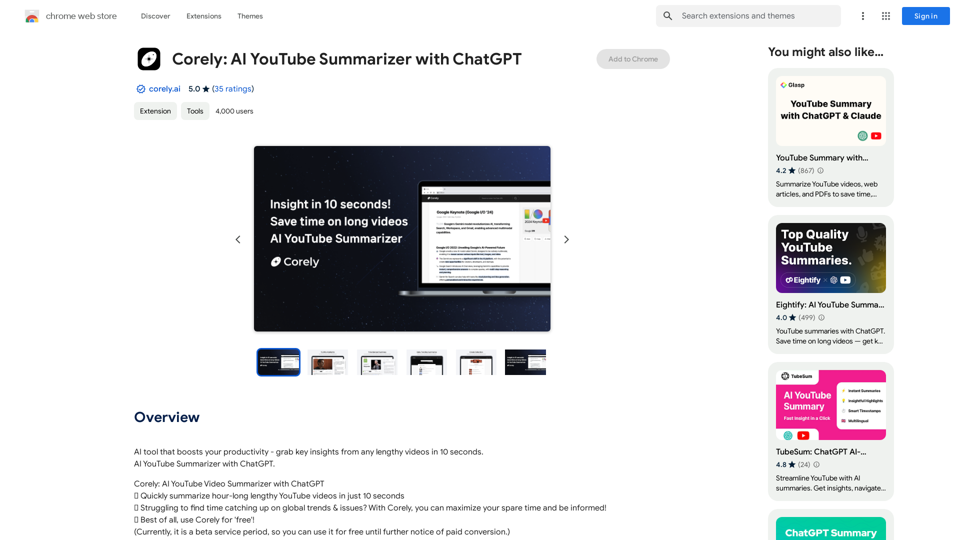
AI tool that boosts your productivity - grab key insights from any lengthy videos in 10 seconds. AI YouTube Summarizer with ChatGPT.
193.90 M
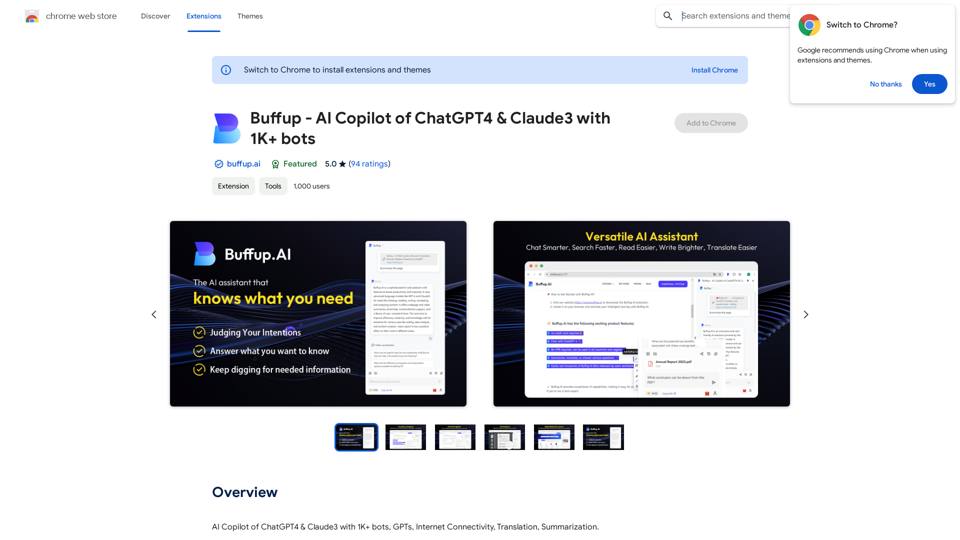
Buffup - AI Copilot of ChatGPT4 & Claude3 with 1,000+ bots
Buffup - AI Copilot of ChatGPT4 & Claude3 with 1,000+ botsAI Copilot of ChatGPT4 & Claude3 with 1K+ bots, GPTs, Internet Connectivity, Translation, Summarization This AI copilot combines the power of ChatGPT4 and Claude3, along with over 1,000 bots, GPTs, and internet connectivity, to provide advanced features such as translation and summarization.
193.90 M
AiJobster - Job Search in AI Companies and Remote AI Jobs
AiJobster - Job Search in AI Companies and Remote AI JobsAiJobster - Your premier platform for job search in AI companies and remote jobs across top AI-driven organizations. Discover your future in tech today!
694