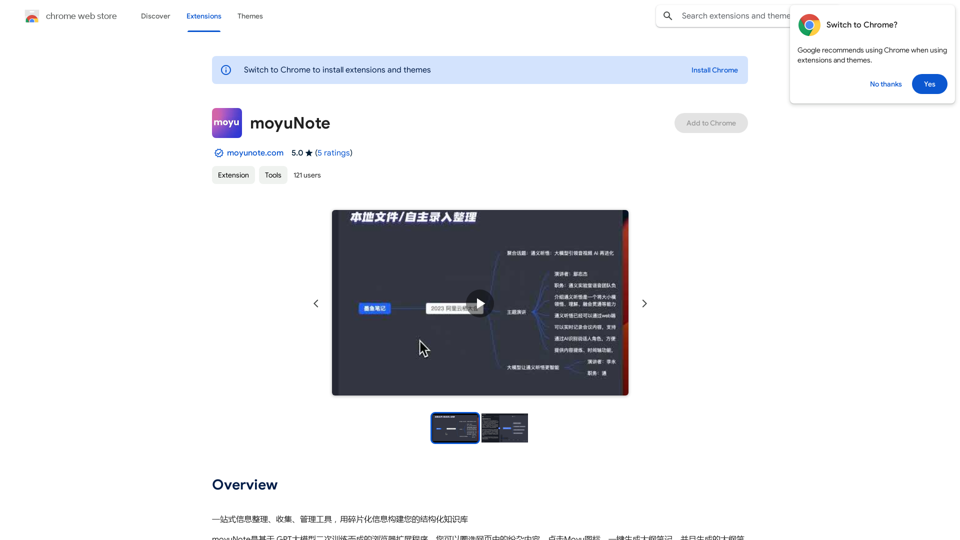
moyuNote is a browser extension designed to help users organize, collect, and manage information effectively. It leverages GPT large language models to create a structured knowledge library from fragmented information. The tool offers features such as quick mind map and note generation from web pages, complex question answering, and writing assistance.
moyuNote
An all-in-one tool for organizing, collecting, and managing information. Build your structured knowledge base from fragmented information.
Introduction
Feature
One-stop Information Organization
moyuNote enables users to collect and organize information from various sources, creating a comprehensive and structured knowledge library.
AI-Powered Note-Taking
Users can quickly generate mind maps and notes from web pages, facilitating easy review and recall of information.
Intelligent Question Answering
The extension can answer complex questions and assist in article writing, making it a valuable tool for research and content creation.
Flexible Pricing Model
moyuNote offers free usage with limitations and provides a subscription option for unlimited access to all features.
Easy Installation and Usage
The extension can be easily installed from the Chrome Web Store and used with a simple process of selecting text, generating mind maps, and editing notes.
Versatile Applications
moyuNote is suitable for various use cases, including meeting notes, exam preparation, policy analysis, and understanding industry jargon.
Customization Options
Users can customize their mind maps to fit specific needs and preferences, enhancing the tool's versatility.
FAQ
How do I install moyuNote?
Install moyuNote directly from the Chrome Web Store.
What are the main steps to use moyuNote?
- Install the extension
- Select text on a webpage
- Click the moyuNote icon to generate a mind map and notes
- Review and edit the generated content
- Save and share your mind map and notes
Is moyuNote free to use?
moyuNote offers a free version with limitations. A subscription option is available for unlimited usage, providing additional benefits and features at an affordable price.
What are some typical use cases for moyuNote?
Typical use cases include:
- Organizing meeting notes
- Preparing for exams
- Analyzing policy documents
- Understanding and summarizing industry jargon
How can I maximize the benefits of using moyuNote?
- Use the tool regularly to build a comprehensive knowledge library
- Customize mind maps to suit your specific needs
- Utilize the AI-powered features for research and writing tasks
Related Websites
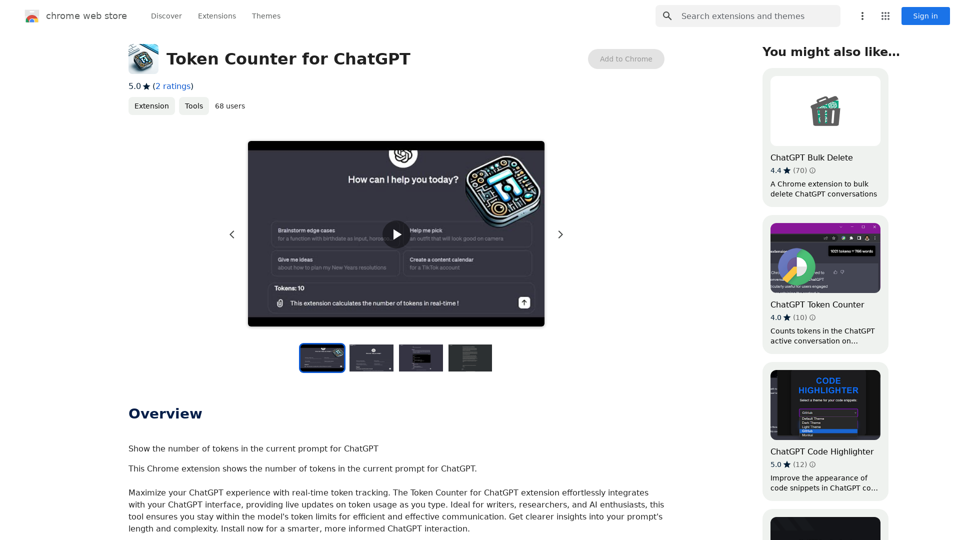
Token Counter for ChatGPT This tool helps you count the number of tokens in your text input. How to Use: 1. Paste your text into the input box. 2. Click the "Count Tokens" button. 3. The number of tokens will be displayed below the input box. What is a Token? A token is the basic unit of text that ChatGPT processes. It can be a word, part of a word, or a punctuation mark. Example: Input Text: Hello, world! Token Count: 4
Token Counter for ChatGPT This tool helps you count the number of tokens in your text input. How to Use: 1. Paste your text into the input box. 2. Click the "Count Tokens" button. 3. The number of tokens will be displayed below the input box. What is a Token? A token is the basic unit of text that ChatGPT processes. It can be a word, part of a word, or a punctuation mark. Example: Input Text: Hello, world! Token Count: 4110
193.90 M
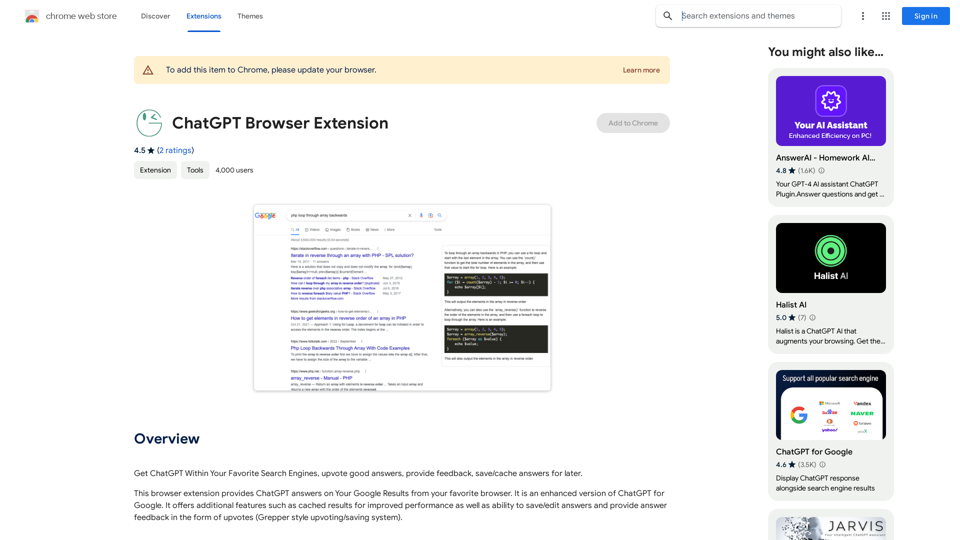
Use ChatGPT directly in your preferred search engines. Rate helpful answers, give feedback, and save or store answers for later use.
193.90 M
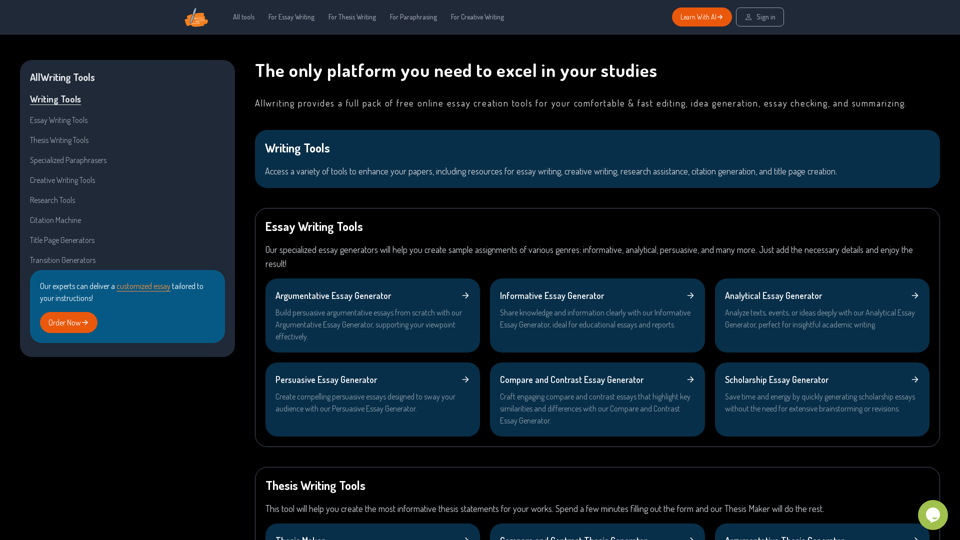
The Only Platform You Need to Excel in Your Studies | AllWriting
The Only Platform You Need to Excel in Your Studies | AllWritingAllwriting provides a full pack of free online essay creation tools for your comfortable & fast editing, idea generation, essay checking, and summarizing.
638
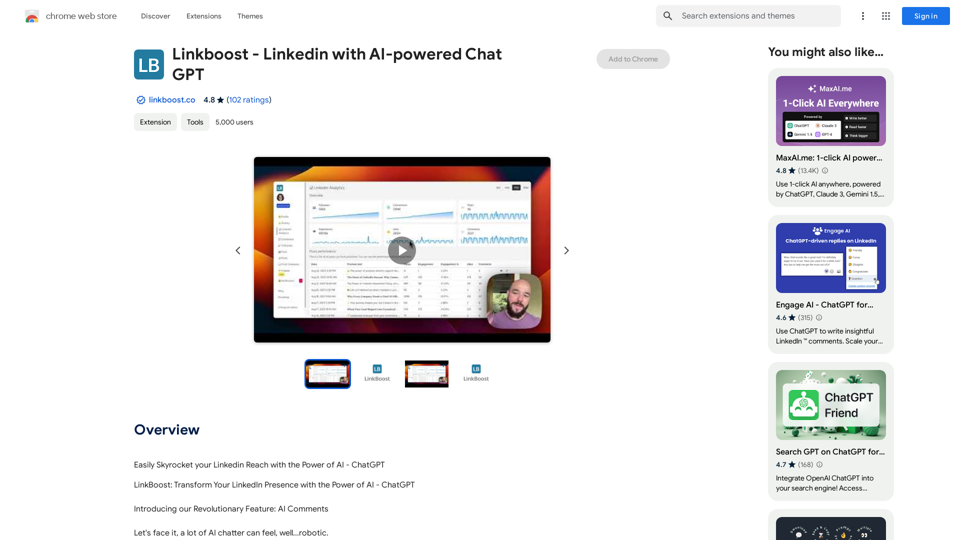
Easily Skyrocket Your LinkedIn Reach with the Power of AI - ChatGPT Let's face it, standing out on LinkedIn can be tough. But what if you could leverage the incredible power of AI to supercharge your profile and connections? That's where ChatGPT comes in. This revolutionary AI tool can help you: * Craft compelling content: Say goodbye to writer's block! ChatGPT can help you generate engaging posts, articles, and even personalized messages that resonate with your audience. * Optimize your profile: Make sure your LinkedIn profile shines! ChatGPT can suggest improvements to your headline, summary, and experience descriptions, helping you attract more views and connections. * Automate your outreach: Spend less time manually sending messages and more time building relationships. ChatGPT can help you draft personalized connection requests and follow-up messages that get results. * Unlock valuable insights: Gain a deeper understanding of your network and industry trends. ChatGPT can analyze your connections and content performance, providing actionable insights to improve your strategy. Ready to take your LinkedIn game to the next level? ChatGPT is your secret weapon.
193.90 M
GPT Stats * Parameters: 175 Billion * Trainers: * Dataset: Massive dataset of text and code * Method: Supervised fine-tuning * Capabilities: * Text Generation * Text Summarization * Language Translation * Code Generation * Question Answering * Dialogue Generation * Limitations: * Can sometimes generate incorrect or biased information * Lacks real-world knowledge and common sense * Can be fooled by adversarial examples
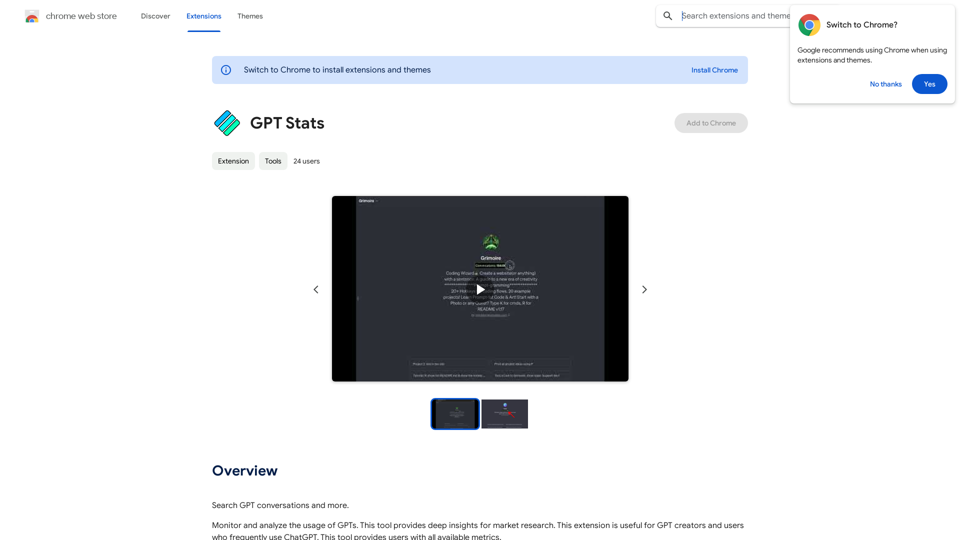
GPT Stats * Parameters: 175 Billion * Trainers: * Dataset: Massive dataset of text and code * Method: Supervised fine-tuning * Capabilities: * Text Generation * Text Summarization * Language Translation * Code Generation * Question Answering * Dialogue Generation * Limitations: * Can sometimes generate incorrect or biased information * Lacks real-world knowledge and common sense * Can be fooled by adversarial examplesSearch for conversations with GPT and other content.
193.90 M