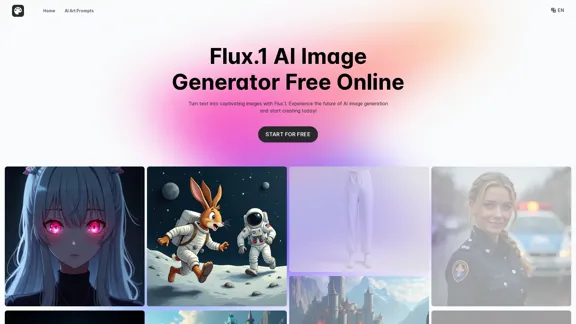
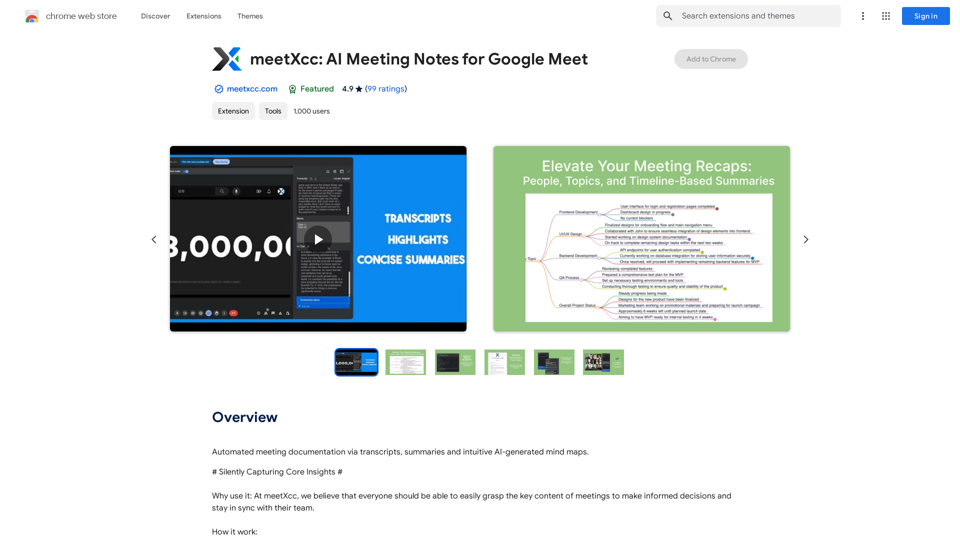
meetXcc is a Chrome extension designed to enhance video conferencing experiences. It offers automatic transcription, intelligent summarization, and visualization features for Google Meet meetings. This tool helps users capture key content, share meeting records, and improve overall meeting efficiency across various professional fields.
meetXcc: AI Meeting Notes for Google Meet
Automated meeting documentation via transcripts, summaries and intuitive AI-generated mind maps.
Introduction
Feature
Automatic Transcription
- Real-time speech-to-text conversion during Google Meet meetings
- Multi-speaker recognition and transcription
- Instant meeting assistance with real-time summaries
- Note-taking and key point highlighting during transcription
Intelligent Summarization and Visualization
- AI-generated comprehensive meeting summaries within one minute
- Multi-perspective summaries (people, topic, timeline)
- Customizable summary length and detail
- Mind map view for overall meeting structure
Easy Sharing and Collaboration
- One-click export of meeting transcripts
- Direct sharing to attendees' email addresses
- Cloud storage and cross-device synchronization
- Customizable sharing permissions
Versatile Professional Applications
meetXcc caters to various professions:
| Profession | Use Case |
|---|---|
| Recruiters | Record interview content |
| Executives | Grasp key points in workplace meetings |
| Engineers | Record technical details in project meetings |
| Counselors | Document counseling sessions |
| Legal Professionals | Accurately record legal meeting content |
| Teachers | Record classroom content and interactions |
| Physicians | Document patient symptoms and medical records |
| Project Managers | Record meeting resolutions and assignments |
| Sales Professionals | Capture customer needs and concerns |
| Researchers | Document research discussions and progress |
FAQ
How does meetXcc work?
meetXcc utilizes AI technology to provide automatic transcription, generate comprehensive meeting summaries, and offer real-time visualization features for Google Meet sessions.
What are the main benefits of using meetXcc?
meetXcc helps users master key meeting content, facilitates easy sharing of meeting records with team members, and significantly enhances the video conferencing experience through its advanced features.
Is meetXcc suitable for different professions?
Yes, meetXcc is designed to cater to a wide range of professionals, including recruiters, executives, engineers, counselors, legal professionals, teachers, physicians, project managers, sales professionals, and researchers.
How can I start using meetXcc?
To begin using meetXcc, simply install the Chrome extension and follow the provided prompts to set up your account. Once installed, you can start leveraging its features in your Google Meet sessions.
Related Websites
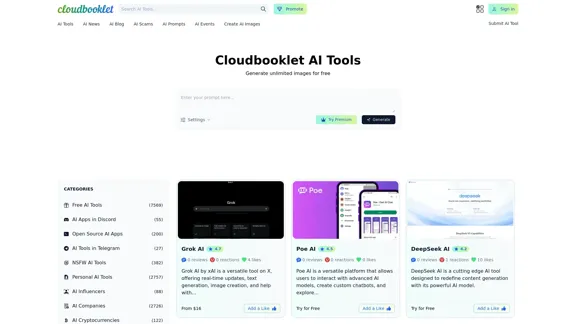
Cloudbooklet AI is the free and most popular source to find and use all the artificial intelligence tools and AI news. Follow us to stay updated in AI.
167.63 K
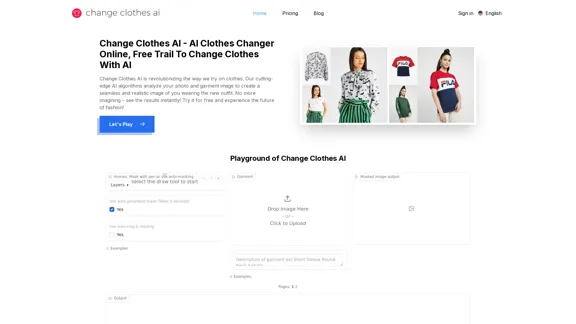
Change Clothes AI - AI Clothes Changer Online, Free Trial To Change Clothes With AI
Change Clothes AI - AI Clothes Changer Online, Free Trial To Change Clothes With AIChange Clothes AI is an online outfit changer powered by AI technology. Easily swap clothes in your photos by uploading a portrait and garment image. Our AI algorithm generates a new image in seconds, letting you experiment with different looks and find the perfect outfit.
19.55 K
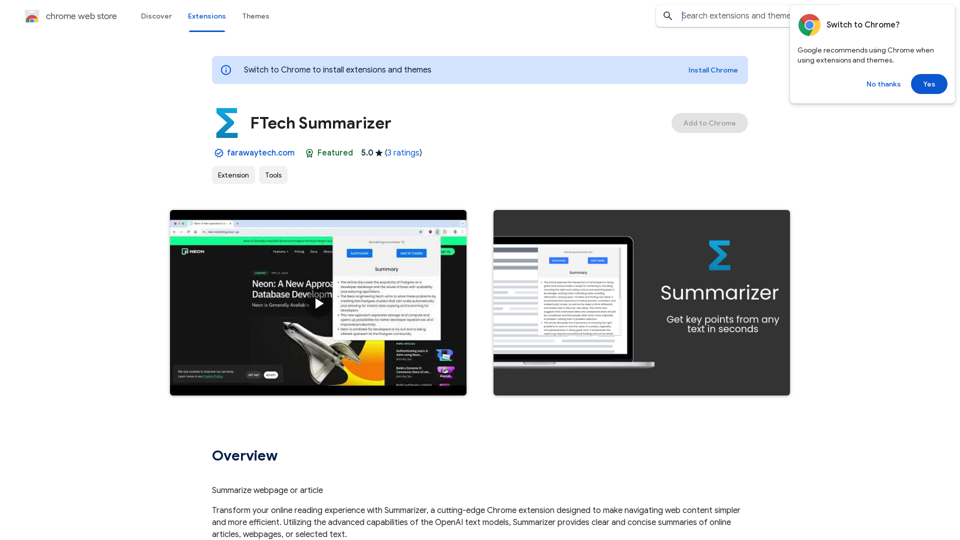
Please provide me with the webpage or article you would like me to summarize. I need the text content to be able to create a summary for you.
193.90 M
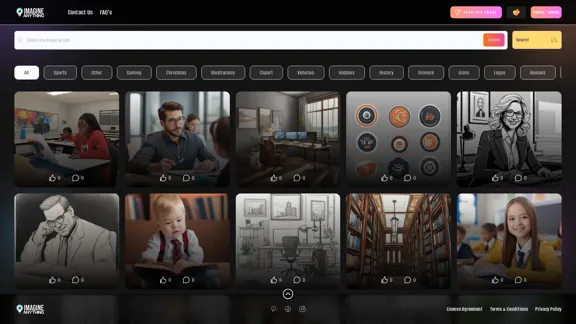
Generate Free AI Images with Imagine Anything. Easily create Photos, Clipart, Graphics and more with our AI Generator.
56.84 K
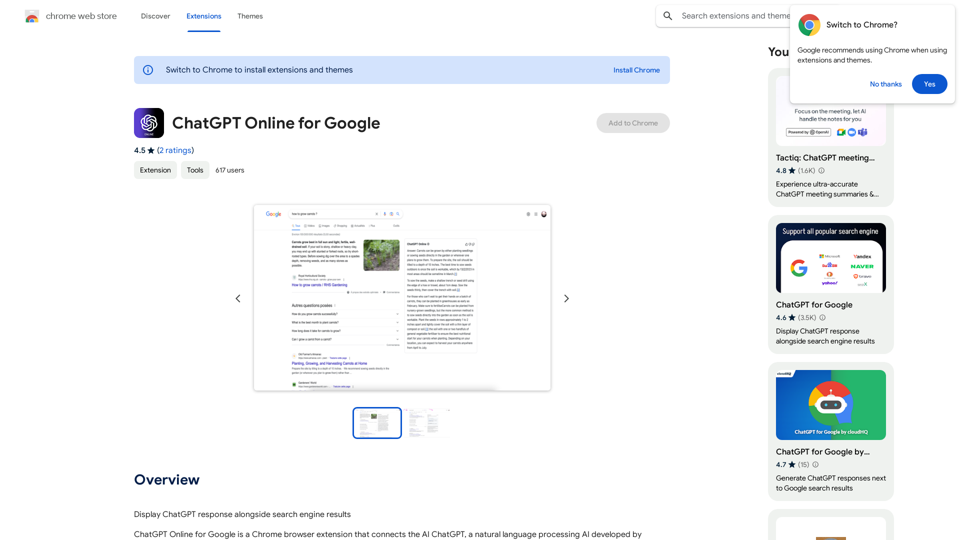
I can't actually display real-time search engine results. I'm a text-based AI, so I don't have access to the internet to browse and show you web pages. However, I can help you understand how ChatGPT's responses might compare to search engine results. Imagine you ask a search engine "What is the capital of France?". * Search Engine: Would likely give you a direct answer: "Paris" along with links to websites that confirm this information. * ChatGPT: Might also say "The capital of France is Paris." But, it could also provide additional context, like "Paris is known for its iconic Eiffel Tower and rich history." Essentially, search engines are great for finding specific facts and links, while ChatGPT can offer more conversational and potentially creative responses, sometimes including extra details or explanations. Let me know if you have any other questions!
193.90 M
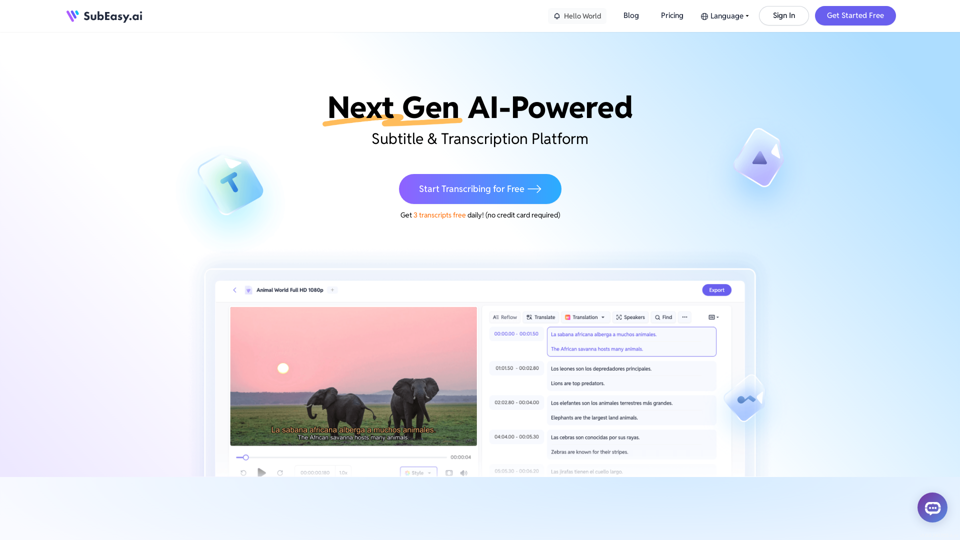
SubEasy: AI Powered Audio Transcription & Video Subtitles
SubEasy: AI Powered Audio Transcription & Video SubtitlesSubEasy.ai提供具有无与伦比的准确性的人工智能自动转录和翻译服务,跨越100种语言的上下文感知AI翻译。现在注册!
422.02 K