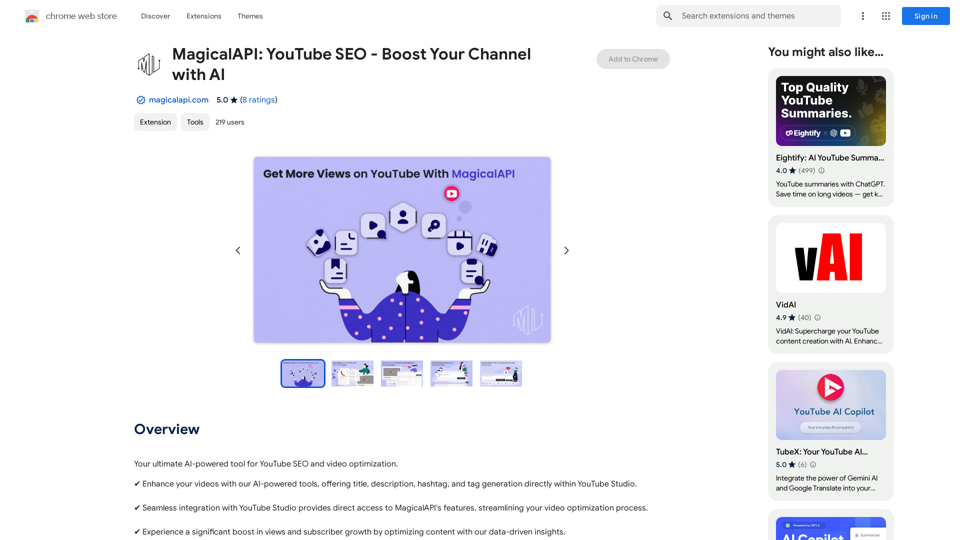
MagicalAPI is an AI-powered tool designed to enhance YouTube SEO and video optimization. It seamlessly integrates with YouTube Studio, offering a range of features to improve video titles, descriptions, hashtags, and tags. This tool aims to boost video performance, increase visibility, and streamline content management tasks for YouTube creators.
MagicalAPI: YouTube SEO - Boost Your Channel with AI
Your ultimate AI-powered tool for YouTube SEO and video optimization.
Introduction
Feature
AI Optimization Tools
- Generate compelling titles and descriptions
- Suggest relevant hashtags and tags
- Provide insights on content trends for higher engagement
Analytics & Insights Tools
- Understand video performance metrics
- Analyze viewer preferences
- Offer content optimization strategies
Efficiency Tools
- Automate and simplify content management tasks
- Save valuable time for creators
- Allow more focus on creativity
SEO Enhancement Tools
- Improve video searchability with targeted keywords
- Increase visibility and attract more viewers
Seamless Integration
- Direct integration with YouTube Studio
- Easy access to features within the platform
Flexible Pricing
- Offers both free and premium plans
- Caters to various creation needs
FAQ
How does MagicalAPI work?
MagicalAPI is an AI-powered tool that integrates with YouTube Studio, providing a range of features to help optimize YouTube videos. It uses artificial intelligence to generate titles, descriptions, hashtags, and tags, as well as offer analytics and insights for better content performance.
Is MagicalAPI free?
MagicalAPI offers flexible pricing options, including both free and premium plans to suit different creation needs. Users can choose the plan that best fits their requirements and budget.
How do I get started with MagicalAPI?
To start using MagicalAPI, you need to install the extension and follow the prompts to set up your account. Once installed, you can access its features directly within YouTube Studio to optimize your content.
What kind of support does MagicalAPI offer?
MagicalAPI provides dedicated support to assist users with any questions or guidance they may need. This ensures that creators can make the most of the tool's features and optimize their YouTube content effectively.
Related Websites
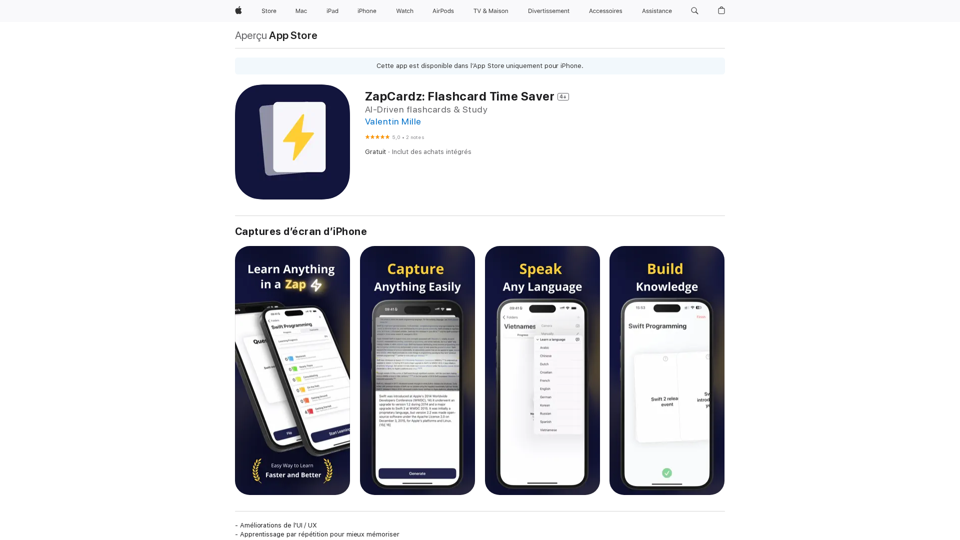
Welcome to ZapCardz - the ultimate memory card app that revolutionizes the way you learn! Our innovative application combines the power of…
124.77 M

AI Blog Writer - Create Humanized, SEO-Optimized Blogs | QuickCreator
AI Blog Writer - Create Humanized, SEO-Optimized Blogs | QuickCreatorElevate your content with AI Blog Writer by QuickCreator. Generate engaging, human-like blog posts using real-time data and verified citations. Try it for Free.
97.34 K
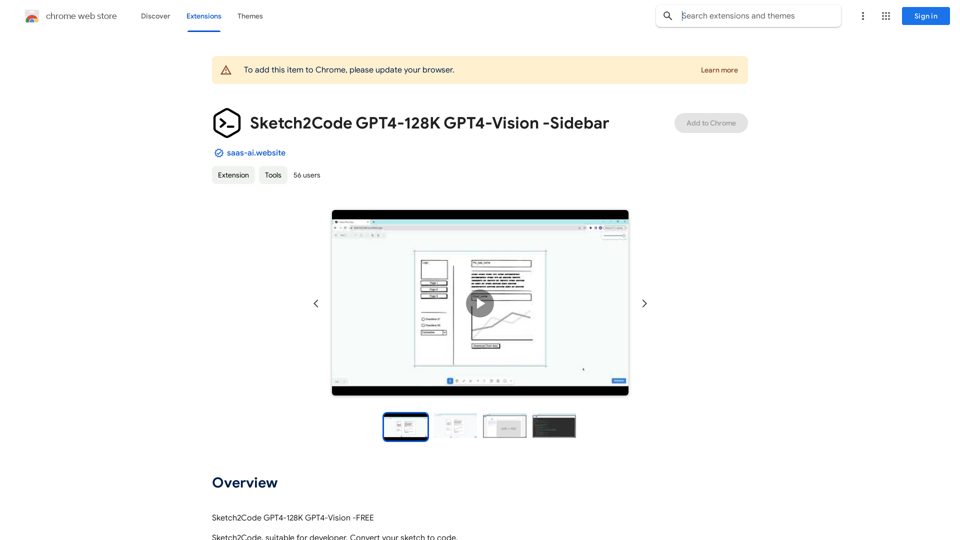
Sketch2Code GPT4-128K GPT4-Vision - Sidebar This is a simple sidebar for a Sketch2Code application powered by GPT4-128K and GPT4-Vision. It likely contains: * Upload Sketch: A button or area to upload an image sketch. * Code Generation Options: Settings to choose the programming language, desired code complexity, or other generation parameters. * Output Code: A display area to show the generated code. * Clear Output: A button to clear the generated code. Let me know if you'd like me to elaborate on any specific aspect of the sidebar!
Sketch2Code GPT4-128K GPT4-Vision - Sidebar This is a simple sidebar for a Sketch2Code application powered by GPT4-128K and GPT4-Vision. It likely contains: * Upload Sketch: A button or area to upload an image sketch. * Code Generation Options: Settings to choose the programming language, desired code complexity, or other generation parameters. * Output Code: A display area to show the generated code. * Clear Output: A button to clear the generated code. Let me know if you'd like me to elaborate on any specific aspect of the sidebar!Sketch2Code GPT4-128K GPT4-Vision - FREE
193.90 M
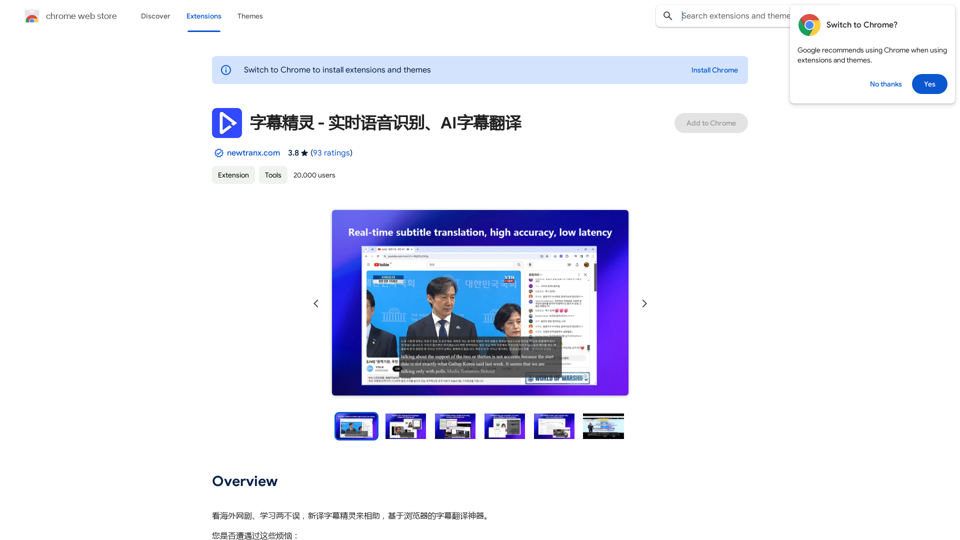
Subtitle Wizard - Real-time Speech Recognition, AI Subtitle Translation
Subtitle Wizard - Real-time Speech Recognition, AI Subtitle TranslationWatch foreign TV series and learn without mistakes, the new subtitle translation elf is here to assist, a browser-based subtitle translation artifact.
193.90 M
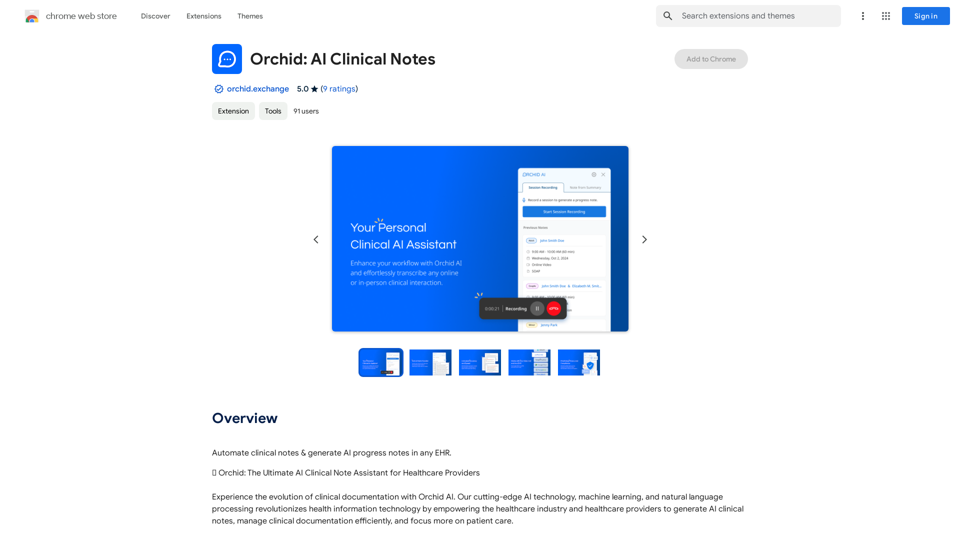
Automatically create clinical notes and generate AI-powered progress notes in any electronic health record (EHR) system.
193.90 M