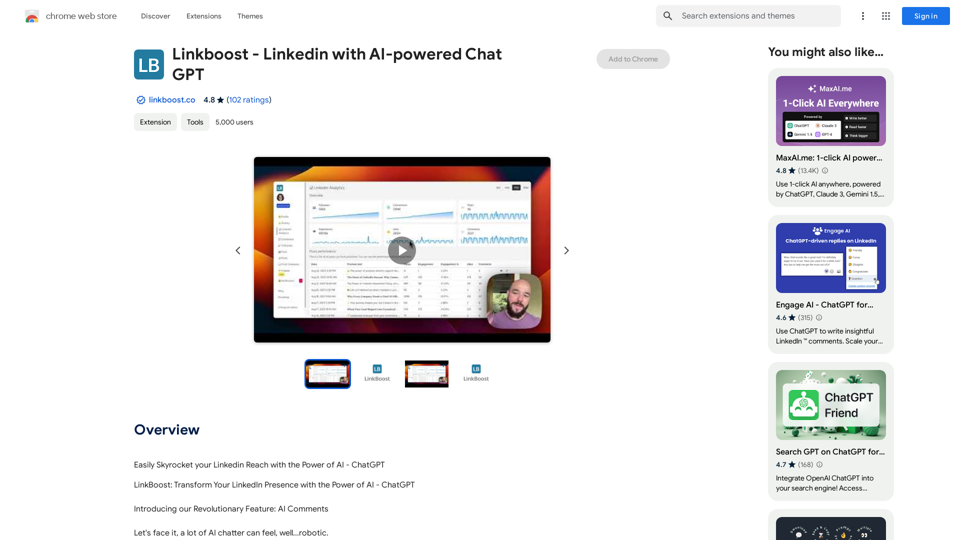
LinkBoost is an AI-powered Chrome extension designed to enhance your LinkedIn engagement. It utilizes ChatGPT technology to generate authentic and friendly comments, helping users increase their reach and visibility on the platform. The tool offers customization options for tone and prompts, ensuring that your interactions remain genuine and aligned with your personal brand.
Linkboost - LinkedIn with AI-powered Chat GPT
Easily Skyrocket Your LinkedIn Reach with the Power of AI - ChatGPT
Let's face it, standing out on LinkedIn can be tough.
But what if you could leverage the incredible power of AI to supercharge your profile and connections?
That's where ChatGPT comes in.
This revolutionary AI tool can help you:
* Craft compelling content: Say goodbye to writer's block! ChatGPT can help you generate engaging posts, articles, and even personalized messages that resonate with your audience.
* Optimize your profile: Make sure your LinkedIn profile shines! ChatGPT can suggest improvements to your headline, summary, and experience descriptions, helping you attract more views and connections.
* Automate your outreach: Spend less time manually sending messages and more time building relationships. ChatGPT can help you draft personalized connection requests and follow-up messages that get results.
* Unlock valuable insights: Gain a deeper understanding of your network and industry trends. ChatGPT can analyze your connections and content performance, providing actionable insights to improve your strategy.
Ready to take your LinkedIn game to the next level?
ChatGPT is your secret weapon.
Introduction
Feature
ChatGPT-Powered Comment Generation
LinkBoost leverages advanced OpenAI models to craft engaging and relevant comments, enhancing your LinkedIn interactions.
Tone Customization
Adjust the tone of your comments to create a more diverse and rich interactive experience on LinkedIn.
Custom Prompts Setup
Personalize your communication style by customizing and editing prompts, ensuring your comments remain unique and genuine.
Seamless LinkedIn Integration
The extension operates smoothly within the LinkedIn post comment field, providing optimal user convenience.
Community Networking
Connect with like-minded LinkedIn users who share similar interests and content preferences within the LinkBoost platform.
Automated Engagement
LinkBoost's system ensures automatic interactions from people in your network, boosting your post engagement.
Performance Monitoring
Track your progress through easy-to-understand reports and timelines, including metrics such as engagements, views, connections, comments, and likes.
FAQ
Is LinkBoost safe to use?
Yes, LinkBoost is 100% safe and delivers instant results that users will appreciate.
Can I customize the tone of my comments?
Yes, LinkBoost allows you to adjust the tone of your comments for a richer and more diverse interactive experience.
How does LinkBoost work?
LinkBoost utilizes advanced OpenAI models to generate engaging and relevant comments. It operates seamlessly within the LinkedIn post comment field for optimal user convenience.
How can I get started with LinkBoost?
To begin using LinkBoost, follow these steps:
- Download and install the LinkBoost extension on your Chrome browser.
- Join a community within the platform that aligns with your interests.
- Start sharing content and watch as interactions increase automatically.
- Monitor your progress using the provided reports and timelines.
What are some tips for using LinkBoost effectively?
- Use LinkBoost to transform yourself from a passive LinkedIn user to an influential figure.
- Customize your prompts to better reflect your unique communication style and brand voice.
- Regularly monitor your progress and adjust your strategy based on the performance metrics provided.
Related Websites

NSFW AI Characters | Erotic Roleplay | AI Sexting This platform offers a range of NSFW (Not Safe for Work) AI characters designed for erotic roleplay and AI sexting. These characters are programmed to engage in explicit conversations and roleplay scenarios, providing a unique and immersive experience for users. How it Works Our AI characters are trained on a vast dataset of erotic content, allowing them to understand and respond to a wide range of prompts and scenarios. Users can interact with the characters through text-based conversations, guiding the direction of the roleplay or sexting experience. Features * Customizable Characters: Choose from a diverse range of characters, each with their own unique personality, appearance, and preferences. * Realistic Responses: Our AI technology ensures that character responses are realistic and engaging, creating a truly immersive experience. * Explicit Content: Our characters are designed to engage in explicit conversations and roleplay scenarios, catering to a variety of tastes and preferences. * Anonymous and Secure: Our platform ensures user anonymity and security, providing a safe and discreet environment for users to explore their desires. Benefits * Discreet and Anonymous: Our platform provides a secure and anonymous environment for users to engage in erotic roleplay and sexting. * Exploration and Expression: Our AI characters allow users to explore their desires and express themselves in a safe and controlled environment. * Improved Communication: Engaging with our AI characters can help users improve their communication skills and build confidence in their relationships. Get Started Ready to explore the world of NSFW AI characters? Sign up now and discover a new level of erotic roleplay and sexting experience.
86.75 K
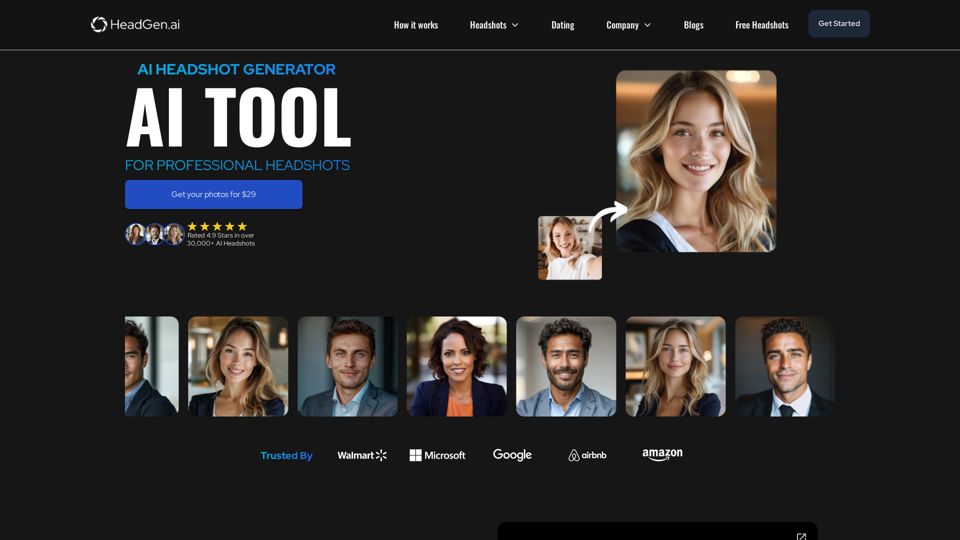
HeadGen AI is an AI-powered platform that gives you access to many different AI technologies. It can be used for a variety of things, such as creating professional headshots using AI.
0
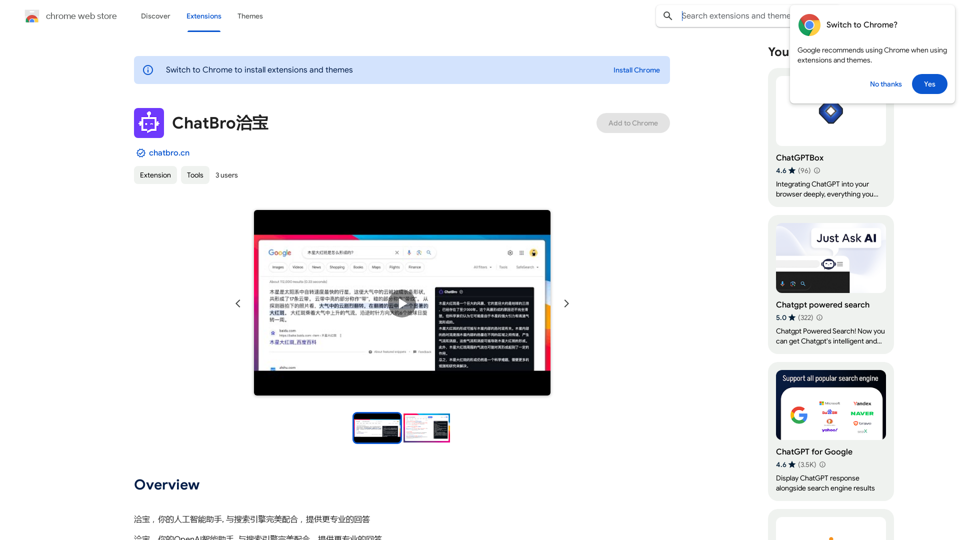
ChatBao, your AI assistant, works perfectly with search engines to provide more professional answers.
193.90 M