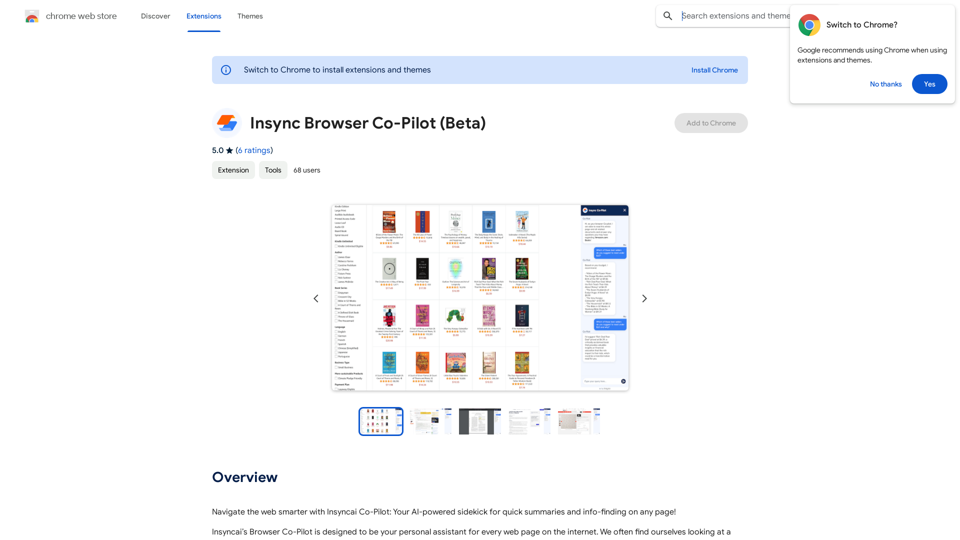
Insyncai Browser Co-Pilot is an AI-powered browser extension designed to enhance web browsing experience. It provides quick summaries and information-finding capabilities on any webpage, utilizing advanced AI to comprehend page contents and linked documents. This tool offers immediate answers to user queries, saving time and aiding in better decision-making.
Insync Browser Co-Pilot (Beta)
Navigate the web smarter with Insyncai Co-Pilot: Your AI-powered assistant for quick summaries and finding information on any webpage!
Introduction
Feature
AI-Powered Web Assistant
Insyncai Browser Co-Pilot acts as an intelligent sidekick, offering quick summaries and information retrieval on any webpage. Its advanced AI technology reads and understands page contents, including linked documents, to provide immediate answers.
Time-Saving Functionality
The Co-Pilot saves users time by quickly processing lengthy web pages and extracting relevant information. This feature is particularly useful for research, product comparisons, or general information gathering.
Easy Installation and Use
Users can simply install the extension and start using it immediately. The Co-Pilot responds to questions related to the current page, such as product properties, reviews, or educational information.
Free of Charge
Insyncai Browser Co-Pilot is completely free to install and use. There are no subscription fees or hidden costs associated with the extension.
Enhanced Browsing Experience
By providing a personalized assistant for web navigation, the Co-Pilot significantly improves the overall browsing experience. It helps users make better decisions by offering accurate and relevant information quickly.
FAQ
What is Insyncai Browser Co-Pilot?
Insyncai Browser Co-Pilot is an AI-powered browser extension that acts as a sidekick to help users navigate the web more efficiently. It provides quick summaries and information-finding capabilities on any webpage.
How do I use Insyncai Browser Co-Pilot?
To use Insyncai Browser Co-Pilot, simply install the extension and start browsing. Ask questions related to the page you're on, and the Co-Pilot will provide immediate answers and summaries.
Is Insyncai Browser Co-Pilot free?
Yes, Insyncai Browser Co-Pilot is completely free to install and use. There are no subscription fees or costs associated with using the Co-Pilot.
What are the limitations of Insyncai Browser Co-Pilot?
The Co-Pilot can only answer questions based on information contained on the current page or linked documents. It may struggle with complex or open-ended questions and cannot provide information that isn't publicly available.
Related Websites
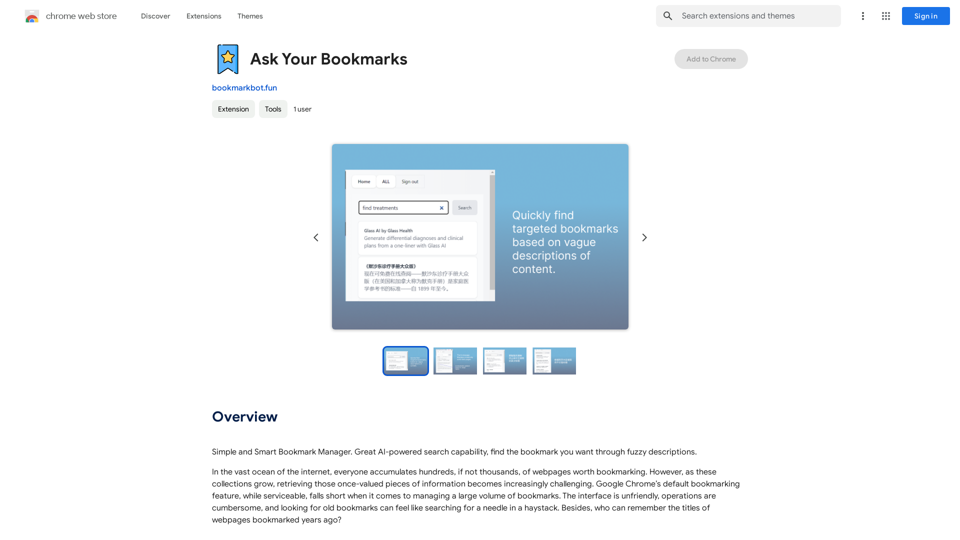
Simple and Smart Bookmark Manager. Great AI-powered search capability, find the bookmark you want with fuzzy descriptions.
193.90 M
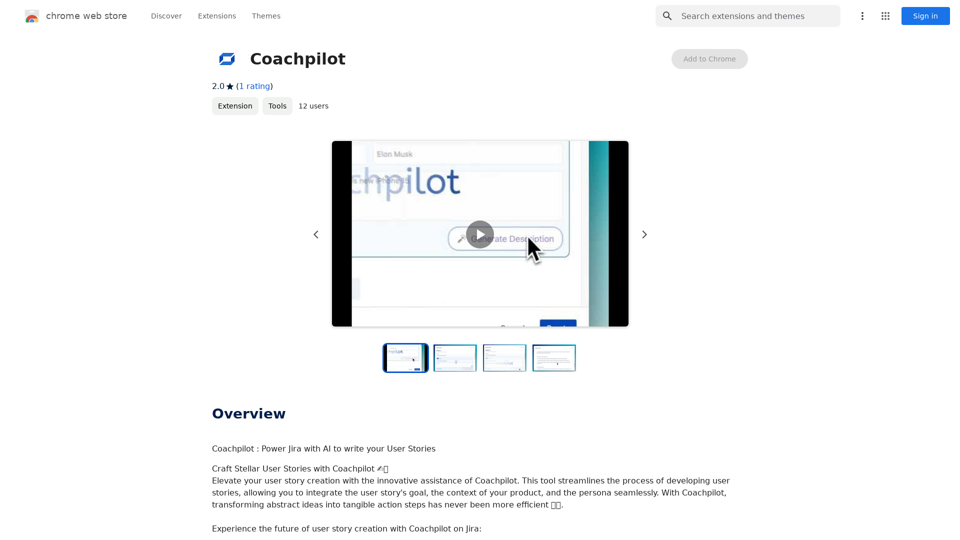
Coachpilot: Use AI to Write User Stories in Jira Coachpilot helps you write better user stories in Jira using the power of artificial intelligence.
193.90 M
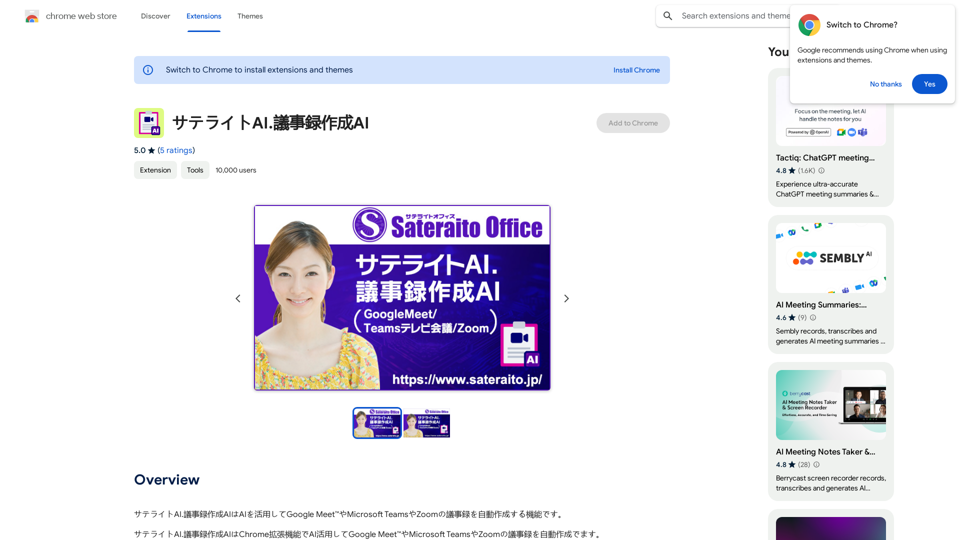
Satellite AI. The minutes creation AI is a function that utilizes AI to automatically create minutes of meetings on Google Meet™, Microsoft Teams, and Zoom.
193.90 M
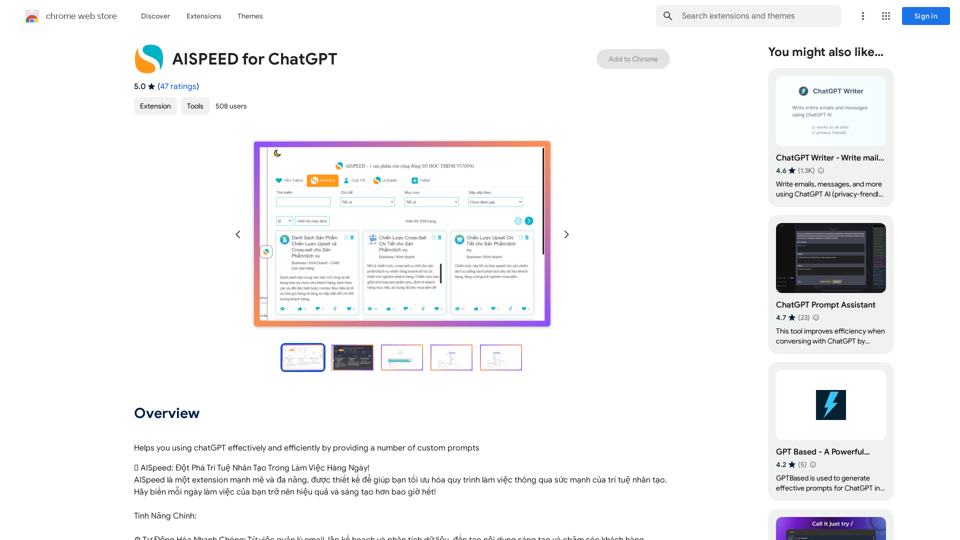
AISPEED for ChatGPT What is AISPEED? AISPEED is a powerful AI assistant designed to enhance your ChatGPT experience. Key Features: * Faster Response Times: Experience significantly reduced wait times for ChatGPT responses. * Improved Accuracy: Benefit from enhanced accuracy and fluency in ChatGPT's generated text. * Personalized Settings: Customize your ChatGPT experience with tailored settings to suit your needs. * Multi-Modal Support: Interact with ChatGPT using text, voice, and even images. * Seamless Integration: AISPEED integrates seamlessly with various platforms and applications. How AISPEED Works: AISPEED leverages advanced AI algorithms and techniques to optimize ChatGPT's performance. It accelerates response generation, refines text quality, and enables new interaction modes. Benefits: * Increased Productivity: Get faster answers and complete tasks more efficiently. * Enhanced Creativity: Explore new ideas and generate more creative content. * Improved Communication: Engage in more natural and meaningful conversations. * Expanded Capabilities: Unlock the full potential of ChatGPT with advanced features.
AISPEED for ChatGPT What is AISPEED? AISPEED is a powerful AI assistant designed to enhance your ChatGPT experience. Key Features: * Faster Response Times: Experience significantly reduced wait times for ChatGPT responses. * Improved Accuracy: Benefit from enhanced accuracy and fluency in ChatGPT's generated text. * Personalized Settings: Customize your ChatGPT experience with tailored settings to suit your needs. * Multi-Modal Support: Interact with ChatGPT using text, voice, and even images. * Seamless Integration: AISPEED integrates seamlessly with various platforms and applications. How AISPEED Works: AISPEED leverages advanced AI algorithms and techniques to optimize ChatGPT's performance. It accelerates response generation, refines text quality, and enables new interaction modes. Benefits: * Increased Productivity: Get faster answers and complete tasks more efficiently. * Enhanced Creativity: Explore new ideas and generate more creative content. * Improved Communication: Engage in more natural and meaningful conversations. * Expanded Capabilities: Unlock the full potential of ChatGPT with advanced features.Provides a number of custom prompts to help you use ChatGPT effectively and efficiently.
193.90 M

Optimize your hiring with our AI-powered video interviewer. Kerplunk delivers insightful interviews. Get an AI Interview Assistant for your recruitment.
7.59 K

AI Letter Generator: Free AI Letter Writer, Cover Letter
AI Letter Generator: Free AI Letter Writer, Cover LetterAI Letter Generator helps you create professional letters easily with AI. Try our free letter writer, cover letter generator, and more!
0

JuicyChat.Ai - Spicy NSFW Character AI Chat - AI Girlfriend
JuicyChat.Ai - Spicy NSFW Character AI Chat - AI GirlfriendJuicyChat.ai - Immerse yourself in provocative NSFW character AI conversations and indulge in the excitement of unrestricted, personal interactions with your AI partner.
11.47 M
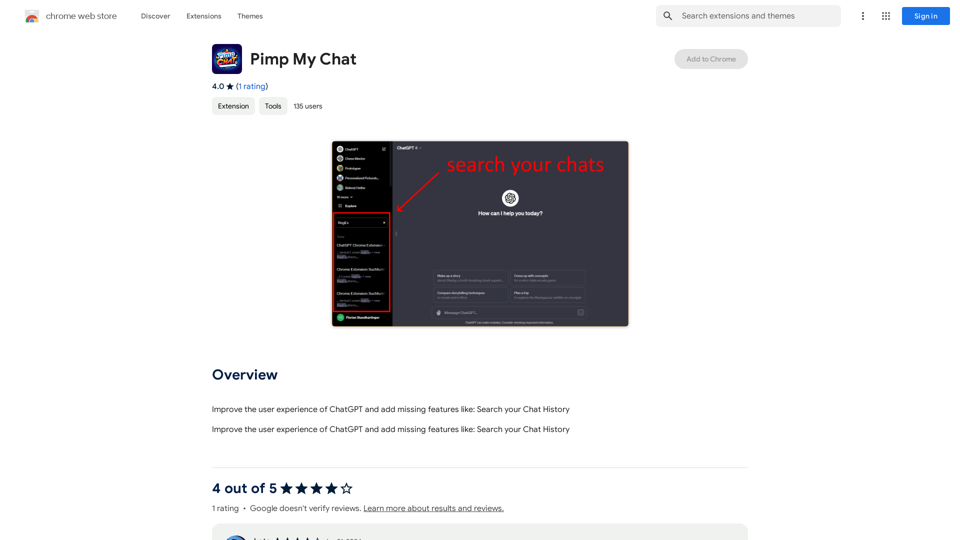
ChatGPT Improvements: Enhanced User Experience: * Seamless Chat History Search: Easily find past conversations and specific messages within your chat history. New Features: * Search your Chat History: A dedicated search bar allows you to quickly locate past interactions, saving time and effort.
193.90 M