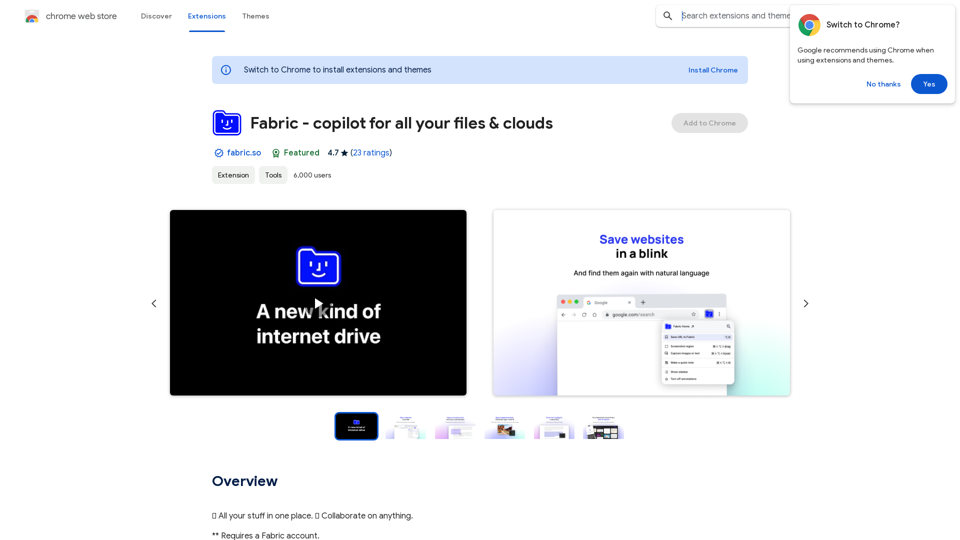
Fabric is a comprehensive digital content management and collaboration tool designed to be a copilot for all your files and clouds. It offers a versatile platform for capturing, organizing, searching, and sharing various types of digital content. With features like AI-powered chat assistance, smart search capabilities, and real-time collaboration, Fabric aims to streamline your digital workflow and enhance productivity.
Fabric - Your assistant for all your files and cloud storage.
🍱 All your things in one place. 👋 Work together on anything.
Introduction
Feature
Versatile Content Capture
Fabric provides a flexible library system that allows users to save a wide range of digital content, including:
- Images
- Files
- Text highlights
- Notes
- Bookmarks
- PDFs
This feature ensures that users can capture and store virtually any type of digital information they encounter.
AI-Powered Chat Assistant
Fabric incorporates an intelligent chat assistant that enables users to:
- Get answers about the contents of their files
- Ask questions about current documents
- Find information from connected data sources
This AI-driven feature enhances the user's ability to interact with and extract valuable insights from their stored content.
Advanced Search and Discoverability
Fabric employs cutting-edge search technologies to ensure users can always locate their information:
- AI search functionality
- Smart discoverability features
- Visual library organization
These tools work together to create a "perfect memory" system, making it easy for users to find what they need when they need it.
Collaborative Sharing Capabilities
Fabric facilitates seamless collaboration through its sharing features:
- Real-time file and note sharing in Spaces
- Live updates and shared cursors
- Audio communication
- Notifications for collaborative activities
This feature set enables teams to work together efficiently on shared content.
Multi-Platform Accessibility
Fabric ensures users can access their digital world from anywhere, offering availability on:
- Mobile devices
- Web browsers
- Desktop applications
- Browser extensions
This cross-platform support provides users with constant access to their digital content, regardless of their device or location.
FAQ
What types of content can I save in Fabric?
Fabric allows you to save a wide variety of digital content, including:
- Images
- Files
- Text highlights
- Notes
- Bookmarks
- PDFs
The platform is designed to be highly flexible, accommodating virtually any type of digital information you wish to capture and store.
How does Fabric's AI chat assistant work?
Fabric's AI chat assistant is designed to help you interact with your stored content intelligently. You can:
- Ask questions about specific documents
- Inquire about information within any connected data source
- Get instant answers based on the contents of your files
This feature leverages advanced AI technology to provide quick and accurate responses to your queries.
Is Fabric available for free?
Fabric offers a free version of the application, allowing users to experience its core functionalities without cost. However, the platform also provides in-app purchases, likely for advanced features or increased storage capacity. Users can choose the option that best suits their needs and budget.
Related Websites
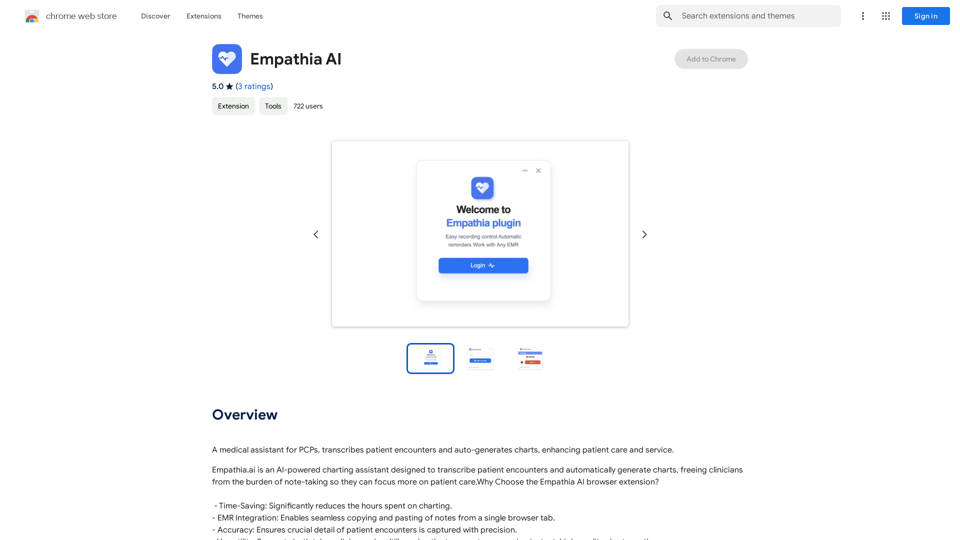
A medical assistant for primary care physicians, transcribes patient visits and automatically creates medical records, improving patient care and service.
193.90 M
Transcript Helper for Chorus.ai This is a tool designed to help you work with transcripts generated by Chorus.ai. Let me know what you need help with! For example, you can ask me to: * Summarize a transcript: Give me a transcript and I'll provide a concise summary of the main points. * Find specific information: Tell me what you're looking for (e.g., "find all mentions of product X") and I'll search the transcript for relevant text. * Identify key speakers: I can analyze the transcript and tell you who the main speakers are. * Generate action items: Based on the transcript, I can help you identify tasks that need to be completed. * Translate the transcript: I can translate the transcript into another language. What can I do for you today?
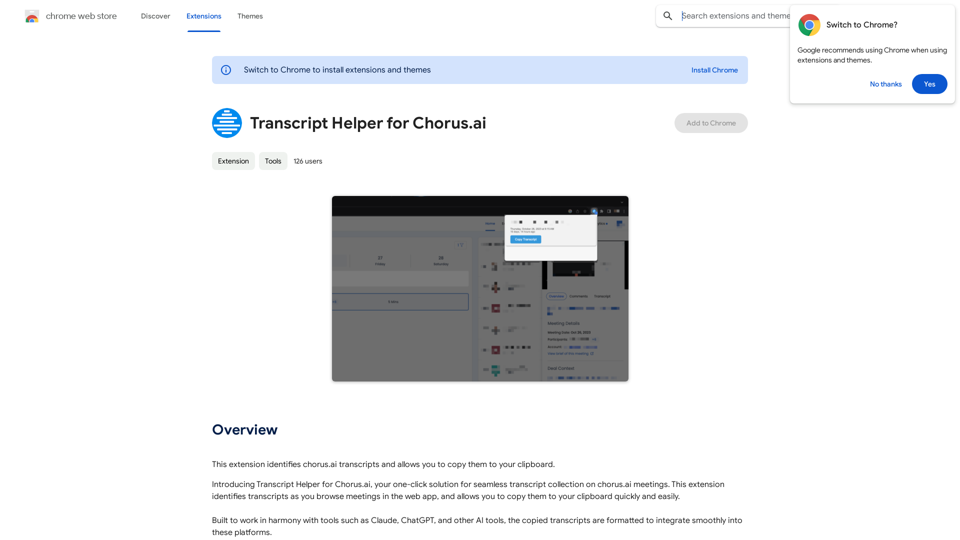
Transcript Helper for Chorus.ai This is a tool designed to help you work with transcripts generated by Chorus.ai. Let me know what you need help with! For example, you can ask me to: * Summarize a transcript: Give me a transcript and I'll provide a concise summary of the main points. * Find specific information: Tell me what you're looking for (e.g., "find all mentions of product X") and I'll search the transcript for relevant text. * Identify key speakers: I can analyze the transcript and tell you who the main speakers are. * Generate action items: Based on the transcript, I can help you identify tasks that need to be completed. * Translate the transcript: I can translate the transcript into another language. What can I do for you today?This extension finds chorus.ai transcripts and lets you copy them to your clipboard.
193.90 M
MagicalAPI: YouTube SEO - Boost Your Channel with AI
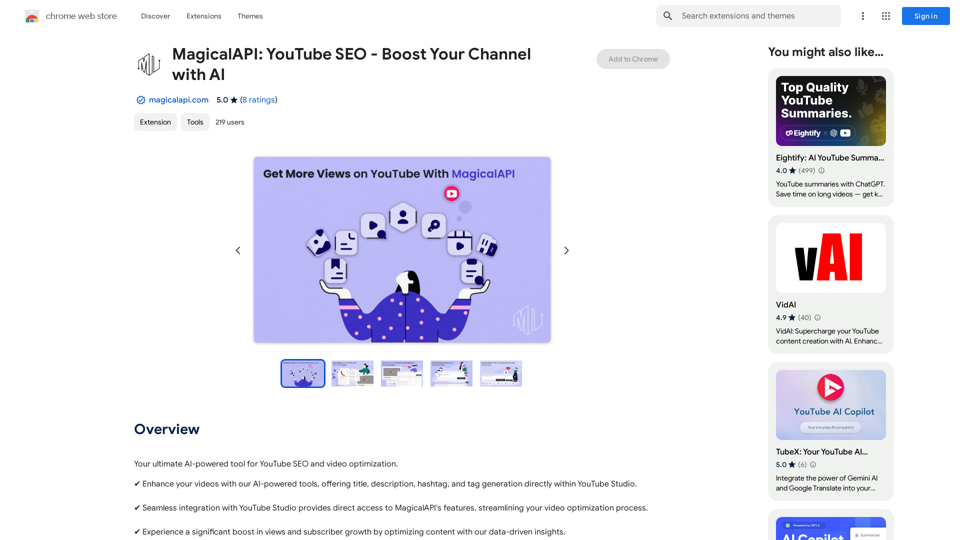
MagicalAPI: YouTube SEO - Boost Your Channel with AIYour ultimate AI-powered tool for YouTube SEO and video optimization.
193.90 M
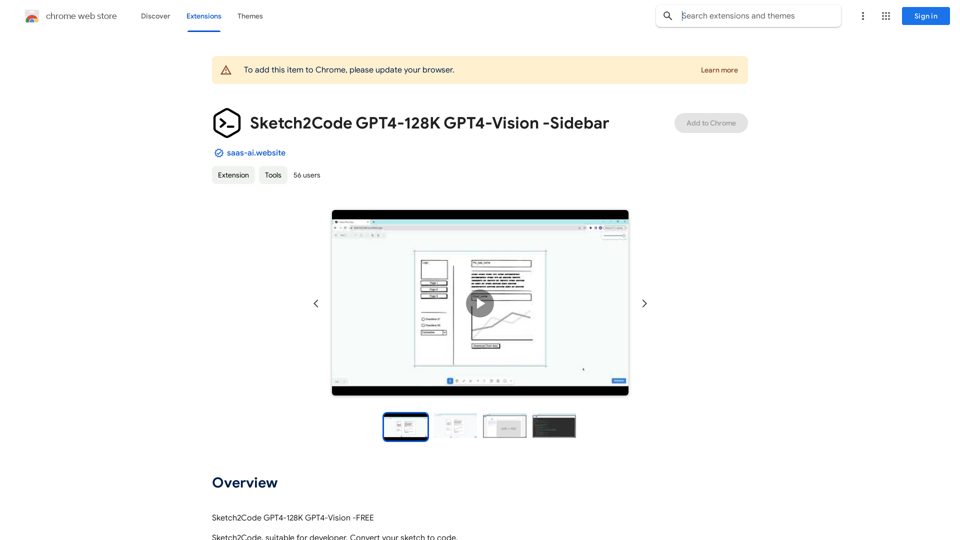
Sketch2Code GPT4-128K GPT4-Vision - Sidebar This is a simple sidebar for a Sketch2Code application powered by GPT4-128K and GPT4-Vision. It likely contains: * Upload Sketch: A button or area to upload an image sketch. * Code Generation Options: Settings to choose the programming language, desired code complexity, or other generation parameters. * Output Code: A display area to show the generated code. * Clear Output: A button to clear the generated code. Let me know if you'd like me to elaborate on any specific aspect of the sidebar!
Sketch2Code GPT4-128K GPT4-Vision - Sidebar This is a simple sidebar for a Sketch2Code application powered by GPT4-128K and GPT4-Vision. It likely contains: * Upload Sketch: A button or area to upload an image sketch. * Code Generation Options: Settings to choose the programming language, desired code complexity, or other generation parameters. * Output Code: A display area to show the generated code. * Clear Output: A button to clear the generated code. Let me know if you'd like me to elaborate on any specific aspect of the sidebar!Sketch2Code GPT4-128K GPT4-Vision - FREE
193.90 M
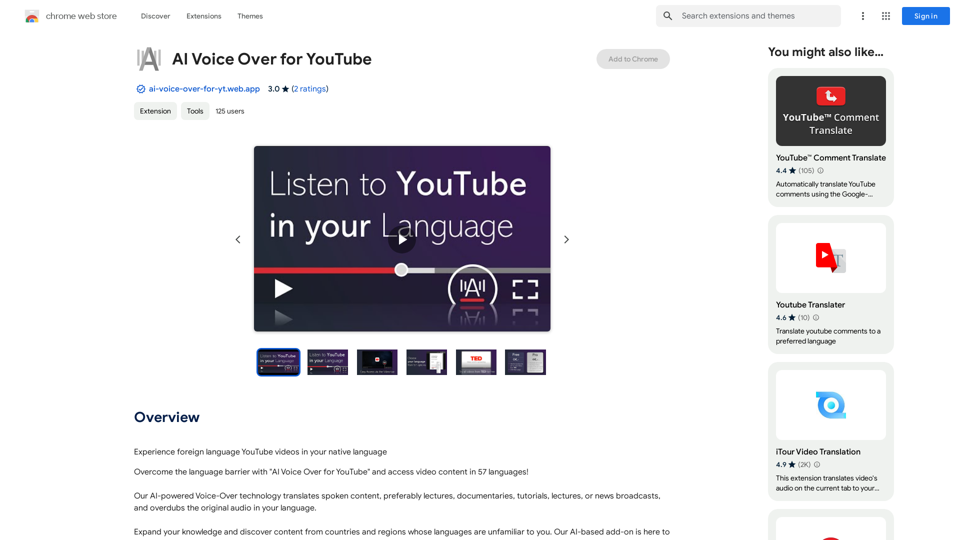
AI Voice Over for YouTube This is a guide to using AI voice over for your YouTube videos. Why Use AI Voice Over? * Cost-Effective: AI voice over is much cheaper than hiring a professional voice actor. * Time-Saving: You can generate voice over quickly and easily, without needing to schedule recording sessions. * Variety of Voices: Choose from a wide range of AI voices, including male, female, and even robotic voices. * Accessibility: Make your videos accessible to viewers who are deaf or hard of hearing by adding captions generated by AI. How to Use AI Voice Over 1. Choose a Platform: There are many different platforms that offer AI voice over services, such as: * Google Cloud Text-to-Speech * Amazon Polly * Microsoft Azure Text to Speech * Murf.ai * NaturalReader 2. Write Your Script: Write a clear and concise script for your video. 3. Upload Your Script: Upload your script to the chosen platform. 4. Select a Voice: Choose the voice that best suits your video. 5. Adjust Settings: Adjust settings such as speed, pitch, and volume. 6. Generate Voice Over: Click the "Generate" button to create your voice over. 7. Download and Edit: Download the generated voice over file and edit it as needed. 8. Add to Your Video: Add the voice over to your YouTube video. Tips for Using AI Voice Over * Use Natural Language: Write your script as if you were speaking naturally. * Vary Your Tone: Use different tones of voice to keep your viewers engaged. * Add Pauses: Include pauses in your script to allow viewers to process information. * Proofread Carefully: Always proofread your script before generating the voice over. * Experiment: Try different voices, settings, and styles to find what works best for you.
AI Voice Over for YouTube This is a guide to using AI voice over for your YouTube videos. Why Use AI Voice Over? * Cost-Effective: AI voice over is much cheaper than hiring a professional voice actor. * Time-Saving: You can generate voice over quickly and easily, without needing to schedule recording sessions. * Variety of Voices: Choose from a wide range of AI voices, including male, female, and even robotic voices. * Accessibility: Make your videos accessible to viewers who are deaf or hard of hearing by adding captions generated by AI. How to Use AI Voice Over 1. Choose a Platform: There are many different platforms that offer AI voice over services, such as: * Google Cloud Text-to-Speech * Amazon Polly * Microsoft Azure Text to Speech * Murf.ai * NaturalReader 2. Write Your Script: Write a clear and concise script for your video. 3. Upload Your Script: Upload your script to the chosen platform. 4. Select a Voice: Choose the voice that best suits your video. 5. Adjust Settings: Adjust settings such as speed, pitch, and volume. 6. Generate Voice Over: Click the "Generate" button to create your voice over. 7. Download and Edit: Download the generated voice over file and edit it as needed. 8. Add to Your Video: Add the voice over to your YouTube video. Tips for Using AI Voice Over * Use Natural Language: Write your script as if you were speaking naturally. * Vary Your Tone: Use different tones of voice to keep your viewers engaged. * Add Pauses: Include pauses in your script to allow viewers to process information. * Proofread Carefully: Always proofread your script before generating the voice over. * Experiment: Try different voices, settings, and styles to find what works best for you.Watch foreign language YouTube videos in your own language.
193.90 M