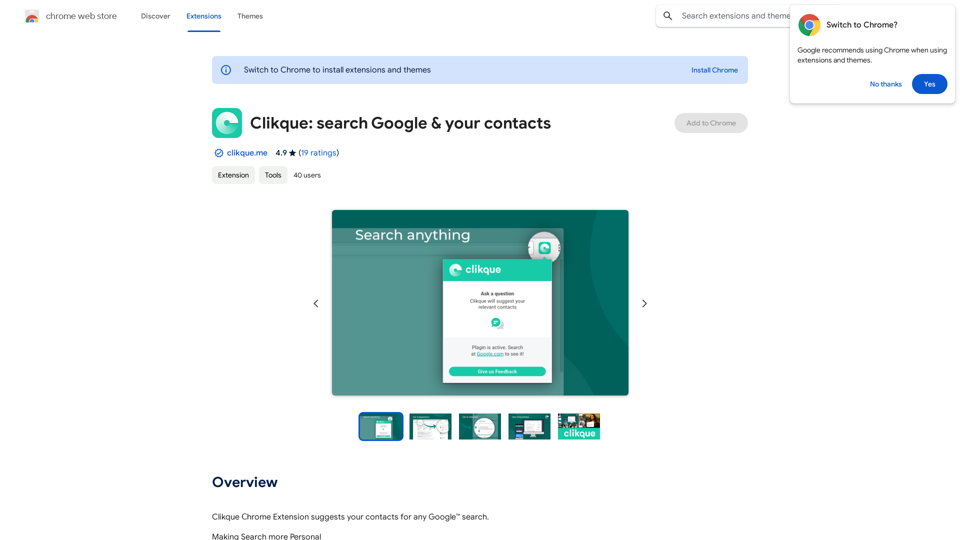
Clikque is a Chrome extension that enhances Google searches by suggesting relevant contacts. It uses patent-pending machine-learning technology to analyze various attributes, providing personalized and convenient search results. Clikque aims to make internet searches more personal by connecting users with their contacts who can offer valuable insights or solutions.
Clickque: search Google & your contacts
Clickque Chrome Extension suggests your contacts for any Google™ search.
Introduction
Feature
Personalized Search Results
Clikque's algorithm matches search queries with contacts who can provide solutions, offering a tailored search experience. It analyzes factors such as:
- Subject matter
- Skills
- Interests
- Locations
- User relationships
- Likelihood of response
- Personal connections
Direct Contact Integration
Users can directly call or message suggested contacts from their browser, streamlining communication with the right people.
Mobile App Availability
Clikque offers a mobile app that seamlessly integrates with the Chrome extension, enabling on-the-go access to contacts and search results.
Free to Use
Clikque is available as a free Chrome extension, requiring no subscription or payment.
Easy Installation and Activation
To use Clikque, simply install the Chrome extension and activate it. It then works automatically with Google searches.
FAQ
How does Clikque collect and use my data?
The developer has not provided specific information about data collection or usage. For more details, refer to the developer's privacy policy.
Can I uninstall Clikque if I'm not satisfied?
Yes, you can uninstall Clikque at any time if you're not satisfied with its performance or features.
Is Clikque available for other browsers?
Currently, Clikque is only available as a Chrome extension. There's no information about availability for other browsers.
How can I make the most of Clikque?
Here are some helpful tips:
- Use Clikque to find experts in your industry or niche
- Connect with friends and acquaintances who may have valuable insights
- Experiment with different search terms to explore Clikque's algorithm functionality
Related Websites
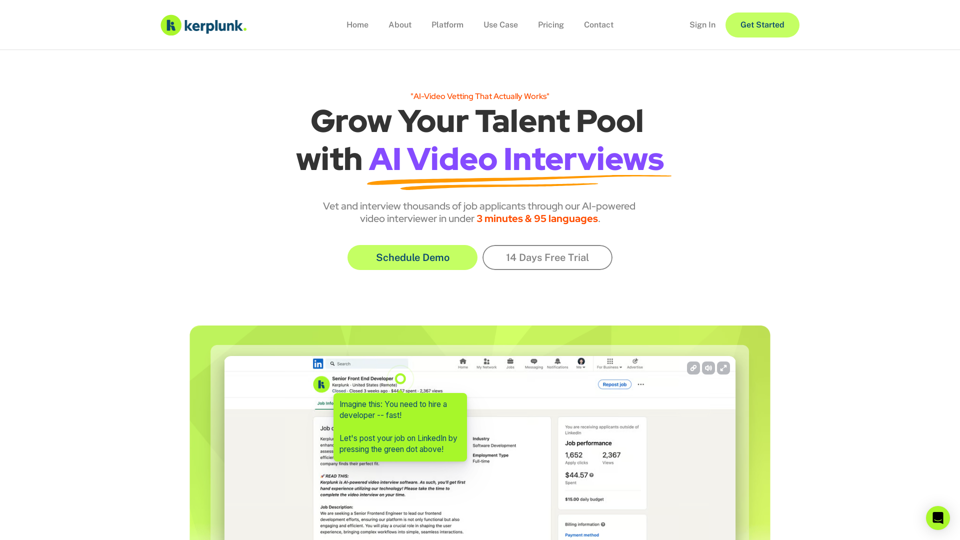
Optimize your hiring with our AI-powered video interviewer. Kerplunk delivers insightful interviews. Get an AI Interview Assistant for your recruitment.
7.59 K
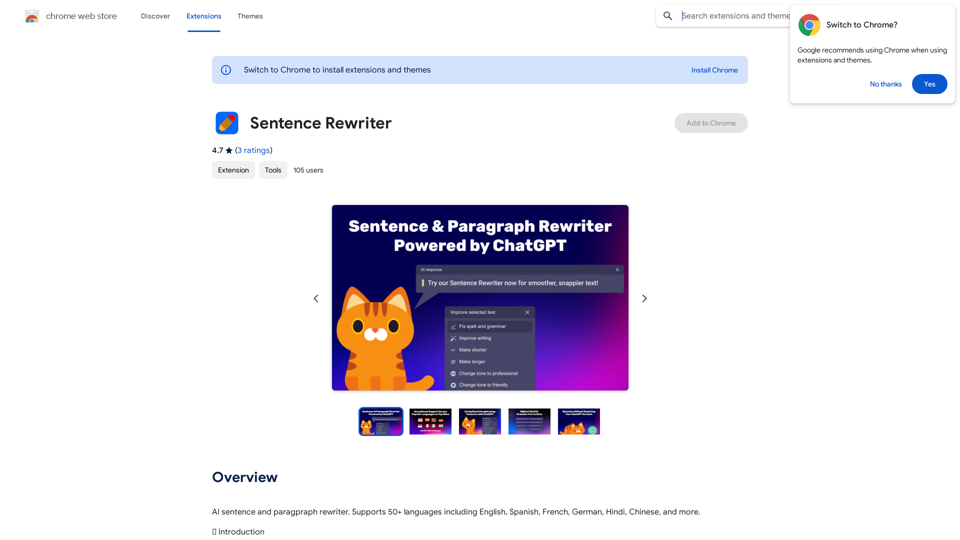
AI sentence and paragraph rewriter. Supports 50+ languages including English, Spanish, French, German, Hindi, Chinese, and more.
193.90 M
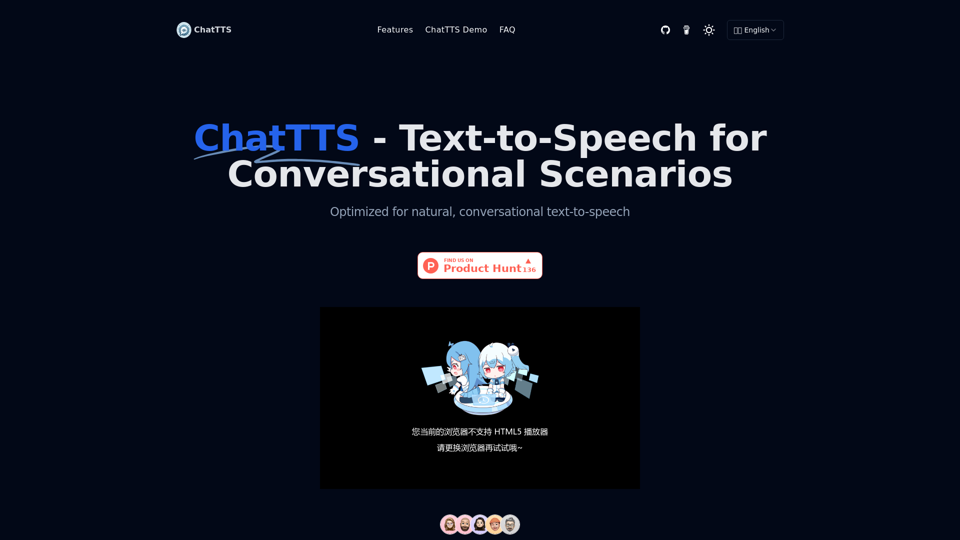
ChatTTS is a voice generation model on GitHub at 2noise/chattts. Chat TTS is specifically designed for conversational scenarios. It is ideal for applications such as dialogue tasks for large language model assistants, as well as conversational audio and video introductions. The model supports both Chinese and English, demonstrating high quality and naturalness in speech synthesis. This level of performance is achieved through training on approximately 100,000 hours of Chinese and English data. Additionally, the project team plans to open-source a basic model trained with 40,000 hours of data, which will aid the academic and developer communities in further research and development.
23.26 K
Image Translator - ai photo/image Translator use ChatGPT This is a tool that uses ChatGPT to describe images. You can upload a photo and ChatGPT will generate a written description of what it sees.
Image Translator - ai photo/image Translator use ChatGPT This is a tool that uses ChatGPT to describe images. You can upload a photo and ChatGPT will generate a written description of what it sees.AI Photo/Image Translator, Supports 130 Languages
193.90 M