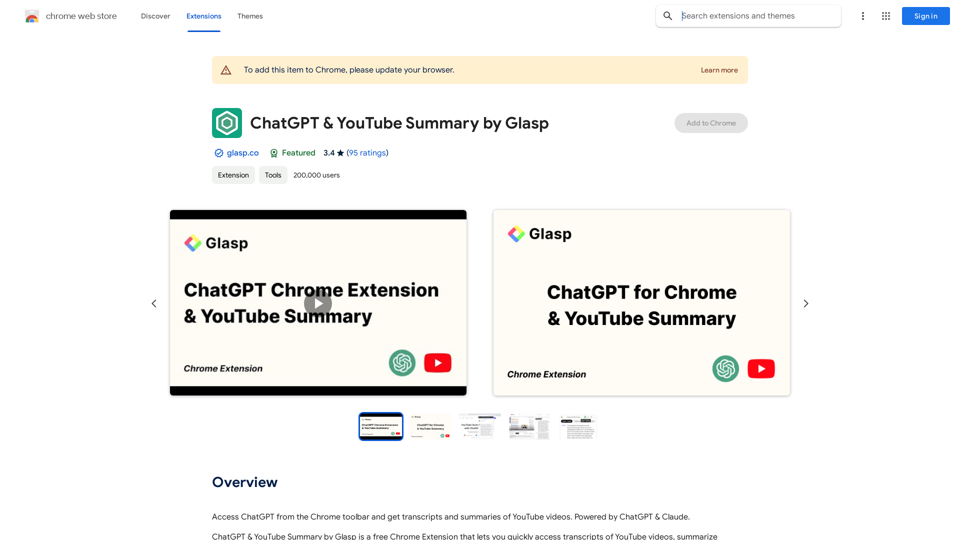
ChatGPT for Chrome & YouTube Summary is a powerful Chrome extension that enhances your browsing experience by providing easy access to AI-powered features. This tool combines the capabilities of ChatGPT, Claude, MistralAI, and Gemini to offer video summaries, transcripts, and a convenient ChatGPT interface directly from your Chrome toolbar. It's designed to save time, boost productivity, and improve learning efficiency for users across various domains.
ChatGPT & YouTube Summary by Glasp
Access ChatGPT from the Chrome toolbar and get transcripts and summaries of YouTube videos. Powered by ChatGPT & Claude.
Introduction
Feature
AI-Powered Video Summaries
Generate concise summaries of YouTube videos with just a click, allowing you to quickly grasp the main points without watching the entire content.
Transcript Access
Easily obtain transcripts of YouTube videos, making it simpler to review or search for specific information within the video content.
Multi-Language Support
Summarize and transcribe videos in multiple languages, catering to a global audience and enhancing accessibility.
Customizable Summary Length
Adjust the level of detail in your video summaries to match your preferences and needs.
ChatGPT Integration
Access ChatGPT directly from your Chrome toolbar, enabling quick AI-assisted queries and responses while browsing.
Educational Tool
Serve as a valuable resource for students and researchers, facilitating efficient information gathering and study from YouTube content.
User-Friendly Interface
Enjoy a seamless experience with an easy-to-use interface that integrates smoothly with your Chrome browser.
FAQ
How do I use this extension?
After installation, open a YouTube video and click the extension icon in your browser toolbar. It will generate a summary and provide access to the transcript if available.
Can I customize the summary length?
Yes, you can adjust the settings within the extension to tailor the summary length to your preferred level of detail. You can also customize the prompt used for summarization.
Is it suitable for educational purposes?
Absolutely. The extension provides concise summaries and transcripts that can aid in research, studying, and learning from YouTube videos, making it an excellent tool for educational use.
Does it support languages other than English?
Yes, the extension can summarize videos in multiple languages and allows you to choose the language for the transcript, making it valuable for international users.
Related Websites
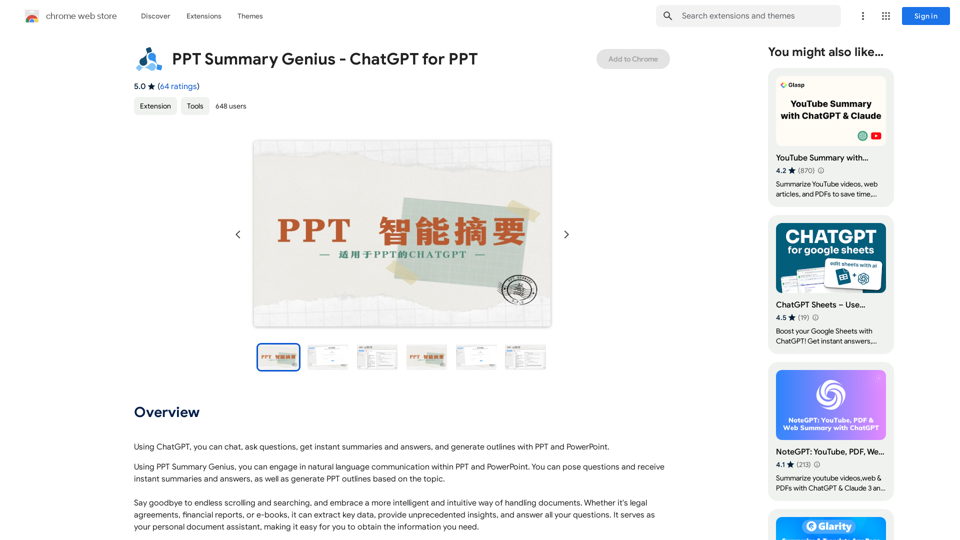
PPT Summary Genius - ChatGPT for PPT Turn your boring presentations into engaging masterpieces! * Summarize lengthy PPTs: ChatGPT can condense your slides into concise summaries, perfect for quick reviews or sharing key points. * Generate compelling narratives: Transform your data and bullet points into captivating stories that resonate with your audience. * Craft impactful introductions and conclusions: Start strong and leave a lasting impression with ChatGPT's help. * Overcome writer's block: Struggling with slide content? ChatGPT can provide creative ideas and help you overcome creative hurdles. * Tailor your message: Adjust the tone and style of your presentation to match your audience and purpose. Boost your productivity and create presentations that truly shine!
PPT Summary Genius - ChatGPT for PPT Turn your boring presentations into engaging masterpieces! * Summarize lengthy PPTs: ChatGPT can condense your slides into concise summaries, perfect for quick reviews or sharing key points. * Generate compelling narratives: Transform your data and bullet points into captivating stories that resonate with your audience. * Craft impactful introductions and conclusions: Start strong and leave a lasting impression with ChatGPT's help. * Overcome writer's block: Struggling with slide content? ChatGPT can provide creative ideas and help you overcome creative hurdles. * Tailor your message: Adjust the tone and style of your presentation to match your audience and purpose. Boost your productivity and create presentations that truly shine!Using ChatGPT, you can chat, ask questions, get instant summaries and answers, and generate outlines for presentations in PPT and PowerPoint format.
193.90 M
AiJobster - Job Search in AI Companies and Remote AI Jobs
AiJobster - Job Search in AI Companies and Remote AI JobsAiJobster - Your premier platform for job search in AI companies and remote jobs across top AI-driven organizations. Discover your future in tech today!
694
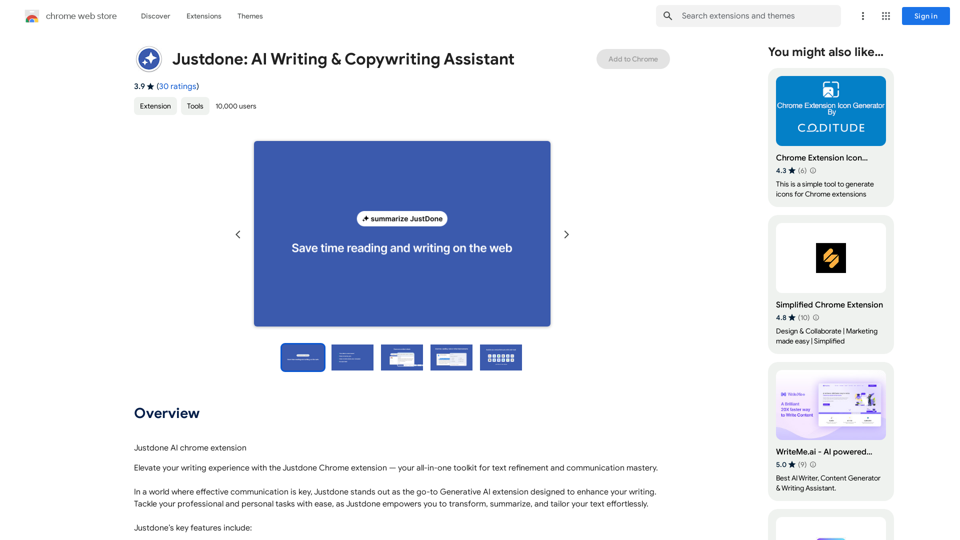
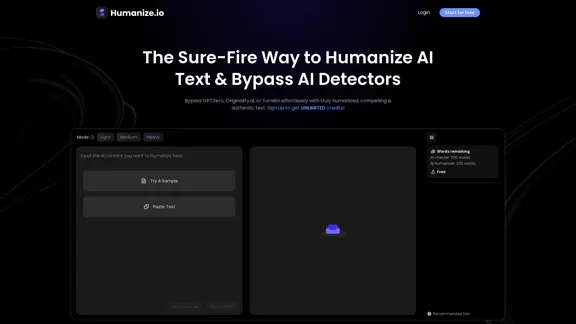
Meet Humanize.io, the best AI tool to make your AI content sound more human. Try our AI humanizer for free now!
164.25 K
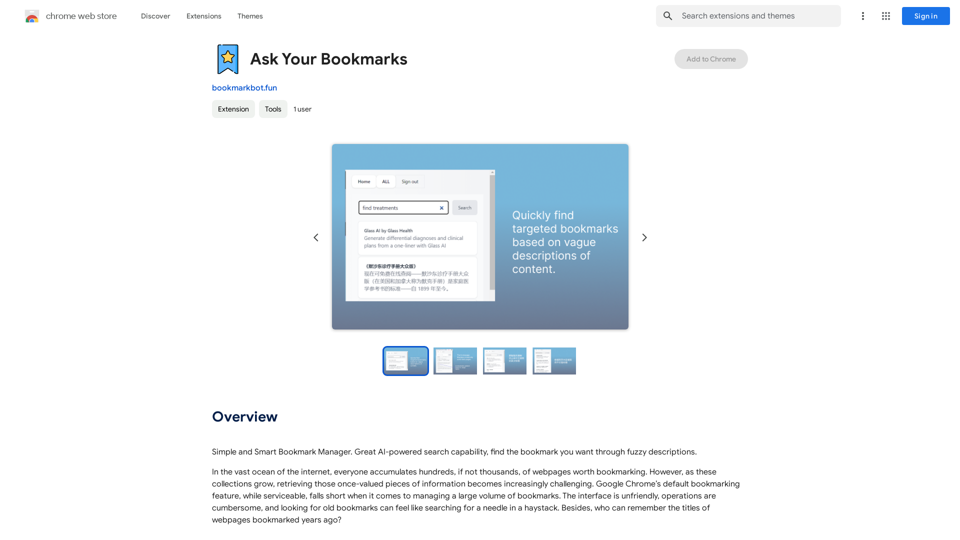
Simple and Smart Bookmark Manager. Great AI-powered search capability, find the bookmark you want with fuzzy descriptions.
193.90 M
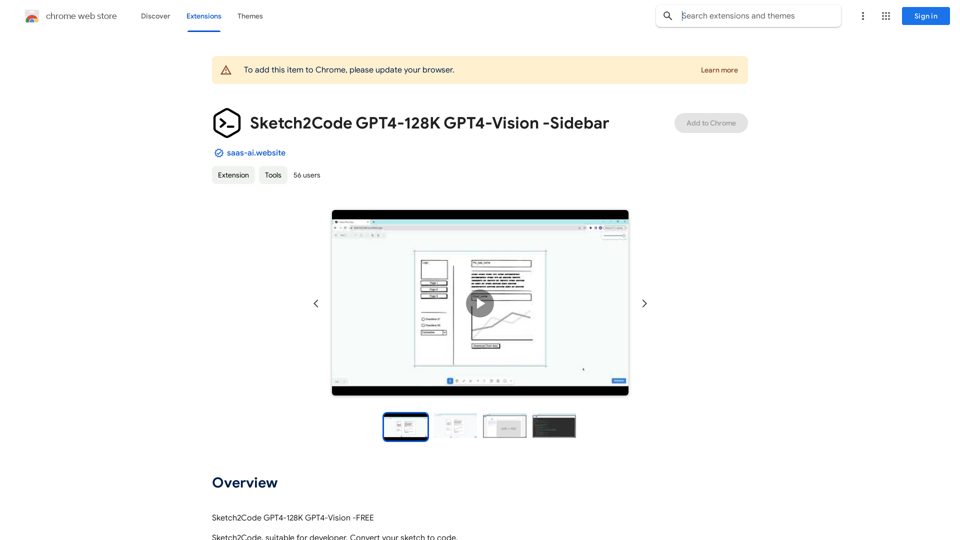
Sketch2Code GPT4-128K GPT4-Vision - Sidebar This is a simple sidebar for a Sketch2Code application powered by GPT4-128K and GPT4-Vision. It likely contains: * Upload Sketch: A button or area to upload an image sketch. * Code Generation Options: Settings to choose the programming language, desired code complexity, or other generation parameters. * Output Code: A display area to show the generated code. * Clear Output: A button to clear the generated code. Let me know if you'd like me to elaborate on any specific aspect of the sidebar!
Sketch2Code GPT4-128K GPT4-Vision - Sidebar This is a simple sidebar for a Sketch2Code application powered by GPT4-128K and GPT4-Vision. It likely contains: * Upload Sketch: A button or area to upload an image sketch. * Code Generation Options: Settings to choose the programming language, desired code complexity, or other generation parameters. * Output Code: A display area to show the generated code. * Clear Output: A button to clear the generated code. Let me know if you'd like me to elaborate on any specific aspect of the sidebar!Sketch2Code GPT4-128K GPT4-Vision - FREE
193.90 M
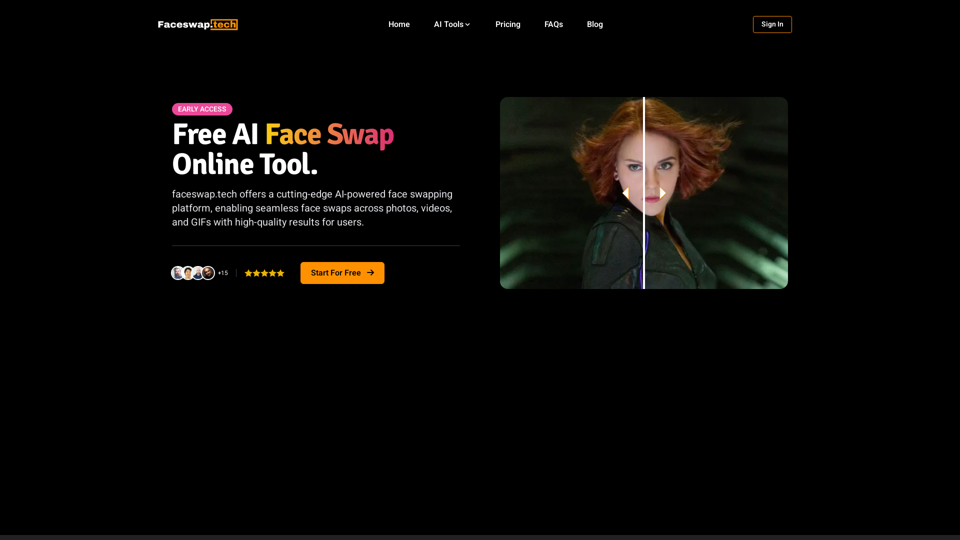
Free AI Face Swap Online Tool for Videos, GIFs and Photos | Faceswap.tech
Free AI Face Swap Online Tool for Videos, GIFs and Photos | Faceswap.techTry our free online face swap tool to swap faces in photos, videos, and GIFs. Easy, fast, and powered by AI for amazing results. Swap faces now!
1.81 K