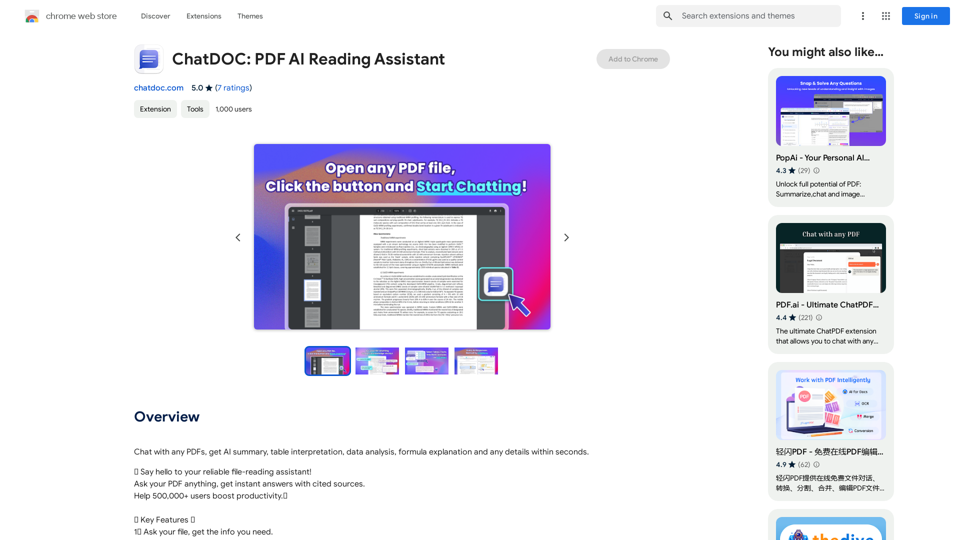
ChatDOC is a Chrome extension that leverages AI technology to provide instant, accurate, and context-aware answers to questions about PDFs, documents, and online sources. It allows users to ask natural language questions and receive precise responses without manually searching through content. This tool simplifies document interaction, making information retrieval quick and efficient.
ChatDOC: PDF AI Reading Assistant
Chat with any PDFs, get an AI-generated summary, table interpretation, data analysis, formula explanation, and any details within seconds.
Introduction
Feature
Ask Your File, Get Instant Answers
ChatDOC enables users to ask questions about their documents in natural language and receive accurate, context-aware responses instantly.
AI-Powered Text, Table, and Formula Analysis
Users can select specific texts, tables, or formulas within documents for AI analysis, providing deeper insights into the content.
Interactive Follow-up Questions
The extension supports follow-up questions, allowing users to delve deeper into topics until they are satisfied with the information received.
Accuracy Verification with Footnotes
ChatDOC provides footnotes that users can click to trace and verify the accuracy of the information provided.
GPT-4 Integration for Enhanced Responses
Users have the option to switch to GPT-4 for more advanced and comprehensive responses to their queries.
Multi-Format Support
ChatDOC is not limited to PDFs; it supports various file formats including DOC, DOCX, SCAN, WEBSITE, EPUB, MD, and TXT files.
Direct arXiv Integration
Users can chat with multiple documents and articles directly from arXiv, enhancing research capabilities.
FAQ
How do I start using ChatDOC?
To begin using ChatDOC:
- Click the "Add to Chrome" button and pin it to the toolbar
- Log in to your account
- Open your PDF or supported file
- Click the ChatDOC button and start chatting
Is ChatDOC free to use?
ChatDOC is a free Chrome extension that can be used without any subscription or payment. However, additional features may be available through their homepage.
What file types does ChatDOC support?
ChatDOC supports various file formats including:
- DOC
- DOCX
- SCAN
- WEBSITE
- EPUB
- MD
- TXT
How can I ensure ChatDOC works with my PDF files?
Make sure to enable the "Allow access to file URLs" setting in the Chrome extension settings for ChatDOC to function properly with PDF files.
How can I get more features or contact support?
To explore more features, visit the ChatDOC homepage. For support, you can contact them at [email protected].
Related Websites
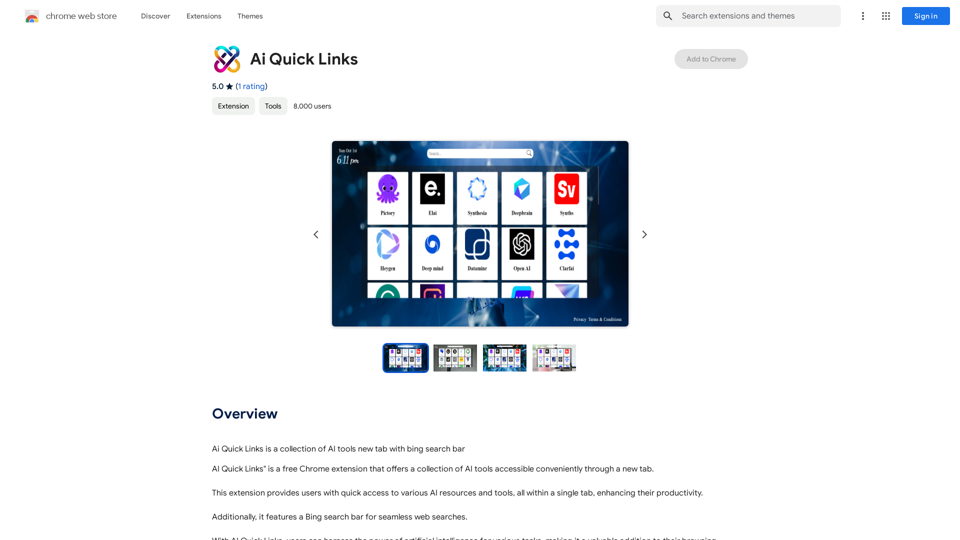
Ai Quick Links is a collection of AI tools for your new tab page, which also includes a Bing search bar.
193.90 M
Access ChatGPT from the Chrome toolbar and get transcripts and summaries of YouTube videos. Powered by ChatGPT & Claude.
193.90 M
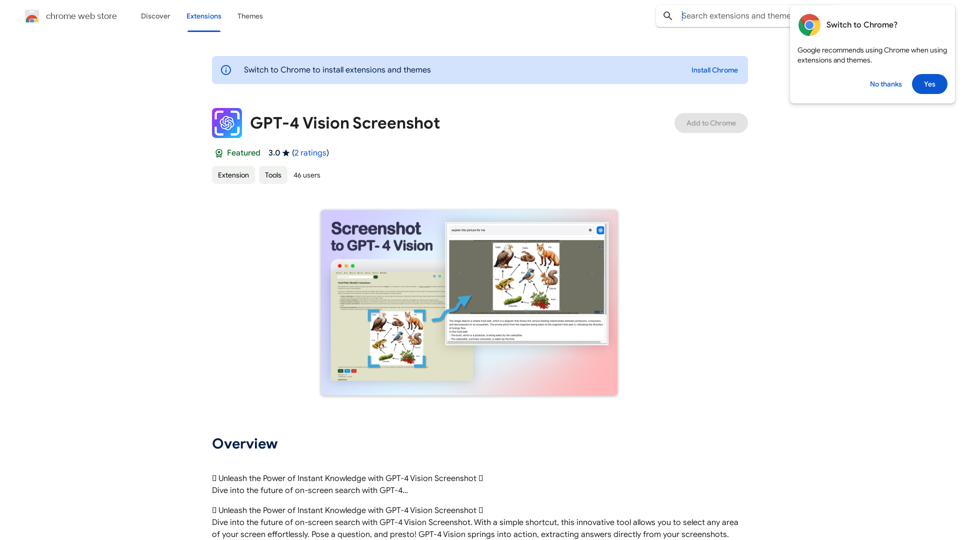
✨ Unleash the Power of Instant Knowledge with GPT-4 Vision Screenshot ✨ Dive into the future of on-screen search with GPT-4...
193.90 M
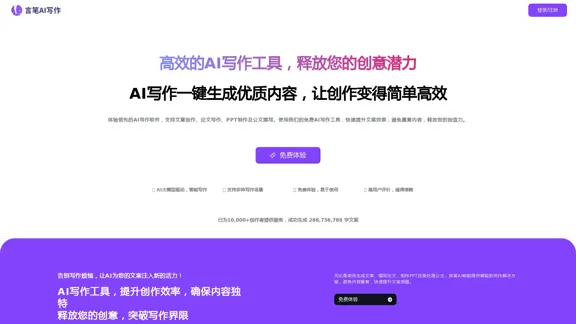
AI Writing Tool - YanbiAI | yanbiai.com | Generate Quality Copy with One Click
AI Writing Tool - YanbiAI | yanbiai.com | Generate Quality Copy with One ClickYanBi AI (yanbiai.com) is a leading AI writing tool that provides intelligent article creation, continuation, rewriting, and polishing services. Use our AI writing software to quickly generate high-quality content, including papers, presentations, official documents, and more, unleashing your creative potential.
13.43 K
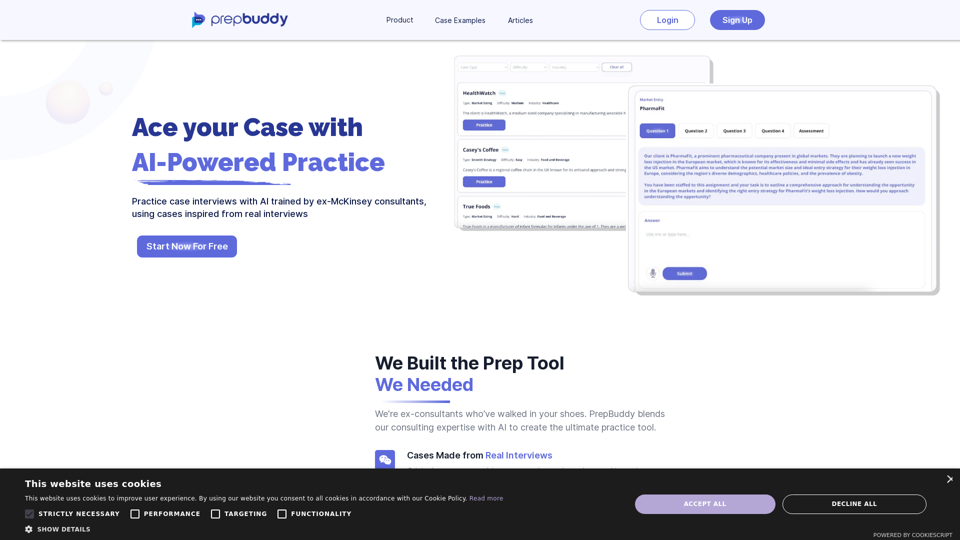
PrepBuddy offers AI-powered practice for consulting case interviews. Learn with materials from former McKinsey consultants and get instant feedback. Start your free trial today!
2.63 K
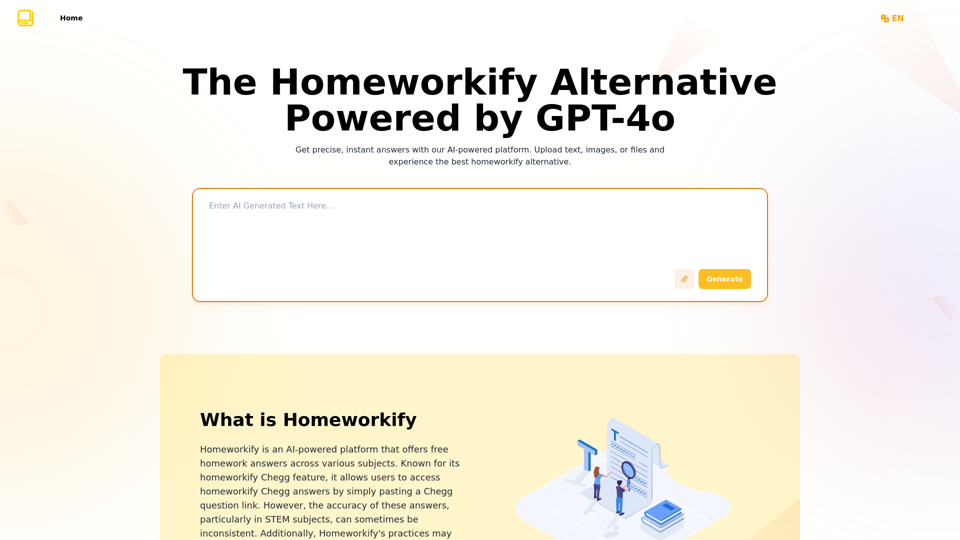
Homeworkify.im: The GPT-4o Powered Homeworkify Alternative
Homeworkify.im: The GPT-4o Powered Homeworkify AlternativeDiscover Homeworkify.im, the top homeworkify alternative offering free online AI-powered solutions. Upload text, images, or files for accurate and instant homework help across all subjects.
10.90 K