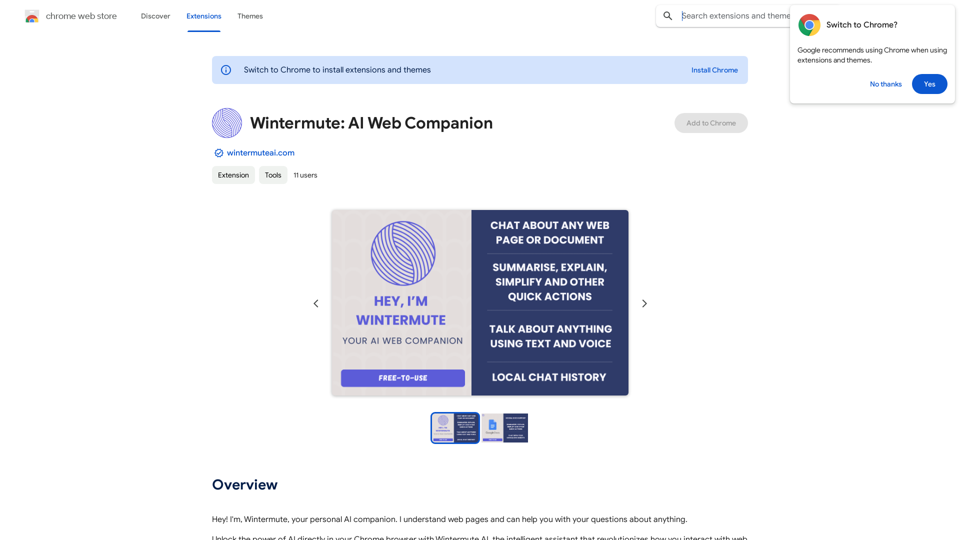
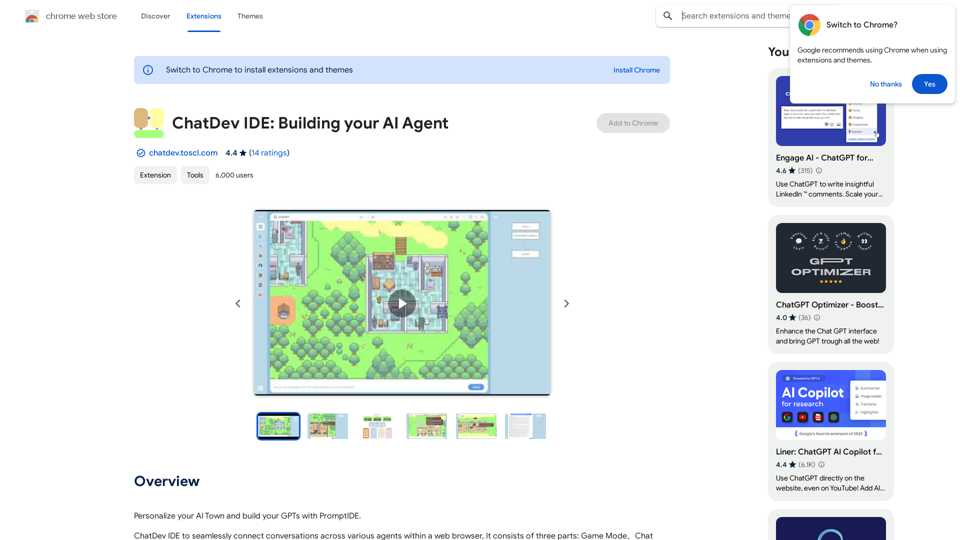
ChatDev IDE is an innovative AI-driven platform designed for users to create AI agents and customize their AI Town. This comprehensive tool comprises three main components: Game Mode, Chat Mode, and Prompt IDE. Users can tailor NPCs, location prompts, and construct their own GPTs using a visual prompt editor, making AI development more accessible and intuitive.
ChatDev IDE: Building Your AI Agent
Personalize your AI Town and build your GPTs with PromptIDE.
Introduction
Feature
Personalize AI Town
ChatDev IDE empowers users to create a unique AI Town experience:
- Customize NPCs and location prompts
- Build personalized GPTs using the visual prompt editor
- Create immersive AI environments tailored to user preferences
Extensive GPT Support
The platform offers compatibility with a wide range of GPT models:
- ChatGPT
- Bing Chat
- Google Bard
- Claude
- QianWen
- iFlytek Spark
- 10+ open-source models
PromptIDE
PromptIDE is a powerful tool for efficient prompt engineering:
- Automatic completion
- Dual-screen display
- Visualize prompt flow
- JavaScript support
- Accelerates the prompt creation process
User-Friendly Interface
ChatDev IDE prioritizes ease of use:
- Simple extension installation
- Intuitive controls for building AI agents
- Streamlined process for personalizing AI Town
Free to Use
ChatDev IDE offers accessibility without financial barriers:
- No cost for usage
- No tokens required for default Webapp Mode
- Encourages widespread adoption and experimentation
FAQ
What is ChatDev IDE?
ChatDev IDE is an AI-driven platform that enables users to build their AI agents and personalize their AI Town. It consists of three main components: Game Mode, Chat Mode, and Prompt IDE.
What are the main features of ChatDev IDE?
The main features of ChatDev IDE include:
- Personalization of AI Town
- Support for various GPT models
- PromptIDE for efficient prompt engineering
- User-friendly interface
- Free to use
How do I use ChatDev IDE?
To use ChatDev IDE:
- Install the extension
- Start building your AI agents
- Personalize your AI Town using the provided tools and features
Is ChatDev IDE free?
Yes, ChatDev IDE is free to use. There are no tokens required for the default Webapp Mode, making it accessible to all users.
Related Websites
Earn more with OpenInfoSeller. Find SPP for your products and maximize your profits with the OiSeller extension...
193.90 M
Free AI Face Swapper supports single photo face swaps, multiple photo face swaps, and video face swaps!
193.90 M
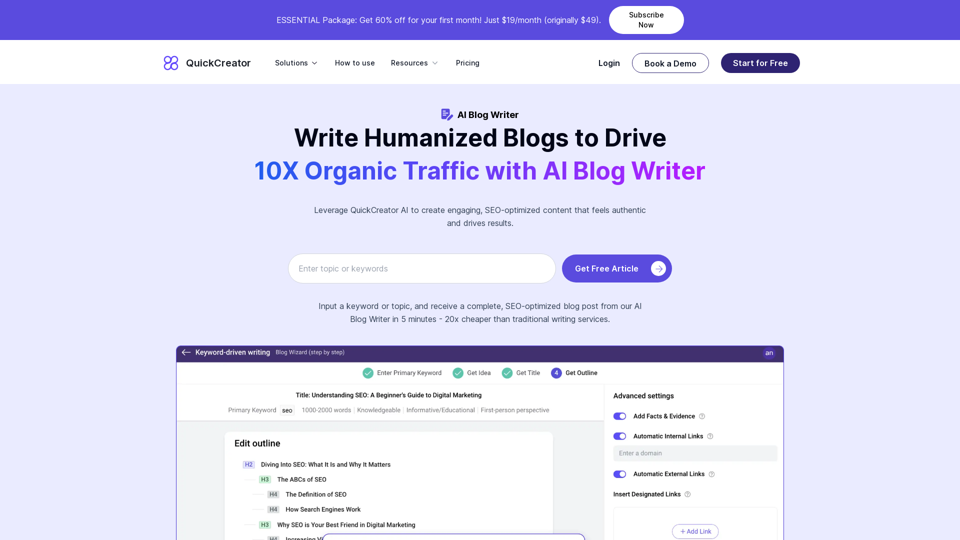
AI Blog Writer - Create Humanized, SEO-Optimized Blogs | QuickCreator
AI Blog Writer - Create Humanized, SEO-Optimized Blogs | QuickCreatorElevate your content with AI Blog Writer by QuickCreator. Generate engaging, human-like blog posts using real-time data and verified citations. Try it for Free.
97.34 K
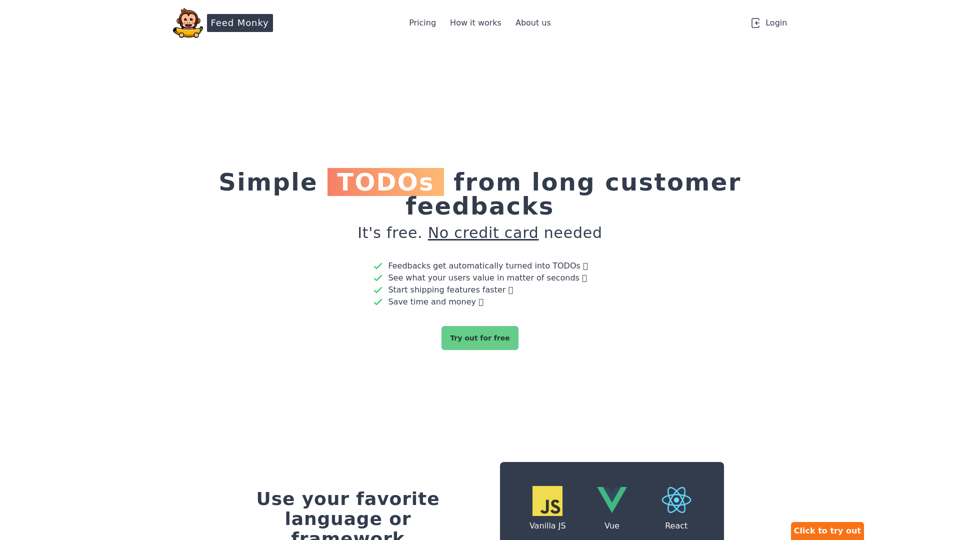
Simple TODOs from Customer Feedback - Improve search functionality: Customers are having trouble finding specific products. - Add more product filters: Allow users to narrow down search results by category, price, etc. - Implement a wishlist feature: Let customers save items they are interested in for later. - Enhance mobile responsiveness: The website is not displaying correctly on all mobile devices. - Provide clearer product descriptions: Some descriptions are too vague or lack important details. - Offer more payment options: Expand the list of accepted payment methods. - Simplify the checkout process: Reduce the number of steps required to complete a purchase. - Improve customer support: Make it easier for customers to contact support and get timely responses.
Simple TODOs from Customer Feedback - Improve search functionality: Customers are having trouble finding specific products. - Add more product filters: Allow users to narrow down search results by category, price, etc. - Implement a wishlist feature: Let customers save items they are interested in for later. - Enhance mobile responsiveness: The website is not displaying correctly on all mobile devices. - Provide clearer product descriptions: Some descriptions are too vague or lack important details. - Offer more payment options: Expand the list of accepted payment methods. - Simplify the checkout process: Reduce the number of steps required to complete a purchase. - Improve customer support: Make it easier for customers to contact support and get timely responses.FeedMonky.com creates simple to-do lists from lengthy customer reviews. It uses a state-of-the-art language model that has been specially trained.
0
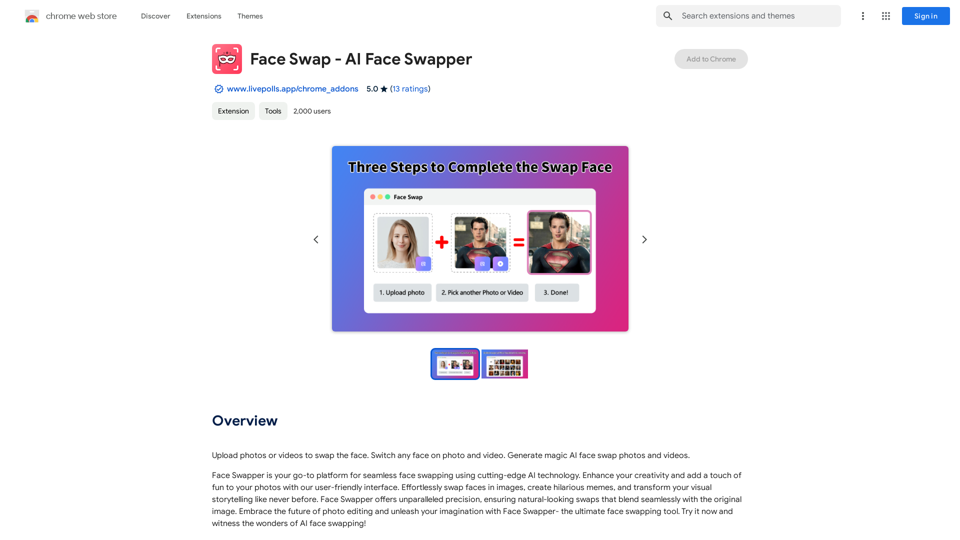
Upload photos or videos to swap the face. Switch any face on photo and video. Generate magic AI face swap photos and videos.
193.90 M
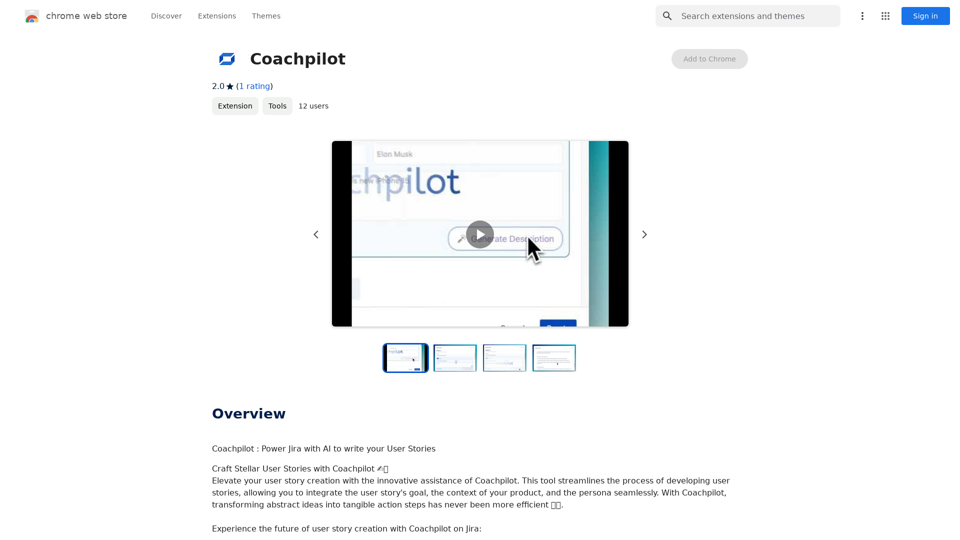
Coachpilot: Use AI to Write User Stories in Jira Coachpilot helps you write better user stories in Jira using the power of artificial intelligence.
193.90 M