Lingban AI Assistant is a versatile personal AI tool designed to enhance productivity and streamline workflows. It offers a range of features including real-time dialogue, smart translation, AI-powered search, reading assistance, and high-quality writing generation. This Chrome extension is suitable for students, professionals, and anyone seeking to improve their efficiency in various tasks.
Lingban AI Assistant - GPT Chat, Web Translation, Bilingual Comparison, Intelligent Writing, AI Full-Network Search, AI Article Reading, Real-Time Internet Connection
Lingban AI Assistant is your personal AI assistant on any webpage. It can help you translate various webpages, provide bilingual comparisons, offer creative inspiration, and answer your questions in chat conversations.

Introduction
Feature
🗨️ AI Dialogue
Engage in real-time conversations with the AI assistant on diverse topics, from mathematics and code correction to generating tables and answering everyday questions.
🔠 Smart Translation
Translate web pages, PDFs, and documents effortlessly. Access bilingual dictionaries and view translated text, making foreign language content easily accessible.
💡 AI Search
Obtain fast and accurate search results without advertisements, enabling quick access to desired information.
📚 AI Reading
Summarize web pages, PDFs, and documents efficiently. Generate high-quality summaries, ideal for students, researchers, and professionals.
✏️ AI High-Quality Writing
Create various types of high-quality content, including articles, reports, and marketing copy, making it an essential tool for regular writers.
FAQ
What are the main features of Lingban AI Assistant?
Lingban AI Assistant offers AI dialogue, smart translation, AI search, AI reading, and AI high-quality writing, making it an essential tool for streamlining workflows and improving productivity.
How do I use Lingban AI Assistant?
- Click the "Add to Chrome" button and pin it to your toolbar.
- Click the Lingban AI icon on the right side of the browser and log in to your account.
- Start using the AI Assistant to enhance your productivity and streamline your workflow.
Is my data safe with Lingban AI Assistant?
Yes, Lingban AI Assistant prioritizes data security. Your information is not sold to third parties, used for unrelated purposes, or utilized to determine creditworthiness or for lending purposes.
Related Websites
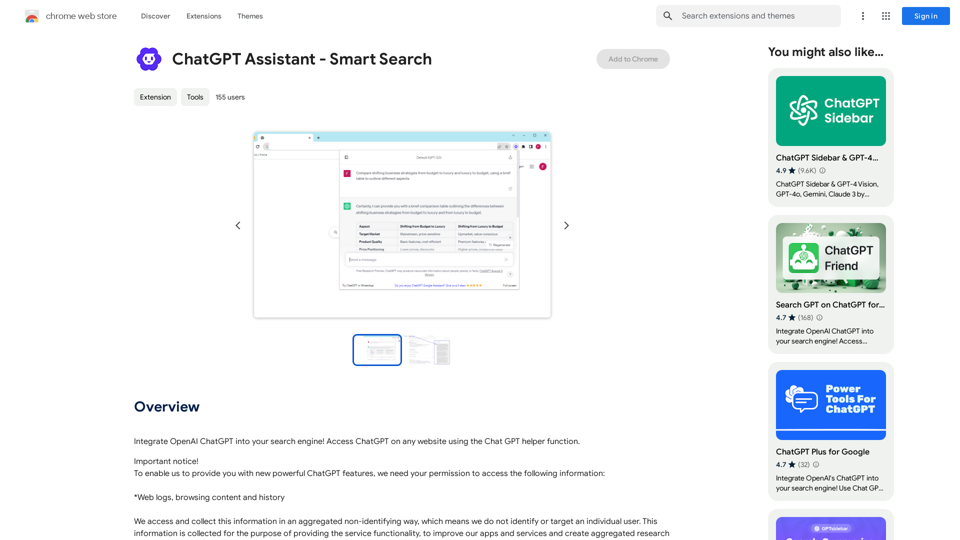
Add OpenAI ChatGPT to your search engine! Use the Chat GPT helper function to access ChatGPT on any website.
193.90 M
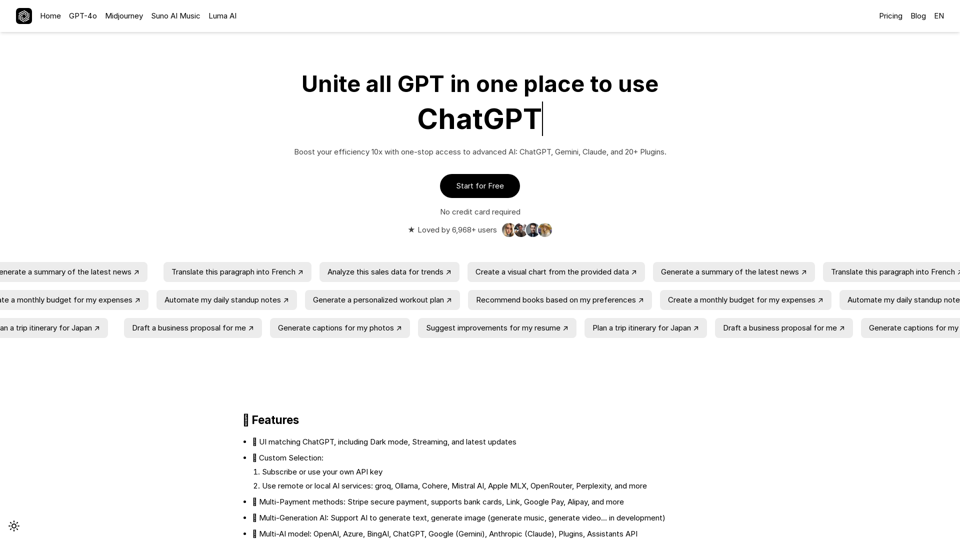
UniGPT UniGPT is a type of artificial intelligence (AI) model that combines the capabilities of both Unified and Generative models.
UniGPT UniGPT is a type of artificial intelligence (AI) model that combines the capabilities of both Unified and Generative models.UniGPT is a platform that unites all GPTs in one place, providing access to advanced AI technologies
0
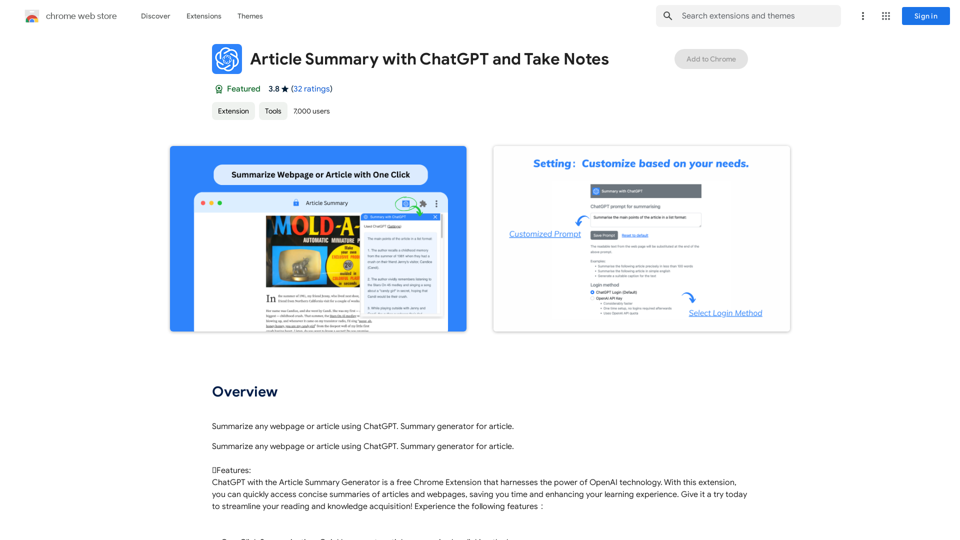
Article Summary with ChatGPT and Take Notes This is a guide on how to use ChatGPT to summarize articles and take notes effectively. Step 1: Provide ChatGPT with the Article Copy and paste the full text of the article into the ChatGPT interface. Step 2: Craft Your Prompt Tell ChatGPT what you want it to do. Here are some examples: * Summarize: "Please summarize this article in 200 words." * Key Points: "What are the main points of this article?" * Bullet Points: "Summarize the key findings of this article in bullet points." * Notes: "Take notes on this article, focusing on the author's arguments and supporting evidence." Step 3: Review and Refine ChatGPT will generate a summary, key points, bullet points, or notes based on your prompt. * Read carefully: Make sure the output accurately reflects the article's content. * Edit as needed: You can ask ChatGPT to rephrase sections or provide more detail. * Add your own insights: Don't just copy ChatGPT's output. Use it as a starting point and add your own thoughts, questions, and connections. Tips for Effective Use: * Be specific: The more specific your prompt, the better the output will be. * Experiment with different prompts: Try various phrasing to see what works best. * Use ChatGPT as a tool: It's a powerful aid, but it's not a replacement for critical reading and thinking.
Article Summary with ChatGPT and Take Notes This is a guide on how to use ChatGPT to summarize articles and take notes effectively. Step 1: Provide ChatGPT with the Article Copy and paste the full text of the article into the ChatGPT interface. Step 2: Craft Your Prompt Tell ChatGPT what you want it to do. Here are some examples: * Summarize: "Please summarize this article in 200 words." * Key Points: "What are the main points of this article?" * Bullet Points: "Summarize the key findings of this article in bullet points." * Notes: "Take notes on this article, focusing on the author's arguments and supporting evidence." Step 3: Review and Refine ChatGPT will generate a summary, key points, bullet points, or notes based on your prompt. * Read carefully: Make sure the output accurately reflects the article's content. * Edit as needed: You can ask ChatGPT to rephrase sections or provide more detail. * Add your own insights: Don't just copy ChatGPT's output. Use it as a starting point and add your own thoughts, questions, and connections. Tips for Effective Use: * Be specific: The more specific your prompt, the better the output will be. * Experiment with different prompts: Try various phrasing to see what works best. * Use ChatGPT as a tool: It's a powerful aid, but it's not a replacement for critical reading and thinking.I can do that! Please provide me with the URL of the webpage or article you'd like me to summarize. I'll do my best to create a concise and easy-to-understand summary for you.
193.90 M
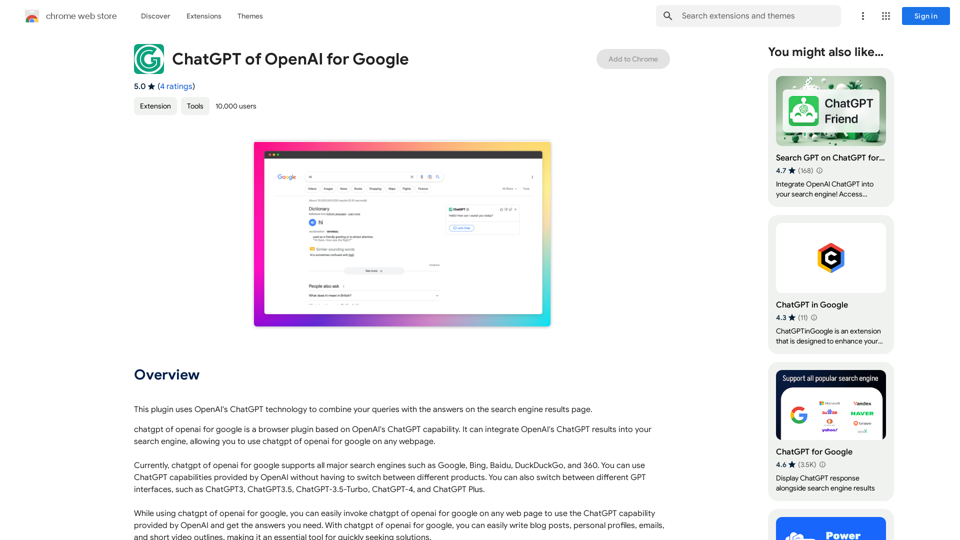
This plugin uses OpenAI's ChatGPT technology to combine your questions with the answers found on the search engine results page.
193.90 M
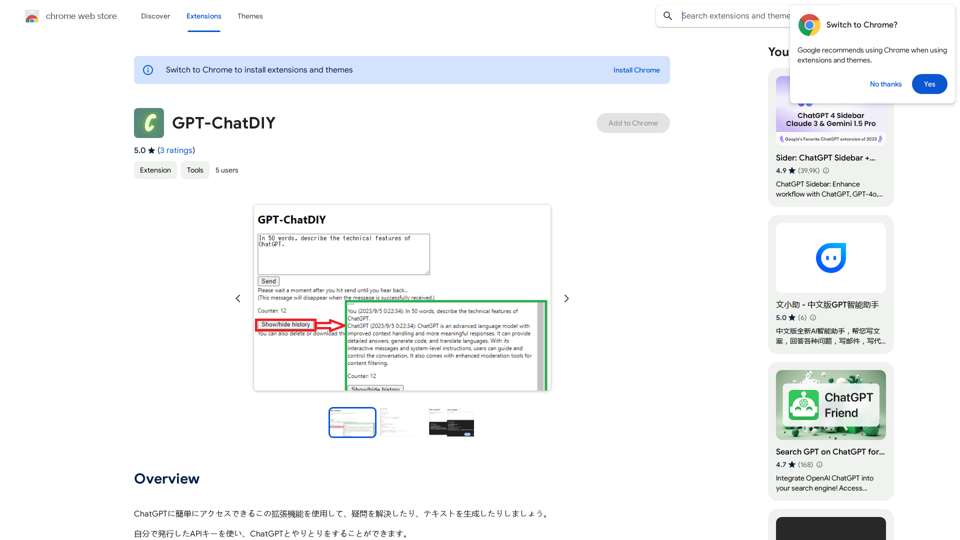
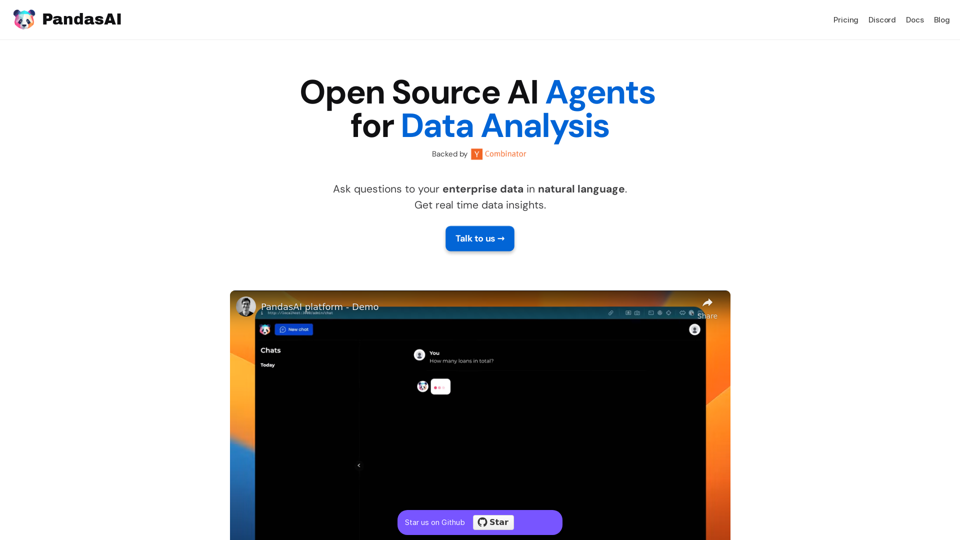
PandasAI is a Python library that integrates generative artificial intelligence capabilities into pandas, making dataframes conversational.
44.27 K
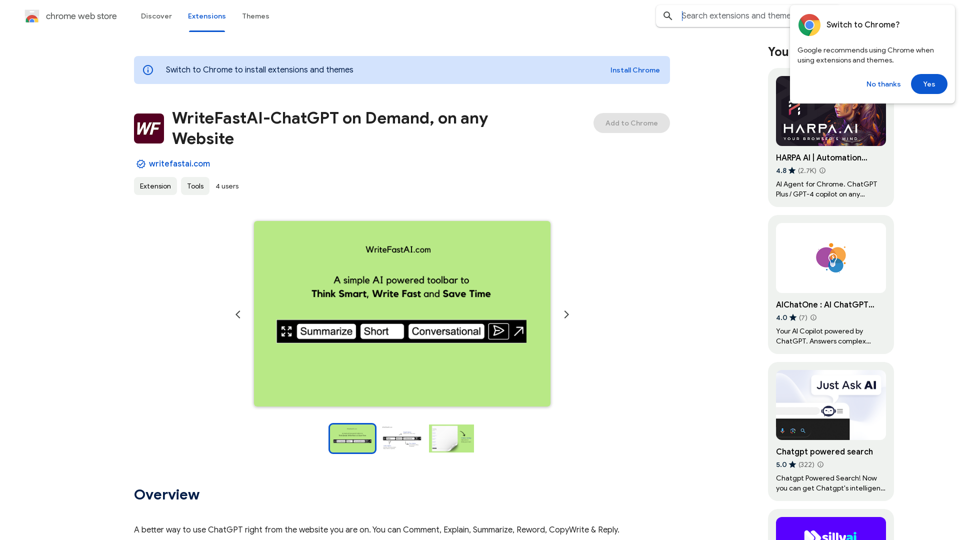
WriteFastAI-ChatGPT on Demand, on Any Website This is a powerful idea! Imagine being able to seamlessly integrate the capabilities of both FastAI and ChatGPT directly into any website. Here's a breakdown of what this could mean: * On-Demand AI Assistance: Users could access powerful AI tools like text generation, summarization, question answering, and more, right from the website they're already using. * Personalized Experiences: Websites could leverage AI to tailor content and interactions to individual user preferences, creating a more engaging and relevant experience. * Increased Efficiency: Businesses could automate tasks, generate reports, and analyze data faster and more accurately with the help of AI. Making it a Reality: This vision requires a combination of: * API Integration: FastAI and ChatGPT both offer APIs that allow developers to integrate their functionalities into applications. * Web Development Expertise: Developers would need to build the necessary infrastructure to connect the APIs to the website and handle user interactions. * Data Management: Websites would need to manage and secure the data used by the AI models. Potential Applications: The possibilities are endless! Here are just a few examples: * E-commerce: AI-powered chatbots could provide personalized product recommendations and customer support. * Education: Websites could offer interactive learning experiences with AI-powered tutors and personalized feedback. * News and Media: AI could be used to generate summaries of articles, create personalized news feeds, and even write original content. Let me know if you'd like to explore any of these applications in more detail!
WriteFastAI-ChatGPT on Demand, on Any Website This is a powerful idea! Imagine being able to seamlessly integrate the capabilities of both FastAI and ChatGPT directly into any website. Here's a breakdown of what this could mean: * On-Demand AI Assistance: Users could access powerful AI tools like text generation, summarization, question answering, and more, right from the website they're already using. * Personalized Experiences: Websites could leverage AI to tailor content and interactions to individual user preferences, creating a more engaging and relevant experience. * Increased Efficiency: Businesses could automate tasks, generate reports, and analyze data faster and more accurately with the help of AI. Making it a Reality: This vision requires a combination of: * API Integration: FastAI and ChatGPT both offer APIs that allow developers to integrate their functionalities into applications. * Web Development Expertise: Developers would need to build the necessary infrastructure to connect the APIs to the website and handle user interactions. * Data Management: Websites would need to manage and secure the data used by the AI models. Potential Applications: The possibilities are endless! Here are just a few examples: * E-commerce: AI-powered chatbots could provide personalized product recommendations and customer support. * Education: Websites could offer interactive learning experiences with AI-powered tutors and personalized feedback. * News and Media: AI could be used to generate summaries of articles, create personalized news feeds, and even write original content. Let me know if you'd like to explore any of these applications in more detail!A better way to use ChatGPT right from the website you are on. You can comment, explain, summarize, reword, copywrite, and reply.
193.90 M