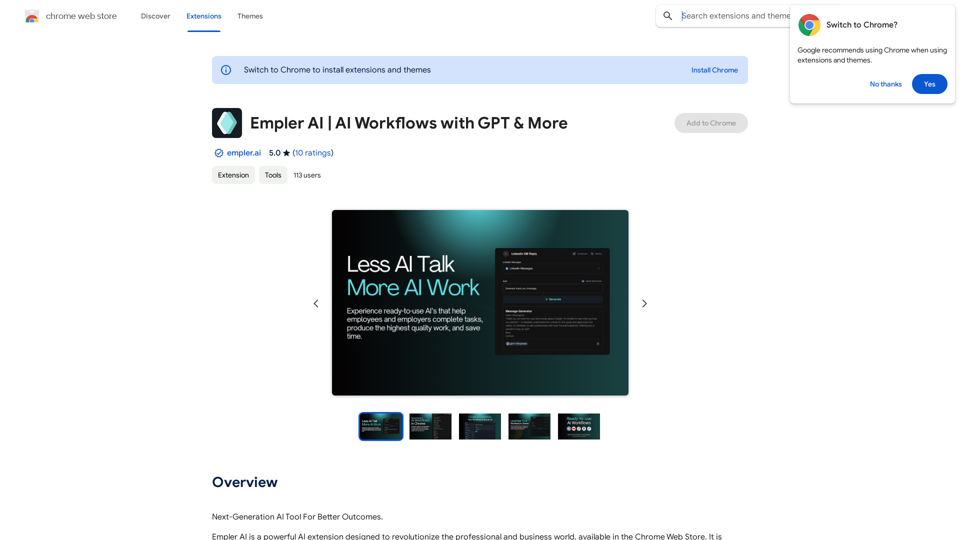
Empler AI is a powerful Chrome extension designed to revolutionize professional and business workflows. It offers a user-friendly interface with various AI-powered features, including ready-to-use templates for multiple platforms, customizable workflows, and content generation capabilities. Empler AI aims to increase productivity, save time, and strengthen user engagement across various online platforms.
Empler AI | AI Workflows with GPT & More
Next-Generation AI Tool For Better Outcomes.
Introduction
Feature
AI-Powered Content Generation
Empler AI utilizes advanced AI models like GPT, Claude, and Mixtral to create high-quality content quickly and efficiently for various purposes.
Multi-Platform Compatibility
The extension provides ready-made templates for LinkedIn and other platforms, allowing users to automate workflows across different online environments.
Customizable Workflows
Users can create and customize their own workflows through the Empler AI website, which are automatically added to the Chrome plugin.
Ready-to-Use Templates
Empler AI offers a wide range of pre-made templates for various tasks, including:
- Web-based tools: Rewriter, Summarizer, Explainer, Translator, Grammar Checker, Paragraph Merger, Text Shortener, and Sentence Expander
- LinkedIn-specific templates: For posts, articles, profiles, and messages
User-Friendly Interface
The extension provides an intuitive experience suitable for users of all skill levels.
Flexible AI Models
Users can choose from multiple AI models, including GPT and Mixtral AI, to suit their specific needs.
Workflow Sharing
Created workflows can be shared with other users, promoting collaboration and efficiency.
Scheduled Automation
Workflows can be set to run instantly or on a time-based schedule, allowing for regular background operations.
FAQ
How do I use Empler AI?
- Install the extension from the Chrome Web Store
- Navigate to the desired platform (e.g., LinkedIn)
- Input information into form fields or use the Goal field
- Click the Generate button to receive AI-generated responses
What are the privacy and security measures of Empler AI?
Empler AI prioritizes user privacy by:
- Not sharing data with third parties
- Avoiding advertisements
- Providing a detailed privacy policy on their website
How can I create custom workflows?
Custom workflows can be created at https://empler.ai, featuring:
- Customizable form fields
- Various workflow elements (AI models, web scrapers)
- Over 50 ready-to-use prompts
- The ability to chain multiple AI tasks
What are the benefits of using Empler AI?
- Time savings through automated content creation and engagement
- Increased productivity via workflow automation
- Enhanced network expansion and brand strengthening
How can I get support for Empler AI?
For support, users can contact the Empler AI team at [email protected].
Related Websites
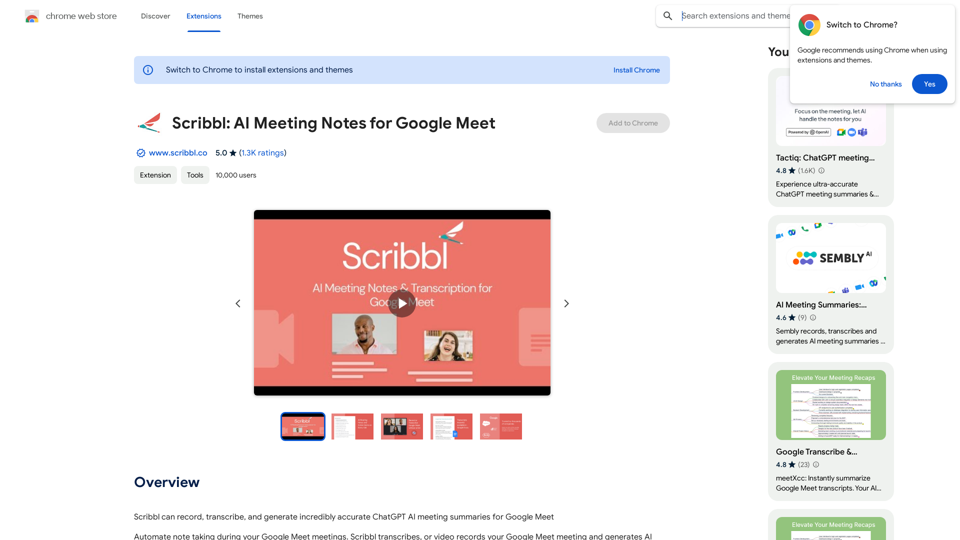
Scribbl can record, transcribe, and generate extremely accurate ChatGPT AI meeting summaries for Google Meet.
193.90 M
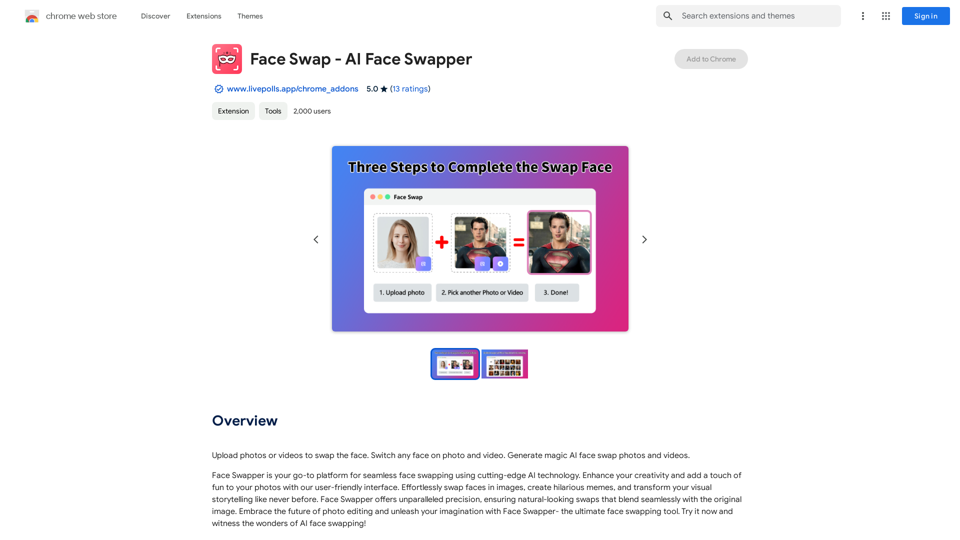
Upload photos or videos to swap the face. Switch any face on photo and video. Generate magic AI face swap photos and videos.
193.90 M
BrainyAI - Browser AI Sidekick for Chat, Search, Read, and Summarize
BrainyAI - Browser AI Sidekick for Chat, Search, Read, and SummarizeEnjoy seamless AI chat, search, summarization, and browsing with the best AI models. All from your browser sidebar! No more page-hopping!
193.90 M
The Empress Tarot Card: Symbolism, Interpretations, and Significance The Empress is the third card in the Major Arcana of the tarot deck. This powerful and nurturing figure represents feminine energy, abundance, creativity, and fertility. Here's a comprehensive look at the Empress card: Symbolism: 1. The Empress herself: A regal woman seated on a throne, often depicted as pregnant or holding a scepter. 2. Crown: Usually adorned with 12 stars, representing the zodiac and her connection to the celestial realm. 3. Venus symbol: Often visible on her shield or clothing, emphasizing love and beauty. 4. Lush surroundings: Abundant nature, trees, and flowing water symbolize fertility and growth. 5. Wheat or grain: Represents the harvest and abundance. 6. Cushions and comfort: Signify luxury, comfort, and nurturing. Interpretations: Upright: 1. Fertility and creation 2. Nurturing and motherhood 3. Abundance and prosperity 4. Beauty and sensuality 5. Connection with nature 6. Creativity and artistic expression 7. Feminine power and energy Reversed: 1. Creative block or stagnation 2. Neglect of self-care or others 3. Codependency or overprotectiveness 4. Lack of growth or progress 5. Infertility or reproductive issues 6. Materialism or vanity 7. Disconnection from nature or intuition Significance in Tarot Readings: 1. Personal Growth: The Empress encourages embracing one's nurturing side and creative potential. 2. Relationships: Indicates a time of love, care, and emotional fulfillment in partnerships. 3. Career: Suggests a period of growth, abundance, and creative breakthroughs in professional endeavors. 4. Health: Often associated with pregnancy, fertility, and overall well-being. 5. Spirituality: Represents a connection to the divine feminine and the nurturing aspects of the universe. 6. Finances: Indicates a time of material abundance and prosperity. 7. Decision Making: Encourages trusting intuition and embracing a nurturing approach to problem-solving. The Empress in Combinations: - With The Emperor: Balance of masculine and feminine energies, strong partnerships. - With The High Priestess: Powerful feminine wisdom and intuition. - With The Star: Hope, inspiration, and creative renewal. - With Pentacle cards: Material abundance and financial growth. The Empress is a card of creation, nurturing, and abundance. When it appears in a reading, it often signals a time of growth, fertility (literal or metaphorical), and the blossoming of creative or nurturing energies. It reminds the querent to connect with their feminine side, regardless of gender, and to embrace the abundance that surrounds them.
0
Gemini AI for Google Gemini AI is an innovative artificial intelligence (AI) model designed to revolutionize the way Google interacts with its users. This cutting-edge technology is capable of understanding and responding to natural language inputs, making it an ideal solution for enhancing user experience on Google's platforms. Key Features: * Conversational Interface: Gemini AI enables users to interact with Google using conversational language, making it easier to find information and perform tasks. * Contextual Understanding: The AI model can understand the context of a user's query, providing more accurate and relevant results. * Personalized Experience: Gemini AI can learn a user's preferences and tailor the search results and recommendations to their individual needs. * Multitasking Capability: The AI model can handle multiple tasks simultaneously, allowing users to perform complex queries and tasks with ease. Benefits: * Enhanced User Experience: Gemini AI provides a more intuitive and user-friendly experience, making it easier for users to find what they're looking for on Google. * Improved Accuracy: The AI model's ability to understand context and nuances of language reduces the likelihood of irrelevant search results. * Increased Productivity: Gemini AI's multitasking capability and personalized experience enable users to accomplish more in less time. Potential Applications: * Google Assistant: Gemini AI can be integrated into Google Assistant, enabling users to have more natural and conversational interactions with the virtual assistant. * Google Search: The AI model can be used to improve the search engine's ability to understand complex queries and provide more accurate results. * Google Workspace: Gemini AI can be applied to Google Workspace (formerly G Suite) to enhance the productivity and collaboration capabilities of the platform.
Gemini AI for Google Gemini AI is an innovative artificial intelligence (AI) model designed to revolutionize the way Google interacts with its users. This cutting-edge technology is capable of understanding and responding to natural language inputs, making it an ideal solution for enhancing user experience on Google's platforms. Key Features: * Conversational Interface: Gemini AI enables users to interact with Google using conversational language, making it easier to find information and perform tasks. * Contextual Understanding: The AI model can understand the context of a user's query, providing more accurate and relevant results. * Personalized Experience: Gemini AI can learn a user's preferences and tailor the search results and recommendations to their individual needs. * Multitasking Capability: The AI model can handle multiple tasks simultaneously, allowing users to perform complex queries and tasks with ease. Benefits: * Enhanced User Experience: Gemini AI provides a more intuitive and user-friendly experience, making it easier for users to find what they're looking for on Google. * Improved Accuracy: The AI model's ability to understand context and nuances of language reduces the likelihood of irrelevant search results. * Increased Productivity: Gemini AI's multitasking capability and personalized experience enable users to accomplish more in less time. Potential Applications: * Google Assistant: Gemini AI can be integrated into Google Assistant, enabling users to have more natural and conversational interactions with the virtual assistant. * Google Search: The AI model can be used to improve the search engine's ability to understand complex queries and provide more accurate results. * Google Workspace: Gemini AI can be applied to Google Workspace (formerly G Suite) to enhance the productivity and collaboration capabilities of the platform.🗨️ Revolutionize Your Online Searches with Gemini AI for Google – Get Smart Answers Right Beside Google Results!
193.90 M
IntegraBot - Advanced Agents with AI and Automations
IntegraBot - Advanced Agents with AI and AutomationsCreate an AI chatbot from your knowledge base and add it to your website or interact with it through our API.
357