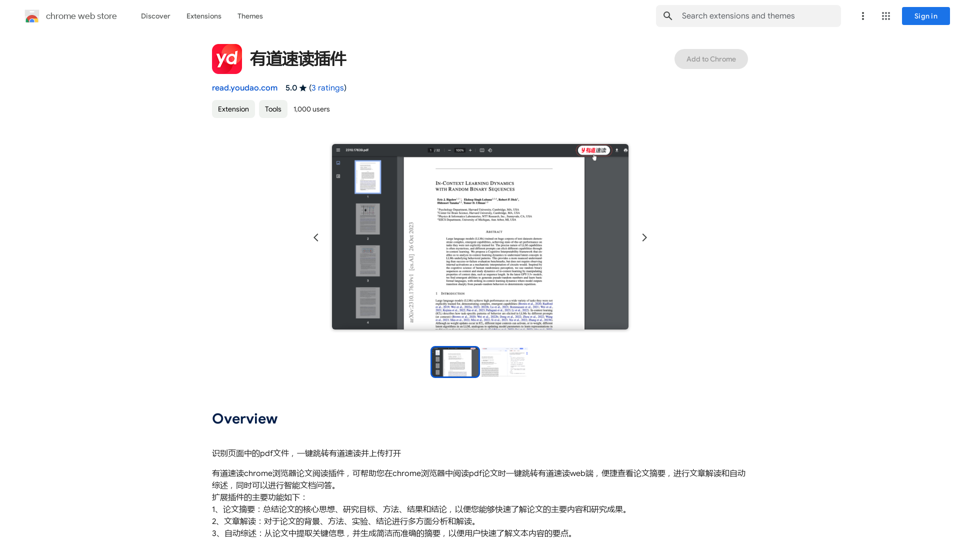
Youdao Read is an AI-powered browser extension designed to enhance reading experiences for PDF files and web pages. It utilizes advanced AI technology to recognize and extract text, making complex documents more accessible and easier to understand. This tool offers features like PDF recognition, web page reading, AI-powered translation, and text summarization, catering to various reading and comprehension needs.
Youdao Speed Reading Plugin
Recognize PDF files on the page, one-click jump to Youdao Speed Reading and upload to open.
Introduction
Feature
PDF Recognition
Youdao Read can extract and recognize text from PDF files, simplifying the process of reading complex documents.
Web Page Reading
The extension offers web page reading capabilities, allowing users to quickly grasp the main points of online articles or documents.
AI-powered Translation
Users can translate text between languages using Youdao Read's AI-powered translation feature.
Summarization
Long documents and articles can be summarized, enabling users to quickly understand key points.
Easy Installation and Use
- Install from Chrome Web Store
- Open PDF or web page in browser
- Click extension icon
- Select preferred reading mode
- Start reading with automatic text recognition
Free to Use
Youdao Read is available as a free browser extension with no subscription fees or charges.
FAQ
How do I install the Youdao Read extension?
You can install the Youdao Read extension from the Chrome Web Store.
How do I use the Youdao Read extension?
To use Youdao Read, open a PDF file or web page in your browser, click the extension icon, and select your preferred reading mode.
Is the Youdao Read extension free?
Yes, the Youdao Read extension is completely free to use, with no subscription fees or charges.
Related Websites
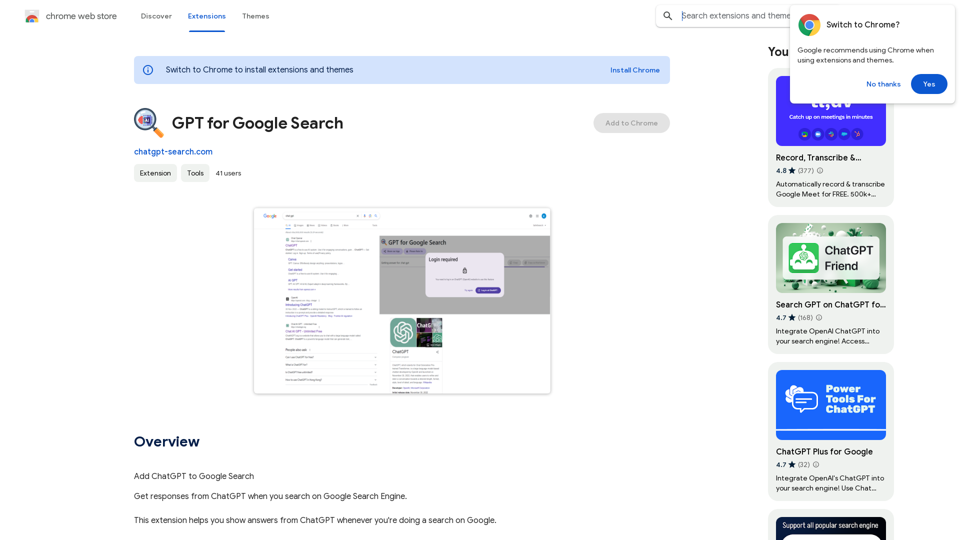
GPT for Google Search * What is GPT? GPT stands for Generative Pre-trained Transformer. It's a type of artificial intelligence (AI) that can understand and generate human-like text. * How could GPT improve Google Search? GPT could help Google Search in several ways: * Better understanding of natural language: GPT is trained on massive amounts of text data, allowing it to understand complex and nuanced search queries. * More conversational search experience: GPT could enable users to interact with Google Search in a more natural, conversational way. * Summarizing search results: GPT could condense large amounts of information from search results into concise summaries. * Generating different creative text formats: GPT could help users find information in new and interesting ways, such as generating poems, code, scripts, musical pieces, email, letters, etc., based on their search queries. * Challenges and Considerations: While GPT offers exciting possibilities, there are also challenges to consider: * Accuracy and bias: GPT models can sometimes generate inaccurate or biased information. It's crucial to ensure that GPT-powered search results are reliable and unbiased. * Transparency and explainability: It can be difficult to understand how GPT arrives at its results. Making GPT's decision-making process more transparent is important for building trust. * Ethical implications: The use of GPT in search raises ethical questions about the potential for misuse, such as generating harmful content or manipulating search results.
GPT for Google Search * What is GPT? GPT stands for Generative Pre-trained Transformer. It's a type of artificial intelligence (AI) that can understand and generate human-like text. * How could GPT improve Google Search? GPT could help Google Search in several ways: * Better understanding of natural language: GPT is trained on massive amounts of text data, allowing it to understand complex and nuanced search queries. * More conversational search experience: GPT could enable users to interact with Google Search in a more natural, conversational way. * Summarizing search results: GPT could condense large amounts of information from search results into concise summaries. * Generating different creative text formats: GPT could help users find information in new and interesting ways, such as generating poems, code, scripts, musical pieces, email, letters, etc., based on their search queries. * Challenges and Considerations: While GPT offers exciting possibilities, there are also challenges to consider: * Accuracy and bias: GPT models can sometimes generate inaccurate or biased information. It's crucial to ensure that GPT-powered search results are reliable and unbiased. * Transparency and explainability: It can be difficult to understand how GPT arrives at its results. Making GPT's decision-making process more transparent is important for building trust. * Ethical implications: The use of GPT in search raises ethical questions about the potential for misuse, such as generating harmful content or manipulating search results.Add ChatGPT to Google Search This is a popular idea! Many people think it would be amazing to have the power of ChatGPT directly integrated into Google Search. Imagine being able to ask Google a complex question and getting a clear, concise, and human-like response generated by ChatGPT. It could revolutionize how we search for information and interact with the web.
193.90 M
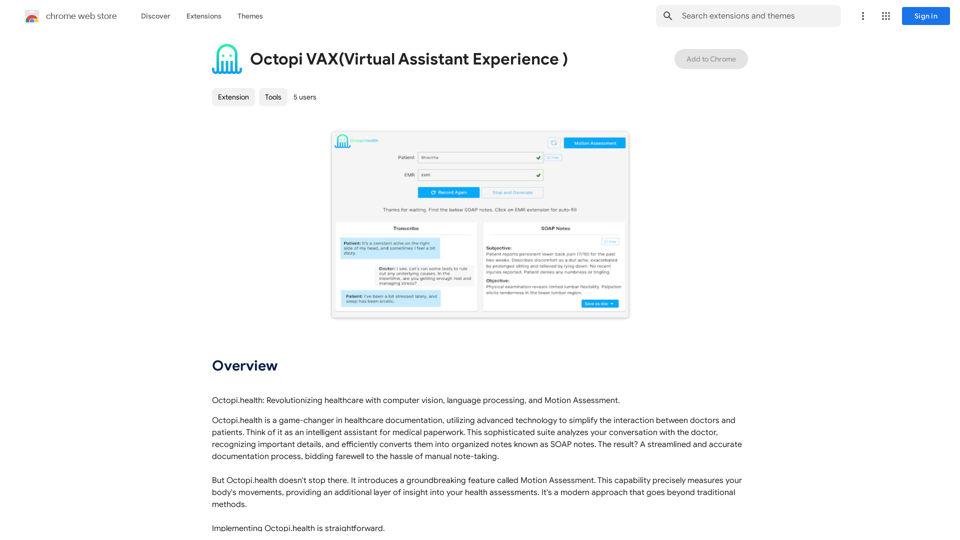
Octopi.health: Revolutionizing healthcare with computer vision, language processing, and Motion Assessment.
193.90 M
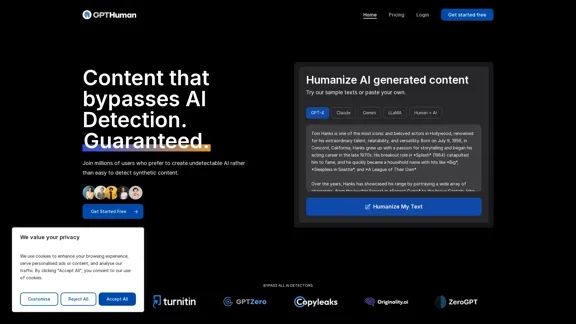
Humanize AI. Create AI Content That Can't Be Detected.
Humanize AI. Create AI Content That Can't Be Detected.The leading AI humanizer that converts machine-generated text into genuine, human-like content. It bypasses all AI detectors, guaranteed.
135.99 K
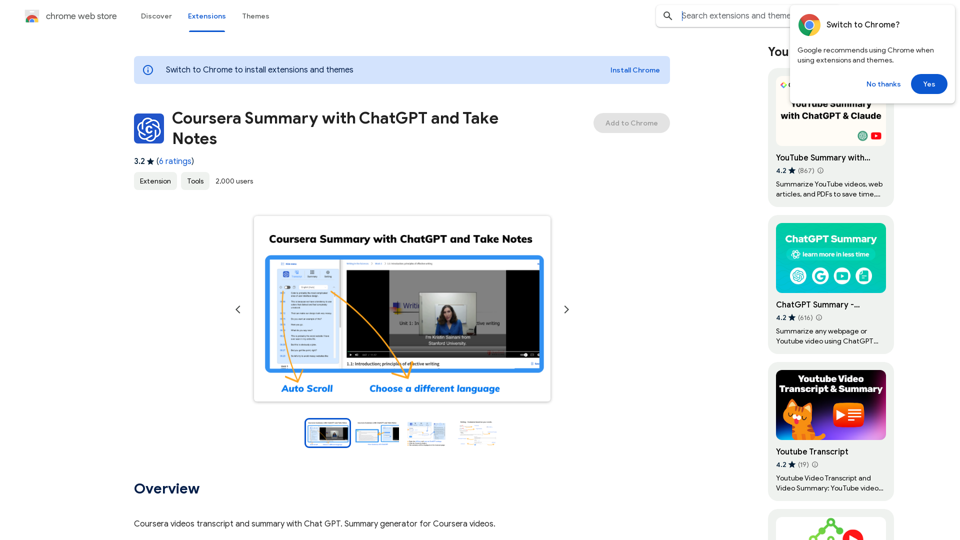
Coursera Summary with ChatGPT and Take Notes ===================================================== What is Coursera? Coursera is an online learning platform that partners with top universities and organizations to offer courses and degree programs in a wide range of fields. What is ChatGPT? ChatGPT is a conversational AI tool that can understand and respond to human input in a human-like way. It can be used to generate text, answer questions, and even create content. How to Use ChatGPT for Coursera Summary? You can use ChatGPT to summarize Coursera courses by: * Providing the course material or lecture notes to ChatGPT * Asking ChatGPT to summarize the key points or main ideas * Reviewing and editing the summary generated by ChatGPT Benefits of Using ChatGPT for Coursera Summary Using ChatGPT for Coursera summary can help you: * Save time by automating the summarization process * Improve understanding and retention of course material * Focus on key concepts and ideas * Enhance learning experience How to Take Notes with ChatGPT? You can use ChatGPT to take notes by: * Providing the course material or lecture notes to ChatGPT * Asking ChatGPT to generate notes or key points * Reviewing and editing the notes generated by ChatGPT * Organizing and structuring the notes for easy reference Benefits of Using ChatGPT for Taking Notes Using ChatGPT for taking notes can help you: * Save time by automating the note-taking process * Improve organization and structure of notes * Enhance understanding and retention of course material * Focus on key concepts and ideas
Coursera Summary with ChatGPT and Take Notes ===================================================== What is Coursera? Coursera is an online learning platform that partners with top universities and organizations to offer courses and degree programs in a wide range of fields. What is ChatGPT? ChatGPT is a conversational AI tool that can understand and respond to human input in a human-like way. It can be used to generate text, answer questions, and even create content. How to Use ChatGPT for Coursera Summary? You can use ChatGPT to summarize Coursera courses by: * Providing the course material or lecture notes to ChatGPT * Asking ChatGPT to summarize the key points or main ideas * Reviewing and editing the summary generated by ChatGPT Benefits of Using ChatGPT for Coursera Summary Using ChatGPT for Coursera summary can help you: * Save time by automating the summarization process * Improve understanding and retention of course material * Focus on key concepts and ideas * Enhance learning experience How to Take Notes with ChatGPT? You can use ChatGPT to take notes by: * Providing the course material or lecture notes to ChatGPT * Asking ChatGPT to generate notes or key points * Reviewing and editing the notes generated by ChatGPT * Organizing and structuring the notes for easy reference Benefits of Using ChatGPT for Taking Notes Using ChatGPT for taking notes can help you: * Save time by automating the note-taking process * Improve organization and structure of notes * Enhance understanding and retention of course material * Focus on key concepts and ideasAutomate Your Learning: Coursera Videos Transcript and Summary with ChatGPT ============================================================ Are you tired of manually taking notes while watching Coursera videos? Do you wish you had a summary of the video to review later? Look no further! With the power of ChatGPT, you can now generate transcripts and summaries of Coursera videos with ease. How it Works --------------- 1. Transcribe the Video: Use a transcription tool to convert the audio from the Coursera video into text. 2. Feed it to ChatGPT: Input the transcript into ChatGPT, and it will generate a concise summary of the video. 3. Review and Refine: Review the summary, refine it as needed, and you're good to go! Benefits ------------ * Save Time: No more manual note-taking or re-watching videos to understand the content. * Improve Retention: A summary of the video helps you retain information better and review it quickly. * Enhance Learning: Focus on understanding the concepts rather than taking notes. Get Started -------------- Try it out today and take your learning to the next level!
193.90 M
UndetectableGPT.ai: Bypass GPTZero with Undetectable AI Humanizer Free Online
UndetectableGPT.ai: Bypass GPTZero with Undetectable AI Humanizer Free OnlineTransform AI-generated content with our undetectable AI humanizer and rewriter. Make AI text undetectable and bypass AI checkers like GPTZero and ZeroGPT using undetectable AI free online tools. Perfect for creating undetecable GPT content.
1.66 K
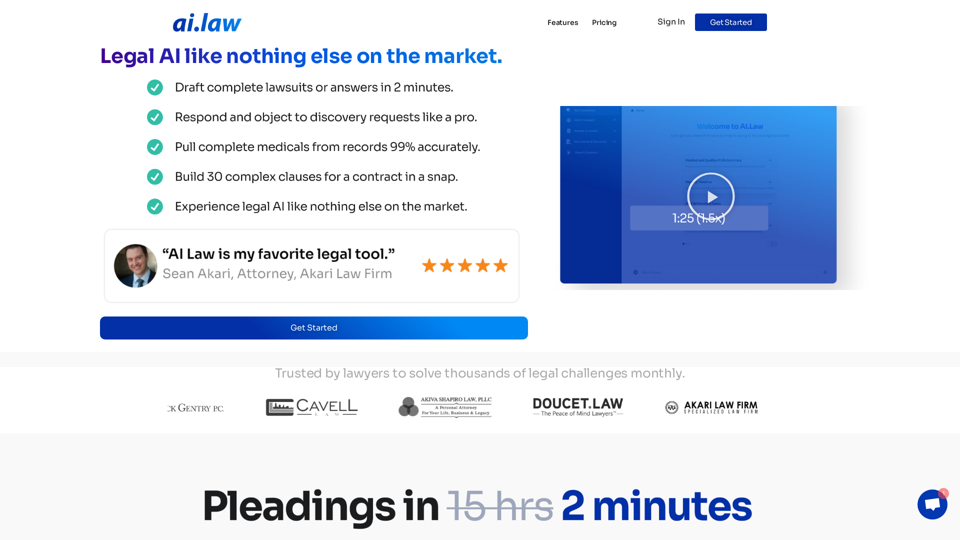
SEO2 - Legal AI Like Nothing Else on the Market. - AI.Law - ai.law
SEO2 - Legal AI Like Nothing Else on the Market. - AI.Law - ai.lawLegal AI like nothing else on the market. Get Started “>”>Trusted by lawyers to solve thousands of legal challenges monthly. AI Law provides you with top-quality legal work without the hassle. No more drafting from scratch—just high-quality results. Complaint Drafting Draft pleadings without the hassle of hours of research. AI Law will assemble a complete lawsuit […]
15.50 K