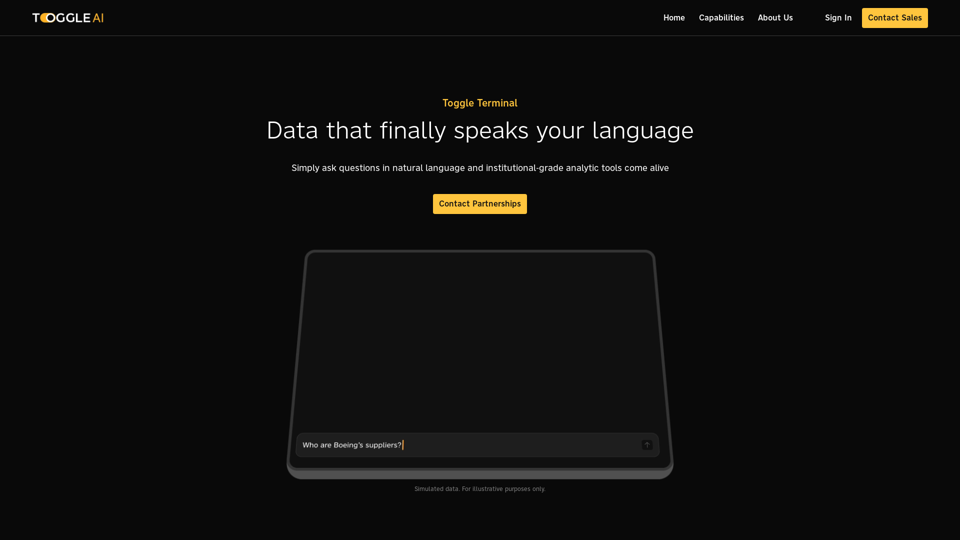
Toggle Terminal is an innovative platform that transforms data analysis through natural language processing. It offers users the ability to interact with complex data using simple, conversational queries. By combining institutional-grade analytical engines, a comprehensive Knowledge Graph, and an LLM-powered interface, Toggle Terminal democratizes data analysis, making it accessible to users regardless of their technical expertise.
Toggle Terminal – Bring data to life with natural language
Bid farewell to outdated terminals and cumbersome, antiquated interfaces. Our institutional-grade analytical tools spring into action, ready to serve you, simply by asking questions in everyday language.
Introduction
Feature
Institutional-grade Analytical Engines
Toggle Terminal provides powerful analytical tools that allow users to:
- Test market hypotheses
- Screen securities
- Explore hidden relationships between organizations
- Obtain instant, data-backed answers to complex queries
Comprehensive Knowledge Graph
The platform's Knowledge Graph offers:
- A powerful map of information
- Discovery of exposures, suppliers, and geographies
- Identification of connections often overlooked by investors and portfolio managers
LLM-Powered Interface
Toggle Terminal's intuitive interface features:
- Natural language processing capabilities
- Ability to ask questions in plain language
- Immediate, data-backed responses to user queries
User-Friendly Experience
The platform is designed for ease of use:
- No extensive technical knowledge required
- Simple question-and-answer format
- Instant access to advanced analytical tools
Flexible Pricing Options
Toggle Terminal offers:
- Various pricing plans to suit different needs and budgets
- Customizable options for users
FAQ
Do I need to be a data scientist to use Toggle Terminal?
No, you don't need to be a data scientist to harness the power of AI with Toggle Terminal. The platform is designed to be user-friendly and accessible to individuals with varying levels of technical expertise.
How do I get started with Toggle Terminal?
Getting started with Toggle Terminal is simple:
- Access the platform
- Ask a question in plain language
- Receive instant, data-backed answers
What are the pricing options for Toggle Terminal?
Toggle Terminal offers a variety of pricing options to suit different needs and budgets. For detailed information on pricing plans, it's recommended to contact the Toggle Terminal team directly.
How can I maximize my use of Toggle Terminal?
To get the most out of Toggle Terminal:
- Start with simple questions to familiarize yourself with the platform's capabilities
- Utilize the Knowledge Graph to uncover hidden connections between organizations
- Leverage the LLM-Powered Interface for complex queries and instant answers
Related Websites
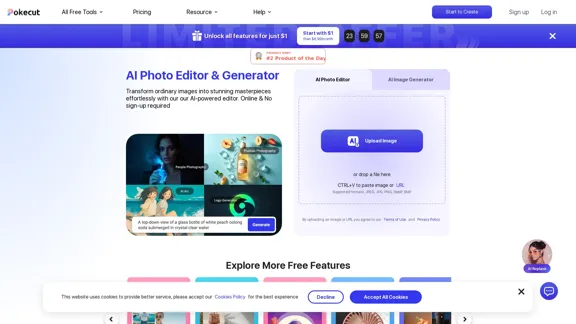
Free AI Photo Editor: Edit and Create Images Online
Free AI Photo Editor: Edit and Create Images OnlinePokecut is an AI-powered photo editor that transforms ordinary images into stunning masterpieces effortlessly. Remove backgrounds, enhance photos, and generate images online without signing up.
772.96 K
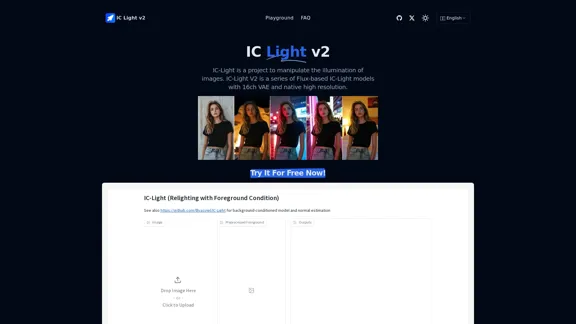
IC-Light is a project to manipulate the illumination of images. IC-Light V2 is a series of Flux-based IC-Light models with 16ch VAE and native high resolution.
0
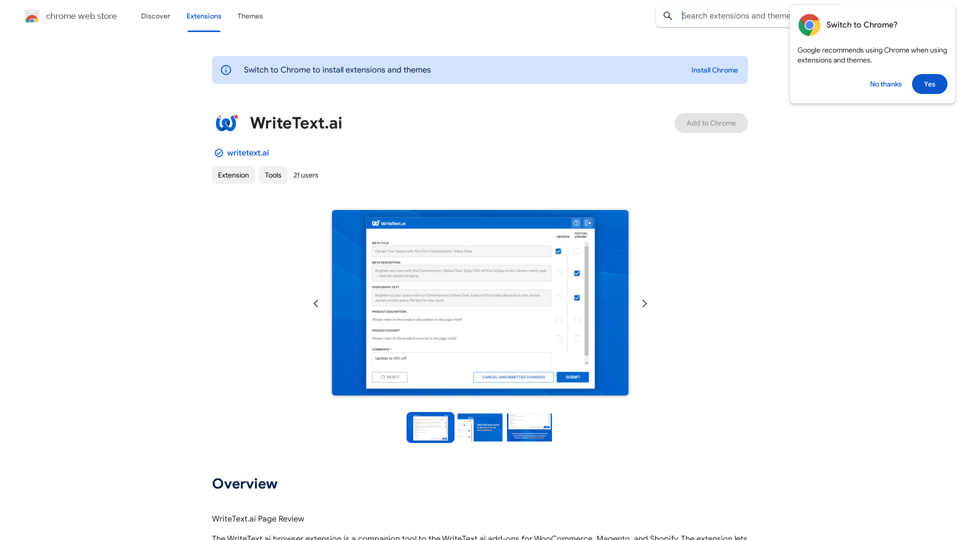
WriteText.ai Page Review WriteText.ai is an AI-powered writing assistant that helps you generate different creative text formats, like poems, code, scripts, musical pieces, email, letters, etc. It's designed to be user-friendly and accessible to everyone, regardless of their writing experience. Here's a breakdown of its key features and benefits: * Multiple Text Formats: WriteText.ai can generate a variety of text formats, including poems, code, scripts, musical pieces, emails, letters, and more. This versatility makes it a valuable tool for writers, developers, and anyone who needs to create different types of content. * User-Friendly Interface: The platform boasts a clean and intuitive interface that is easy to navigate, even for beginners. * AI-Powered Generation: WriteText.ai leverages the power of artificial intelligence to generate high-quality text. The AI model is trained on a massive dataset of text and code, allowing it to produce creative and coherent outputs. * Customization Options: Users can customize their text generation by providing specific instructions, keywords, or examples. This level of control ensures that the generated text meets their exact needs. * Fast and Efficient: WriteText.ai is designed to be fast and efficient, generating text quickly and accurately. This saves users time and effort, allowing them to focus on other aspects of their work. Overall, WriteText.ai is a powerful and versatile AI writing assistant that can be a valuable tool for a wide range of users. Its user-friendly interface, multiple text format options, and AI-powered generation make it a compelling choice for anyone looking to enhance their writing process.
193.90 M
Cloudbooklet AI is the free and most popular source to find and use all the artificial intelligence tools and AI news. Follow us to stay updated in AI.
167.63 K
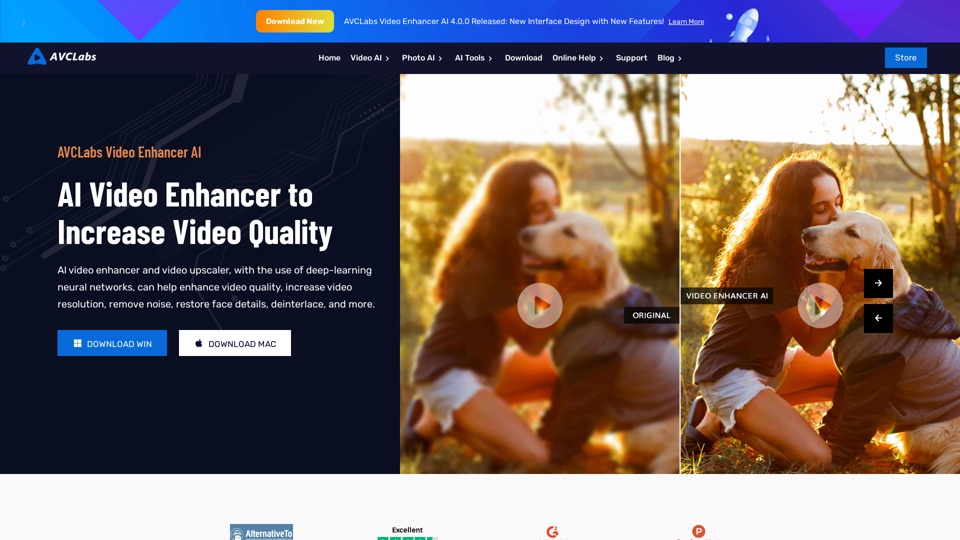
AVCLabs AI: Enhance Your Video and Photo Quality with AI
AVCLabs AI: Enhance Your Video and Photo Quality with AIAVCLabs is an AI products provider, which is dedicated to serving customers with products including Video Enhancer, Photo Editor, Photo Enhancer, and Video Blur AI.
356.07 K
Scrape G2 Reviews and Download to Excel - Extract G2 Reviews Data Easily
Scrape G2 Reviews and Download to Excel - Extract G2 Reviews Data EasilyInstantly download G2 product reviews
193.90 M