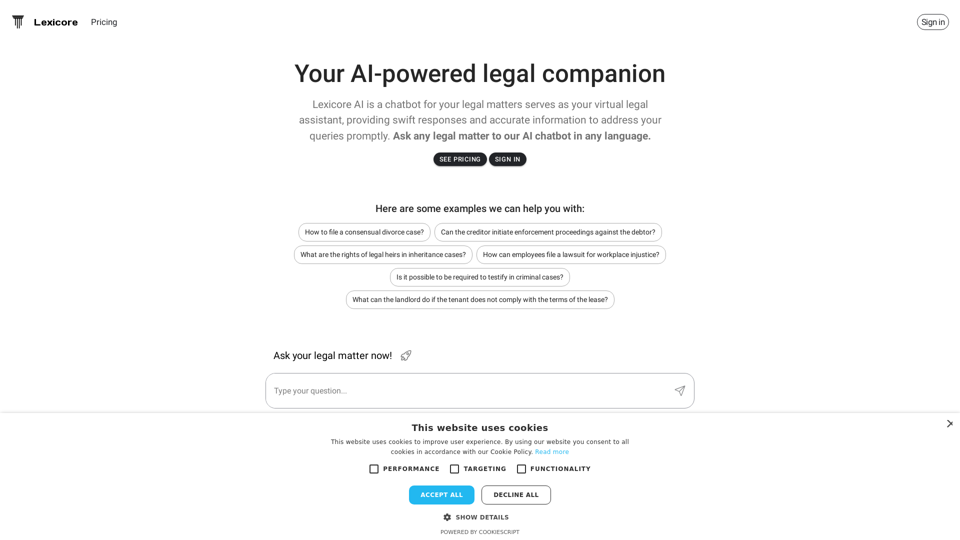
Lexicore is an AI-powered virtual legal assistant designed to provide quick and accurate responses to legal queries. It offers multilingual support, allowing users to ask questions in their preferred language and receive reliable answers promptly. Lexicore aims to make legal information more accessible and efficient for users dealing with various legal matters.
Lexicore - AI for Legal Practices
Lexicore is an AI-powered chatbot designed to be a virtual legal assistant. It can give you quick answers and accurate information to help you with your legal questions.
Introduction
Feature
Multilingual Support
Lexicore's AI chatbot supports multiple languages, enabling users to ask legal questions in their preferred language, making legal assistance more accessible to a diverse user base.
Accurate Information
The AI technology behind Lexicore provides reliable and precise information to address legal queries, ensuring users receive the best possible advice for their specific situations.
Swift Responses
Lexicore's AI chatbot is designed to respond quickly to legal questions, saving users valuable time and effort in their quest for legal information.
Wide Range of Legal Topics
Lexicore can assist with various legal matters, including:
- Consensual divorce cases
- Enforcement proceedings against debtors
- Inheritance and probate laws
- Workplace injustice lawsuits
- Criminal case testimonies
- Landlord-tenant disputes
User-Friendly Interface
Users can simply ask their legal questions to the AI chatbot and receive prompt, accurate responses, making the process of obtaining legal information straightforward and efficient.
Pricing Plans
Lexicore offers different pricing plans to cater to various user needs. Users can sign in to view the available plans and choose the one that best suits their requirements.
FAQ
How do I file a consensual divorce case?
Lexicore provides guidance on the process of filing a consensual divorce case, including necessary steps and legal requirements. Users can ask specific questions about their situation to receive tailored information.
Can creditors initiate enforcement proceedings against debtors?
Yes, Lexicore can provide information on creditors' rights and the process of initiating enforcement proceedings against debtors. The AI assistant can explain the legal procedures and requirements involved.
What are the rights of legal heirs in inheritance cases?
Lexicore offers information on the rights of legal heirs in inheritance cases, including details about probate processes and inheritance laws. Users can ask specific questions to understand their rights and obligations.
How can employees file a lawsuit for workplace injustice?
Lexicore provides guidance on the process of filing a lawsuit for workplace injustice, including the necessary steps and legal requirements. The AI assistant can offer information on employee rights and the legal procedures involved.
Is it possible to be required to testify in criminal cases?
Yes, Lexicore can explain the process of testifying in criminal cases, including the rights and responsibilities of witnesses. Users can ask about specific scenarios to better understand their obligations and protections.
What can landlords do if tenants don't comply with lease terms?
Lexicore offers information on landlord rights and the process of resolving disputes with tenants. The AI assistant can provide guidance on legal options available to landlords when tenants violate lease agreements.
Related Websites
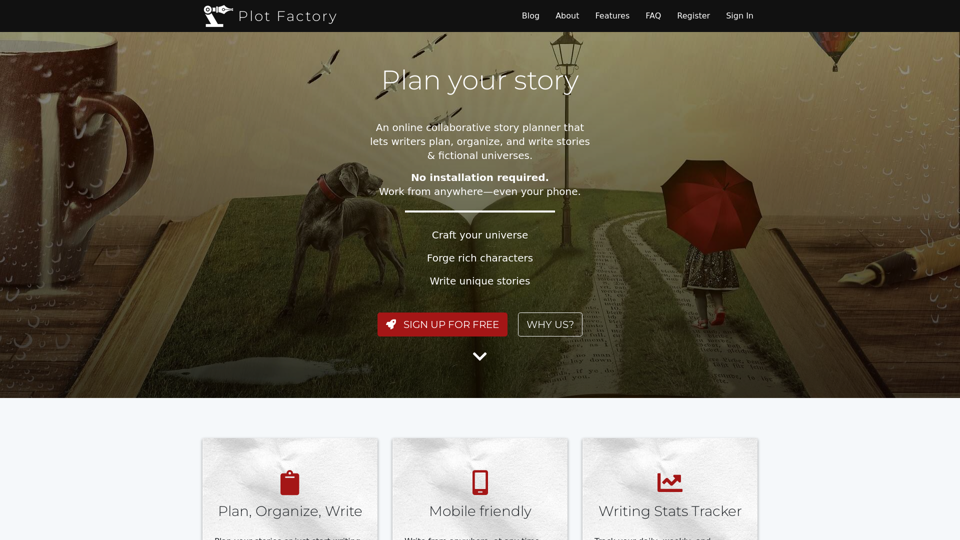
Online story planner, organizer, and writing app that allows you to create fictional universes, develop rich characters, and write amazing stories.
32.05 K
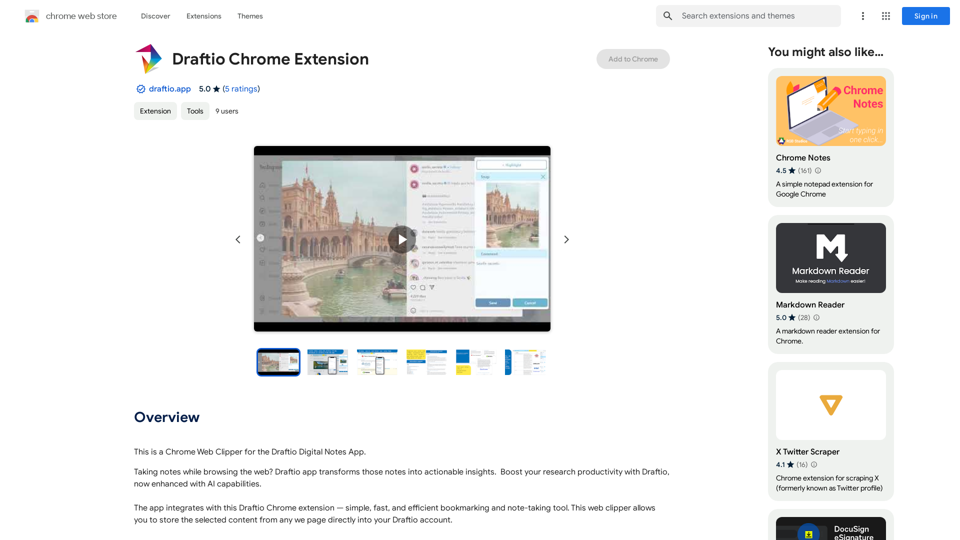
Coursera Summary with ChatGPT and Take Notes ===================================================== What is Coursera? Coursera is an online learning platform that partners with top universities and organizations to offer courses and degree programs in a wide range of fields. What is ChatGPT? ChatGPT is a conversational AI tool that can understand and respond to human input in a human-like way. It can be used to generate text, answer questions, and even create content. How to Use ChatGPT for Coursera Summary? You can use ChatGPT to summarize Coursera courses by: * Providing the course material or lecture notes to ChatGPT * Asking ChatGPT to summarize the key points or main ideas * Reviewing and editing the summary generated by ChatGPT Benefits of Using ChatGPT for Coursera Summary Using ChatGPT for Coursera summary can help you: * Save time by automating the summarization process * Improve understanding and retention of course material * Focus on key concepts and ideas * Enhance learning experience How to Take Notes with ChatGPT? You can use ChatGPT to take notes by: * Providing the course material or lecture notes to ChatGPT * Asking ChatGPT to generate notes or key points * Reviewing and editing the notes generated by ChatGPT * Organizing and structuring the notes for easy reference Benefits of Using ChatGPT for Taking Notes Using ChatGPT for taking notes can help you: * Save time by automating the note-taking process * Improve organization and structure of notes * Enhance understanding and retention of course material * Focus on key concepts and ideas
Coursera Summary with ChatGPT and Take Notes ===================================================== What is Coursera? Coursera is an online learning platform that partners with top universities and organizations to offer courses and degree programs in a wide range of fields. What is ChatGPT? ChatGPT is a conversational AI tool that can understand and respond to human input in a human-like way. It can be used to generate text, answer questions, and even create content. How to Use ChatGPT for Coursera Summary? You can use ChatGPT to summarize Coursera courses by: * Providing the course material or lecture notes to ChatGPT * Asking ChatGPT to summarize the key points or main ideas * Reviewing and editing the summary generated by ChatGPT Benefits of Using ChatGPT for Coursera Summary Using ChatGPT for Coursera summary can help you: * Save time by automating the summarization process * Improve understanding and retention of course material * Focus on key concepts and ideas * Enhance learning experience How to Take Notes with ChatGPT? You can use ChatGPT to take notes by: * Providing the course material or lecture notes to ChatGPT * Asking ChatGPT to generate notes or key points * Reviewing and editing the notes generated by ChatGPT * Organizing and structuring the notes for easy reference Benefits of Using ChatGPT for Taking Notes Using ChatGPT for taking notes can help you: * Save time by automating the note-taking process * Improve organization and structure of notes * Enhance understanding and retention of course material * Focus on key concepts and ideasAutomate Your Learning: Coursera Videos Transcript and Summary with ChatGPT ============================================================ Are you tired of manually taking notes while watching Coursera videos? Do you wish you had a summary of the video to review later? Look no further! With the power of ChatGPT, you can now generate transcripts and summaries of Coursera videos with ease. How it Works --------------- 1. Transcribe the Video: Use a transcription tool to convert the audio from the Coursera video into text. 2. Feed it to ChatGPT: Input the transcript into ChatGPT, and it will generate a concise summary of the video. 3. Review and Refine: Review the summary, refine it as needed, and you're good to go! Benefits ------------ * Save Time: No more manual note-taking or re-watching videos to understand the content. * Improve Retention: A summary of the video helps you retain information better and review it quickly. * Enhance Learning: Focus on understanding the concepts rather than taking notes. Get Started -------------- Try it out today and take your learning to the next level!
193.90 M
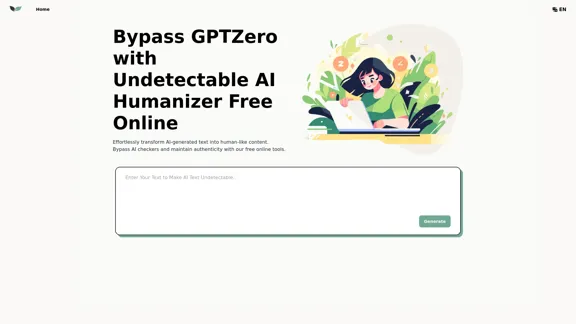
UndetectableGPT.ai: Bypass GPTZero with Undetectable AI Humanizer Free Online
UndetectableGPT.ai: Bypass GPTZero with Undetectable AI Humanizer Free OnlineTransform AI-generated content with our undetectable AI humanizer and rewriter. Make AI text undetectable and bypass AI checkers like GPTZero and ZeroGPT using undetectable AI free online tools. Perfect for creating undetecable GPT content.
1.66 K