IC-Light is a project designed to manipulate image illumination, allowing users to enhance and adjust lighting in images effectively. The IC-Light V2 series features advanced models based on Flux technology, equipped with a 16-channel Variational Autoencoder (VAE) and supports high-resolution outputs. Users can try the tool for free and explore its capabilities in image relighting.
IC Light v2
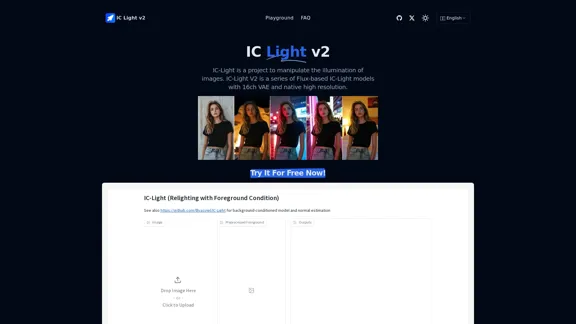
IC-Light is a project to manipulate the illumination of images. IC-Light V2 is a series of Flux-based IC-Light models with 16ch VAE and native high resolution.
Introduction
Feature
-
Text-Conditioned and Background-Conditioned Models
IC-Light offers two types of models: one that adjusts lighting based on text input and another that focuses on background conditions, allowing for versatile image manipulation.
-
High-Resolution Support
The models support native high resolution, ensuring that the output images maintain quality and detail.
-
Flexible Image Sizes
IC-Light AI supports a wide range of image dimensions, with widths and heights available from 256 to 1024 pixels.
-
Lighting Angle Options
Users can choose from several lighting angles, including Left Light, Right Light, Top Light, and Bottom Light, to achieve the desired effect.
-
Image Format Compatibility
The tool supports popular image formats such as JPG, JPEG, PNG, and WEBP, making it easy to work with various file types.
-
Fast Image Generation
Image generation typically takes between 10 to 20 seconds, although wait times may increase during peak usage.
How to Use?
- Start by uploading a clear and high-resolution image to ensure the best results.
- Experiment with different lighting angles to see how they affect the overall image quality.
- Utilize the text-conditioned model for specific lighting adjustments based on descriptive input.
- Be aware of potential queuing times during high-demand periods when using the free trial.
FAQ
What is IC-Light?
IC-Light is a project that focuses on manipulating image illumination, allowing users to enhance lighting effects in their images.
What is IC-Light V2?
IC-Light V2 is a series of models based on Flux technology, featuring a 16-channel VAE that supports high-resolution image outputs.
What image sizes does IC-Light AI support?
IC-Light AI supports a variety of image sizes, with widths and heights ranging from 256 to 1024 pixels.
How does IC-Light AI ensure high-quality image generation?
High-quality images are achieved by providing clear and complete original images at the highest possible resolution.
Is there a fee for using IC-Light AI?
IC-Light AI offers free trials, but users may need to purchase Credits for enhanced support services due to the resource-intensive nature of lighting adjustments.
How long does it take for IC-Light AI to generate images?
Typically, image generation takes between 10 and 20 seconds, but wait times may vary during peak usage.
Price
- Free Trial: $0
- Credits for Enhanced Support: Pricing varies
The price is for reference only, please refer to the latest official data for actual information.
Evaluation
- IC-Light effectively enhances image illumination, providing users with powerful tools for lighting adjustments.
- The variety of models and lighting angles allows for creative flexibility in image manipulation.
- However, the need for high-resolution input images may limit usability for users with lower-quality images.
- The potential for queuing during high-demand periods could frustrate users seeking immediate results.
- Overall, IC-Light is a valuable tool for those looking to improve their image quality through advanced lighting techniques, but users should be prepared for possible wait times and the necessity of high-quality input images.
Related Websites
Change Clothes AI - AI Clothes Changer Online, Free Trial To Change Clothes With AI
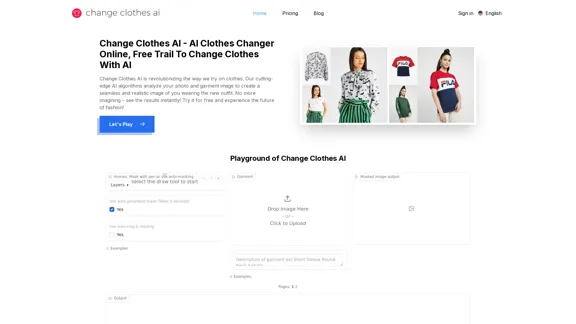
Change Clothes AI - AI Clothes Changer Online, Free Trial To Change Clothes With AIChange Clothes AI is an online outfit changer powered by AI technology. Easily swap clothes in your photos by uploading a portrait and garment image. Our AI algorithm generates a new image in seconds, letting you experiment with different looks and find the perfect outfit.
19.55 K
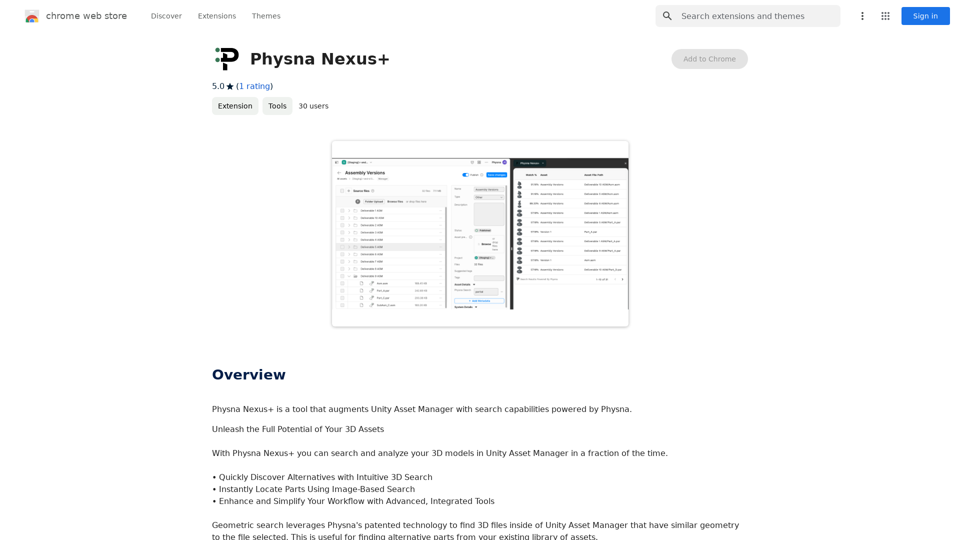
Physna Nexus+ is a tool that improves Unity Asset Manager by adding search features powered by Physna.
193.90 M

Flux Tools: Comprehensive Guide to AI Image Creation and Editing
Flux Tools: Comprehensive Guide to AI Image Creation and EditingDiscover how Flux Tools transforms image generation and editing. Expert guide with hands-on experience, use cases, and best practices for creators.
0

AI Describe Image & Picture Online, Free Trial This title describes an online service that uses artificial intelligence to analyze and describe images or pictures. The service offers a free trial period for users to test its capabilities. The AI technology can likely generate text descriptions of the visual content in uploaded images, helping users understand or categorize their pictures automatically.
AI Describe Image & Picture Online, Free Trial This title describes an online service that uses artificial intelligence to analyze and describe images or pictures. The service offers a free trial period for users to test its capabilities. The AI technology can likely generate text descriptions of the visual content in uploaded images, helping users understand or categorize their pictures automatically.Describe Image AI: Accurately describe images online using AI. Our image describer generates image descriptions, AI picture descriptions, text extraction, social media captions, and prompts for Midjourney & StableDiffusion. Free Trial!
5.16 K
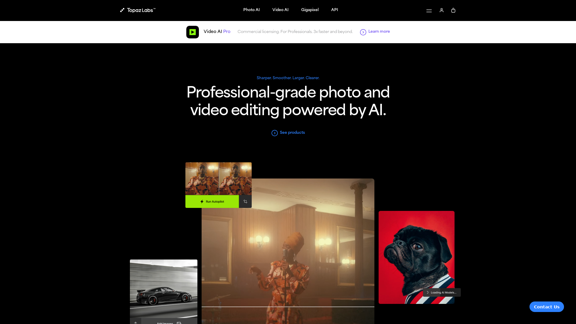
Topaz Labs | Professional-level photo and video editing powered by AI.
Topaz Labs | Professional-level photo and video editing powered by AI.Deep learning-powered photo and video enhancement software delivers the highest image quality available for noise reduction, sharpening, upscaling, and additional improvements.
3.12 M
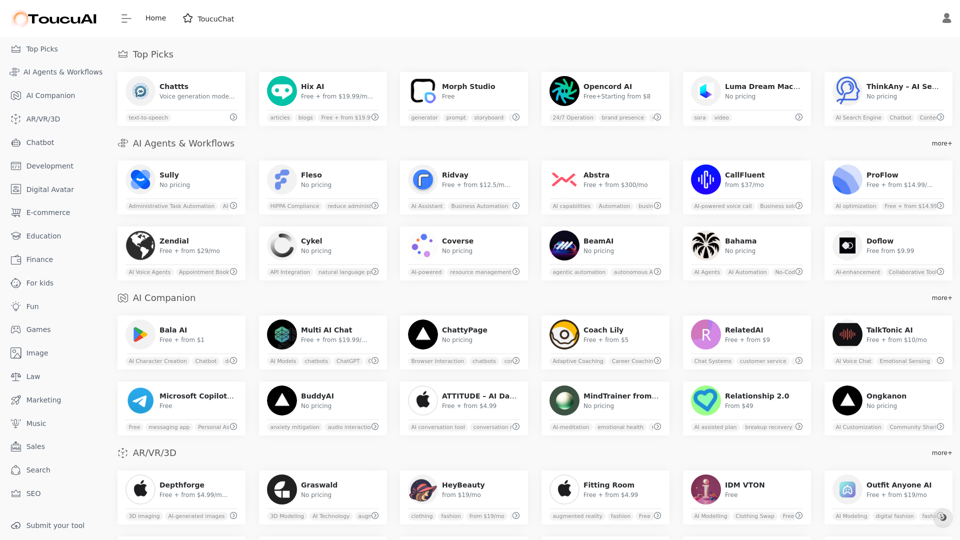
Toucu AI Directory | Curated List of over 8,000 AI Tools in 2024
Toucu AI Directory | Curated List of over 8,000 AI Tools in 2024Toucu AI Directory is a curated list of over 8,000 AI tools in 2024, providing access to a wide variety of AI technologies for different purposes.
585
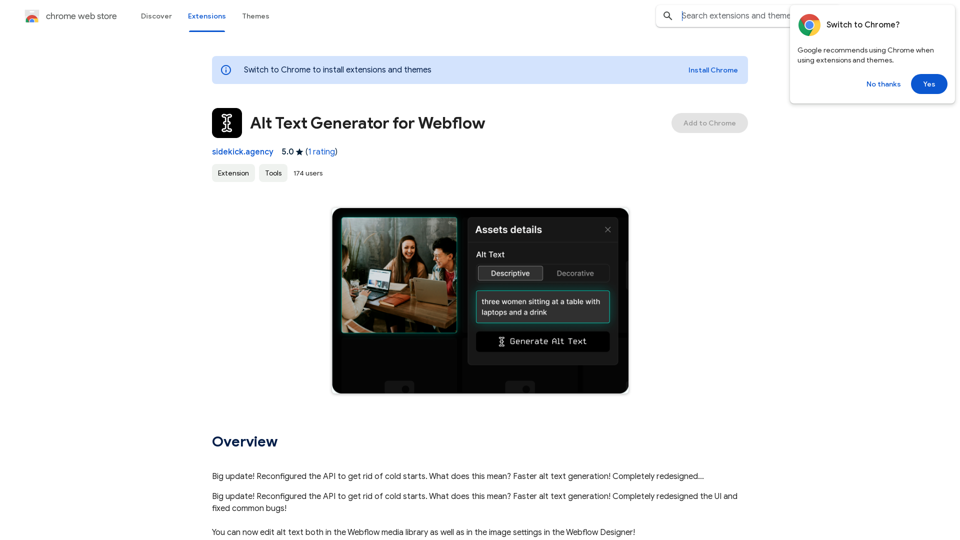
Alt Text Generator for Webflow This tool helps you generate descriptive alt text for your Webflow images. Why is Alt Text Important? * Accessibility: Alt text allows screen readers to describe images to visually impaired users. * SEO: Search engines use alt text to understand the content of your images, improving your website's ranking. How to Use: 1. Paste your image URL: Enter the URL of the image you want to generate alt text for. 2. Click "Generate Alt Text": The tool will analyze the image and suggest relevant alt text. 3. Review and Edit: Read the generated alt text and make any necessary changes to ensure it accurately describes the image. Example: Image URL: https://www.example.com/image.jpg Generated Alt Text: A photo of a smiling woman holding a cup of coffee. Remember: * Keep alt text concise and descriptive. * Use keywords that accurately reflect the image content. * Avoid using generic phrases like "image" or "picture."
Alt Text Generator for Webflow This tool helps you generate descriptive alt text for your Webflow images. Why is Alt Text Important? * Accessibility: Alt text allows screen readers to describe images to visually impaired users. * SEO: Search engines use alt text to understand the content of your images, improving your website's ranking. How to Use: 1. Paste your image URL: Enter the URL of the image you want to generate alt text for. 2. Click "Generate Alt Text": The tool will analyze the image and suggest relevant alt text. 3. Review and Edit: Read the generated alt text and make any necessary changes to ensure it accurately describes the image. Example: Image URL: https://www.example.com/image.jpg Generated Alt Text: A photo of a smiling woman holding a cup of coffee. Remember: * Keep alt text concise and descriptive. * Use keywords that accurately reflect the image content. * Avoid using generic phrases like "image" or "picture."Big update! Reconfigured the API to get rid of cold starts. What does this mean? Faster alt text generation! Completely redesigned...
193.90 M