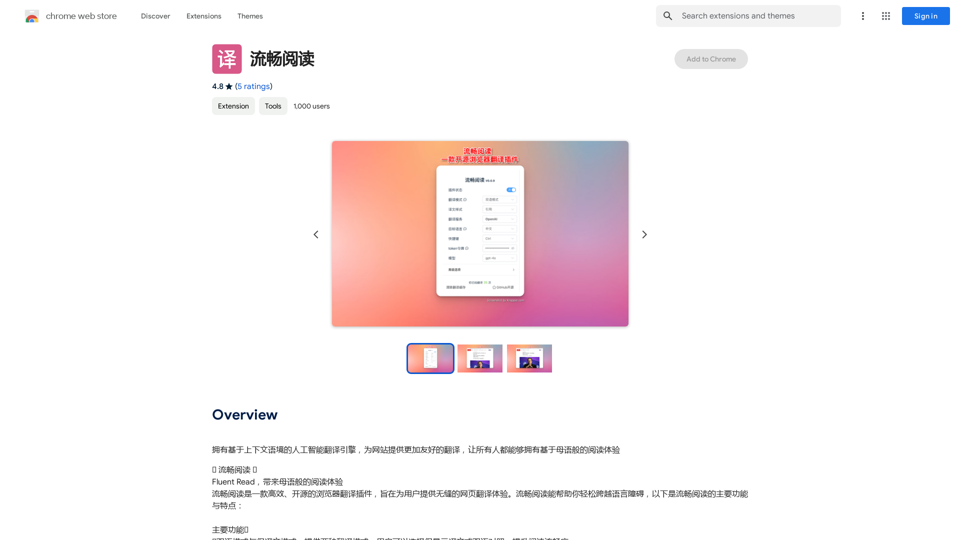
Fluent Read is an open-source browser translation plugin designed to provide a seamless web page translation experience. It offers efficient translation methods, dual language modes, and customizable settings to help users overcome language barriers and enjoy a native-like reading experience across the web.
Read smoothly.
An AI translation engine that understands context will provide a more user-friendly translation for websites, allowing everyone to have a reading experience in their native language.
Introduction
Feature
🌐 Dual Language and Translation Modes
- Dual language mode: Display both original and translated text
- Translation mode: Show only the translated text
- Enhances reading experience by offering flexibility in content display
🖱️ Multiple Translation Methods
- Quick translation: Hover and use shortcut keys (Ctrl, Alt, Shift, or Backtick)
- Mouse translation: Double-click, long-press, or single-click mouse wheel
- Drag-and-drop translation: Hold shortcut key and select text
- Touch translation: Support for various multi-finger gestures
🆓 Free and Open-Source
- Licensed under GPL-3.0
- Source code available on GitHub
- No subscription or payment required
⚙️ Customizable Settings
- Adjust translation settings to personal preferences
- Customize shortcut keys for optimal user experience
🌍 Browser Compatibility
- Primarily designed for Chrome
- Manual installation possible for other browsers
FAQ
Is Fluent Read a paid plugin?
No, Fluent Read is completely free to use.
Can I customize the translation settings?
Yes, you can customize both the translation settings and shortcut keys to suit your needs.
Is Fluent Read compatible with all browsers?
Fluent Read is primarily designed for Chrome, but it can be used with other browsers through manual installation of the plugin.
How can I get the most out of Fluent Read?
Try experimenting with the dual language mode and different translation methods to find the setup that works best for you. If you encounter any issues or have suggestions, visit the developer's support site for assistance.
Related Websites
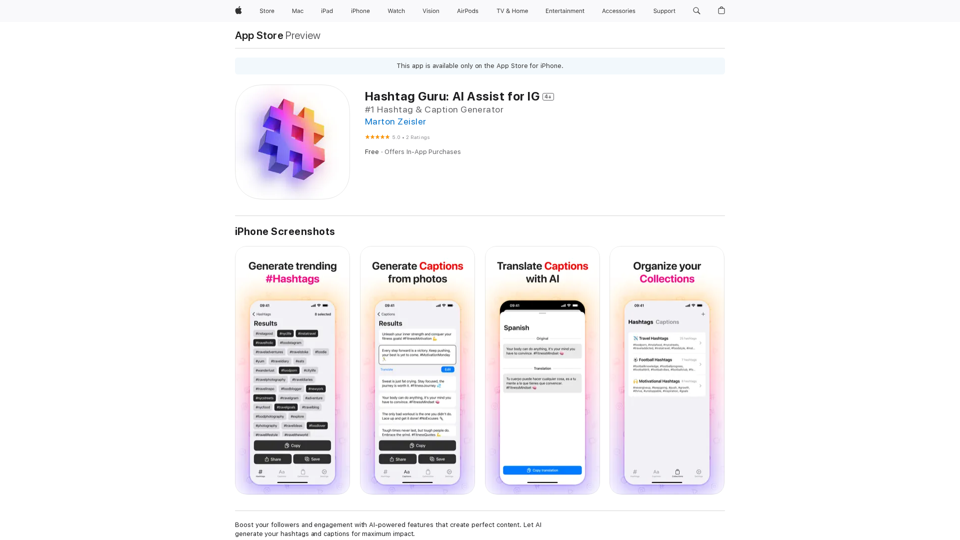
Hashtag Guru: AI Assistant for Instagram on the App Store
Hashtag Guru: AI Assistant for Instagram on the App StoreYour Ultimate AI-Powered Hashtag and Caption Generator! Unlock the secret to social media success with Hashtag Guru, the ultimate AI-driven hashtag generator and caption creator that helps you increase your online visibility, boost engagement, and grow your followers!
124.77 M
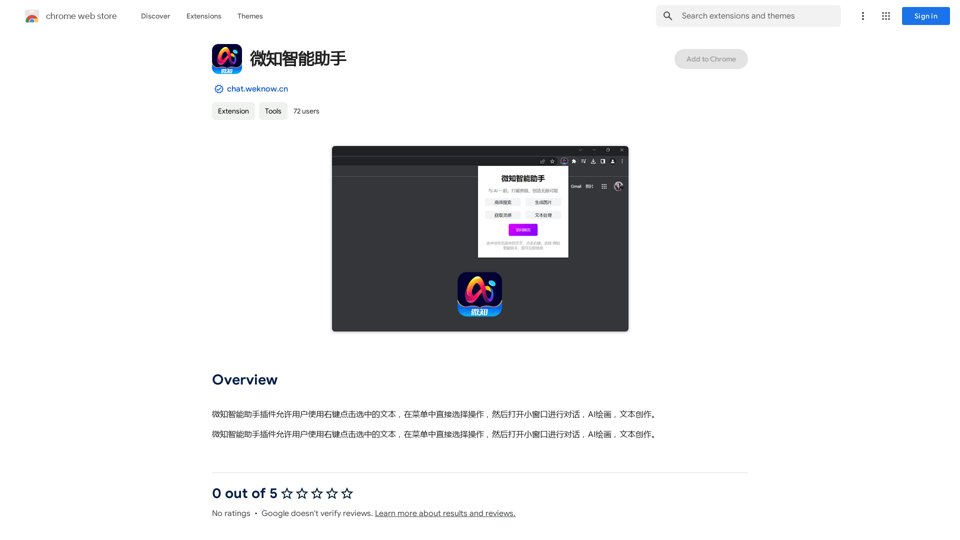
The Wechat Intelligent Assistant plugin allows users to right-click on selected text, choose an operation from the menu, and then open a small window for conversation, AI drawing, and text creation.
193.90 M

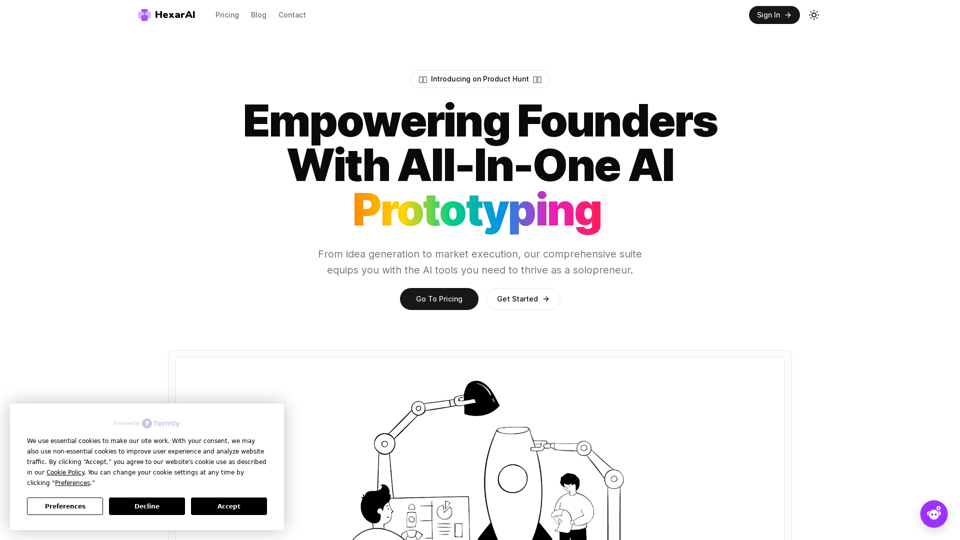
Unlock your business's full potential with HexarAI, the all-in-one AI platform. Seamlessly integrate marketing, tech development, accounting, design, and business management for unparalleled efficiency and success.
0
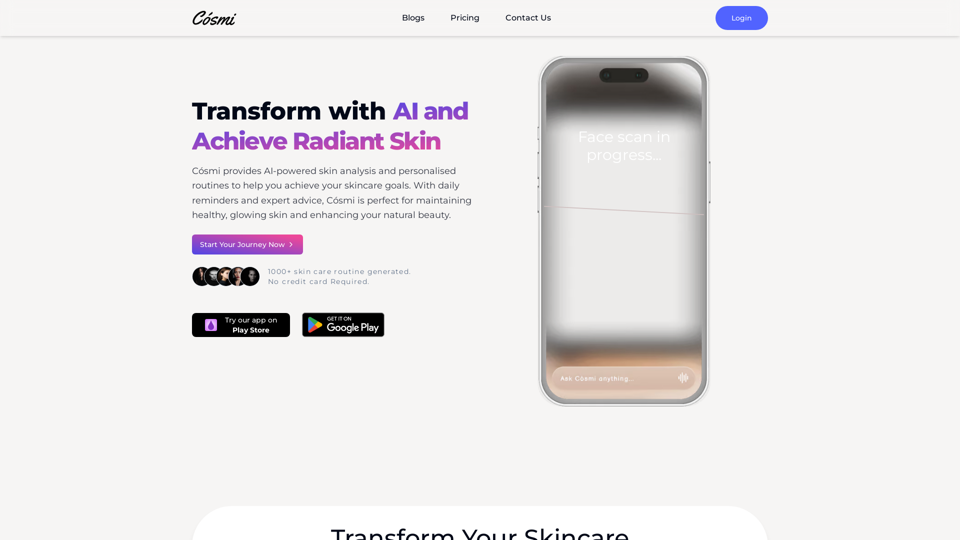
Cosmi | The Best AI Skincare Advisor You will Ever Need
Cosmi | The Best AI Skincare Advisor You will Ever NeedGlow with AI-Powered Skincare Solutions. Cosmi's advanced AI offers tailored, daily reminders and expert product recommendations.
0