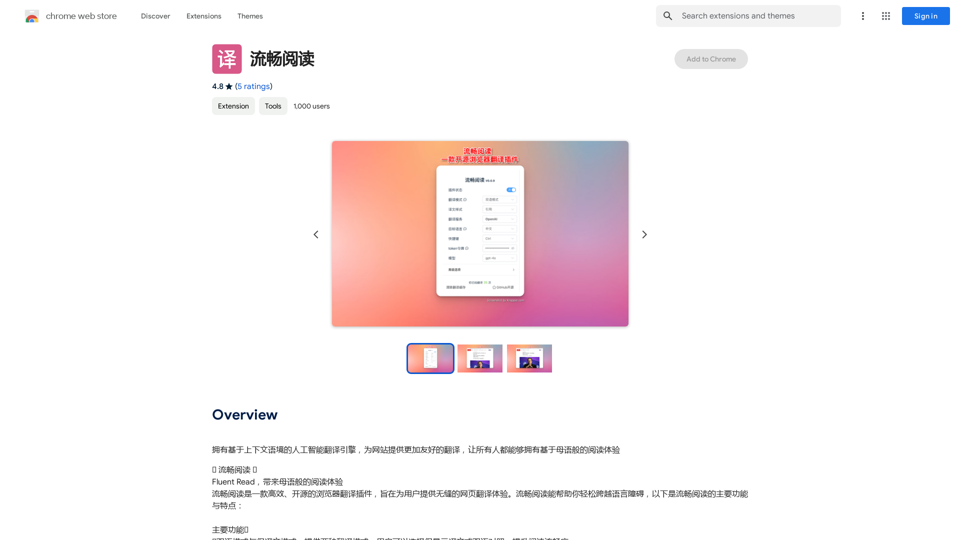
Fluent Read is an open-source browser translation plugin designed to provide a seamless web page translation experience. It offers efficient translation methods, dual language modes, and customizable settings to help users overcome language barriers and enjoy a native-like reading experience across the web.
Read smoothly.
An AI translation engine that understands context will provide a more user-friendly translation for websites, allowing everyone to have a reading experience in their native language.
Introduction
Feature
🌐 Dual Language and Translation Modes
- Dual language mode: Display both original and translated text
- Translation mode: Show only the translated text
- Enhances reading experience by offering flexibility in content display
🖱️ Multiple Translation Methods
- Quick translation: Hover and use shortcut keys (Ctrl, Alt, Shift, or Backtick)
- Mouse translation: Double-click, long-press, or single-click mouse wheel
- Drag-and-drop translation: Hold shortcut key and select text
- Touch translation: Support for various multi-finger gestures
🆓 Free and Open-Source
- Licensed under GPL-3.0
- Source code available on GitHub
- No subscription or payment required
⚙️ Customizable Settings
- Adjust translation settings to personal preferences
- Customize shortcut keys for optimal user experience
🌍 Browser Compatibility
- Primarily designed for Chrome
- Manual installation possible for other browsers
FAQ
Is Fluent Read a paid plugin?
No, Fluent Read is completely free to use.
Can I customize the translation settings?
Yes, you can customize both the translation settings and shortcut keys to suit your needs.
Is Fluent Read compatible with all browsers?
Fluent Read is primarily designed for Chrome, but it can be used with other browsers through manual installation of the plugin.
How can I get the most out of Fluent Read?
Try experimenting with the dual language mode and different translation methods to find the setup that works best for you. If you encounter any issues or have suggestions, visit the developer's support site for assistance.
Related Websites

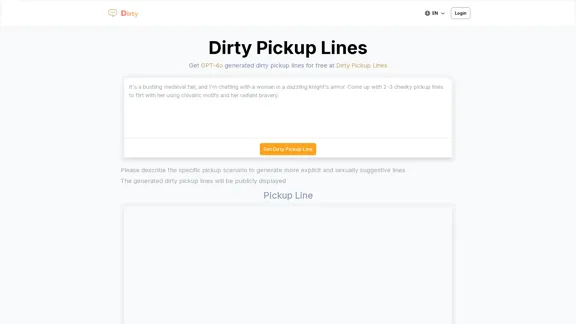
Dirty Pickup Lines - Online AI Raunchy Pickup Line Generator
Dirty Pickup Lines - Online AI Raunchy Pickup Line GeneratorDirty Pickup Lines is an online AI tool that generates explicit, sexually suggestive pickup lines for various scenarios, at no cost. Simply input a specific pickup scenario, and the AI will produce humorous, original, risqué pickup lines filled with sexual innuendos.
0
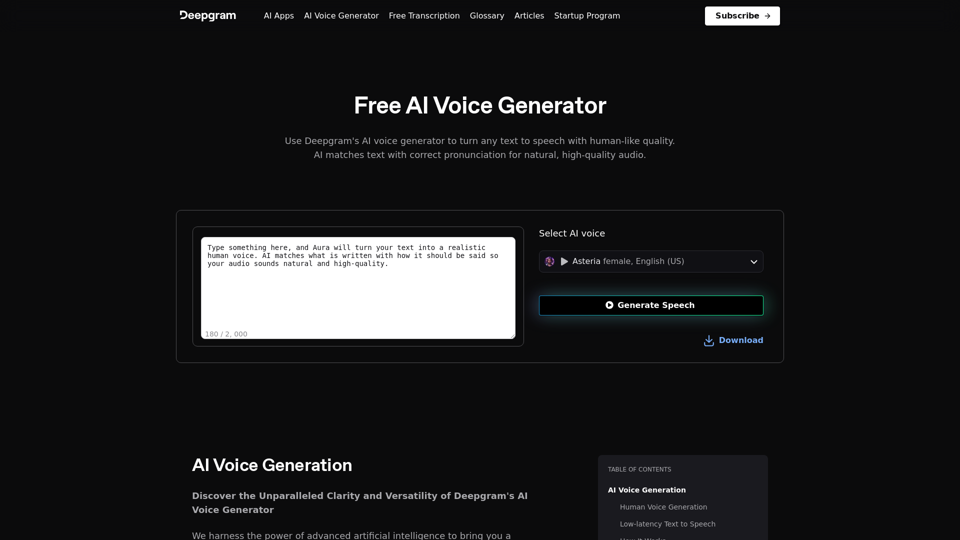
AI Voice Generator & Text to Speech | Deepgram Transform written text into natural-sounding speech with our AI voice generator and text-to-speech technology.
AI Voice Generator & Text to Speech | Deepgram Transform written text into natural-sounding speech with our AI voice generator and text-to-speech technology.Unlock the potential of Deepgram's AI Voice Generator. Experience natural-sounding text to speech for all your projects.
835.16 K
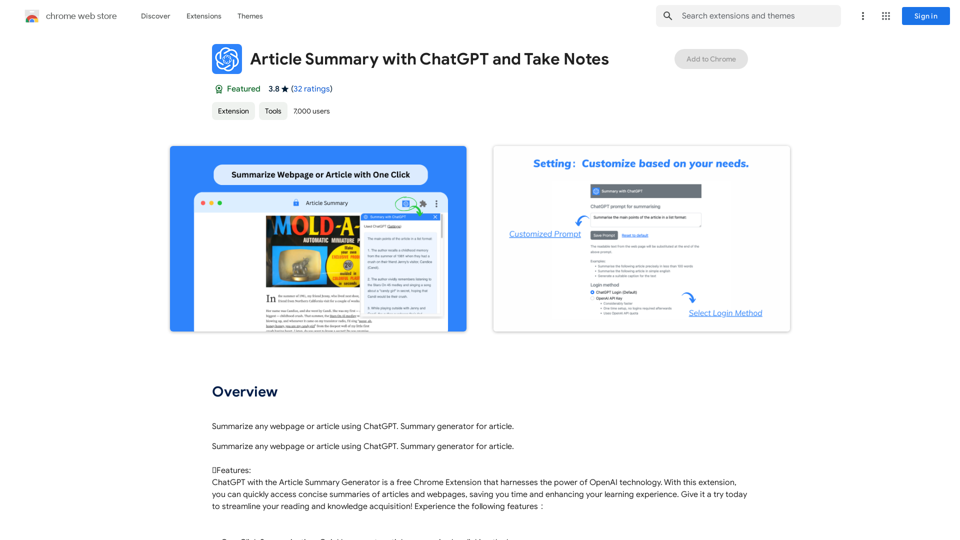
Article Summary with ChatGPT and Take Notes This is a guide on how to use ChatGPT to summarize articles and take notes effectively. Step 1: Provide ChatGPT with the Article Copy and paste the full text of the article into the ChatGPT interface. Step 2: Craft Your Prompt Tell ChatGPT what you want it to do. Here are some examples: * Summarize: "Please summarize this article in 200 words." * Key Points: "What are the main points of this article?" * Bullet Points: "Summarize the key findings of this article in bullet points." * Notes: "Take notes on this article, focusing on the author's arguments and supporting evidence." Step 3: Review and Refine ChatGPT will generate a summary, key points, bullet points, or notes based on your prompt. * Read carefully: Make sure the output accurately reflects the article's content. * Edit as needed: You can ask ChatGPT to rephrase sections or provide more detail. * Add your own insights: Don't just copy ChatGPT's output. Use it as a starting point and add your own thoughts, questions, and connections. Tips for Effective Use: * Be specific: The more specific your prompt, the better the output will be. * Experiment with different prompts: Try various phrasing to see what works best. * Use ChatGPT as a tool: It's a powerful aid, but it's not a replacement for critical reading and thinking.
Article Summary with ChatGPT and Take Notes This is a guide on how to use ChatGPT to summarize articles and take notes effectively. Step 1: Provide ChatGPT with the Article Copy and paste the full text of the article into the ChatGPT interface. Step 2: Craft Your Prompt Tell ChatGPT what you want it to do. Here are some examples: * Summarize: "Please summarize this article in 200 words." * Key Points: "What are the main points of this article?" * Bullet Points: "Summarize the key findings of this article in bullet points." * Notes: "Take notes on this article, focusing on the author's arguments and supporting evidence." Step 3: Review and Refine ChatGPT will generate a summary, key points, bullet points, or notes based on your prompt. * Read carefully: Make sure the output accurately reflects the article's content. * Edit as needed: You can ask ChatGPT to rephrase sections or provide more detail. * Add your own insights: Don't just copy ChatGPT's output. Use it as a starting point and add your own thoughts, questions, and connections. Tips for Effective Use: * Be specific: The more specific your prompt, the better the output will be. * Experiment with different prompts: Try various phrasing to see what works best. * Use ChatGPT as a tool: It's a powerful aid, but it's not a replacement for critical reading and thinking.I can do that! Please provide me with the URL of the webpage or article you'd like me to summarize. I'll do my best to create a concise and easy-to-understand summary for you.
193.90 M
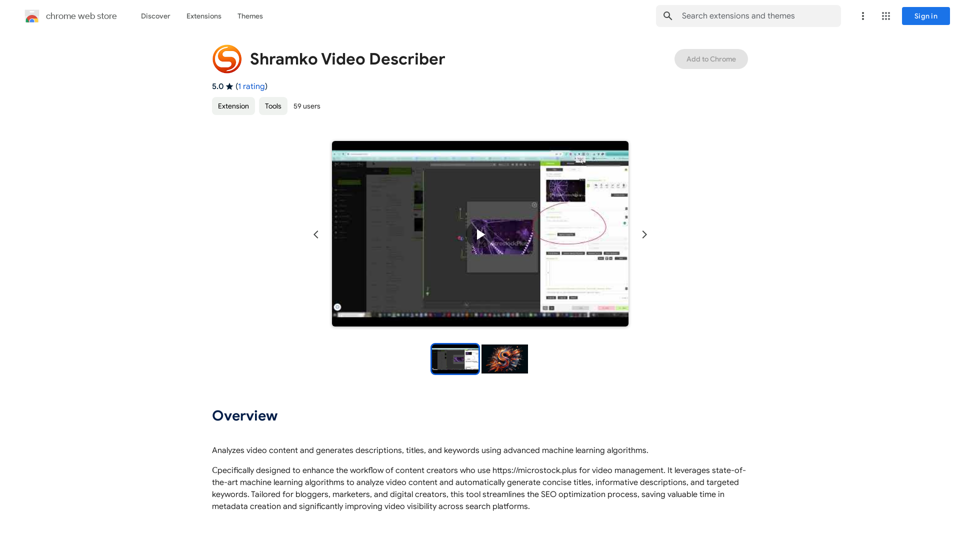
Analyzes video content and generates descriptions, titles, and keywords using advanced machine learning algorithms.
193.90 M
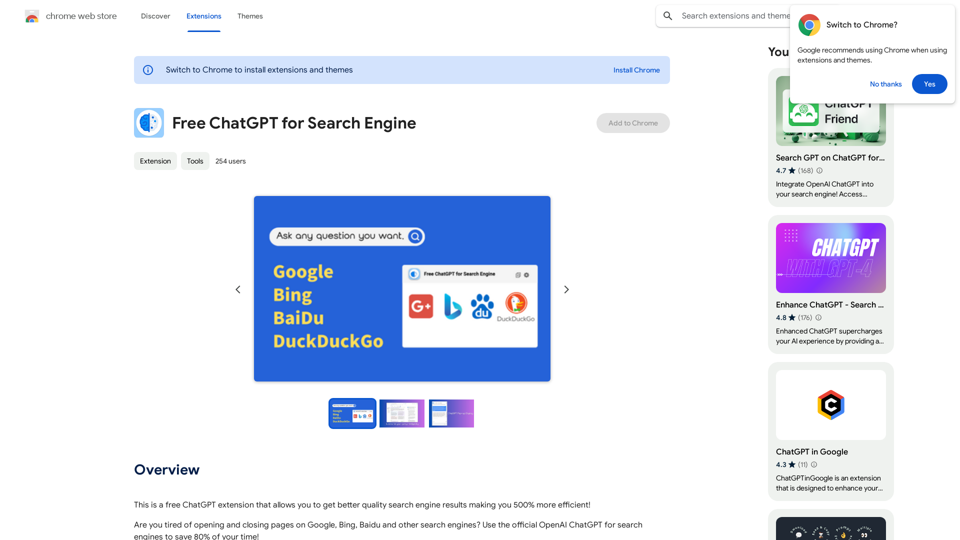
This is a free ChatGPT extension that helps you get better quality search engine results, making you 500% more efficient!
193.90 M