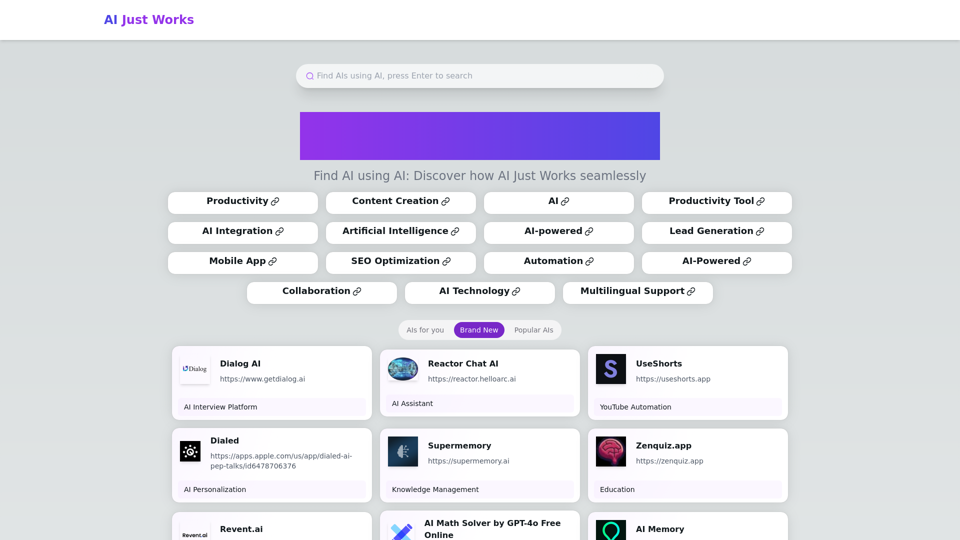
AI Just Works is a platform designed to help users discover and utilize various AI tools seamlessly. This innovative platform leverages artificial intelligence to guide users in finding the most suitable AI solutions for their needs. It serves as a comprehensive hub for AI enthusiasts, professionals, and curious individuals looking to harness the power of artificial intelligence across multiple domains including productivity, content creation, and more.
AI Just Works —— discover AIs using AI
AI Just Works: Discover the Best AI Tools for Your Needs, designed to find AI solutions for your business.
Introduction
Feature
AI Discovery
Find AI tools using AI-powered search and recommendation systems, making it easy to locate the most suitable solutions for your specific needs.
Diverse Categories
Access AI tools across multiple domains including productivity, content creation, AI integration, lead generation, SEO optimization, collaboration, and multilingual support.
User-Friendly Interface
Easily navigate and explore different AI solutions through a well-organized and intuitive platform design.
Continuous Updates
Regular addition of new and popular AI tools to keep users informed about the latest AI innovations.
Mobile Accessibility
Available as a mobile app for on-the-go access, allowing users to explore AI tools anytime, anywhere.
Browse Categories
Explore AI tools organized by categories such as Productivity, Content Creation, and more for easy navigation.
Search Functionality
Use the search feature to find specific AI tools or capabilities based on keywords related to your needs.
Tool Information
Access detailed information about each AI tool, including its main features and use cases, to make informed decisions.
Direct Links
Quickly access the AI tools through provided links, streamlining the process of integrating AI into your workflow.
FAQ
Is AI Just Works free to use?
Yes, the platform is free to browse and explore AI tools.
How often are new AI tools added?
New tools are added regularly to keep the platform up-to-date with the latest AI innovations.
Can I submit my own AI tool to AI Just Works?
The platform doesn't explicitly mention a submission process, but you may want to contact them directly for potential partnerships or listings.
Is there a mobile app available for AI Just Works?
Yes, AI Just Works is available as a mobile app for convenient access on smartphones and tablets.
How does AI Just Works ensure the quality of listed AI tools?
While not explicitly stated, the platform likely curates its listings to ensure quality and relevance for users.
Latest Traffic Insights
Monthly Visits
0
Bounce Rate
0.00%
Pages Per Visit
0.00
Time on Site(s)
0.00
Global Rank
13159120
Country Rank
-
Recent Visits
Traffic Sources
- Social Media:0.00%
- Paid Referrals:0.00%
- Email:0.00%
- Referrals:0.00%
- Search Engines:0.00%
- Direct:0.00%
Related Websites
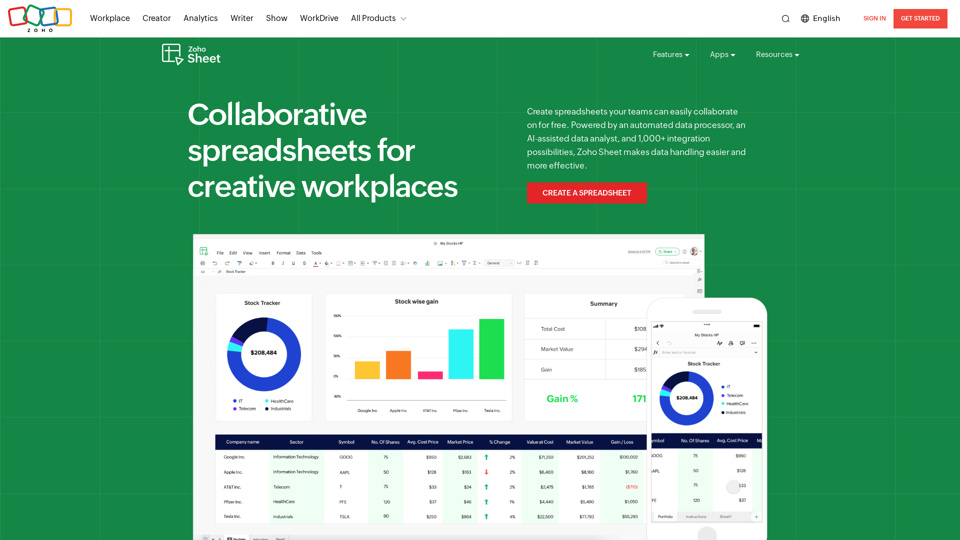
Online Spreadsheet Software | Create Spreadsheets for Free - Zoho Sheet
Online Spreadsheet Software | Create Spreadsheets for Free - Zoho SheetCreate and collaborate on spreadsheets online with your team in real-time, from anywhere. Available on mobile devices too! Import your Excel spreadsheet files and get started now.
67.14 M
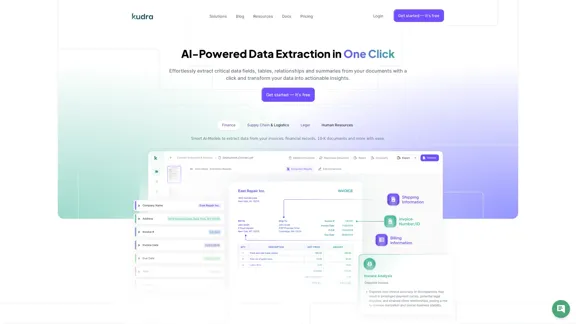
Kudra • AI-Powered Data Extraction in one click - Kudra
Kudra • AI-Powered Data Extraction in one click - KudraSolutions Dedicated Solutions Unlock unparalleled performance and reliability with our dedicated solutions. Finance Financial statements, 10K, reports Human Resources Resume, Employment Contracts Logistics Commercial invoices, Bill of lading Legal Contracts, litigation documents Blog Resources Tutorials Videos and Step-by-step guides White Papers AI document processing resources Affiliate Marketing Invite your community and profit Docs Pricing Login
1.60 K
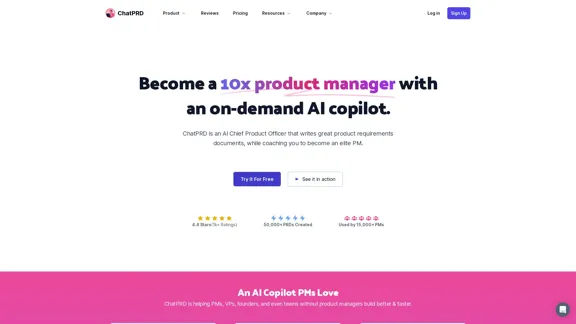
An on-demand Chief Product Officer who creates and enhances your Product Requirements Documents (PRDs), while mentoring you to become a top-tier Product Manager.
162.60 K
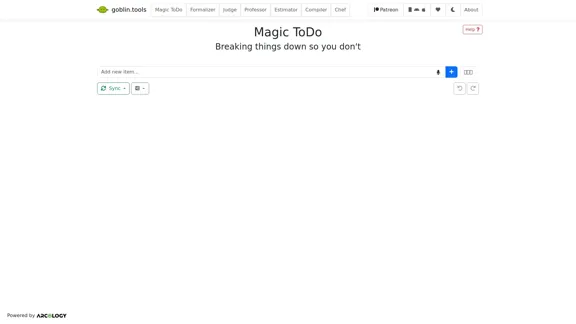
Magic ToDo is a versatile task management tool that combines standard to-do list functionality with AI-powered features.
939.21 K
.webp "Rock AI")