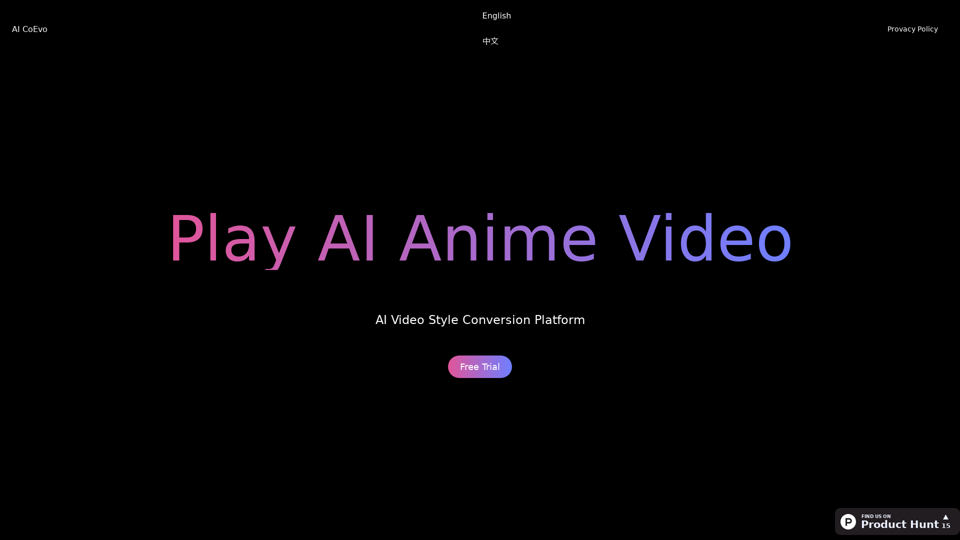
Sync.so is an innovative AI video lipsync tool designed to enhance video content by providing seamless lipsync capabilities. Users can instantly apply lipsync to any video without the need for extensive training. The platform supports various video formats and offers features such as voice cloning and video editing, making it suitable for a wide range of applications including dubbing, localization, and creative advertising.
sync.so - an AI tool for video lip syncing
lipsync video to any audio or text. revolutionary ai video editor. real-time lipsync, seamless translation for global reach. create, reanimate, understand humans in video with our api. from wav2lip founders.

Introduction
Feature
-
Instant Lipsync
Sync.so allows users to apply lipsync to any video instantly, ensuring a natural and fluid synchronization of speech and visuals.
-
Lipsync Studio
The platform features a unique editing tool that enables users to modify what individuals say in videos, applicable to live-action, animated, or AI-generated characters.
-
Voice Cloning
Users can upload audio, generate voice from text, or record their own voice, allowing for personalized and accurate lipsyncing.
-
Multi-language Support
Sync.so facilitates dubbing content into various languages while maintaining perfect lipsync, making it ideal for global audiences.
-
API Integration
The tool offers an API that allows developers to integrate lipsync capabilities into their applications, enhancing versatility and usability.
-
High-Quality Output
The platform supports video editing and lipsyncing in up to 4K resolution, ensuring high-quality results for professional use.
How to Use?
- Visit the Sync.so website and create an account to get started.
- Upload the video you wish to edit or apply lipsync to.
- Use the lipsync studio to edit dialogue or apply lipsync to specific segments.
- Experiment with voice cloning by uploading audio or generating voice from text.
- Utilize the API for seamless integration into your own applications.
FAQ
What is Sync.so?
Sync.so is an AI-powered video lipsync tool that allows users to apply natural lipsync to videos instantly, making it suitable for various content types.
How does Sync.so work?
The platform uses advanced AI technology to analyze video content and synchronize speech with visuals, enabling users to edit and personalize video dialogue effortlessly.
Can I use Sync.so for dubbing my videos?
Yes, Sync.so is designed for dubbing and localization, allowing users to translate and synchronize dialogue in multiple languages.
What types of videos can I use with Sync.so?
Sync.so works with a variety of video formats, including live-action, animated, and AI-generated content, making it versatile for different use cases.
Is there an API available for developers?
Yes, Sync.so offers an API that allows developers to integrate its lipsync capabilities into their own applications, enhancing functionality.
Price
| Plan | Price |
|---|---|
| Free Trial | $0/month |
| Basic Plan | Pricing not specified |
| Professional Plan | Pricing not specified |
The price is for reference only, please refer to the latest official data for actual information.
Evaluation
-
Sync.so effectively delivers on its promise of providing natural lipsync capabilities, making it a valuable tool for content creators and marketers.
-
The ability to edit dialogue post-production is a significant advantage, allowing for greater flexibility in video content.
-
However, the pricing details for the Basic and Professional plans are not clearly specified, which may deter potential users seeking transparent pricing options.
-
While the tool excels in many areas, further enhancements in user interface design could improve the overall user experience.
-
Overall, Sync.so stands out as a powerful tool for video lipsyncing, but clearer pricing and user-friendly features could enhance its appeal further.
Related Websites
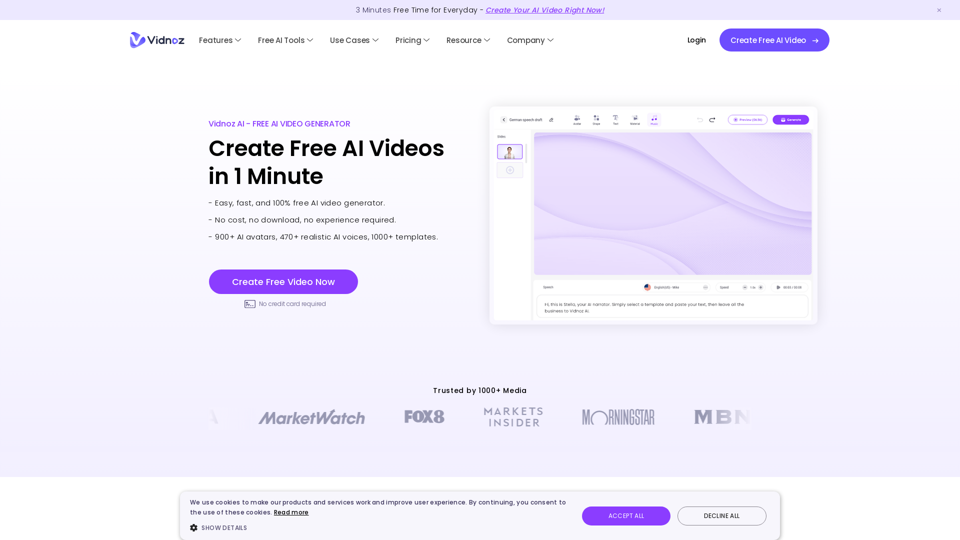
Vidnoz AI Tools: Create FREE Engaging AI Videos 10X Faster
Vidnoz AI Tools: Create FREE Engaging AI Videos 10X FasterVidnoz is the leading provider of free online video creation tools, powered by AI and intelligent automation. Use Vidnoz AI tools to create successful videos!
5.20 M

building models & products for text-to-speech, avatars, lip synchronization and conversational speech!
112.54 K
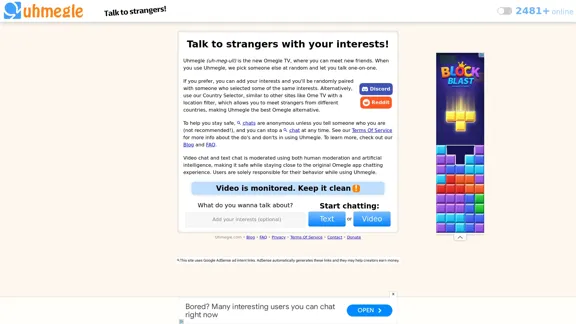
Uhmegle: Omegle Alternative for Video and Text Chat
Uhmegle: Omegle Alternative for Video and Text ChatExplore Uhmegle, a new Omegle alternative for free video and text chats. Talk to strangers globally with our new Omegle TV feature.
7.81 M
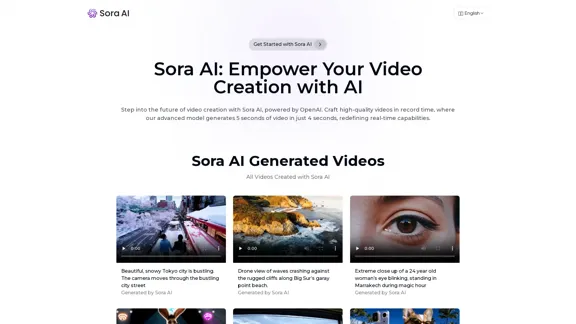
Sora AI: AI Video Generator Redefining Visual Storytelling
Sora AI: AI Video Generator Redefining Visual StorytellingLet your creativity flow with Sora AI, the AI video generator that effortlessly transforms your text and images into visually stunning videos, providing a new dimension in creative expression.
625
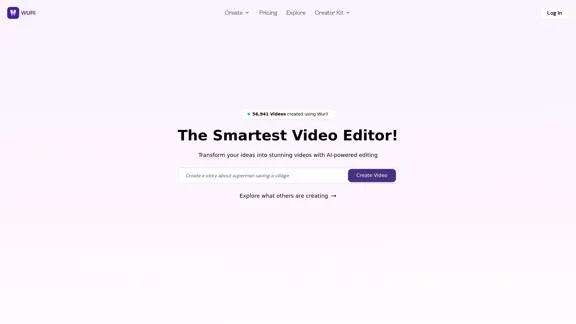
Transform your ideas into stunning videos with AI-powered editing. Create professional videos in minutes with our smart video editor.
5.34 K
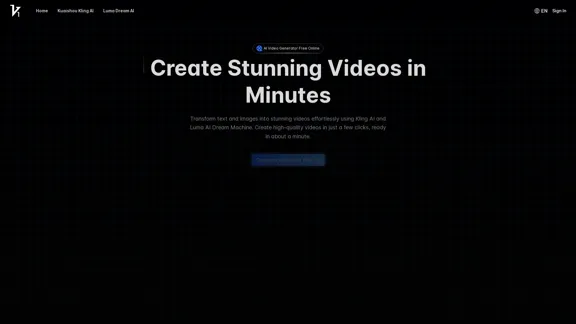
Vidful.ai: AI Video Generator Free Online Powered by Kling AI and Luma Dream Machine
Vidful.ai: AI Video Generator Free Online Powered by Kling AI and Luma Dream MachineEffortlessly create professional videos with Vidful.ai's AI video generator free online. Leverage advanced technologies like Kuaishou Kling AI and Luma AI Dream Machine to transform text and images into stunning videos.
347.71 K