Power Query is a powerful data transformation and preparation engine developed by Microsoft. It provides a user-friendly graphical interface for connecting to various data sources, applying transformations, and loading the processed data into different destinations. Power Query simplifies the extract, transform, and load (ETL) process, making it accessible to both novice users and experienced data professionals.
What is Power Query? - Power Query | Microsoft Learn
Learn about Power Query and its capabilities for data acquisition and transformation
Power Query is a powerful data preparation tool that enables you to:
- Extract data from various sources
- Transform and clean data efficiently
- Combine data from multiple sources
Key benefits of Power Query:
1. User-friendly interface for data manipulation
2. Supports a wide range of data sources
3. Automates repetitive data tasks
4. Enhances data quality and consistency
5. Integrates seamlessly with other Microsoft tools
Power Query helps streamline your data processes, saving time and improving accuracy in data analysis.
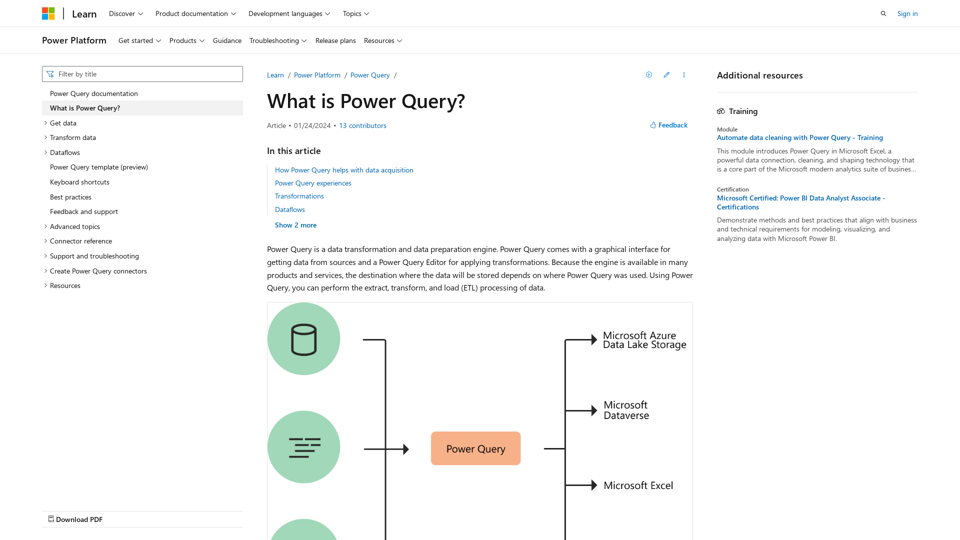
Introduction
Feature
Connectivity and Data Sources
- Connects to a wide range of data sources
- Supports Microsoft Azure Data Lake Storage, Dataverse, Excel, and Power BI
- Offers consistent experience across different data sources
Power Query Editor
- Interactive and intuitive interface for building queries
- Provides hundreds of prebuilt transformation functions
- Enables creation of repeatable data preparation processes
- Handles data of any size, velocity, and variety
Transformation Capabilities
- Simple transformations: Remove columns, filter rows
- Common transformations: Use first row as header
- Advanced transformations: Merge, append, group by, pivot, unpivot
- Automatically generates M code for transformations
Power Query Experiences
- Power Query Online: Available in Power BI dataflows, Microsoft Power Platform dataflows, Azure Data Factory
- Power Query for Desktop: Found in Excel and Power BI Desktop
Dataflows
- Product-agnostic cloud version of Power Query
- Stores transformed data in Dataverse or Azure Data Lake Storage
- Enables use of transformed data across multiple products and services
Power Query M Formula Language
- Underlying scripting language for advanced transformations
- Accessible through the Advanced Editor
- Allows fine-tuning of functions and transformations
Availability in Microsoft Products
| Product | M engine | Power Query Desktop | Power Query Online | Dataflows |
|---|---|---|---|---|
| Excel for Windows | Yes | Yes | No | No |
| Excel for Mac | Yes | Yes | No | No |
| Power BI | Yes | Yes | Yes | Yes |
| Power Apps | Yes | No | Yes | Yes |
| Power Automate | Yes | No | Yes | No |
| Azure Data Factory | Yes | No | Yes | Yes |
| SQL Server Integration Services | Yes | No | No | No |
| Dynamics 365 Customer Insights | Yes | No | Yes | Yes |
FAQ
Do I need to know how to code to use Power Query?
No, the graphical interface allows you to perform most transformations without coding. However, knowledge of M language can be helpful for advanced scenarios.
Can Power Query handle large datasets?
Yes, Power Query is designed to work with data of any size and offers options to filter and transform data to manageable sizes.
Is Power Query available in all versions of Excel?
Power Query is available in Excel for Windows and Mac, but features may vary between versions.
Can I share my Power Query transformations with others?
Yes, you can share queries in various ways depending on the product you're using. For example, in Power BI, you can share dataflows.
How often are new features added to Power Query?
Microsoft regularly updates Power Query with new features and improvements. Check the official documentation or release notes for the latest updates.
Latest Traffic Insights
Monthly Visits
34.93 K
Bounce Rate
31.91%
Pages Per Visit
3.05
Time on Site(s)
220.24
Global Rank
-
Country Rank
-
Recent Visits
Traffic Sources
- Social Media:3.66%
- Paid Referrals:1.57%
- Email:0.19%
- Referrals:14.12%
- Search Engines:35.34%
- Direct:43.23%
Related Websites


AI Posts Generator - Robopost AI Generate high-quality content in minutes with Robopost AI, the ultimate AI posts generator.
AI Posts Generator - Robopost AI Generate high-quality content in minutes with Robopost AI, the ultimate AI posts generator.Generate engaging and compelling social media posts with Robopost AI. Our AI-powered tool helps you create content that resonates with your audience.
73.03 K
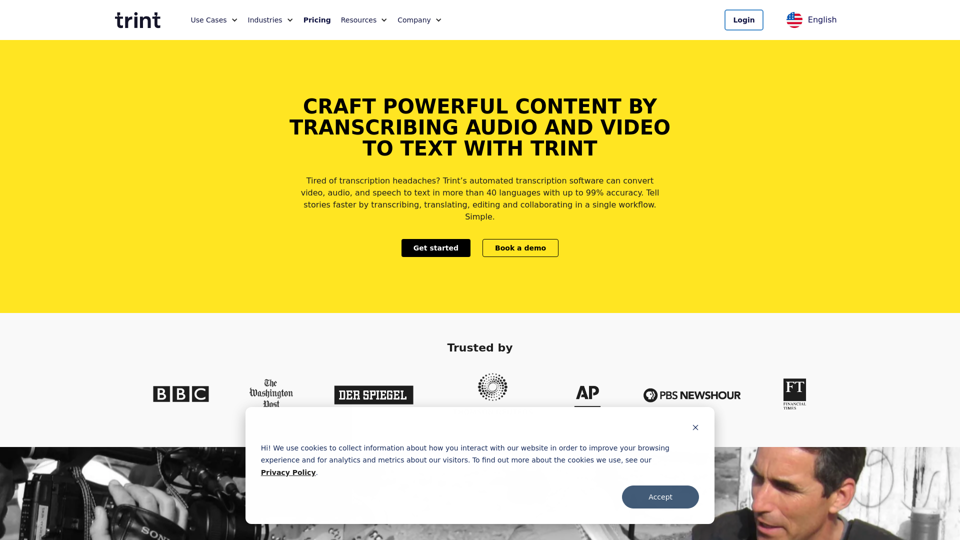
Transcription Software | AI Transcription & Content Editor | Trint
Transcription Software | AI Transcription & Content Editor | TrintTrint's AI-powered software swiftly converts video and audio files into text. Transcribe, edit, share, and collaborate to boost your team's productivity.
399.58 K
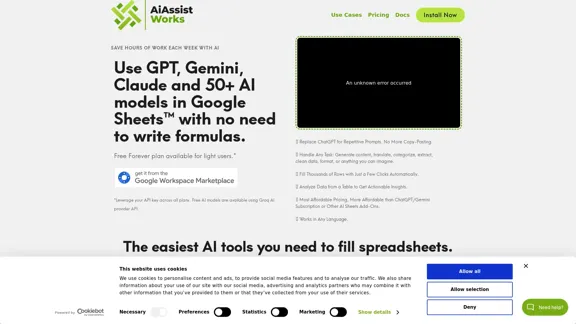
AiAssistWorks - AI for Google Sheets™ - GPT- Claude - Gemini - Llama, Mistral, OpenRouter, Groq.
AiAssistWorks - AI for Google Sheets™ - GPT- Claude - Gemini - Llama, Mistral, OpenRouter, Groq.4.99 K

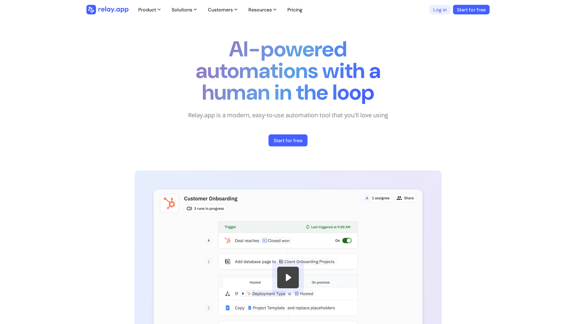
Relay.app: AI-powered automations with a human in the loop
Relay.app: AI-powered automations with a human in the loopAn automation platform you'll love. Relay.app provides deep integrations, AI-powered automations, and human-in-the-loop control.
257.86 K
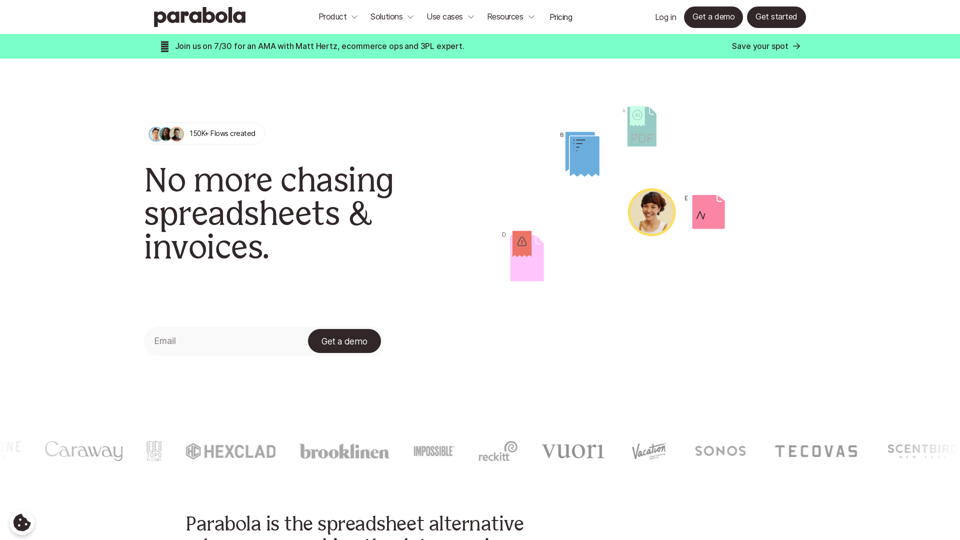
Parabola is the spreadsheet alternative that allows you to integrate data from across your company and create automated workflows.
87.60 K

Trade Ideas: AI-Driven Stock Scanning & Charting Platform
Trade Ideas: AI-Driven Stock Scanning & Charting PlatformTrade Ideas: Real-time AI stock scanning, automated trades, entry/exit signals & trade alerts. Manage your portfolio, mitigate risk, backtest, & analyze markets
355.16 K