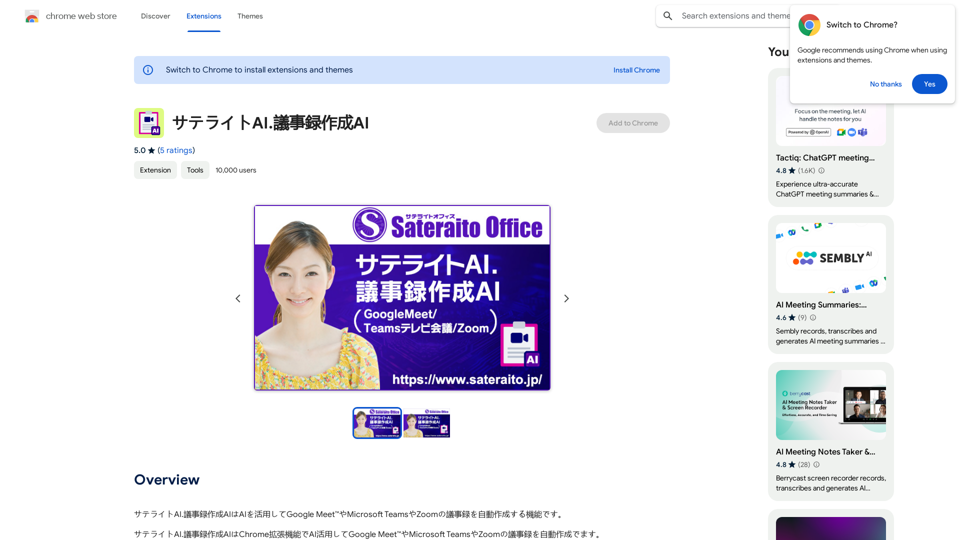
LearnHouse is a modern open-source learning platform designed for everyone. It offers a comprehensive course library, personalized learning paths, collaborative tools, and gamification elements. The platform caters to individuals, educators, and institutions, providing a user-friendly interface and extensive capabilities to facilitate effective learning and teaching.
LearnHouse - The modern Open source learning platform for everyone.
LearnHouse is an open source platform that makes it easy for anyone to provide world-class educational content and it offers a variety of content types : Dynamic Pages, Videos, Documents & more.

Introduction
Feature
Comprehensive Course Library
LearnHouse offers a vast library of courses covering a wide range of subjects and topics, designed to cater to diverse learning needs and preferences.
Personalized Learning Paths
AI-driven algorithms create customized learning paths for each user, ensuring relevant and engaging content delivery.
Collaborative Learning Tools
The platform provides discussion forums, group projects, and peer review features to facilitate social learning and knowledge sharing.
Gamification and Incentives
LearnHouse incorporates gamification elements and incentives to motivate users and keep them engaged in the learning process.
User-Friendly Interface
The platform is designed to be accessible and easy to use, with a step-by-step guide to help users get started quickly.
Flexible Pricing Options
LearnHouse offers a free plan and several paid plans to suit different needs and budgets, providing flexibility and affordability.
FAQ
Is LearnHouse free?
LearnHouse offers a free plan, as well as several paid plans to suit different needs and budgets.
What courses are available on LearnHouse?
LearnHouse offers a vast library of courses, covering a wide range of subjects and topics to cater to diverse learning needs.
Can I collaborate with peers and instructors on LearnHouse?
Yes, LearnHouse provides a range of collaborative learning tools, including discussion forums, group projects, and peer review features, to facilitate social learning and knowledge sharing.
Is my data secure on LearnHouse?
Yes, LearnHouse takes data security seriously and ensures that all user data is protected and kept confidential.
Related Websites
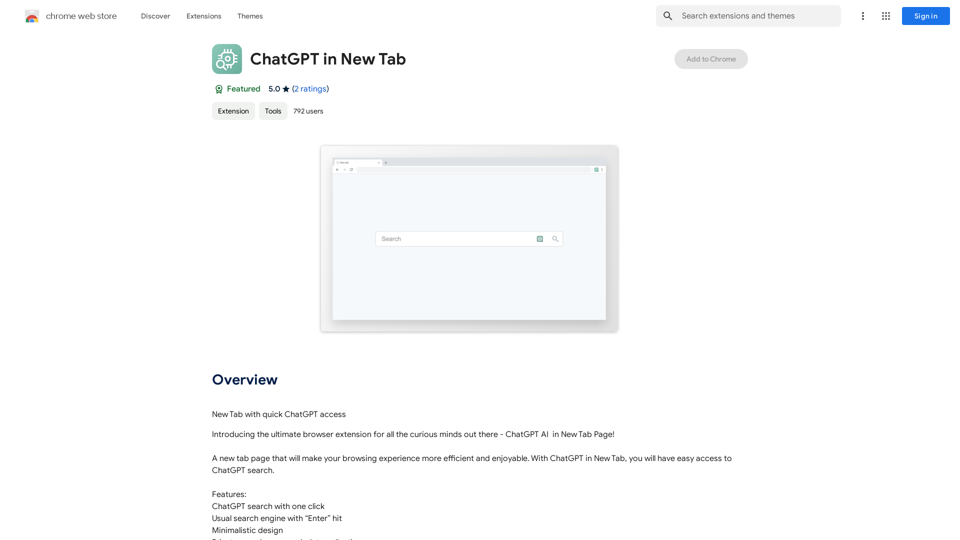
Open ChatGPT in a New Tab You can open ChatGPT in a new tab by following these steps: #Method 1: Using the Browser's Context Menu 1. Right-click on the ChatGPT link or button. 2. Select "Open in new tab" or "Open link in new tab" from the context menu. #Method 2: Using the Keyboard Shortcut 1. Press `Ctrl + Click` (Windows/Linux) or `Cmd + Click` (Mac) on the ChatGPT link or button. #Method 3: Using the Browser's Toolbar 1. Click on the ChatGPT link or button while holding down the `Ctrl` key (Windows/Linux) or `Cmd` key (Mac). 2. Release the key after the new tab is opened. By following these methods, you can easily open ChatGPT in a new tab and start chatting without leaving your current page.
Open ChatGPT in a New Tab You can open ChatGPT in a new tab by following these steps: #Method 1: Using the Browser's Context Menu 1. Right-click on the ChatGPT link or button. 2. Select "Open in new tab" or "Open link in new tab" from the context menu. #Method 2: Using the Keyboard Shortcut 1. Press `Ctrl + Click` (Windows/Linux) or `Cmd + Click` (Mac) on the ChatGPT link or button. #Method 3: Using the Browser's Toolbar 1. Click on the ChatGPT link or button while holding down the `Ctrl` key (Windows/Linux) or `Cmd` key (Mac). 2. Release the key after the new tab is opened. By following these methods, you can easily open ChatGPT in a new tab and start chatting without leaving your current page.New Tab with Quick ChatGPT Access
193.90 M
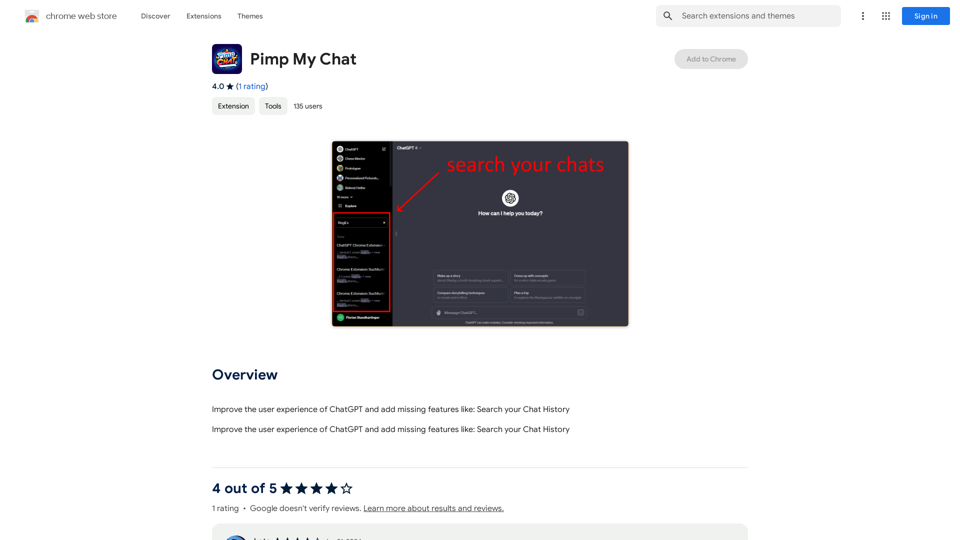
ChatGPT Improvements: Enhanced User Experience: * Seamless Chat History Search: Easily find past conversations and specific messages within your chat history. New Features: * Search your Chat History: A dedicated search bar allows you to quickly locate past interactions, saving time and effort.
193.90 M
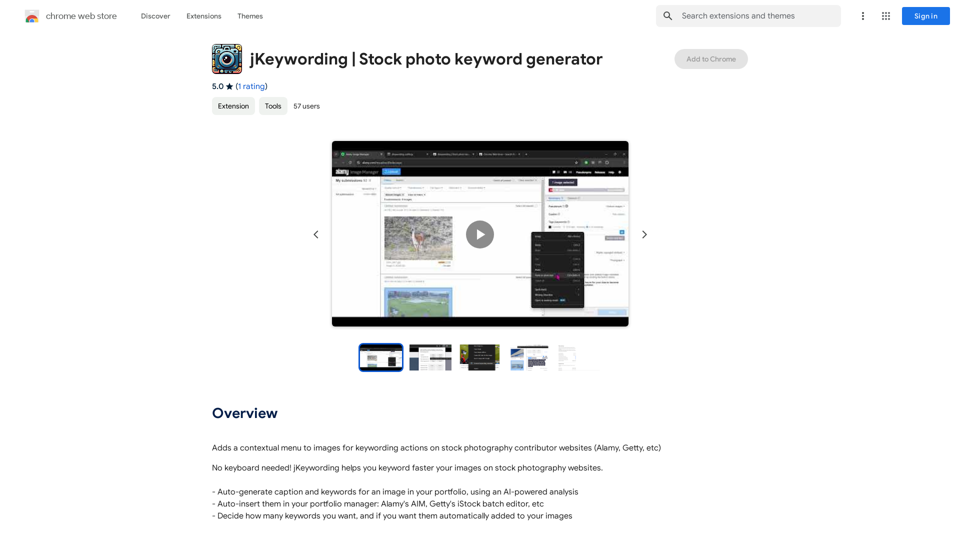
Adds a right-click menu to images, allowing users to easily add keywords to stock photos on websites like Alamy and Getty.
193.90 M