Lanta AI is a powerful text-to-video generator that allows users to create stunning AI-generated videos effortlessly. By transforming simple text or image prompts into high-quality videos, Lanta AI makes video creation accessible to everyone. It leverages advanced technologies like CogVideoX and Mochi 1 to bring ideas to life.
Lanta AI - Text to Video Generator: Powered by CogVideoX & Mochi 1
Transform texts into stunning AI creations with Lanta AI. Powered by advanced technologies like CogVideoX and Mochi 1, our AI Video Generator redefines video editing and animation. Perfect for creators, marketers, and innovators seeking effortless text-to-video transformation.
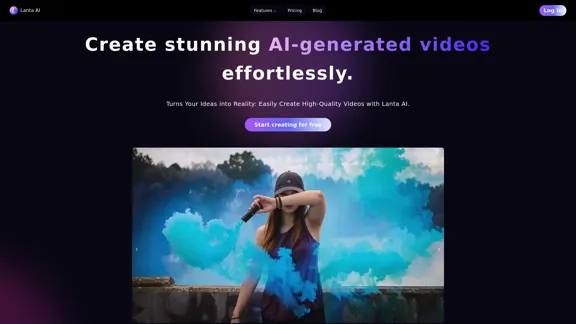
Introduction
Feature
-
AI Video Generator
Lanta AI utilizes advanced technologies to convert text or image prompts into visually appealing videos. This feature simplifies the video creation process, making it user-friendly.
-
AI Makeup
Users can explore various beauty styles with intelligent makeup filters, allowing them to virtually try on different looks and find their perfect personalized makeup.
-
Multiple Technology Integration
The platform integrates various technologies, including CogVideoX and Mochi 1, to enhance video quality and creativity.
-
User-Friendly Interface
Lanta AI provides an intuitive interface that makes it easy for users to create videos without prior experience in video editing.
-
Free Trial
Users can start creating videos for free, allowing them to explore the features before committing to a paid plan.
How to Use?
- Visit the Lanta AI website and create an account.
- Choose whether to start with a text prompt or an image.
- Input your desired text or upload an image to generate a video.
- Explore the AI Makeup feature to try on different beauty styles.
- Review and edit your video as needed before finalizing it.
FAQ
What is Lanta AI?
Lanta AI is an AI-powered tool that allows users to create high-quality videos from text or image prompts effortlessly.
How does Lanta AI work?
Users input a text description or upload an image, and Lanta AI processes this information to generate a unique video using advanced AI technologies.
Can I use the videos created by Lanta AI for commercial purposes?
Yes, the videos generated by Lanta AI can be used for various purposes, including commercial projects, depending on the licensing terms.
What technologies does Lanta AI use?
Lanta AI utilizes technologies such as CogVideoX and Mochi 1 to enhance video generation and quality.
Is there a free trial available?
Yes, Lanta AI offers a free trial, allowing users to create videos without any initial cost.
Price
| Plan | Price |
|---|---|
| Free Plan | $0/month |
| Basic Plan | $9.99/month |
| Standard Plan | $19.99/month |
| Professional Plan | $49.99/month |
The price is for reference only, please refer to the latest official data for actual information.
Evaluation
- Lanta AI effectively simplifies the video creation process, making it accessible for users with varying levels of experience.
- The integration of advanced technologies enhances the quality of the generated videos, providing a professional touch.
- The AI Makeup feature adds a unique aspect, allowing users to experiment with beauty styles, which can be appealing for content creators.
- However, the platform may benefit from additional customization options for video editing to cater to more advanced users.
- Overall, Lanta AI is a valuable tool for those looking to create engaging videos quickly, but it may not fully meet the needs of professional video editors seeking extensive control over their projects.
Related Websites
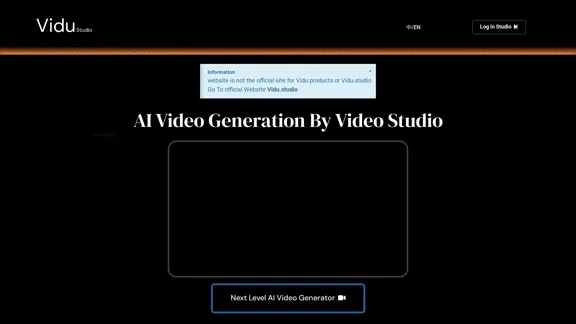
Transform text prompts into stunning videos effortlessly with Vidu Studio AI. Perfect for both professionals and beginners seeking easy, high-quality video...
10.45 K
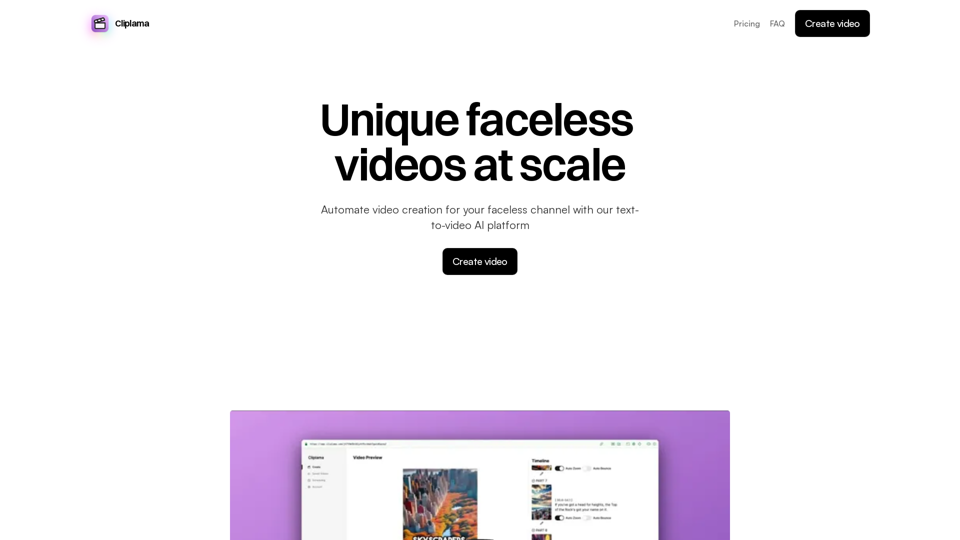
Automate Your Faceless Video Channel with AI Tired of spending hours creating videos? Let AI do the heavy lifting! * Generate scripts: Say goodbye to writer's block. AI can write engaging scripts for your videos on any topic. * Create voiceovers: Give your videos a professional voice with AI-generated voiceovers in multiple languages. * Produce stunning visuals: Use AI to generate captivating visuals, animations, and graphics to accompany your videos. * Edit and optimize: AI can automatically edit your videos, add music, transitions, and optimize them for different platforms. * Schedule and publish: Set it and forget it! AI can schedule and publish your videos to your chosen platforms. Start creating faceless videos effortlessly with the power of AI.
Automate Your Faceless Video Channel with AI Tired of spending hours creating videos? Let AI do the heavy lifting! * Generate scripts: Say goodbye to writer's block. AI can write engaging scripts for your videos on any topic. * Create voiceovers: Give your videos a professional voice with AI-generated voiceovers in multiple languages. * Produce stunning visuals: Use AI to generate captivating visuals, animations, and graphics to accompany your videos. * Edit and optimize: AI can automatically edit your videos, add music, transitions, and optimize them for different platforms. * Schedule and publish: Set it and forget it! AI can schedule and publish your videos to your chosen platforms. Start creating faceless videos effortlessly with the power of AI.Create videos with text and transform your ideas into amazing videos using pictures, GIFs, music, transitions, and captions. Boost your social media presence automatically, saving you time and money.
4.34 K
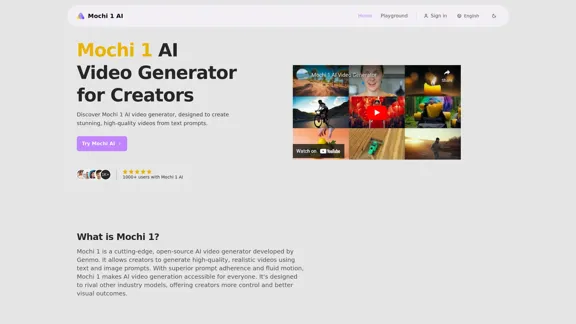
Mochi 1 - AI Video Generator for Stunning Creative Videos
Mochi 1 - AI Video Generator for Stunning Creative VideosMochi 1 makes it easy to turn your ideas into professional videos perfect for creators of all skill levels.
5.14 K
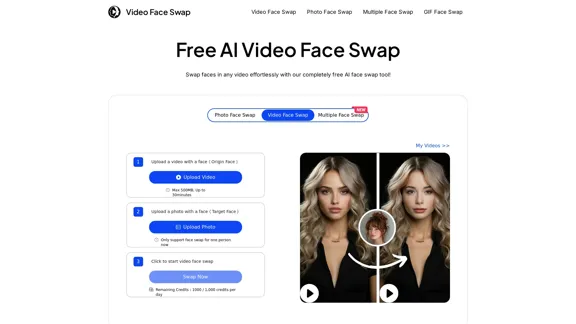
AI Video Face Swap - Free Online Face Swapping Tool
AI Video Face Swap - Free Online Face Swapping ToolSwap faces in videos with AI-powered precision. Our free online video face swap tool offers fast, secure, and high-quality results. No downloads needed!
334.26 K
Minimax AI Video Generator | Minimax AI Video Generator | Hailuo AI abab-video-1
Minimax AI Video Generator | Minimax AI Video Generator | Hailuo AI abab-video-1Generate Minimax AI Video Free Online abab-video-1. Free Online | No Credit Card or Login Required
0
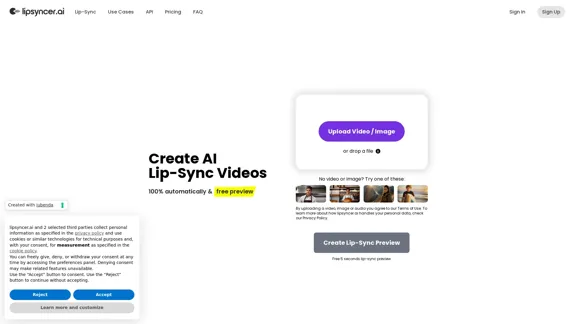
Create AI Lip-Sync Videos Lip-sync technology has advanced significantly, allowing for the creation of realistic videos where characters appear to speak in different languages or say things they never actually said. Here's how to create AI lip-sync videos: 1. Choose your video editing software - Popular options include Adobe After Effects, Reallusion's CrazyTalk, or Synthesia 2. Prepare your source video - Select a high-quality video clip with clear facial features 3. Generate or record the audio - Create the audio track you want the character to lip-sync to 4. Use AI-powered lip-sync tools - Many software options now include AI-driven lip-sync features - Upload your video and audio files - The AI will analyze the audio and match it to the character's mouth movements 5. Fine-tune the results - Adjust timing and mouth shapes as needed for a more natural look 6. Render the final video - Export your lip-synced video in your desired format Tips: - Ensure good lighting and clear facial features in the source video - Use high-quality audio for better results - Practice and experiment with different tools to improve your skills Remember to consider ethical implications and obtain necessary permissions when creating lip-sync videos of real people.
0
HeyGen is an innovative video platform that harnesses the power of generative AI to streamline your video creation process. Unleash your creativity with HeyGen - the future of video production.
7.03 M
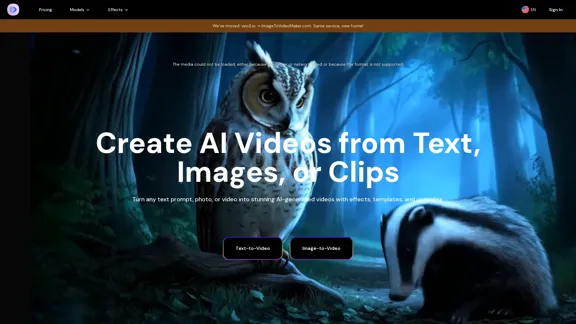
AI Video Generator – Create Videos from Text, Images, or Clips | Image-to-Video Maker
AI Video Generator – Create Videos from Text, Images, or Clips | Image-to-Video MakerGenerate AI videos from text, images, or video clips with the Image-to-Video Maker. Add effects, templates, and upscale to 4K—all in one powerful video platform.
25.40 K