Lipsyncer.ai is an innovative AI-powered platform that allows users to create lip-sync videos automatically. The service offers a free preview and supports various video styles, including humans, anime, cartoons, and AI characters. It caters to businesses, content creators, and individuals looking to synchronize lip movements with any audio in multiple languages.
lipsyncer.ai - Create AI Lip-Sync Videos
Create AI Lip-Sync Videos
Lip-sync technology has advanced significantly, allowing for the creation of realistic videos where characters appear to speak in different languages or say things they never actually said. Here's how to create AI lip-sync videos:
1. Choose your video editing software
- Popular options include Adobe After Effects, Reallusion's CrazyTalk, or Synthesia
2. Prepare your source video
- Select a high-quality video clip with clear facial features
3. Generate or record the audio
- Create the audio track you want the character to lip-sync to
4. Use AI-powered lip-sync tools
- Many software options now include AI-driven lip-sync features
- Upload your video and audio files
- The AI will analyze the audio and match it to the character's mouth movements
5. Fine-tune the results
- Adjust timing and mouth shapes as needed for a more natural look
6. Render the final video
- Export your lip-synced video in your desired format
Tips:
- Ensure good lighting and clear facial features in the source video
- Use high-quality audio for better results
- Practice and experiment with different tools to improve your skills
Remember to consider ethical implications and obtain necessary permissions when creating lip-sync videos of real people.
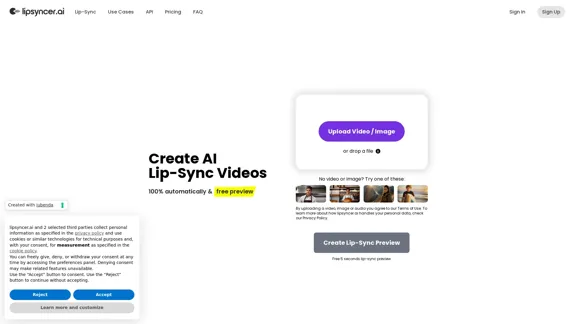
Introduction
Feature
Automatic Lip-Sync Generation
Lipsyncer.ai uses advanced AI technology to automatically synchronize lip movements with audio, saving users time and effort in manual video editing.
Multiple Video Styles
The platform supports various video styles:
- Humans
- Anime
- Cartoon
- AI Character
Multilingual Support
The text-to-speech presenters are trained to speak 91 languages, allowing characters to talk in any language.
Business-Oriented Features
Lipsyncer.ai offers solutions for:
- Advertising
- Pitch videos
- A/B testing
- Content creation
Flexible Pricing Model
The platform uses a pay-as-you-go model with no subscriptions:
| Video Length | Price per Second |
|---|---|
| Up to 10 min | 1.49 cent |
| Up to 15 min | 1.19 cent |
| Up to 50 min | 0.89 cent |
| Up to 120 min | 0.69 cent |
Minimum payment: €2.98 (approximately one minute of video length)
High-Quality Output
- Full HD resolution
- No watermark
- Full-length clips
- Video file download
- Audio support
API Integration
API support is coming soon, allowing integration into various workflows and popular design programs.
FAQ
What is lipsyncer.ai?
Lipsyncer.ai is an AI-powered platform that automatically creates lip-sync videos by synchronizing lip movements with any audio input.
How does lipsyncer.ai work?
Users upload a video or image and audio file. The AI then processes these inputs to create a lip-synced video where the character's mouth movements match the audio.
What is the maximum duration for the uploaded video?
The platform supports videos up to 120 minutes in length, with different pricing tiers based on video duration.
Which video and audio formats are allowed?
The specific formats are not mentioned in the provided content. Users should check the platform's documentation for supported file types.
Can I use a photo instead of a video?
Yes, the platform allows users to upload either a video or an image for lip-syncing.
What resolution do the lip-sync videos have?
Lipsyncer.ai supports up to Full HD resolution for the output videos.
Related Websites
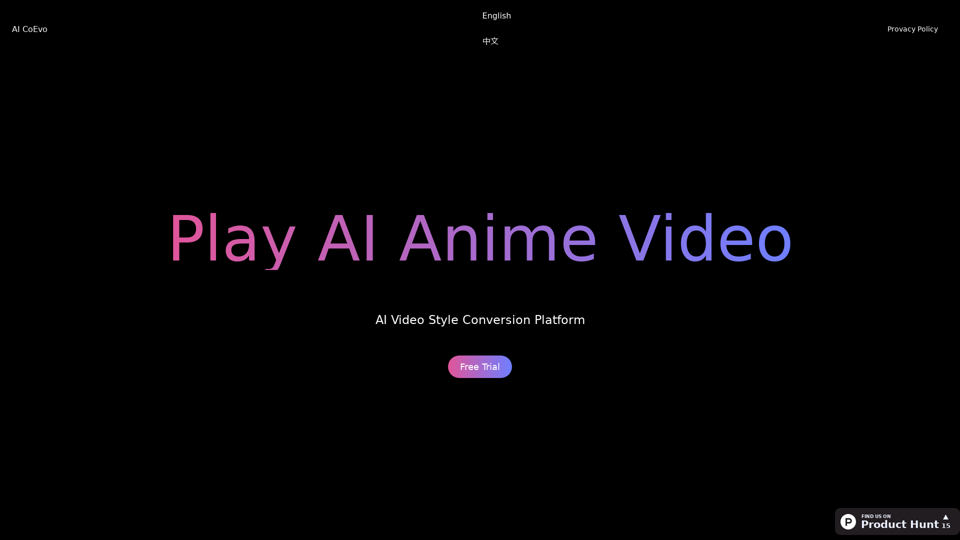
Use AI technology to transform your videos into various anime styles. Experience the innovative service of AI video generation.
0
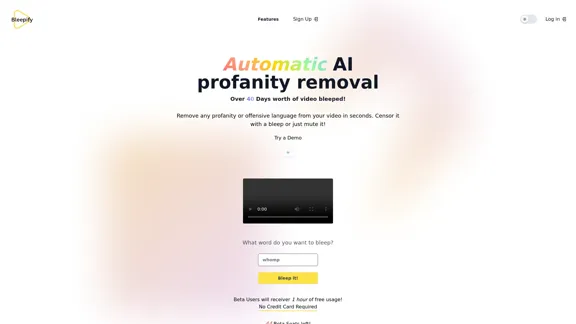
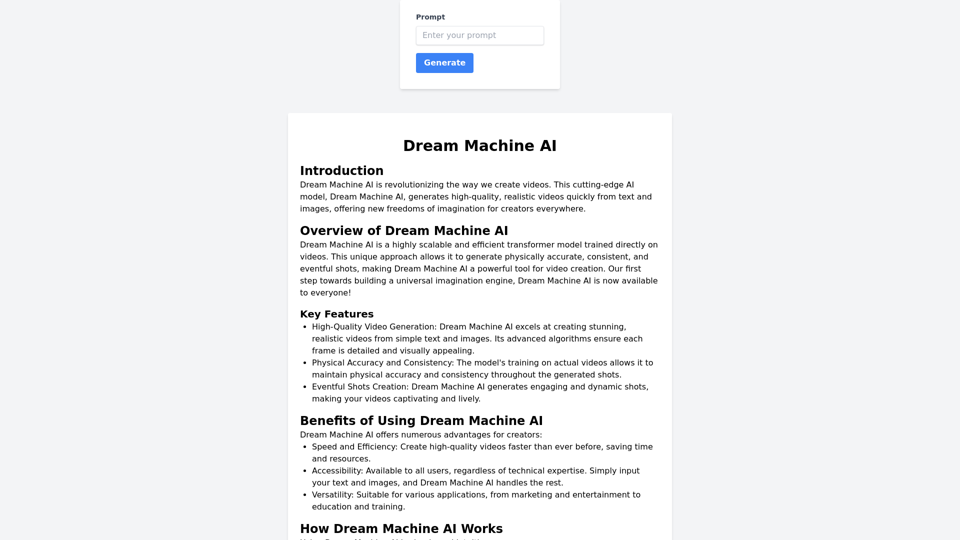
Dream Machine AI creates high-quality, realistic videos quickly from text and images, giving creators new ways to imagine and express themselves.
0
Guidde allows you to capture instant step-by-step videos and documents for anyone to create.
448.88 K
Generate viral-ready videos in seconds! VUBO replaces complex video editing tools and saves you countless hours. Create videos like Would You Rather, Couples Trivia, Quizzes, AI Stories, and more!
12.78 K
Magic Light AI - Free AI Art Generator, Text to Image to Video! AI Studio School
Magic Light AI - Free AI Art Generator, Text to Image to Video! AI Studio SchoolMagicLight AI is an innovative AI text-to-image-to-video platform that easily transforms your written content into engaging, professional-quality videos. Ideal for marketers, school educators, and content creator studios, our tool enables you to produce dynamic video content in minutes—Free AI Art Generator enhancing your digital storytelling and marketing initiatives.
822.97 K
