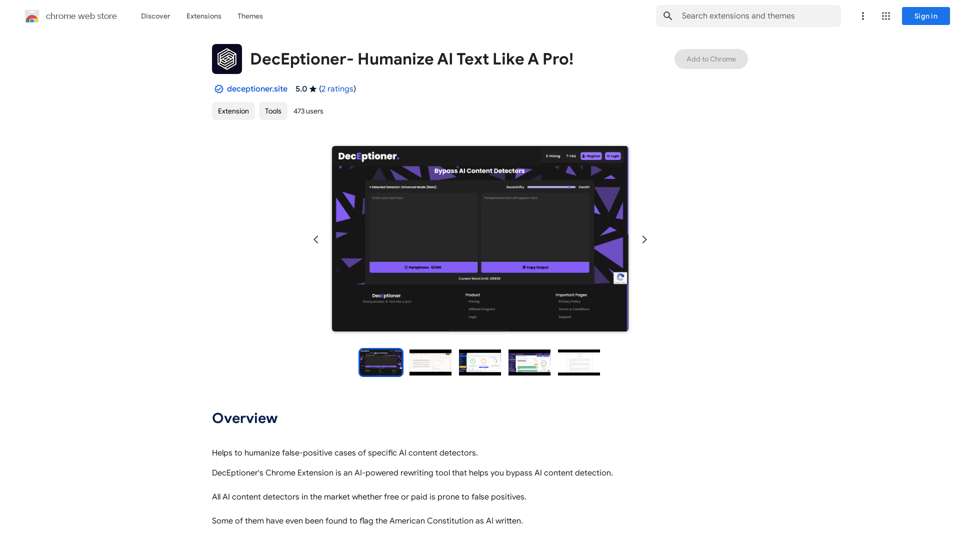
IndieIndieLogin is an AI-powered social media management platform that automates content creation for X, Instagram, and LinkedIn. It generates custom threads, posts, and blogs tailored to your brand's voice, streamlining your social media presence and boosting audience engagement. The platform offers multi-platform support, real-time analytics, and scalable solutions for businesses of all sizes.
Join Indie
Social Media Management on Autopilot

Introduction
Feature
AI-Driven Content Creation
IndieIndieLogin utilizes artificial intelligence to generate custom content for your social media platforms, ensuring consistent brand representation across all channels.
Multi-Platform Support
Manage your social media presence on X, Instagram, and LinkedIn from a single, unified dashboard.
Real-Time Analytics
Access up-to-date insights on your content's performance, enabling data-driven decision-making for your social media strategy.
User-Friendly Interface
The platform is designed for ease of use. Simply log in, select your brand, and let the AI handle content creation.
Scalable Solutions
IndieIndieLogin adapts to your business needs, offering flexible options suitable for companies of all sizes.
Time-Saving Automation
By automating content creation, the platform frees up your time to focus on other critical business tasks.
Customizable Content
Tailor the AI-generated content to match your brand's unique voice and tone.
FAQ
Is IndieIndieLogin secure?
IndieIndieLogin prioritizes data security, employing industry-standard encryption to safeguard your information.
Can I customize the content generated by IndieIndieLogin?
Yes, you can customize the AI-generated content to align with your brand's specific voice and tone.
Does IndieIndieLogin offer customer support?
IndieIndieLogin provides 24/7 customer support to address any questions or issues you may encounter.
How much does IndieIndieLogin cost?
IndieIndieLogin offers various pricing plans to accommodate different business needs. Contact their sales team for detailed information on pricing and packages.
What are some tips for using IndieIndieLogin effectively?
- Utilize the platform's analytics to monitor content performance and refine your strategy.
- Experiment with diverse content types and formats to identify what resonates best with your audience.
- Leverage real-time analytics to promptly respond to customer inquiries and enhance audience engagement.
Related Websites
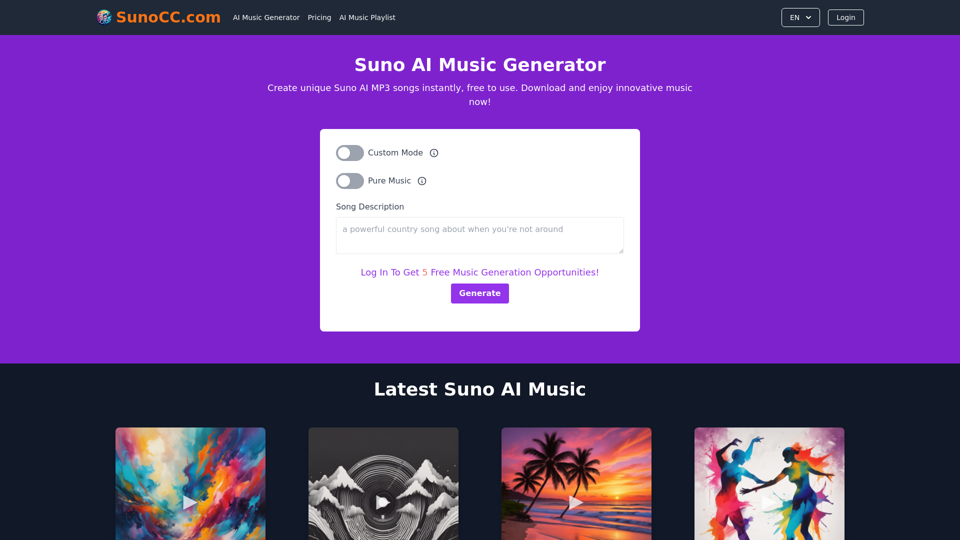
Create music with Suno AI for free. Download and enjoy new music today! Discover SunoCC.com and the innovative Suno AI Music Generator V3.
96.16 K
A vibrant sunset paints the sky in hues of orange, pink, and purple, casting long shadows across a tranquil lake.
193.90 M
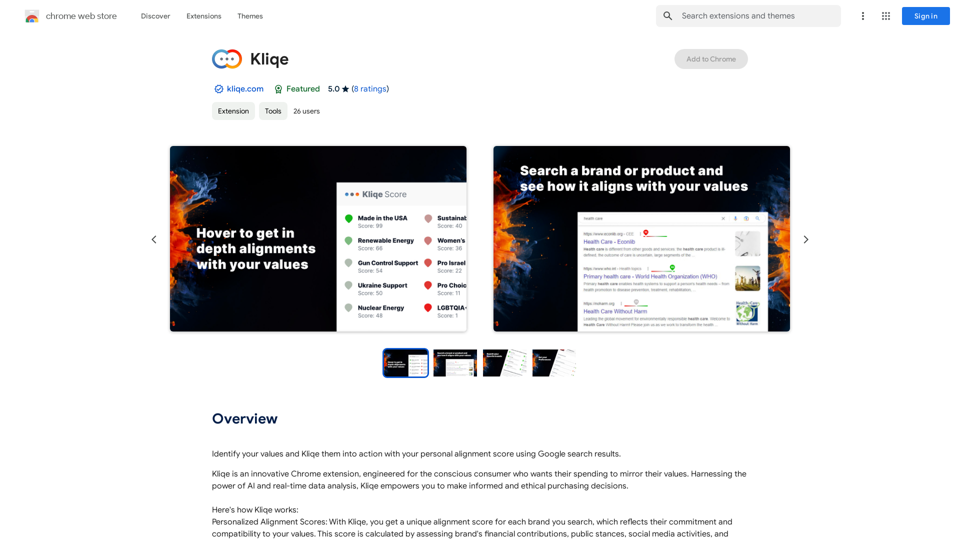
Discover your core beliefs and put them into practice with your unique alignment score, powered by Google search data.
193.90 M
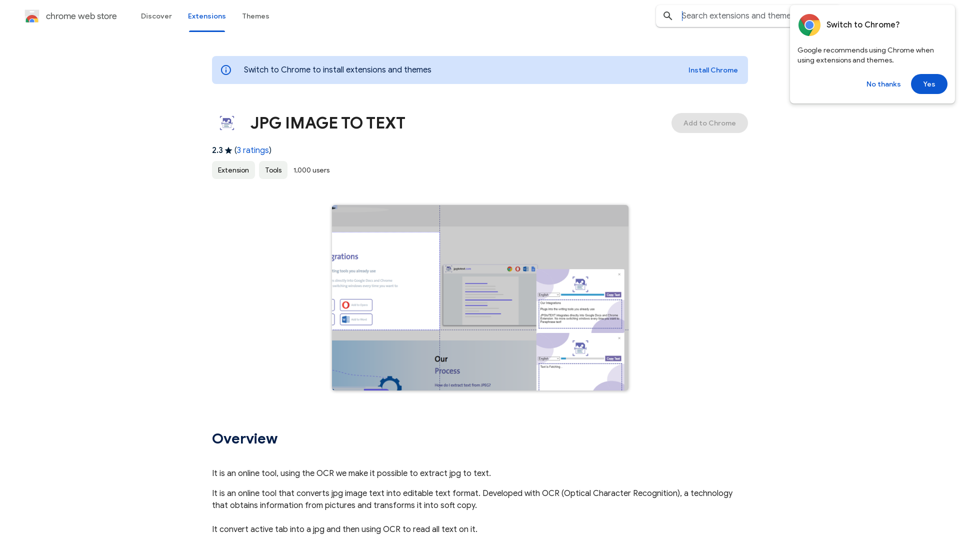
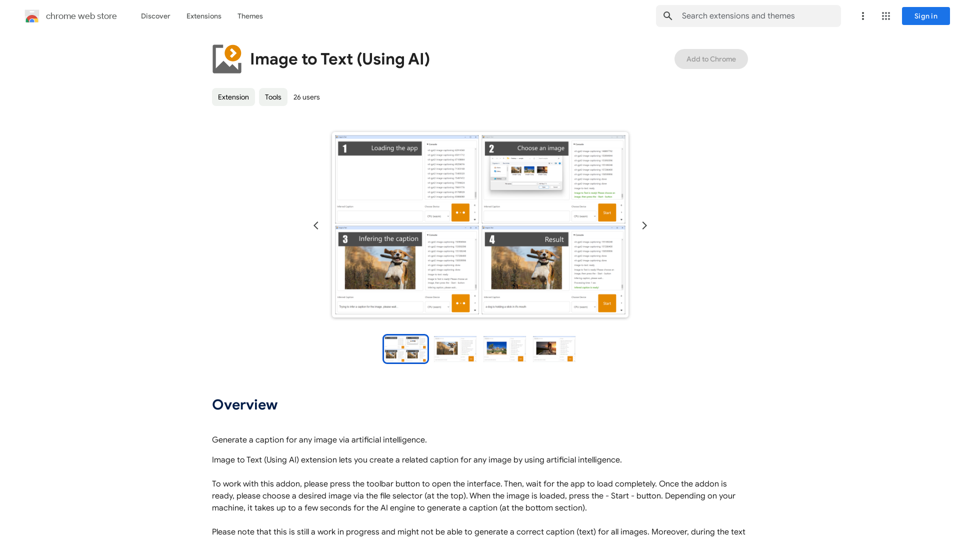
Converting JPG Images to Text Converting a JPG image to text is a process known as Optical Character Recognition (OCR). This technology enables you to extract text from images, scanned documents, and photos. Here's how to do it: Method 1: Online OCR Tools You can use online OCR tools to convert JPG images to text. Here are the steps: 1. Upload your JPG image: Go to an online OCR tool website, such as Online OCR Tools or OCR.space, and upload your JPG image. 2. Select the language: Choose the language of the text in your image. 3. Click on "Convert": The tool will convert the image to text. 4. Download the text: You can download the extracted text as a Word document, PDF, or plain text file. Method 2: Google Drive You can also use Google Drive to convert JPG images to text. Here's how: 1. Upload your JPG image: Upload your JPG image to Google Drive. 2. Right-click on the image: Right-click on the uploaded image and select "Open with" > "Google Docs". 3. The image will be converted: Google Docs will automatically convert the image to text. 4. Edit and download: You can edit the extracted text and download it as a Word document or PDF. Method 3: Adobe Acrobat If you have Adobe Acrobat installed on your computer, you can use it to convert JPG images to text. Here's how: 1. Open Adobe Acrobat: Open Adobe Acrobat on your computer. 2. Create a new document: Create a new document and click on "Tools" > "Recognize Text". 3. Select the image: Select the JPG image you want to convert. 4. Click on "Recognize": Adobe Acrobat will convert the image to text. 5. Edit and save: You can edit the extracted text and save it as a Word document or PDF. These are the three methods to convert JPG images to text. Choose the method that works best for you!
Converting JPG Images to Text Converting a JPG image to text is a process known as Optical Character Recognition (OCR). This technology enables you to extract text from images, scanned documents, and photos. Here's how to do it: Method 1: Online OCR Tools You can use online OCR tools to convert JPG images to text. Here are the steps: 1. Upload your JPG image: Go to an online OCR tool website, such as Online OCR Tools or OCR.space, and upload your JPG image. 2. Select the language: Choose the language of the text in your image. 3. Click on "Convert": The tool will convert the image to text. 4. Download the text: You can download the extracted text as a Word document, PDF, or plain text file. Method 2: Google Drive You can also use Google Drive to convert JPG images to text. Here's how: 1. Upload your JPG image: Upload your JPG image to Google Drive. 2. Right-click on the image: Right-click on the uploaded image and select "Open with" > "Google Docs". 3. The image will be converted: Google Docs will automatically convert the image to text. 4. Edit and download: You can edit the extracted text and download it as a Word document or PDF. Method 3: Adobe Acrobat If you have Adobe Acrobat installed on your computer, you can use it to convert JPG images to text. Here's how: 1. Open Adobe Acrobat: Open Adobe Acrobat on your computer. 2. Create a new document: Create a new document and click on "Tools" > "Recognize Text". 3. Select the image: Select the JPG image you want to convert. 4. Click on "Recognize": Adobe Acrobat will convert the image to text. 5. Edit and save: You can edit the extracted text and save it as a Word document or PDF. These are the three methods to convert JPG images to text. Choose the method that works best for you!It is an online tool that uses Optical Character Recognition (OCR) to make it possible to extract text from images in JPG format.
193.90 M
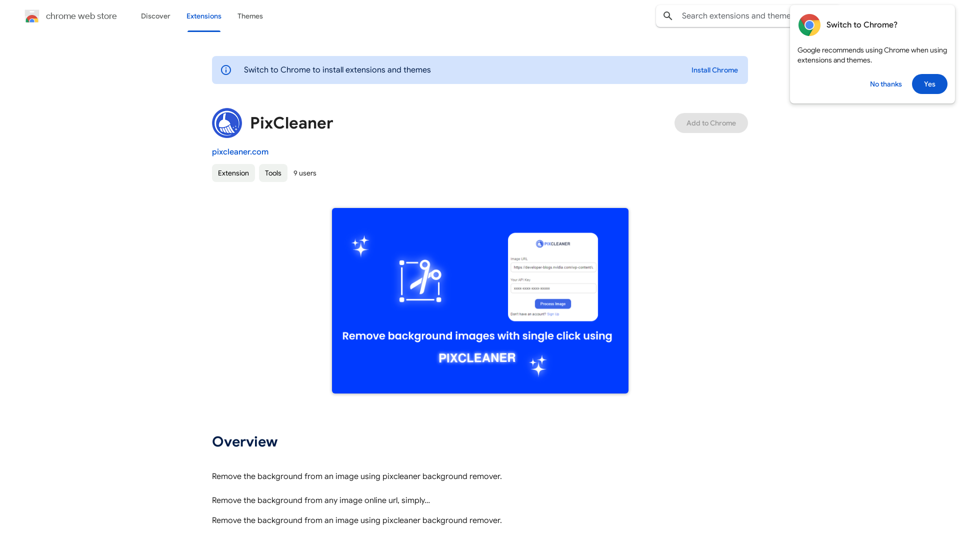
Remove the background from an image using pixcleaner background remover. Remove the background from any image online URL, simply...
193.90 M