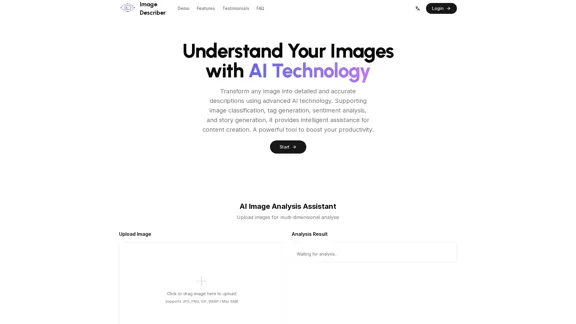
Image Describer is a free AI image description tool that transforms images into detailed and accurate descriptions using advanced AI technology. It supports various functionalities such as image classification, tag generation, sentiment analysis, and story generation, making it a powerful asset for content creation and productivity enhancement.
Image Describer - Free AI Image Description Tool, Allowing Every Image to Communicate
Image Descriptor is a free AI tool that identifies and describes the contents of images. Generate accurate, detailed image descriptions effortlessly.
Introduction
Feature
-
Multi-dimensional Image Analysis
Users can upload images for comprehensive analysis, including object recognition, text extraction, and mood analysis.
-
Smart Analysis
The AI provides context-aware descriptions that capture important details in images, ensuring accuracy and precision.
-
Lightning Fast Processing
Instant image descriptions are generated through a high-performance AI processing system.
-
Multi-Language Support
Descriptions can be generated in multiple languages, catering to a global audience.
-
Enhanced Accessibility
Detailed image descriptions improve content accessibility for all users.
-
Powerful Image Analysis Tools
Features include object detection, scene understanding, emotion analysis, and copy suggestions for marketing.
How to Use?
- Visit the Image Describer website and log in or sign up for an account.
- Click on the "Upload Image" button to select an image from your device.
- Choose the type of analysis you want to perform from the available templates.
- Review the analysis results, which will include detailed descriptions and suggestions based on the image content.
- Utilize the generated descriptions for content creation, marketing, or social media posts.
FAQ
What is Image Describer?
Image Describer is an AI-powered tool that generates detailed descriptions of images, enhancing content creation and accessibility.
What types of analysis does Image Describer provide?
The tool offers various analyses, including object recognition, sentiment analysis, text extraction, and story generation.
Who can use Image Describer?
Image Describer is suitable for content creators, marketers, educators, and anyone needing detailed image descriptions.
How accurate is Image Describer's emotional analysis?
The emotional analysis feature is designed to be highly accurate, capturing the mood and atmosphere of the images effectively.
Are the images uploaded to Image Describer secure?
Yes, the platform prioritizes user privacy and ensures that uploaded images are handled securely.
Price
- Free plan: $0/month
The price is for reference only, please refer to the latest official data for actual information.
Evaluation
- Image Describer excels in providing detailed and context-aware descriptions, making it a valuable tool for content creators and marketers.
- The multi-dimensional analysis capabilities enhance productivity by automating tasks such as tagging and copy generation.
- However, the tool may require further improvements in the accuracy of emotional analysis and scene understanding to cater to more complex image scenarios.
- Overall, Image Describer is a practical solution for enhancing image content management, but users may need to supplement it with additional tools for comprehensive analysis in specialized fields.
Latest Traffic Insights
Monthly Visits
5.16 K
Bounce Rate
47.79%
Pages Per Visit
1.53
Time on Site(s)
27.57
Global Rank
3700345
Country Rank
United States 1951960
Recent Visits
Traffic Sources
- Social Media:6.29%
- Paid Referrals:1.13%
- Email:0.20%
- Referrals:8.57%
- Search Engines:24.65%
- Direct:58.82%
Related Websites
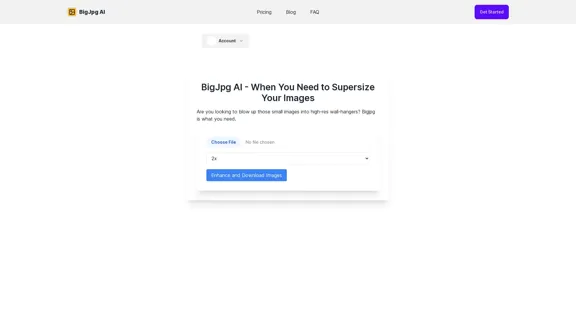
BigJPG AI: The excellent image upscaler. It enlarges photos beyond limits, delivering crystal-clear results. User-friendly BigJPG creates print-quality enlargements.
62.56 K
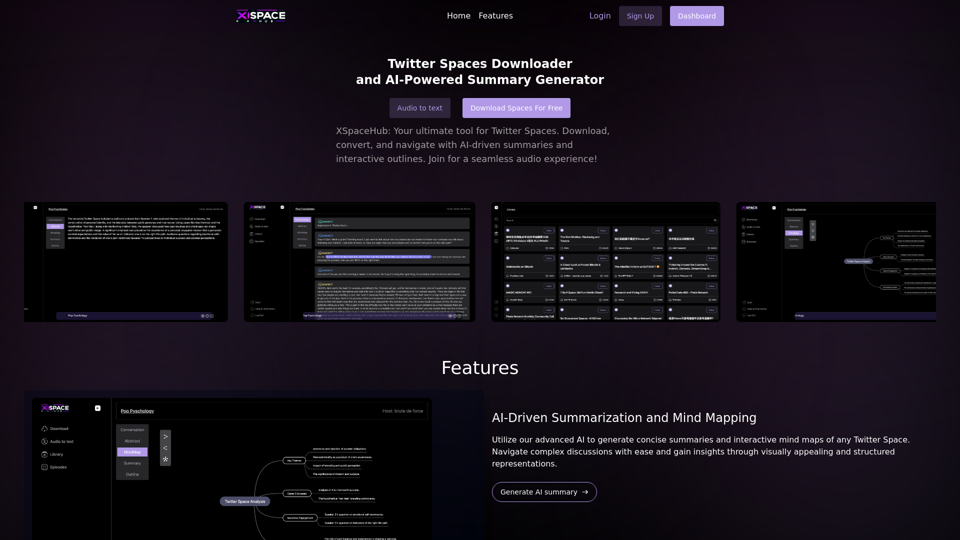
Spaces Downloader and AI-Powered Summary Generator | xspacehub.com
Spaces Downloader and AI-Powered Summary Generator | xspacehub.comXSPaceHub is your ultimate tool to download, convert, summarize, and navigate Twitter Spaces. Access a rich library, enjoy AI-driven summaries, interactive mind maps, and detailed outlines with clickable audio timestamps. Join now for a seamless audio experience!
0

PhotoFuse AI - Your personal AI photographer always with you.
PhotoFuse AI - Your personal AI photographer always with you.Your personal AI photographer in your pocket
1.81 K

FLUX Fill: Advanced AI Solution for Image Inpainting and Outpainting
FLUX Fill: Advanced AI Solution for Image Inpainting and OutpaintingFLUX Fill provides professional-quality AI image inpainting and outpainting. Change your images with smooth edits and natural extensions.
664
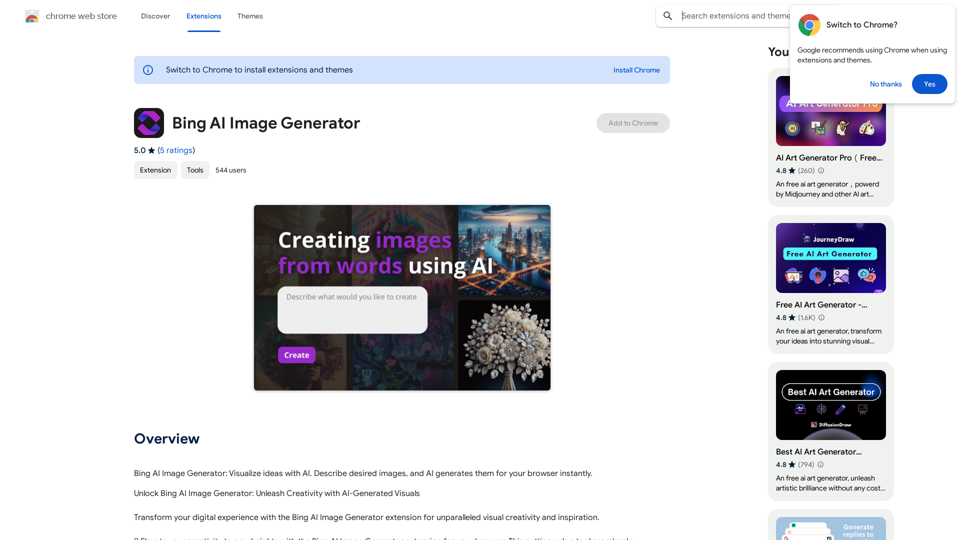
Bing AI Image Generator: See your ideas come to life with AI. Tell the AI what you want to see, and it will create the image in your browser right away.
193.90 M
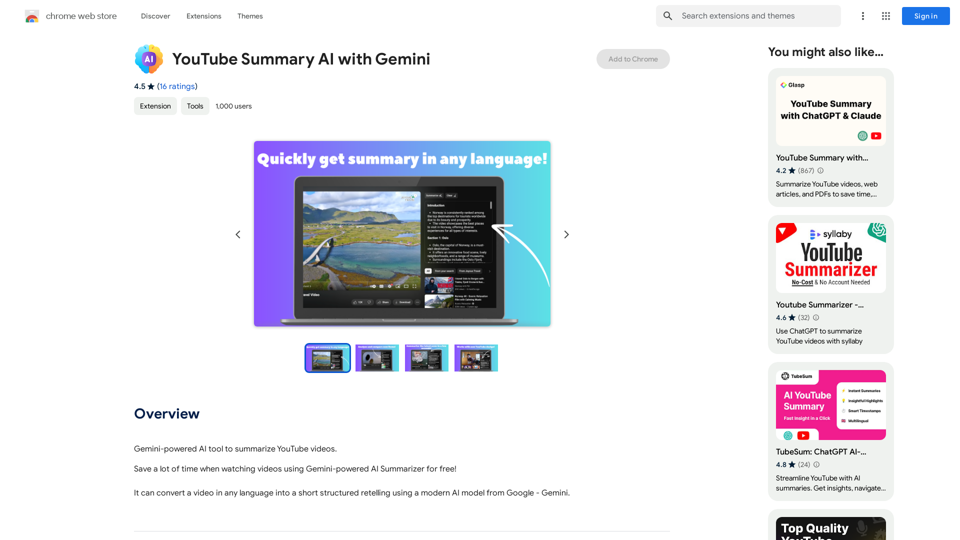
YouTube Summary AI with Gemini Gemini, Google's powerful new AI, is making waves in the world of YouTube. Imagine a future where YouTube videos automatically generate concise and informative summaries. That's exactly what Gemini aims to achieve. By leveraging its advanced language understanding capabilities, Gemini can analyze video content and extract key points, creating summaries that capture the essence of the video. This means viewers can quickly grasp the main ideas without having to watch the entire video. Gemini's potential applications extend beyond simple summaries. It could also be used to: * Generate captions: Automatically create accurate captions for videos, making them accessible to a wider audience. * Translate videos: Break down language barriers by translating videos into different languages. * Create interactive experiences: Enable viewers to engage with videos in new and innovative ways through interactive summaries and quizzes. Gemini's arrival on YouTube promises to revolutionize the way we consume and interact with video content.
YouTube Summary AI with Gemini Gemini, Google's powerful new AI, is making waves in the world of YouTube. Imagine a future where YouTube videos automatically generate concise and informative summaries. That's exactly what Gemini aims to achieve. By leveraging its advanced language understanding capabilities, Gemini can analyze video content and extract key points, creating summaries that capture the essence of the video. This means viewers can quickly grasp the main ideas without having to watch the entire video. Gemini's potential applications extend beyond simple summaries. It could also be used to: * Generate captions: Automatically create accurate captions for videos, making them accessible to a wider audience. * Translate videos: Break down language barriers by translating videos into different languages. * Create interactive experiences: Enable viewers to engage with videos in new and innovative ways through interactive summaries and quizzes. Gemini's arrival on YouTube promises to revolutionize the way we consume and interact with video content.AI tool powered by Gemini that summarizes YouTube videos.
193.90 M