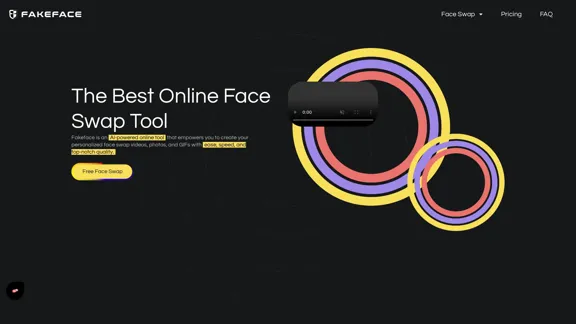
Fakeface is an AI-powered online tool that allows users to create personalized face swap videos, photos, and GIFs quickly and with high quality. It offers a free face swap service without the need for login, making it accessible for anyone looking to enhance their media content.
Free Unlimited AI Face Swap for Videos, Photos & GIFs
Free Online AI Face Swap for Videos, Photos & GIFs – No Login Needed! Swap faces instantly with high-quality results. Try it now!
Introduction
Feature
-
Free Unlimited Face Swap
Users can create unlimited face swaps for videos, photos, and GIFs without any login requirements. Supported formats include MP4, JPEG, PNG, WEBM, MOV, BMP, and GIF.
-
Efficient Speed
The AI model and agile computing technology enable face swaps to be completed up to 5 times faster than traditional methods.
-
Top-Notch Quality
The tool ensures high-quality face swaps that are free from blur or distortion, providing results that look authentic.
-
Proprietary Face Swap Technology
Developed over years, the AI model is supported by robust cloud clusters, delivering exceptional face swap results.
-
Seamless Face Swaps Across Media
Users can achieve flawless face swaps across various media types, including videos, photos, and GIFs.
-
Privacy Protection
Fakeface prioritizes user privacy, ensuring that personal data remains secure and inaccessible to others.
-
Preview Before Swap
Users can preview their face swap creations before finalizing, ensuring satisfaction with the results.
How to Use?
- Start by visiting the Fakeface website.
- Choose the type of media you want to swap faces in (video, photo, or GIF).
- Upload your media file and a clear facial photo.
- Follow the prompts to create your face swap masterpiece.
- Preview your creation before finalizing to ensure it meets your expectations.
FAQ
What is Fakeface?
Fakeface is an AI-powered online tool designed for creating personalized face swap videos, photos, and GIFs quickly and efficiently.
How does Fakeface work?
Users upload their media files and a facial photo, and the AI processes this information to create a seamless face swap in a matter of minutes.
Can I use the face swaps created by Fakeface for my projects?
Yes, the face swaps generated by Fakeface can be used for personal or commercial projects, depending on the terms of service.
How is Fakeface different from other face swap tools?
Fakeface utilizes proprietary AI technology that enhances speed and quality, making it a leader in the face swap market.
Is there a cost associated with using Fakeface?
Fakeface offers a free face swap service, along with a Pro version that may include additional features.
Price
| Plan | Price |
|---|---|
| Free Plan | $0/month |
| Face Swap Pro | Pricing varies |
The price is for reference only, please refer to the latest official data for actual information.
Evaluation
- Fakeface excels in providing a user-friendly interface and quick processing times, making it accessible for users of all skill levels.
- The quality of face swaps is impressive, with results that often exceed expectations.
- However, the tool may benefit from additional features or customization options to cater to more advanced users.
- While the free version is robust, offering a Pro plan could attract users looking for enhanced capabilities.
- Overall, Fakeface is a strong contender in the face swap market, but continuous updates and feature expansions will be essential to maintain its competitive edge.
Related Websites
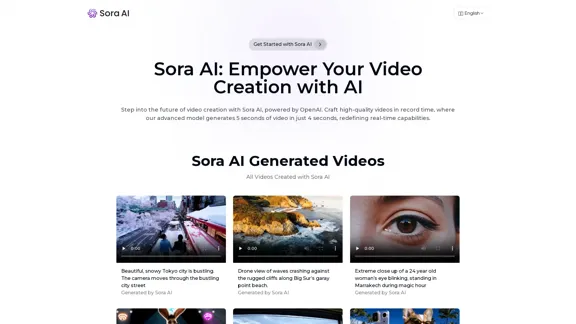
Sora AI: AI Video Generator Redefining Visual Storytelling
Sora AI: AI Video Generator Redefining Visual StorytellingLet your creativity flow with Sora AI, the AI video generator that effortlessly transforms your text and images into visually stunning videos, providing a new dimension in creative expression.
625
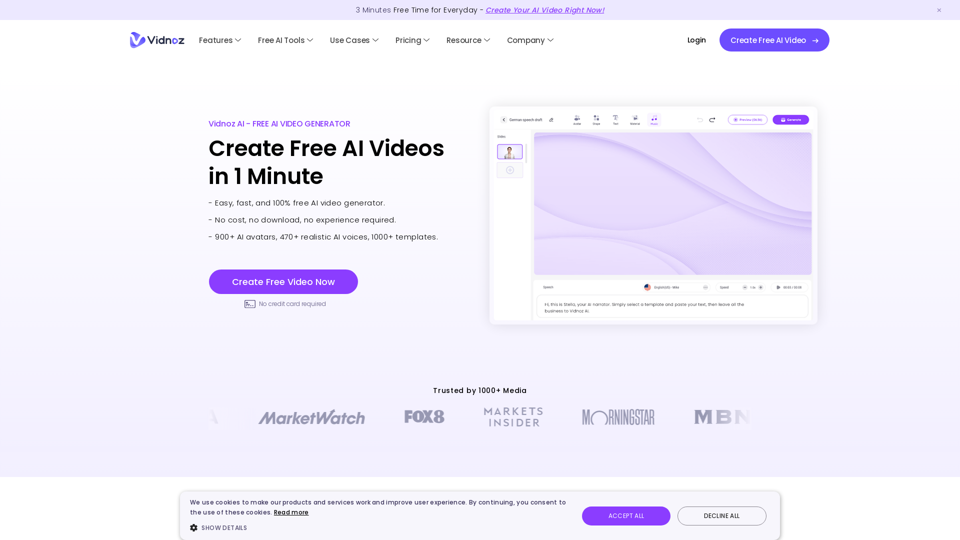
Vidnoz AI Tools: Create FREE Engaging AI Videos 10X Faster
Vidnoz AI Tools: Create FREE Engaging AI Videos 10X FasterVidnoz is the leading provider of free online video creation tools, powered by AI and intelligent automation. Use Vidnoz AI tools to create successful videos!
5.20 M
Free Youtube Video Downloader: Youtube to Mp4 Converter
Free Youtube Video Downloader: Youtube to Mp4 ConverterVideoDL is a free, fast, and stable online YouTube video downloader that allows you to convert YouTube videos to MP4 or MP3 with the highest quality.
0
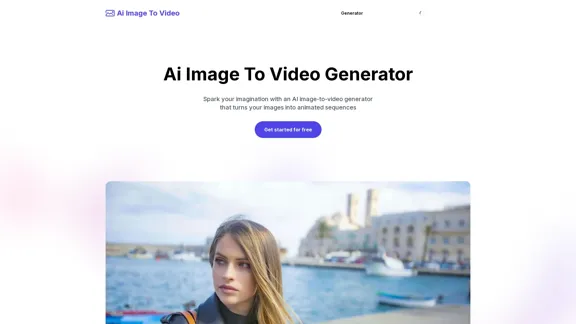
AI Image To Video Generator Online | Make Your Images Come To Life
AI Image To Video Generator Online | Make Your Images Come To LifeFrustrated with lifeless images? AI Image To Video brings them to life! Our AI transforms your images into stunning, moving videos. Upload, relax, and watch your images become engaging, shareable stories in seconds. Captivate your audience with AI-powered video magic!
383
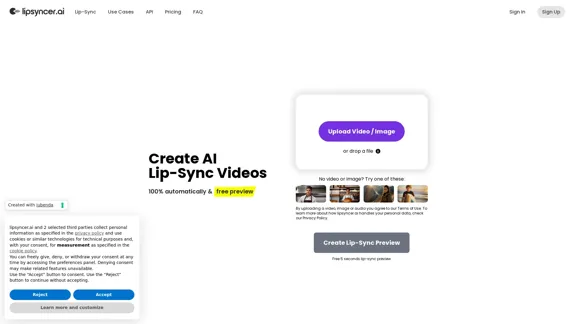
Create AI Lip-Sync Videos Lip-sync technology has advanced significantly, allowing for the creation of realistic videos where characters appear to speak in different languages or say things they never actually said. Here's how to create AI lip-sync videos: 1. Choose your video editing software - Popular options include Adobe After Effects, Reallusion's CrazyTalk, or Synthesia 2. Prepare your source video - Select a high-quality video clip with clear facial features 3. Generate or record the audio - Create the audio track you want the character to lip-sync to 4. Use AI-powered lip-sync tools - Many software options now include AI-driven lip-sync features - Upload your video and audio files - The AI will analyze the audio and match it to the character's mouth movements 5. Fine-tune the results - Adjust timing and mouth shapes as needed for a more natural look 6. Render the final video - Export your lip-synced video in your desired format Tips: - Ensure good lighting and clear facial features in the source video - Use high-quality audio for better results - Practice and experiment with different tools to improve your skills Remember to consider ethical implications and obtain necessary permissions when creating lip-sync videos of real people.
0
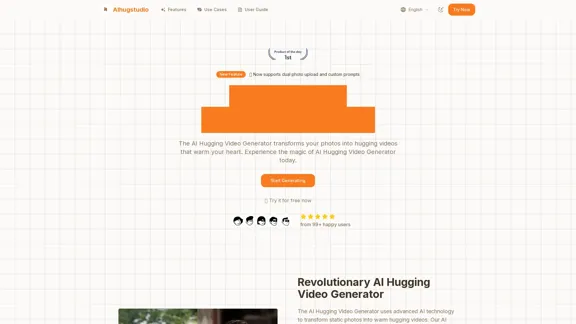
AI Hugging Video Generator Free: Create AI-generated Hugging Videos
AI Hugging Video Generator Free: Create AI-generated Hugging VideosGenerate AI hug videos with AIhugstudio! Our AI hug video generator can instantly create realistic hugs using the power of AI.
0
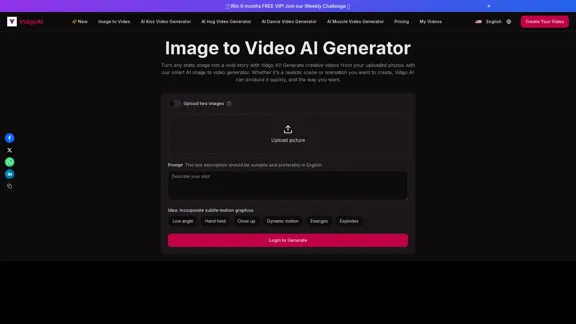
Image to Video AI Generator: Convert Images into Videos for Free
Image to Video AI Generator: Convert Images into Videos for FreeUse the Vidgo AI image to video generator for free. Transform photos into videos with high-quality and engaging results. Try our image to video AI now!
206.70 K
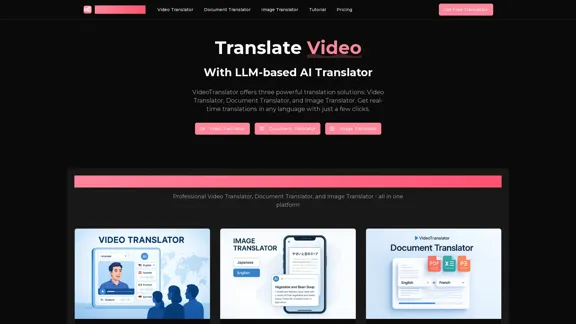
AI Video Translator, Document Translator & Image Translator
AI Video Translator, Document Translator & Image TranslatorTranslate any file instantly with VideoTranslator. Our top AI translator can translate documents, images, audio, and video - PDF, Word, PNG, MP3, and more.
3.02 K