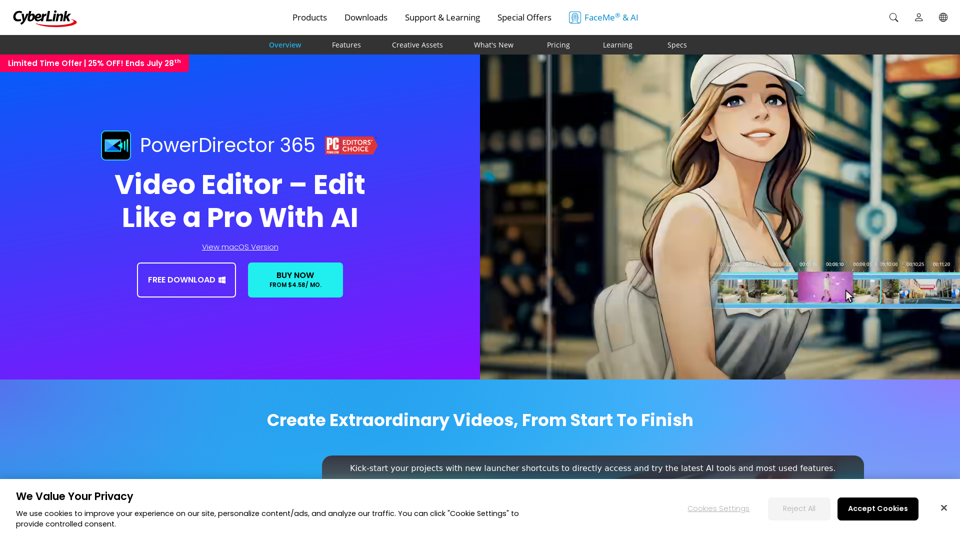
PowerDirector is a professional-grade video editing software developed by CyberLink. It combines powerful editing tools with AI-powered features to enable users of all skill levels to create high-quality videos efficiently. The software offers a wide range of capabilities, from basic editing to advanced effects and AI-driven enhancements, making it suitable for both beginners and experienced video editors.
PowerDirector Video Editor - Edit Like a Pro With AI
PCMag's top-rated video editor. Effortlessly produce videos using AI tools of studio quality, templates, visual effects, and stock content. Download for free now!
Introduction
Feature
Comprehensive Video Editing Tools
- Drag-and-drop interface for quick edits
- Extensive library of effects, transitions, titles, and graphics
- Screen recording and live streaming capabilities
- Access to stock media library
AI-Powered Features
AI Video Effects
- Hundreds of cinematic effects including AI anime effect
- AI body effects that auto-wrap to moving subjects
AI Tracking and Privacy
- AI motion and face tracking for adding graphics or privacy blurring
- AI background remover for one-click background elimination in videos/photos
AI Audio Enhancement
- AI voice changer with 100+ human and effect voice options
- AI audio restoration for noise removal and enhancement
- AI text-to-speech generator with 260+ realistic voices and styles
AI Text and Image Generation
- AI speech-to-text for automatic subtitle generation
- AI image generator for creating custom images, stickers, and graphics from text
Creative Tools
- Blending tools for artistic visual effects
- Regular updates with new features and content
FAQ
Is PowerDirector suitable for beginners?
PowerDirector offers an intuitive interface and AI tools that make video editing accessible for beginners while still providing advanced features for more experienced users.
Can I use PowerDirector to edit videos for YouTube?
Yes, PowerDirector is ideal for creating YouTube content with its screen recording, effects library, and export options optimized for online video.
Does PowerDirector work on Mac?
Yes, there is a Mac version of PowerDirector available with most of the same features as the Windows version.
What are the pricing options for PowerDirector?
PowerDirector offers subscription plans:
| Plan | Price |
|---|---|
| Annual | $54.99/year (avg $4.58/month) |
| Monthly | $19.99/month |
| A free trial version is also available to download and test the software. |
Are there any free alternatives to PowerDirector?
While there are some free video editors available, PowerDirector offers more advanced features and AI tools not typically found in free software. However, CyberLink does offer a free trial of PowerDirector for testing.
Related Websites
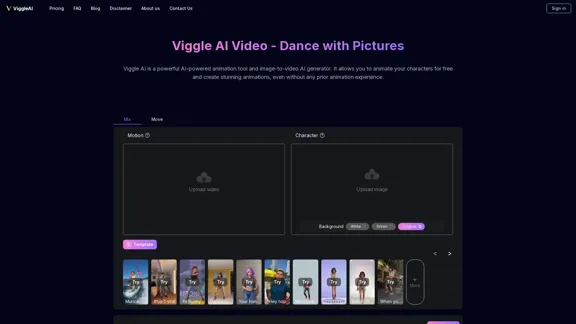
Viggle AI is a powerful AI-powered animation tool and image-to-video AI generator. It allows you to animate your characters for free and create stunning animations, even without any prior animation experience.
163.41 K
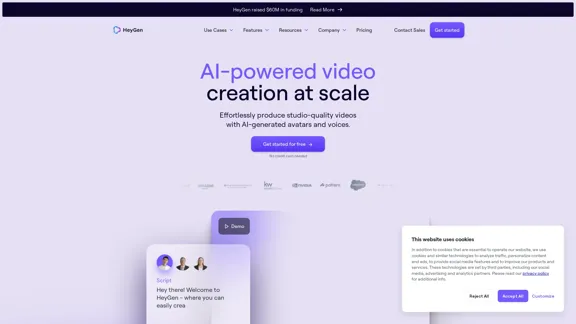
HeyGen is an innovative video platform that harnesses the power of generative AI to streamline your video creation process. Unleash your creativity with HeyGen - the future of video production.
7.03 M

Image to video AI: Convert images to MP4, AI video creator.
Image to video AI: Convert images to MP4, AI video creator.Image to video AI Free: Effortlessly convert images to MP4 videos with our advanced AI video maker. Transform your creativity into captivating visual stories.
371.47 K
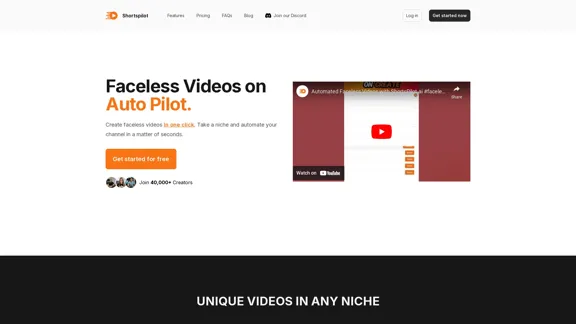
Transform your ideas into captivating short videos with ease. Our AI-powered tool automatically crafts and posts engaging shorts to your social media, effortlessly driving views and generating revenue.
51.15 K
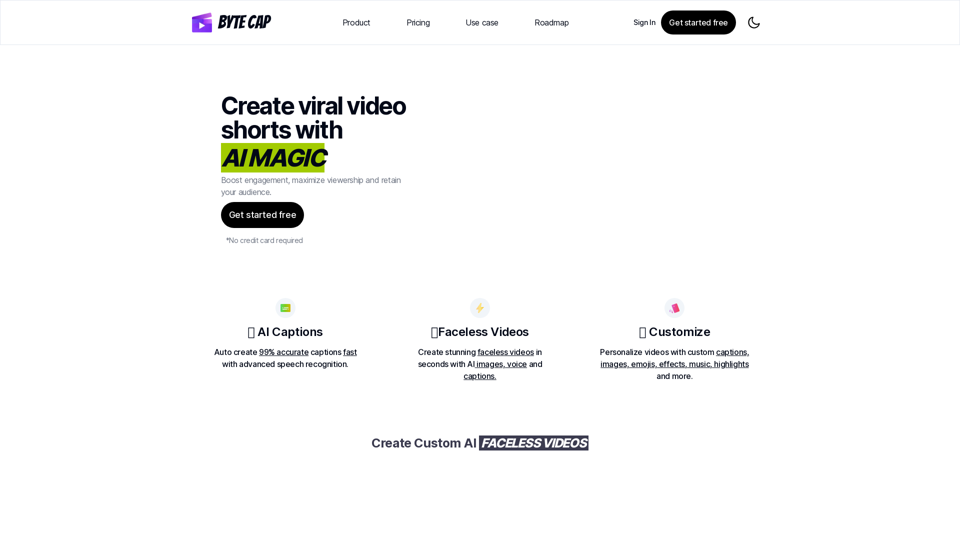
Bytecap - Enhance your videos with personalized AI captions
Bytecap - Enhance your videos with personalized AI captionsEnhance your videos with personalized captions Increase engagement, expand your audience, and improve viewer retention.
5.96 K
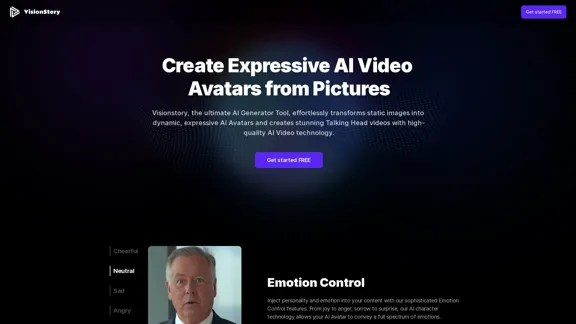
Create high-quality AI video avatars from your photos with our AI Text to Video and AI Image to Video generators. Upload your picture, input text or voice, and watch your AI character come to life with realistic expressions and voice cloning. Perfect for AI faces, talking heads, and more. Experience fast and expressive AI video creation comparable to Sora, Kling, Runway, Viggle and more.
163.64 K