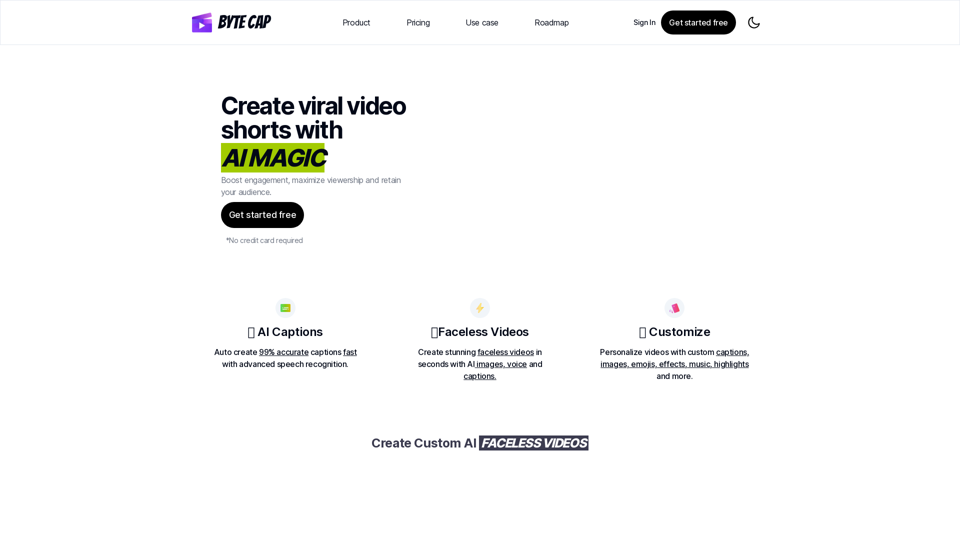
Bytecap is an AI-powered platform that enhances video content with custom captions. It caters to content creators, video editors, podcasters, and streamers, offering features to create engaging, accessible, and viral-worthy video shorts. The platform provides AI-generated captions, faceless video creation, customization options, and support for multiple file formats.
Bytecap - Enhance your videos with personalized AI captions
Enhance your videos with personalized captions
Increase engagement, expand your audience, and improve viewer retention.
Introduction
Feature
AI Captions
- 99% accurate captions generated quickly
- Advanced speech recognition technology
- Support for over 99 languages with auto-detection
Faceless Videos
- Create videos using AI-generated images
- AI-powered voice generation
- Customizable captions
Customization Options
- Personalize videos with custom captions, images, and emojis
- Add effects and music
- Highlight keywords using AI
- 12 expertly crafted caption themes
File Format Support
- Download captions in .SRT, .VTT, .ASS, and .TXT formats
- Download transcripts
AI-Generated Content
- AI Hook Title generation
- AI Description creation
Multi-language Support
- Over 99 languages supported
- Auto-language detection
FAQ
Is there a free option to try Bytecap?
Yes, Bytecap offers a free option to try the service.
Can I get creative with my captions on Bytecap?
Absolutely! Bytecap provides various customization options for fonts, colors, emojis, effects, positioning, and sizing.
How fast can I get the results?
Bytecap promises captions "within seconds," suggesting a quick turnaround time.
What languages do you support?
Bytecap supports over 99 languages with auto-language detection.
Can I edit the captions after creation?
Yes, Bytecap allows for customization and editing of captions after they are generated.
Related Websites
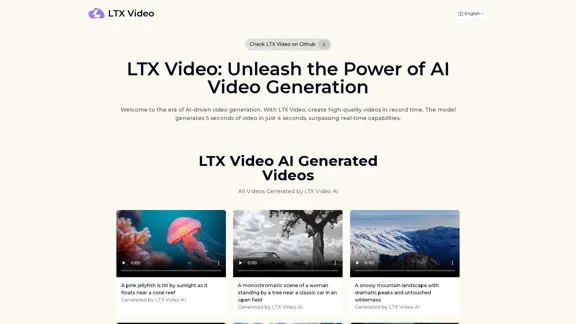
Experience the cutting-edge of AI video generation with LTX-Video AI! LTX-Video AI transforms text and images into dynamic, engaging videos in just minutes.
0
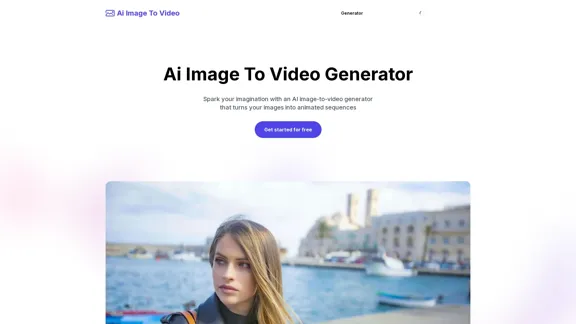
AI Image To Video Generator Online | Make Your Images Come To Life
AI Image To Video Generator Online | Make Your Images Come To LifeFrustrated with lifeless images? AI Image To Video brings them to life! Our AI transforms your images into stunning, moving videos. Upload, relax, and watch your images become engaging, shareable stories in seconds. Captivate your audience with AI-powered video magic!
383
Free AI Kissing Video Generator | AI Kiss Video Generator
Free AI Kissing Video Generator | AI Kiss Video GeneratorAI Kissing Video Generator Free is an AI-powered tool that allows you to upload two photos and use custom prompts to animate your images.
399
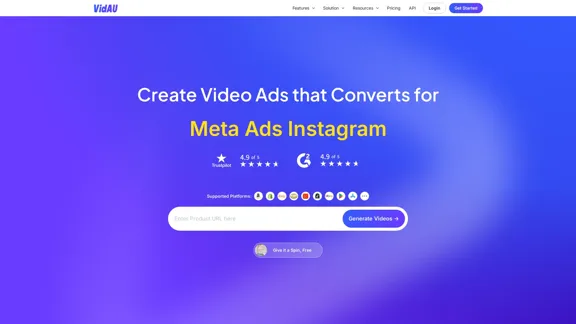
VidAu AI video generator creates high-quality videos for you featuring avatar spokespersons, face swapping, multi-language translation, subtitle and watermark removal, as well as video mixing and editing capabilities—begin at no cost.
243.37 K
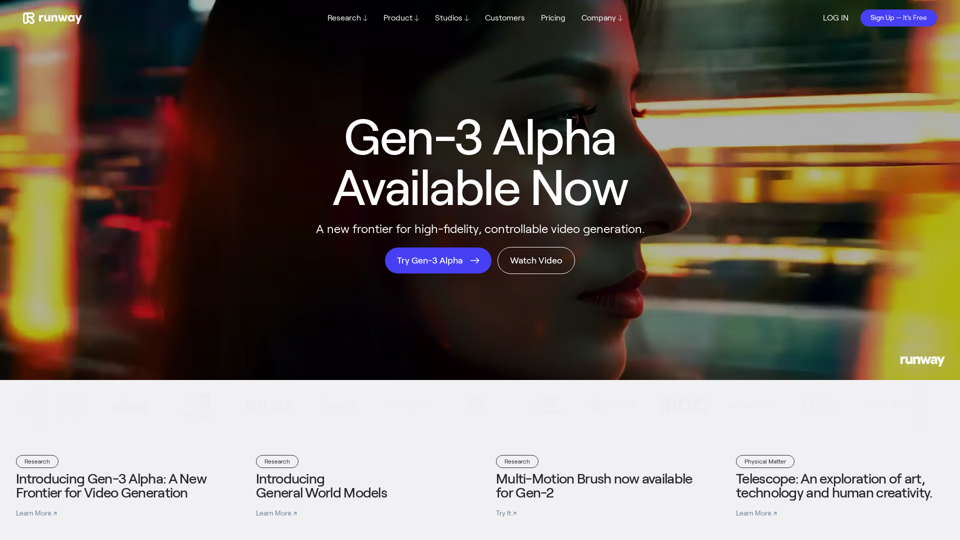
Runway - Advancing creativity with artificial intelligence.
Runway - Advancing creativity with artificial intelligence.Runway is an applied AI research company shaping the next era of art, entertainment and human creativity.
6.30 M
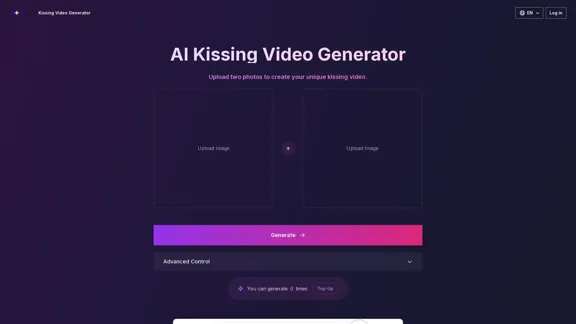
AI Kissing Video Generator: Make Custom Romantic Videos from Pictures
AI Kissing Video Generator: Make Custom Romantic Videos from PicturesTransform your photos into realistic kissing videos with our advanced AI Kissing Video Generator. Upload two photos and create a personalized, high-quality kissing video in minutes, completely free!
640
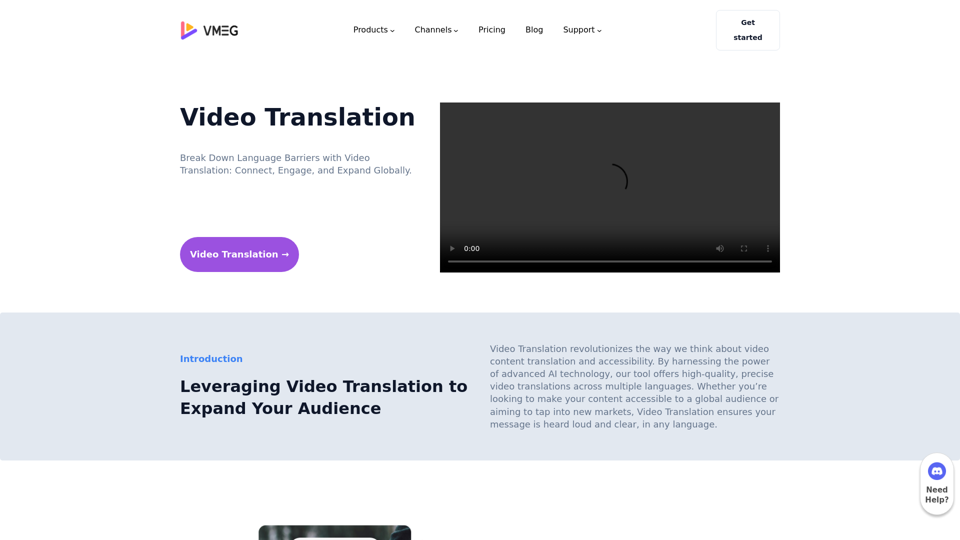
Video Translation: Connect Globally Across Languages – VMEG
Video Translation: Connect Globally Across Languages – VMEGBreak Down Language Barriers with Video Translation: Connect, Engage, and Expand Globally.
1.17 K