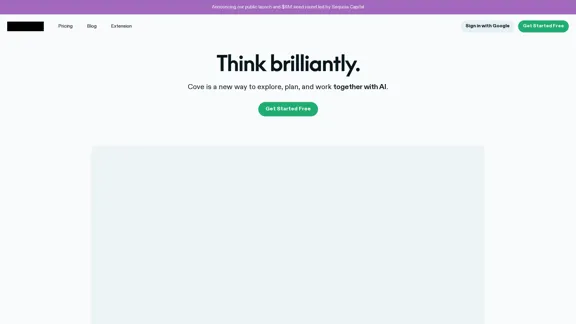
Cove is an innovative AI collaboration tool designed to enhance exploration, planning, and teamwork. Unlike traditional chatbots, Cove acts as a collaborative partner, allowing users to engage in a shared workspace where ideas can be built upon collectively. It offers features that facilitate real-time editing and learning from user inputs, making it a versatile tool for various tasks.
Cove
Visual workspace for thinking with AI
Introduction
Feature
-
Shared Workspace
Cove provides a collaborative environment where users and AI can interact without the limitations of chat threads. This allows for a more dynamic exchange of ideas.
-
Real-Time Editing
Users can edit content directly with Cove, similar to how colleagues might collaborate on a document. This feature enables precise adjustments without needing to reprocess entire responses.
-
Contextual Learning
Cove learns from user contributions, integrating text, tables, images, web pages, PDFs, and more into a shared context that enhances the collaborative experience.
-
Exploratory Suggestions
As users navigate their tasks, Cove offers various suggestions to guide them in different directions, ensuring that they are never at a standstill.
-
Accelerated Web Research
With access to up-to-date web data, Cove performs multiple searches in parallel, significantly speeding up research processes.
-
Integration with Existing Tools
Cove can be used alongside popular tools through a Chrome extension, allowing seamless integration with email, documents, CRM systems, and more.
-
Powered by Advanced LLMs
The tool utilizes a combination of leading language models to deliver high-quality responses with minimal latency.
How to Use?
- Sign up for a free account on the Cove website.
- Install the Cove Chrome extension for easy access while using other applications.
- Start a new project in the shared workspace to collaborate with Cove.
- Utilize the real-time editing feature to refine your content as you work.
- Explore the suggestions provided by Cove to enhance your research and planning.
- Incorporate various types of media (text, images, tables) to enrich the collaborative experience.
FAQ
What is Cove?
Cove is an AI-powered collaboration tool designed to facilitate exploration, planning, and teamwork in a shared workspace.
How does Cove work?
Cove allows users to interact with AI in a collaborative environment, enabling real-time editing and contextual learning from user inputs.
Can I use Cove with other applications?
Yes, Cove integrates seamlessly with other tools through a Chrome extension, allowing users to work alongside their favorite applications.
What makes Cove different from traditional chatbots?
Cove is designed as a collaborative partner rather than a simple chatbot, providing a shared workspace for dynamic interaction and real-time editing.
How does Cove enhance web research?
Cove accelerates research by performing multiple searches in parallel and providing up-to-date information from the web.
Price
- Free Plan: $0/month
- Basic Plan: Pricing details not provided
The price is for reference only, please refer to the latest official data for actual information.
Evaluation
- Cove excels in creating a collaborative environment that enhances productivity through real-time editing and shared context.
- The ability to integrate with existing tools is a significant advantage, making it user-friendly and versatile.
- However, the pricing structure lacks clarity, particularly for plans beyond the free option, which may deter potential users.
- While Cove offers innovative features, further enhancements in user guidance and onboarding could improve the overall experience for new users.
Latest Traffic Insights
Monthly Visits
21.16 K
Bounce Rate
44.60%
Pages Per Visit
1.93
Time on Site(s)
48.89
Global Rank
1241061
Country Rank
United States 663691
Recent Visits
Traffic Sources
- Social Media:3.55%
- Paid Referrals:1.07%
- Email:0.11%
- Referrals:8.18%
- Search Engines:40.25%
- Direct:46.71%
Related Websites
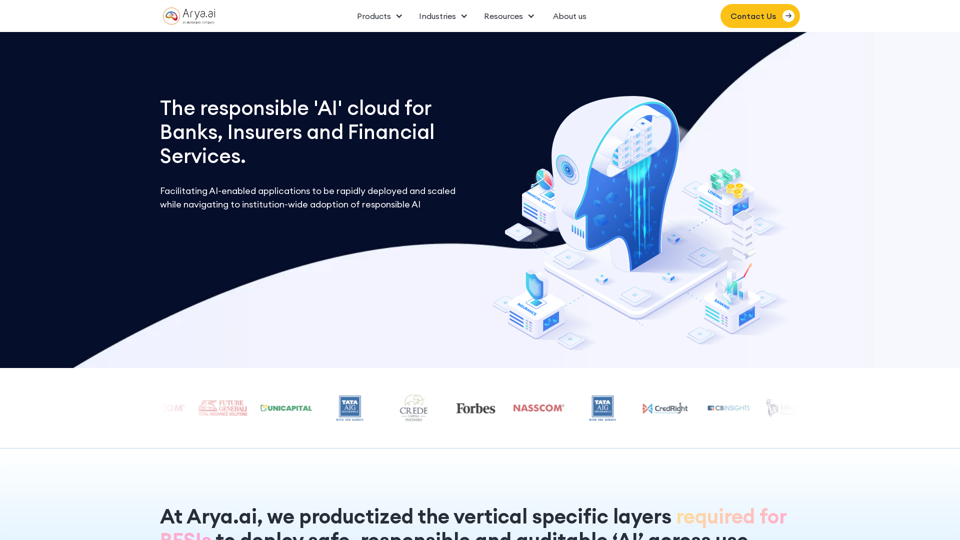
The AI Cloud for Banks, Insurers and Financial Services
The AI Cloud for Banks, Insurers and Financial ServicesArya.ai is the 'AI Cloud' for Banks, Insurers and Financial Services to expedite the adoption of AI that is responsible, accurate and auditable.
108.58 K
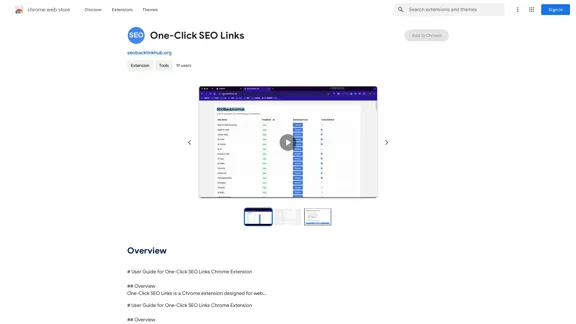
# User Guide for One-Click SEO Links Chrome Extension ## Overview One-Click SEO Links is a Chrome extension designed for web developers and SEO professionals. It allows users to quickly generate and copy various SEO-related links for the current webpage with just one click. ## Features - Generate and copy Google Cache link - Generate and copy Google Index link - Generate and copy Wayback Machine link - Generate and copy PageSpeed Insights link - Generate and copy Mobile-Friendly Test link - Generate and copy Rich Results Test link ## Installation 1. Open the Chrome Web Store 2. Search for "One-Click SEO Links" 3. Click "Add to Chrome" 4. Confirm the installation when prompted ## How to Use 1. Navigate to the webpage you want to analyze 2. Click on the One-Click SEO Links extension icon in your Chrome toolbar 3. Select the desired link type from the dropdown menu 4. The link will be automatically copied to your clipboard 5. Paste the link into your desired location (e.g., browser address bar, document, etc.) ## Troubleshooting If you encounter any issues: - Ensure you have the latest version of the extension installed - Try refreshing the webpage - Restart your Chrome browser - If problems persist, please contact our support team ## Privacy Policy We do not collect or store any personal data. The extension only accesses the current tab's URL to generate the SEO links. ## Feedback and Support For feedback, suggestions, or support, please email us at [email protected] or visit our website www.oneclickseolinks.com. Thank you for using One-Click SEO Links!
193.90 M
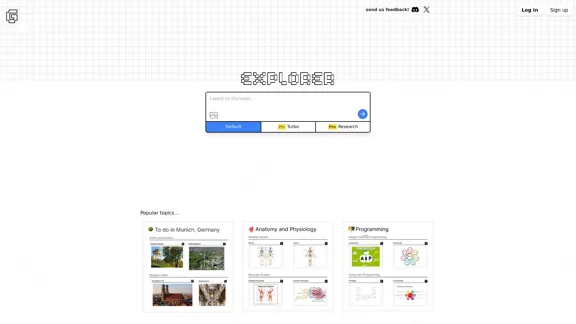
Explorer is an AI-powered discovery and learning engine that delivers intelligent and relevant search results. Give it a try now!
80.85 K
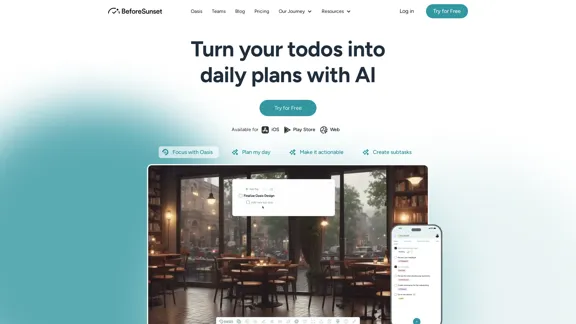
Focus on completing your tasks while BeforeSunset AI plans the ideal schedule for you. Daily planning has never been simpler.
76.01 K
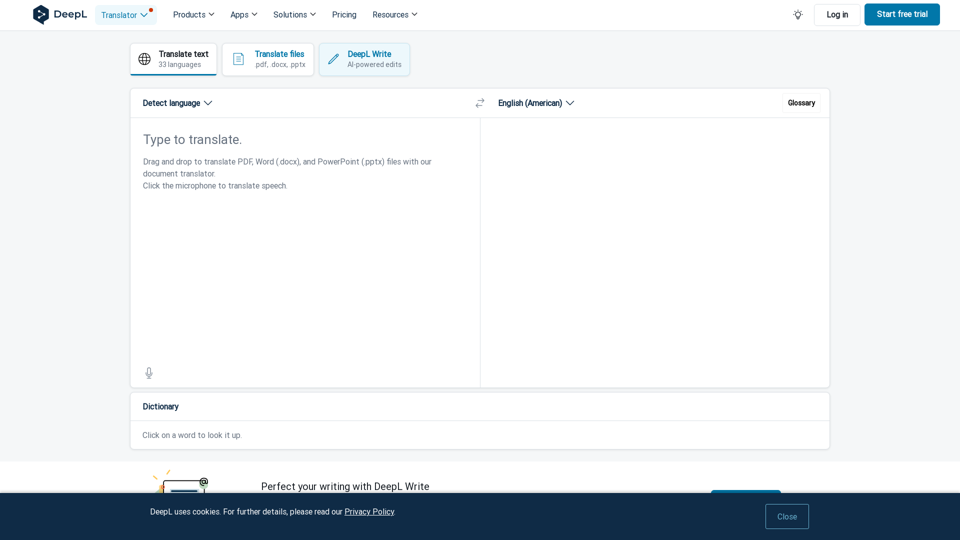
DeepL Translate: The world's most accurate translator
DeepL Translate: The world's most accurate translatorInstantly translate texts and complete document files. Accurate translations for individuals and teams. Millions of people use DeepL for translation every day.
134.30 M