Torii Image Translator is a Chrome extension that revolutionizes the way users interact with visual content across the internet. By leveraging advanced AI technologies like GPT-4 and DeepL, it offers seamless translation of text within images, manga, and comic books into the user's preferred language. This powerful tool breaks down language barriers, making global content accessible with just a hover and click.
Torii Image Translator — Use GPT-4 & DeepL to Translate Any Image, Manga...
Translate any image on any website into any language! Perfect for Manga, Manhwa, Manhua, Comics, ArtistCG, Memes, or any image at all!

Introduction
Feature
Seamless Integration and Translation
- Hover-and-click functionality for instant translation
- Works on any website directly from Chrome browser
- Replaces original text with high-quality translations
- Renders new images with translated text
Advanced Translation Technology
- Utilizes GPT-4, GPT-3.5, and DeepL
- Offers exceptional precision and contextual understanding
- Users can choose between different translation models
User-Friendly Interface
- Intuitive and easy-to-use design
- Eliminates linguistic barriers effortlessly
Secure Authentication
- Simple login process for request authentication
- Ensures secure and efficient image processing
Flexible Pricing Model
- Credits-based system for on-demand usage
- Provides value and flexibility for users
FAQ
How does Torii Image Translator work?
Torii Image Translator uses a simple login process to authenticate requests. It then employs advanced AI translation technology to process images, replacing the original text with high-quality translations in the user's chosen language.
Why is login required to use the extension?
Login is required to authenticate requests, ensuring that images are processed securely and efficiently.
Can Torii Image Translator be used offline?
No, an internet connection is required for Torii Image Translator to process requests and perform translations.
Are there options for more credits or subscription tiers?
Currently, Torii Image Translator only offers a credits-based system due to the substantial costs involved in running the service. This system is designed to provide flexibility and value for users.
Latest Traffic Insights
Monthly Visits
193.90 M
Bounce Rate
56.27%
Pages Per Visit
2.71
Time on Site(s)
115.91
Global Rank
-
Country Rank
-
Recent Visits
Traffic Sources
- Social Media:0.48%
- Paid Referrals:0.55%
- Email:0.15%
- Referrals:12.81%
- Search Engines:16.21%
- Direct:69.81%
Related Websites
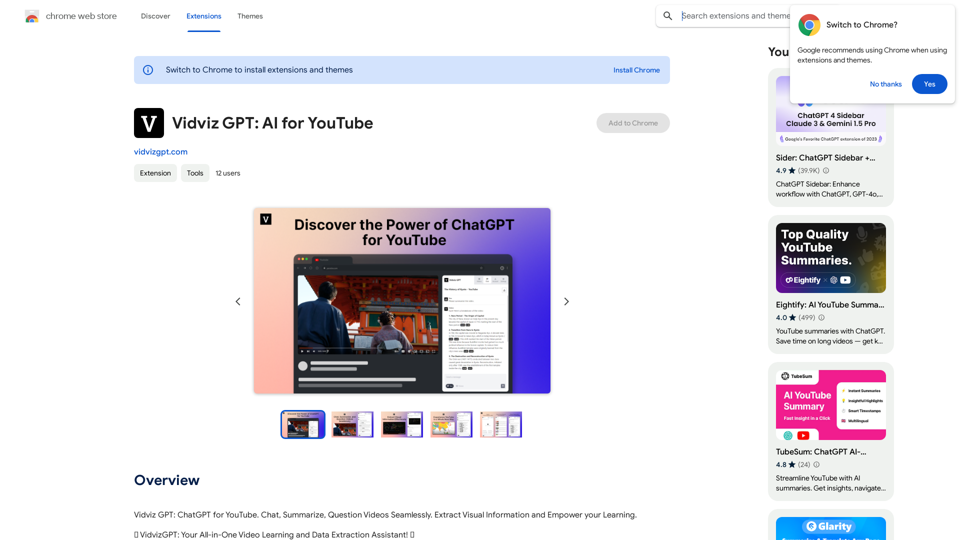
Vidviz GPT: AI for YouTube Vidviz GPT is an AI-powered tool designed to help you create amazing YouTube videos.
Vidviz GPT: AI for YouTube Vidviz GPT is an AI-powered tool designed to help you create amazing YouTube videos.Vidviz GPT: ChatGPT for YouTube. Chat, Summarize, Question Videos Seamlessly. Extract Visual Information and Empower Your Learning.
193.90 M
AI Anime Generator is a free AI tool for creating anime characters and scenes. Simply input a description and allow the AI to produce your anime image.
0
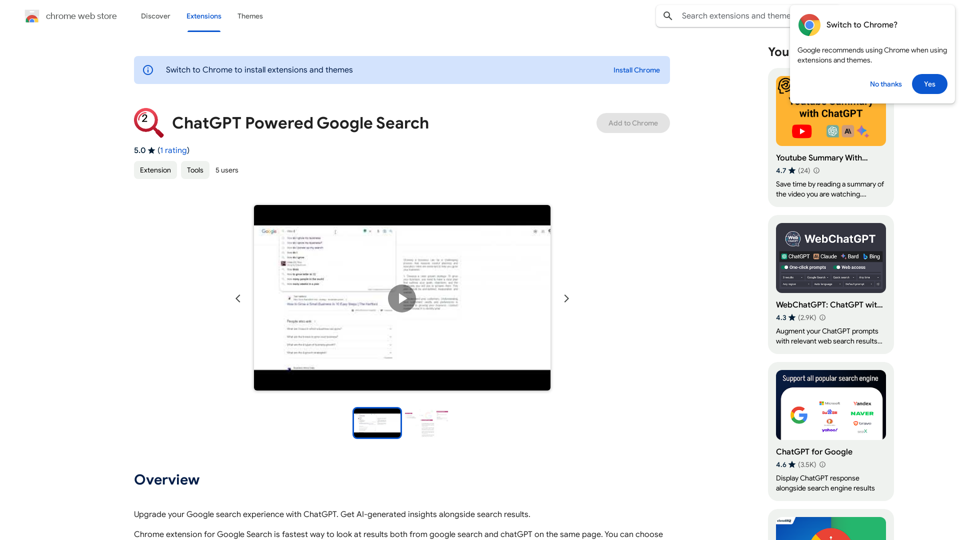
Improve your Google searches with ChatGPT. Receive AI-powered insights along with your search results.
193.90 M
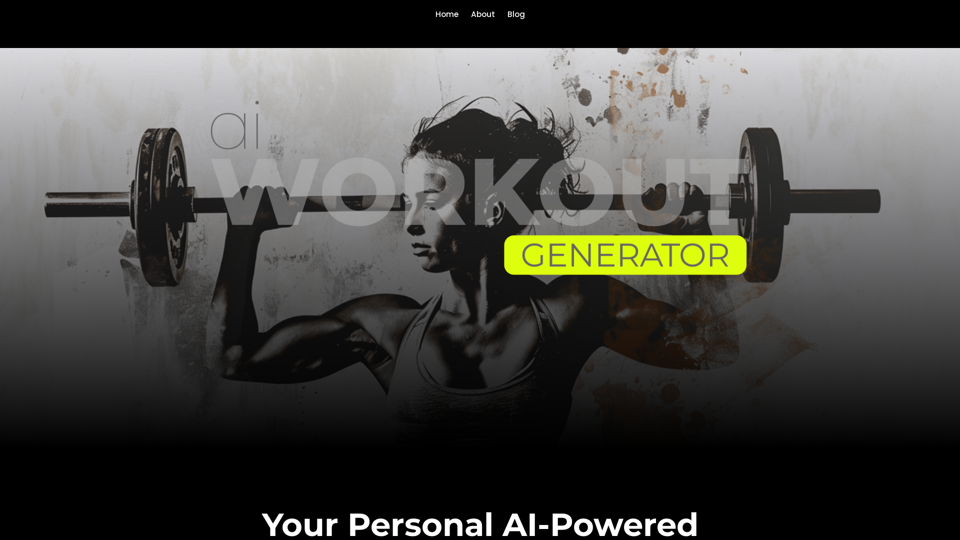
Ai Workout Generator ===================== What is an AI Workout Generator? An AI workout generator is a tool that uses artificial intelligence to create personalized workout plans tailored to an individual's fitness goals, fitness level, and preferences. How does it work? The AI workout generator uses machine learning algorithms to analyze a user's input data, such as their fitness goals, fitness level, and exercise preferences. It then generates a customized workout plan that includes a series of exercises, sets, reps, and weights tailored to the user's specific needs. Benefits of using an AI Workout Generator * Personalized workouts: The AI workout generator creates a workout plan that is tailored to the user's specific fitness goals and fitness level. * Time-saving: The AI workout generator saves time by eliminating the need to research and create a workout plan from scratch. * Increased motivation: The AI workout generator provides a sense of accountability and motivation, as users are more likely to stick to a workout plan that is tailored to their specific needs. * Improved results: The AI workout generator helps users achieve their fitness goals faster and more efficiently, as the workout plan is optimized for their specific needs. How to use an AI Workout Generator 1. Input your data: Enter your fitness goals, fitness level, and exercise preferences into the AI workout generator. 2. Select your workout type: Choose the type of workout you want to do, such as strength training, cardio, or yoga. 3. Generate your workout plan: The AI workout generator will create a customized workout plan tailored to your specific needs. 4. Start your workout: Follow the workout plan and track your progress. Conclusion An AI workout generator is a powerful tool that can help individuals achieve their fitness goals faster and more efficiently. By providing personalized workout plans, the AI workout generator saves time, increases motivation, and improves results. Whether you're a beginner or an experienced athlete, an AI workout generator can help you take your fitness to the next level.
Ai Workout Generator ===================== What is an AI Workout Generator? An AI workout generator is a tool that uses artificial intelligence to create personalized workout plans tailored to an individual's fitness goals, fitness level, and preferences. How does it work? The AI workout generator uses machine learning algorithms to analyze a user's input data, such as their fitness goals, fitness level, and exercise preferences. It then generates a customized workout plan that includes a series of exercises, sets, reps, and weights tailored to the user's specific needs. Benefits of using an AI Workout Generator * Personalized workouts: The AI workout generator creates a workout plan that is tailored to the user's specific fitness goals and fitness level. * Time-saving: The AI workout generator saves time by eliminating the need to research and create a workout plan from scratch. * Increased motivation: The AI workout generator provides a sense of accountability and motivation, as users are more likely to stick to a workout plan that is tailored to their specific needs. * Improved results: The AI workout generator helps users achieve their fitness goals faster and more efficiently, as the workout plan is optimized for their specific needs. How to use an AI Workout Generator 1. Input your data: Enter your fitness goals, fitness level, and exercise preferences into the AI workout generator. 2. Select your workout type: Choose the type of workout you want to do, such as strength training, cardio, or yoga. 3. Generate your workout plan: The AI workout generator will create a customized workout plan tailored to your specific needs. 4. Start your workout: Follow the workout plan and track your progress. Conclusion An AI workout generator is a powerful tool that can help individuals achieve their fitness goals faster and more efficiently. By providing personalized workout plans, the AI workout generator saves time, increases motivation, and improves results. Whether you're a beginner or an experienced athlete, an AI workout generator can help you take your fitness to the next level.AI generated workouts reviewed and Approved by American College of Sports Medicine certified Personal Trainers.
3.30 K
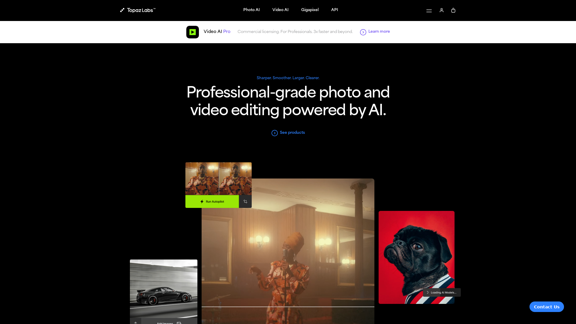
Topaz Labs | Professional-level photo and video editing powered by AI.
Topaz Labs | Professional-level photo and video editing powered by AI.Deep learning-powered photo and video enhancement software delivers the highest image quality available for noise reduction, sharpening, upscaling, and additional improvements.
3.12 M

100% Free AI Face Swap Online Tool No Limits, No signups. No watermarks. Swap faces in videos, photos, and GIFs.
84.55 K