Open-source RightAI Tools Directory
  • Discover AI
  • Submit
  • Startup
  • Blog
Open-source RightAI Tools Directory
Discover the best AI tools of 2025 with the RightAI Tools Directory!

Friend Links

AI Anime GeneratorToolsApp AI

Support

Tap4
Privacy policyTerms & ConditionsContact Us
Loading...
loading...

Please provide me with the text you'd like me to summarize and translate. I'm ready! ๐Ÿ˜Š

I can help you with that! Just paste the web page URL here, and I'll use Claude's powerful abilities to: * Summarize the main points of the page in clear, concise language. * Translate the entire page into English for you. Let me know if you have a page you'd like me to work on!
Visit Website
Please provide me with the text you'd like me to summarize and translate. I'm ready! ๐Ÿ˜Š
Visit Website

Introduction

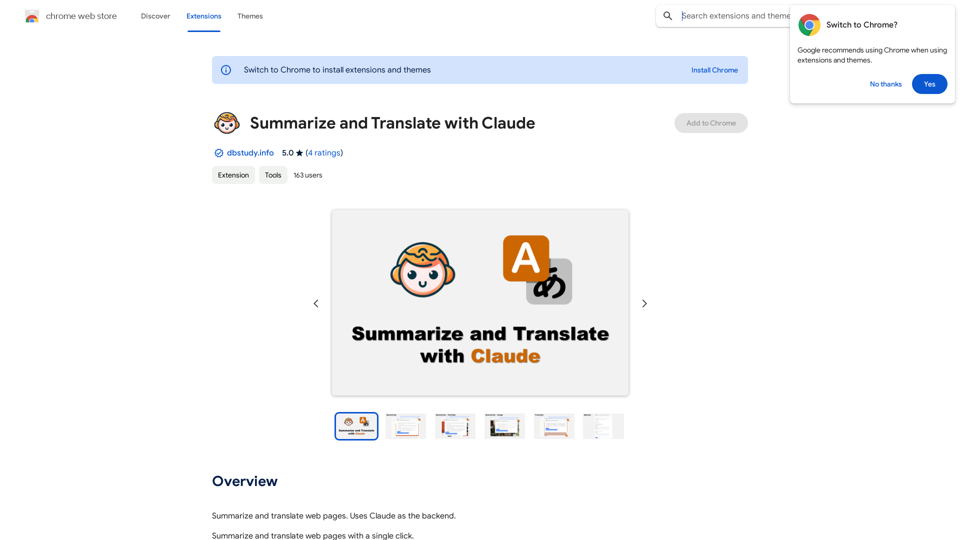
Summarize and Translate with Claude is a powerful Chrome extension that leverages Claude, an advanced AI model, to provide instant summaries and translations of web pages. This tool simplifies the process of digesting information from various online sources and breaks down language barriers, making it an invaluable asset for students, researchers, and anyone who frequently browses multilingual content.

Feature

One-Click Summarization

With a simple click on the extension icon, users can generate concise summaries of entire web pages, saving time and enhancing comprehension of lengthy articles or blog posts.

Effortless Translation

Users can select specific text on a web page and utilize the extension to translate it instantly, facilitating seamless navigation of content in foreign languages.

AI-Powered Functionality

The extension harnesses the capabilities of Claude, a sophisticated AI model, to produce high-quality summaries and translations that capture the essence of the original content.

Multilingual Support

Catering to a global audience, the extension offers support for 15 languages, including:

  • German
  • English
  • French
  • And more

Versatile Application

The tool's functionality extends beyond standard web pages:

  • Summarize YouTube video content
  • Translate YouTube video captions
  • Generate summaries for PDF files

Cost-Effective Solution

The extension is completely free to use, with no hidden fees, subscriptions, or payments required.

FAQ

How do I get started with Summarize and Translate with Claude?

  1. Install the extension from the Chrome Web Store
  2. Open a web page you want to summarize or translate
  3. Click on the extension icon or select text for translation
  4. Receive your AI-generated summary or translation instantly

What are the supported languages for translation?

The extension supports 15 languages, including German, English, French, and more. The full list of supported languages is available in the extension details.

Can I use this extension for academic research?

Absolutely! The summarization feature is particularly useful for quickly grasping the main points of research papers or lengthy articles, making it an excellent tool for academic research.

Is my data secure when using this extension?

While specific privacy details aren't provided in the given information, it's advisable to review the extension's privacy policy. Generally, reputable AI-powered tools implement measures to protect user data.

Latest Traffic Insights

  • Monthly Visits

    193.90 M

  • Bounce Rate

    56.27%

  • Pages Per Visit

    2.71

  • Time on Site(s)

    115.91

  • Global Rank

    -

  • Country Rank

    -

Recent Visits

Traffic Sources

  • Social Media:
    0.48%
  • Paid Referrals:
    0.55%
  • Email:
    0.15%
  • Referrals:
    12.81%
  • Search Engines:
    16.21%
  • Direct:
    69.81%
More Data

Related Websites

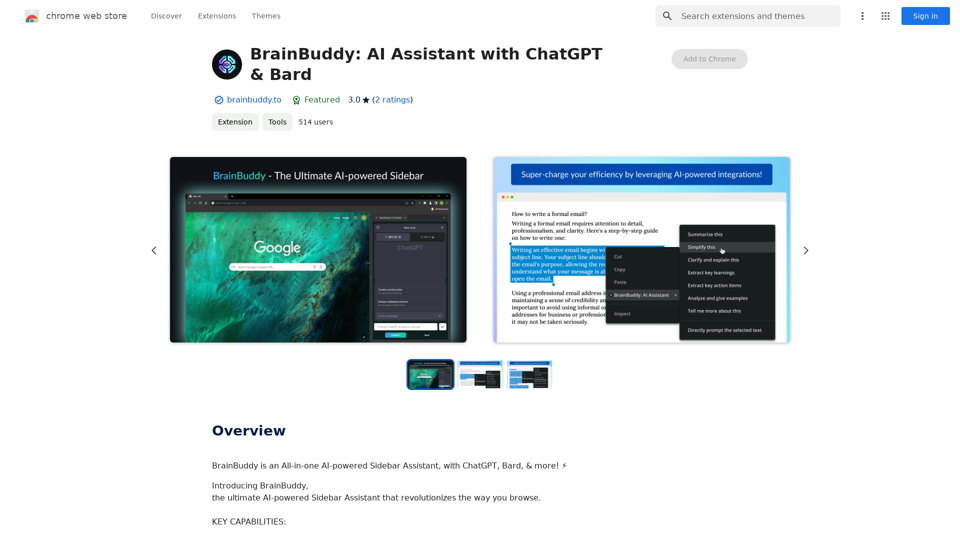
Easy Comments-GPT
View Detail

Easy Comments-GPT

Easy Comments-GPT

Better ways to comment and make it easier on LinkedIn

193.90 M
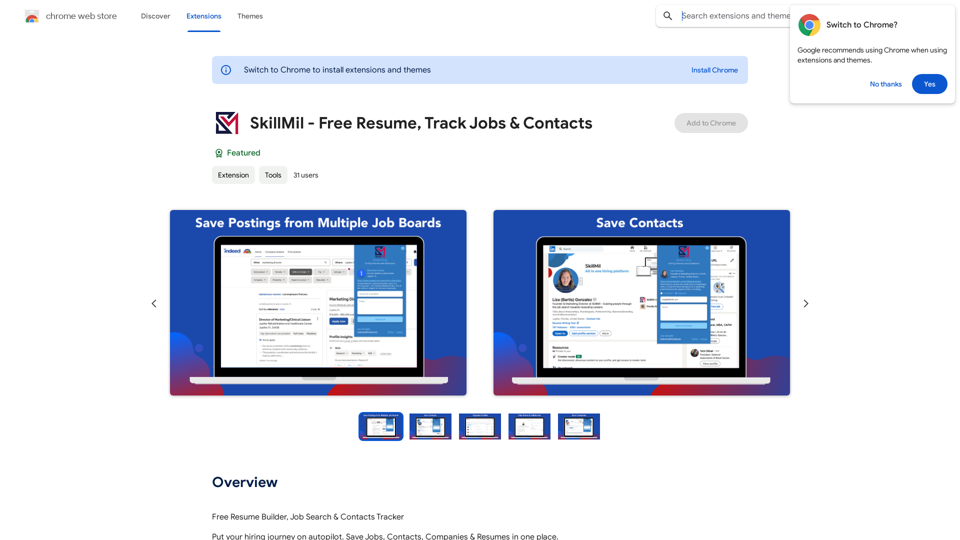
Smart AI Chat for WhatsApp Web
View Detail

Smart AI Chat for WhatsApp Web

Smart AI Chat for WhatsApp Web

Artificial Intelligence for Whatsapp with Chat GPT 4

193.90 M
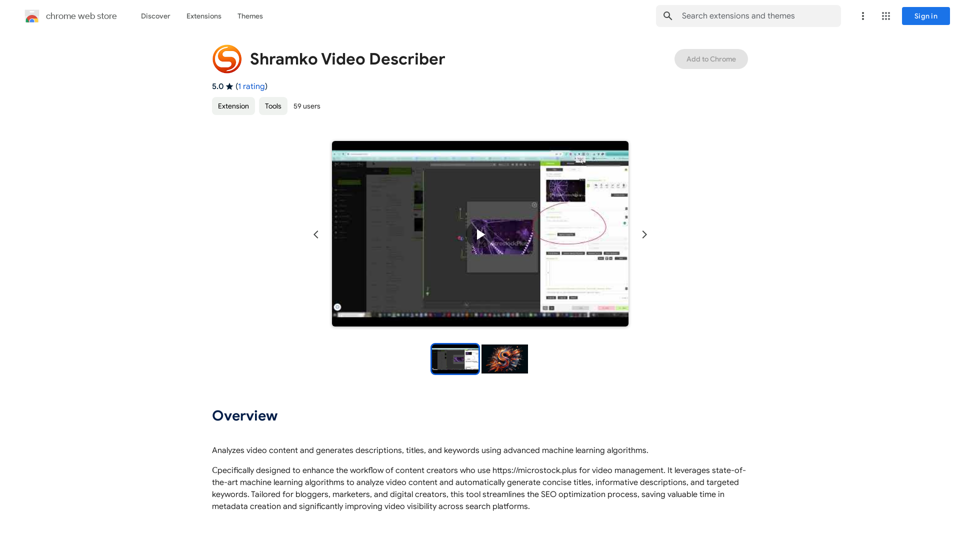
HotBot: Smarter Answers. AI Made Easy. Ask Your Question Now.
View Detail

HotBot: Smarter Answers. AI Made Easy. Ask Your Question Now.

HotBot: Smarter Answers. AI Made Easy. Ask Your Question Now.

HotBot is AI made simple. We made searching the web better in 1996, and now we're making AI easier in 2024. Just type in your question and receive your answer, all powered by ChatGPT 4. HotBot is totally free to use and no sign-up is required.

708.64 K
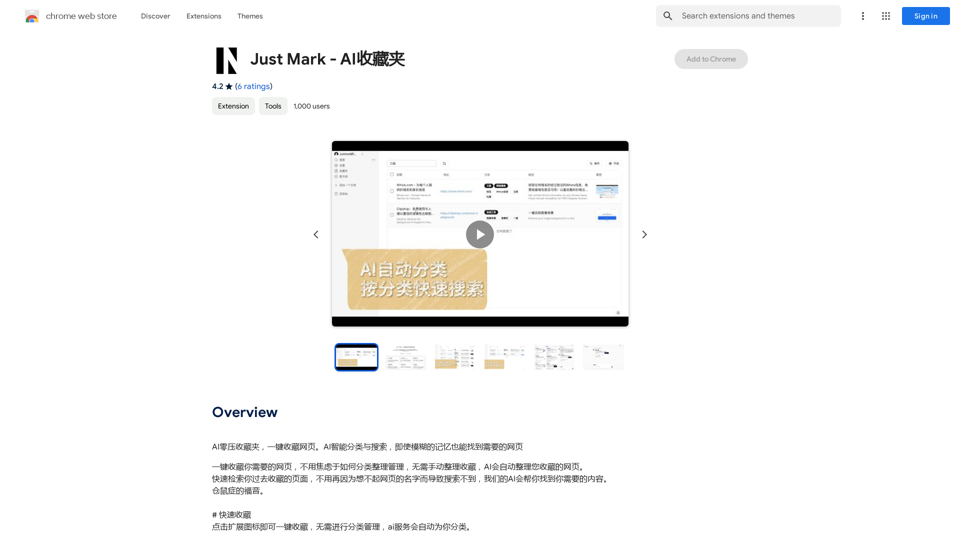
GoodReply | AI-responder for customer reviews
View Detail

GoodReply | AI-responder for customer reviews

GoodReply | AI-responder for customer reviews

Respond to customer reviews 10x faster with GoodReply!

193.90 M
Discover the Best AI Tools List & AI Tools Directory with tyy.ai
View Detail

Discover the Best AI Tools List & AI Tools Directory with tyy.ai

Discover the Best AI Tools List & AI Tools Directory with tyy.ai

tyy.ai - Leading AI tools directory. Discover the best AI tools, apps & websites to enhance personal & business productivity and tackle any challenge!

1.58 K
AI Deer: AI Korean Sentence Correction Solution
View Detail

AI Deer: AI Korean Sentence Correction Solution

AI Deer: AI Korean Sentence Correction Solution

AI Deer will help you turn your great inspiration into a wonderful piece of writing!

193.90 M
Talkative
View Detail

Talkative

Talkative

Chat with Web-LLM Models in the Browser You can interact with Web-LLM models directly in your web browser without requiring any additional setup or installation. This allows you to easily experiment with and explore the capabilities of these models. Getting Started To get started, simply open a web browser and navigate to the Web-LLM model's website or platform. Once you're on the website, you can usually find a chat interface or text input field where you can enter your prompts or questions. How it Works When you enter a prompt or question, the Web-LLM model processes your input and generates a response. This response is then displayed in the chat interface or output field, allowing you to read and interact with the model's output. Benefits The benefits of chatting with Web-LLM models in the browser include: * Convenience: No need to install any software or set up any development environments. * Accessibility: Anyone with a web browser can interact with the model, regardless of their technical expertise. * Ease of use: The chat interface provides a user-friendly way to interact with the model, making it easy to experiment and explore its capabilities. Use Cases Some potential use cases for chatting with Web-LLM models in the browser include: * Research and development: Quickly experiment with different models and prompts to explore their capabilities and limitations. * Education and learning: Use the chat interface to teach students about AI and language models, or to provide interactive learning experiences. * Creative writing and ideation: Use the model as a tool to generate ideas, write stories, or create poetry. Overall, chatting with Web-LLM models in the browser provides a convenient and accessible way to interact with these powerful language models, and can be a valuable tool for a wide range of applications.

2.59 K
Ai5 - The AI Art Newsletter
View Detail

Ai5 - The AI Art Newsletter

Ai5 - The AI Art Newsletter

Ai5 is your go-to twice-weekly email outlining the most important events happening in generative AI. Stay informed, get smarter, and be entertained with Ai5.

0