OCR Text Recognition is an advanced AI-powered platform that specializes in text recognition and image understanding. It offers a comprehensive solution for extracting text from various sources, including images, screenshots, and PDF files. This versatile tool caters to a wide range of needs in work, study, and daily life, making text extraction and image analysis more accessible and efficient.
Optical Character Recognition
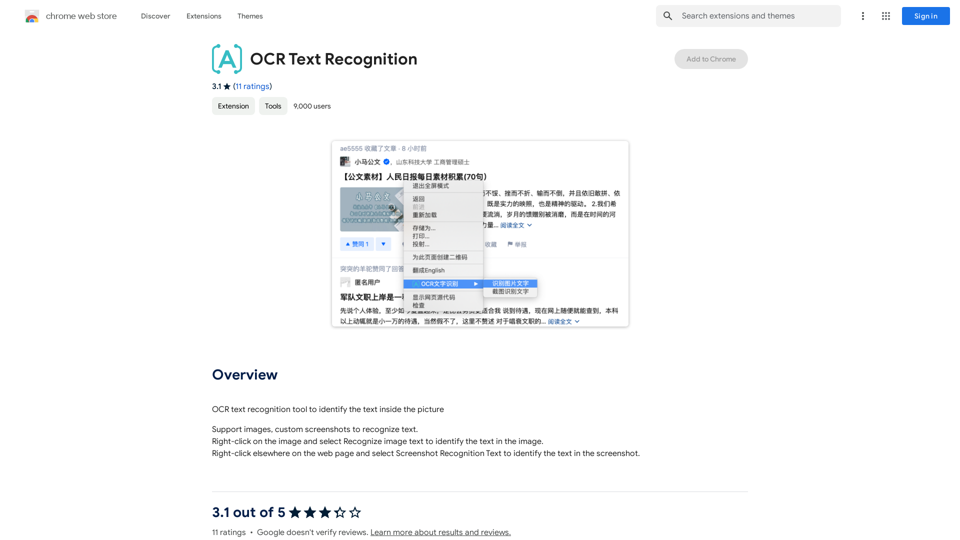
Optical Character Recognition (OCR) tool to recognize the text within an image.
Introduction
Feature
Versatile Input Support
OCR Text Recognition accepts multiple input formats, including:
- Images
- Custom screenshots
- PDF files
This flexibility allows users to extract text from various sources effortlessly.
Free OCR Tools Submission
The platform provides free access to OCR tools, enabling users to:
- Recognize text from images
- Extract text from videos
- Identify text in PDF files
This feature ensures that users can perform text recognition tasks without incurring additional costs.
User-Friendly Interface
OCR Text Recognition boasts a simple and intuitive interface, making it easy for users to:
- Right-click on images to recognize text
- Use "Screenshot Recognition Text" for capturing and analyzing text from web pages
- Navigate through the platform's features effortlessly
Text-to-Image Generation
In addition to text recognition, the platform offers:
- Capability to create images from text
- Integration with GPT-4o for enhanced creative experiences
Extensive OCR Model Library
OCR Text Recognition provides access to:
- Nearly 200,000 OCR models
- Wide variety of applications for work, study, and daily life
- Free usage without subscription requirements
Daily Free Usage
Users can benefit from:
- Daily free uses of the platform
- Exploration of various AI-powered tools
- Support for multiple tasks without additional costs
FAQ
What types of files does OCR Text Recognition support?
OCR Text Recognition supports:
- Images
- Custom screenshots
- PDF files
How do I use OCR Text Recognition on a web page?
To use OCR Text Recognition on a web page:
- Right-click on an image and select "Recognize image text"
- Right-click elsewhere on the page and choose "Screenshot Recognition Text"
How many OCR models are available on the platform?
OCR Text Recognition offers nearly 200,000 OCR models for various applications.
Is a subscription required to use OCR Text Recognition?
No, you can freely use the OCR tools without a subscription. However, if you need more than 20 OCR conversations per day, a subscription may be beneficial.
Does OCR Text Recognition use user information for training data?
No, OCR Text Recognition values user privacy and does not use user data for training purposes. Users can delete their accounts and all associated data at any time.
Can OCR Text Recognition generate images?
Yes, OCR Text Recognition offers text-to-image generation capabilities, allowing users to create images based on text input.
Related Websites
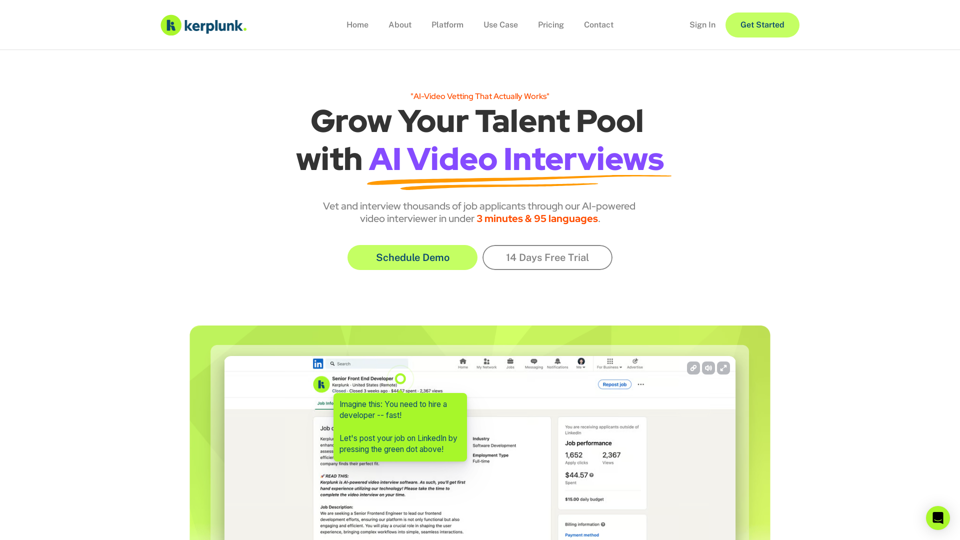
Optimize your hiring with our AI-powered video interviewer. Kerplunk delivers insightful interviews. Get an AI Interview Assistant for your recruitment.
7.59 K
Experience our AI-Powered Amazon Listing Optimizer for e-commerce success. Maximize sales potential with optimized product listings.
193.90 M
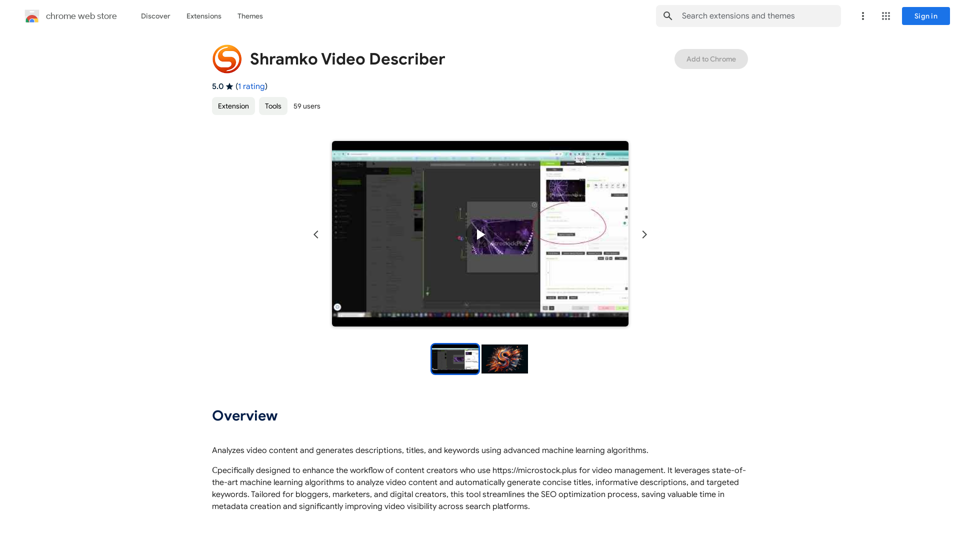
Analyzes video content and generates descriptions, titles, and keywords using advanced machine learning algorithms.
193.90 M
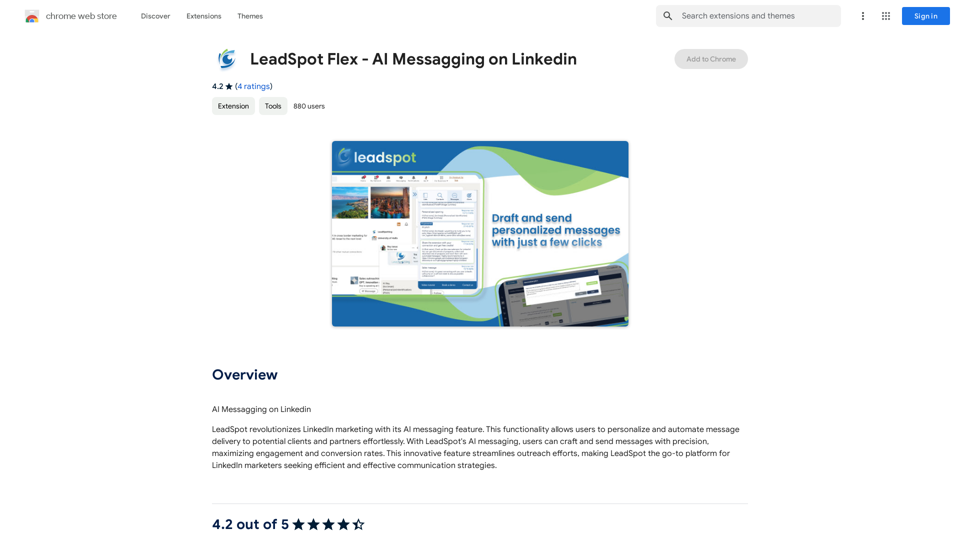
AI Messaging on LinkedIn Let's explore the potential and pitfalls of using AI for messaging on LinkedIn. Potential Benefits: * Increased Efficiency: AI can automate repetitive tasks like sending personalized connection requests or follow-up messages, freeing up your time for more strategic activities. * Improved Targeting: AI algorithms can analyze user profiles and identify potential connections based on shared interests, industry, or other relevant criteria. * Enhanced Personalization: AI can help craft personalized messages that resonate with individual recipients, increasing the likelihood of engagement. * Data-Driven Insights: AI can track message performance and provide insights into which messages are most effective, allowing you to refine your approach. Potential Pitfalls: * Lack of Authenticity: Overly generic or robotic messages can come across as impersonal and insincere, damaging your professional reputation. * Ethical Concerns: Using AI to manipulate or deceive users on LinkedIn raises ethical questions about transparency and consent. * Technical Limitations: Current AI technology may struggle to understand nuanced conversations or respond appropriately to complex queries. * Spam and Abuse: Malicious actors could exploit AI to send spam messages or engage in other harmful activities on LinkedIn. Best Practices: * Use AI as a Tool, Not a Replacement: Leverage AI to enhance your messaging, but always maintain human oversight and authenticity. * Prioritize Quality over Quantity: Focus on sending personalized messages to a targeted audience rather than mass-sending generic content. * Be Transparent: Disclose when you are using AI to assist with your messaging, and respect user preferences for communication. * Stay Informed: Keep up-to-date on the latest developments in AI ethics and best practices for using AI on LinkedIn.
193.90 M
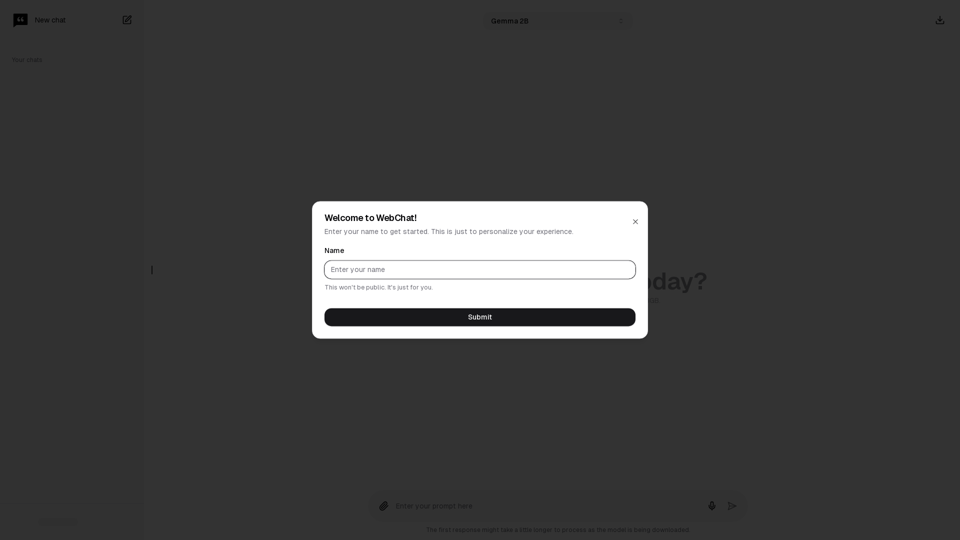
Chat with Web-LLM Models in the Browser You can interact with Web-LLM models directly in your web browser without requiring any additional setup or installation. This allows you to easily experiment with and explore the capabilities of these models. Getting Started To get started, simply open a web browser and navigate to the Web-LLM model's website or platform. Once you're on the website, you can usually find a chat interface or text input field where you can enter your prompts or questions. How it Works When you enter a prompt or question, the Web-LLM model processes your input and generates a response. This response is then displayed in the chat interface or output field, allowing you to read and interact with the model's output. Benefits The benefits of chatting with Web-LLM models in the browser include: * Convenience: No need to install any software or set up any development environments. * Accessibility: Anyone with a web browser can interact with the model, regardless of their technical expertise. * Ease of use: The chat interface provides a user-friendly way to interact with the model, making it easy to experiment and explore its capabilities. Use Cases Some potential use cases for chatting with Web-LLM models in the browser include: * Research and development: Quickly experiment with different models and prompts to explore their capabilities and limitations. * Education and learning: Use the chat interface to teach students about AI and language models, or to provide interactive learning experiences. * Creative writing and ideation: Use the model as a tool to generate ideas, write stories, or create poetry. Overall, chatting with Web-LLM models in the browser provides a convenient and accessible way to interact with these powerful language models, and can be a valuable tool for a wide range of applications.
2.59 K