MIA is a Chrome extension designed to enhance content creation for LinkedIn and Medium writers. Leveraging OpenAI's capabilities, it serves as an intelligent writing companion that transforms, refines, and improves content with a single click. MIA offers features like content transformation, style tuning, and fast-track editing, making it an invaluable tool for writers looking to optimize their content efficiently.
MIA - Writing Assistant
Write Faster, Better, and More Engaging Content On LinkedIn and Medium
Tired of staring at a blank page?
We've all been there. But what if you could write compelling content for LinkedIn and Medium with ease?
Here's how:
* Find Your Niche: What are you passionate about? What do you know a lot about? Focus your writing on topics that genuinely interest you.
* Craft a Killer Headline: Your headline is your first impression. Make it catchy, clear, and benefit-driven.
* Structure for Success: Use headings, subheadings, and bullet points to break up your text and make it easy to read.
* Tell a Story: People connect with stories. Weave narratives into your content to make it more engaging.
* Keep it Concise: Get to the point quickly. People have short attention spans, so respect their time.
* Use Visuals: Images, videos, and infographics can break up text and make your content more visually appealing.
* Proofread Carefully: Typos and grammatical errors can damage your credibility. Always proofread your work before publishing.
* Promote Your Content: Share your articles on social media and engage with your audience in the comments.
By following these tips, you can write faster, better, and more engaging content for LinkedIn and Medium.
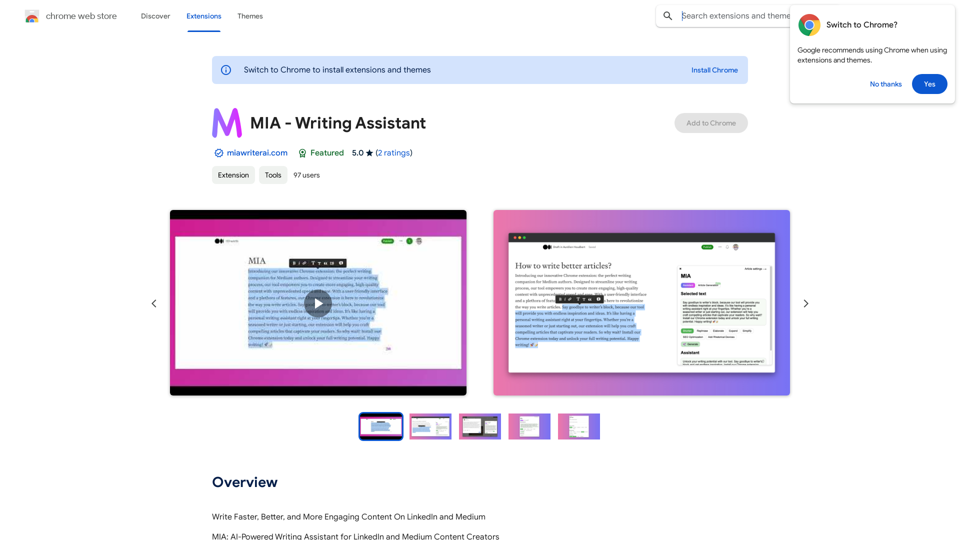
Introduction
Feature
Content Transformer
- Effortlessly enhance LinkedIn and Medium content
- Options to shorten, elaborate, rephrase, or expand text
- Single-click functionality for easy use
Style Tuner
- Comprehensive settings to adjust writing tone and style
- Customizable from formal to conversational tones
Fast-Track Medium Editing
- Overcome writer's block
- Reduce editing time significantly
- Instant AI-powered content shaping
Quick Access
- Select text and choose a smart suggestion
- Intuitive interface for seamless integration
AI-Powered Prompts
- Specifically developed for LinkedIn and Medium ecosystems
- Ensures relevance and engagement in content
Customizable Settings
- Adjust tone of voice and writing style
- Options range from formal to casual, concise to detailed
Platform-Specific Design
- Tailored for LinkedIn and Medium writers
- Caters to platform-specific audience and style preferences
FAQ
What is MIA?
MIA is a Chrome extension designed for LinkedIn and Medium writers, helping them enhance their content using OpenAI's capabilities. It serves as a smart writing companion that transforms and refines content with a single click.
Do I need to pay to use MIA?
MIA offers both free and paid tiers:
- Free tier: Generate up to 5,000 words
- Paid subscription: Up to 100,000 words per month, unlocks all features
Is my data secure with MIA?
Yes, MIA prioritizes user privacy and does not store your content.
Can I customize MIA's suggestions?
Yes, MIA provides settings to adjust the tone and style of its outputs, allowing for personalized content enhancement.
Is MIA affiliated with LinkedIn, Medium or OpenAI?
While MIA is designed for LinkedIn and Medium writers and uses OpenAI, it is an independent product and not officially affiliated with any of these organizations.
Related Websites
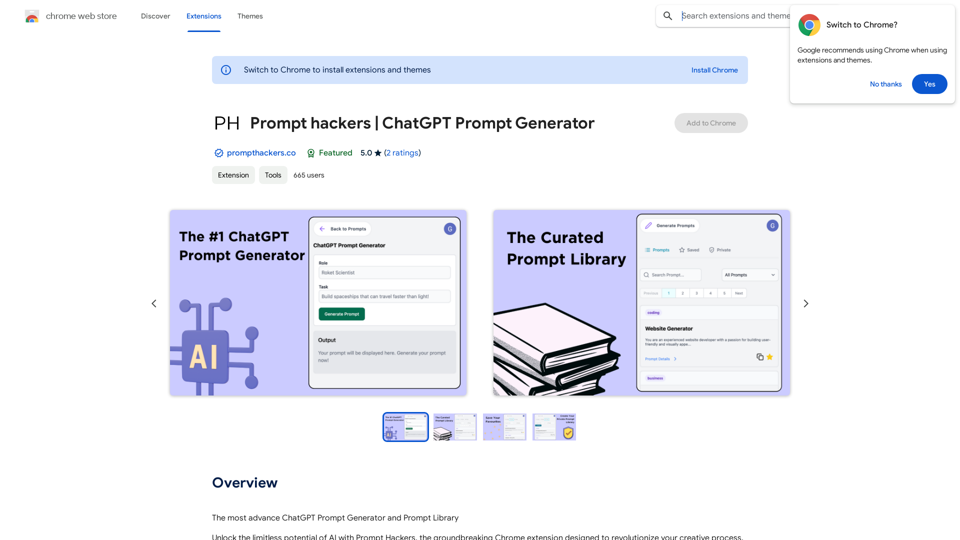
Prompt Hackers ===================== Generate creative and effective prompts to get the most out of your language model.
Prompt Hackers ===================== Generate creative and effective prompts to get the most out of your language model.The Most Advanced ChatGPT Prompt Generator and Prompt Library
193.90 M

Discover HiveHubAI, your go-to AI-driven social media analytics platform. Elevate your digital influence with real-time Instagram and Facebook analytics, personalized AI insights, and strategic content optimization. Join our early access to transform your social media strategy!
740
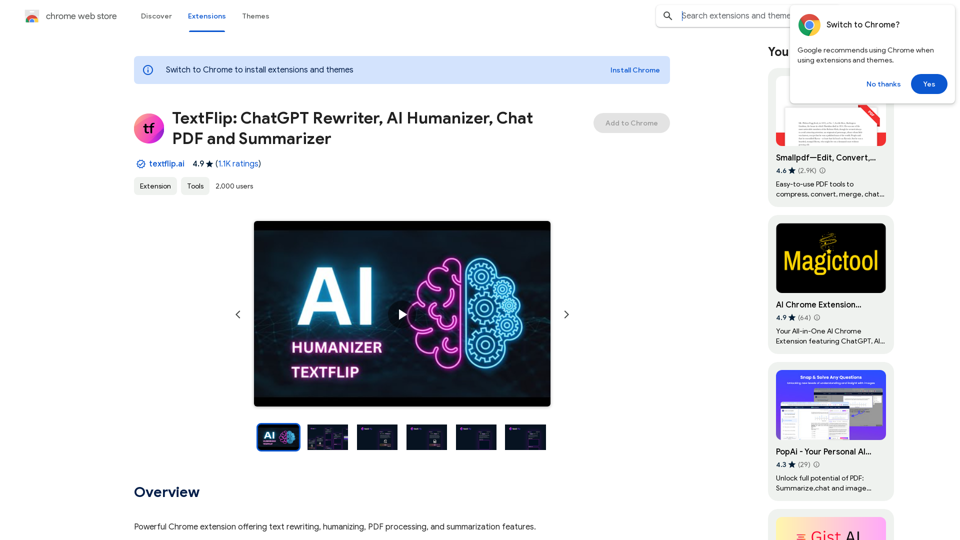
TextFlip: ChatGPT Rewriter, AI Humanizer, Chat PDF and Summarizer
TextFlip: ChatGPT Rewriter, AI Humanizer, Chat PDF and SummarizerPowerful Chrome extension offering text rewriting, making it sound more natural, PDF processing, and summarization features.
193.90 M

AI Letter Generator: Free AI Letter Writer, Cover Letter
AI Letter Generator: Free AI Letter Writer, Cover LetterAI Letter Generator helps you create professional letters easily with AI. Try our free letter writer, cover letter generator, and more!
0
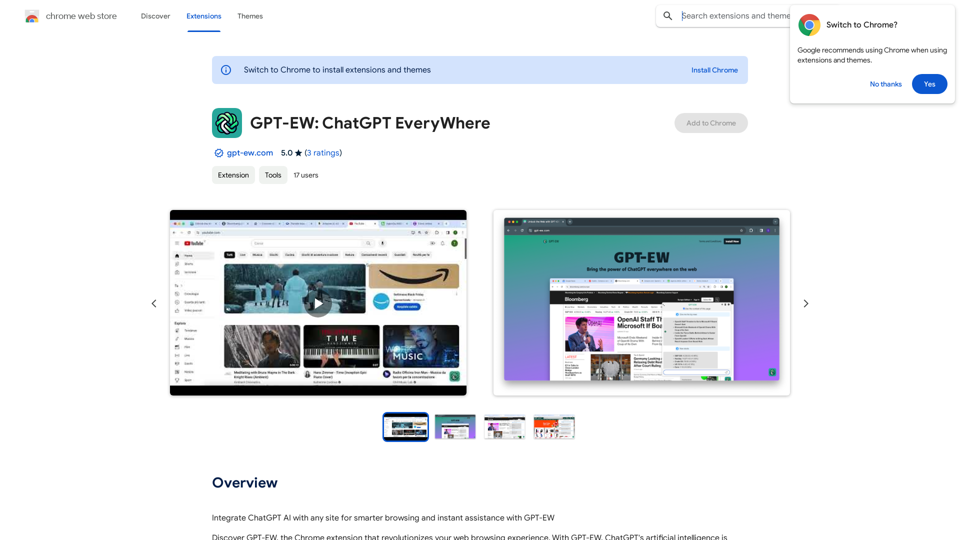
Add ChatGPT AI to Any Website for Smarter Browsing and Instant Help with GPT-EW Imagine having ChatGPT's powerful AI right there on any website you visit. That's what GPT-EW makes possible! It lets you seamlessly integrate ChatGPT into your favorite sites, giving you: * Smarter Browsing: Get instant answers to your questions about the content on the page. * Instant Assistance: Have ChatGPT help you summarize articles, translate text, or even write emails based on the information you're reading. GPT-EW unlocks a whole new level of interactivity and intelligence for your online experience.
193.90 M