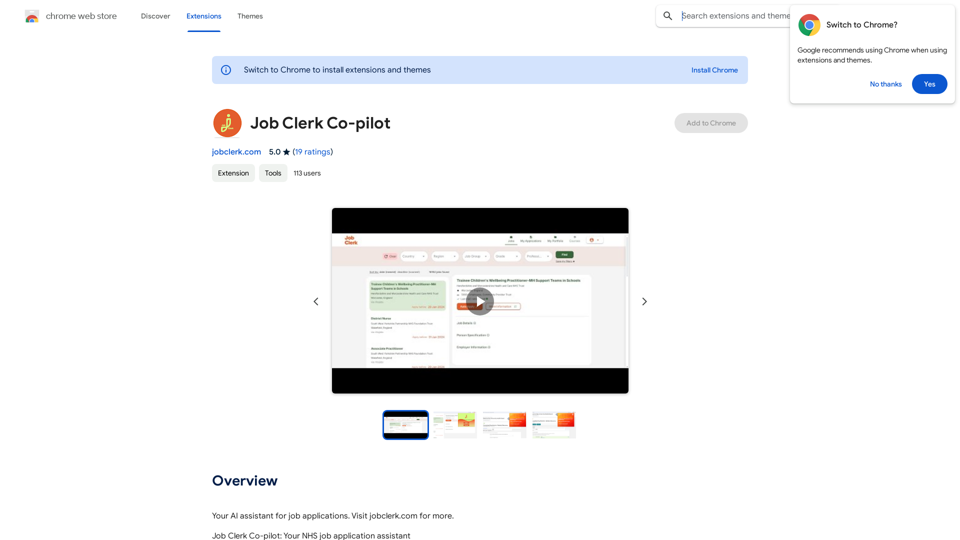
Job Clerk Co-pilot is an AI-powered assistant designed to streamline the NHS job application process. This web extension automates form-filling on trac.jobs, making applications faster, more accurate, and stress-free. It offers effortless form filling, time-saving features, and improved accuracy, all through a user-friendly interface.
Job Clerk Co-pilot
Your AI assistant for job applications. Visit jobclerk.com for more.
Introduction
Feature
Effortless Form Filling
Job Clerk Co-pilot uses AI technology to intelligently fill out application forms on trac.jobs, the UK's leading healthcare job portal, eliminating the need for manual entries.
Time-Saving Automation
The extension allows users to spend less time on paperwork and more on preparing for their next career move by automating the application process.
Accuracy and Consistency
By automating form filling, Job Clerk Co-pilot minimizes errors and ensures consistency across applications.
User-Friendly Interface
The extension features a simple, intuitive interface that ensures a smooth experience for users of all tech skill levels.
Free Access with Optional Subscriptions
Job Clerk Co-pilot is available for free, with optional subscription plans for additional features and extended access.
Regular Updates
Users are encouraged to update the extension regularly to access the latest features and bug fixes.
Customer Support
A dedicated customer support team is available to assist users with questions or issues.
FAQ
Is Job Clerk Co-pilot compatible with other job application websites?
Currently, Job Clerk Co-pilot is optimized for trac.jobs. However, the team is working on expanding compatibility to more job application websites in the future.
How do I get started with Job Clerk Co-pilot?
To get started, simply install the extension. The AI assistant will guide you through the process of using the tool.
Is my data safe with Job Clerk Co-pilot?
Yes, Job Clerk Co-pilot takes data security seriously and ensures that user information is protected.
How can Job Clerk Co-pilot benefit my job search?
Job Clerk Co-pilot can benefit your job search by:
- Automating the form-filling process
- Saving time on applications
- Improving accuracy and consistency in your submissions
- Providing a user-friendly interface for easy navigation
Related Websites
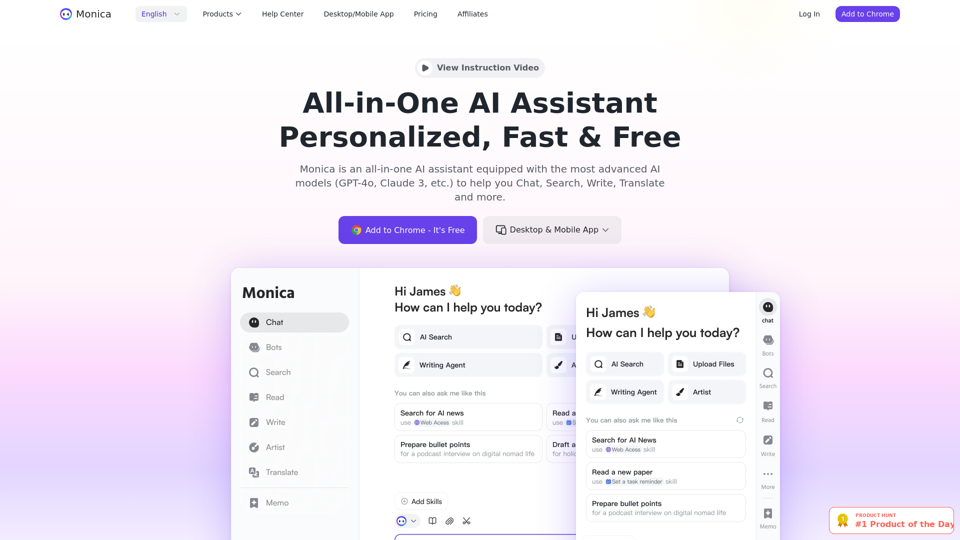
Monica integrates leading AI models (GPT-4, Claude 3, Gemini) for one-click chat, search, writing, coding and more. Try it on Chrome, Edge, or our APP.
9.55 M
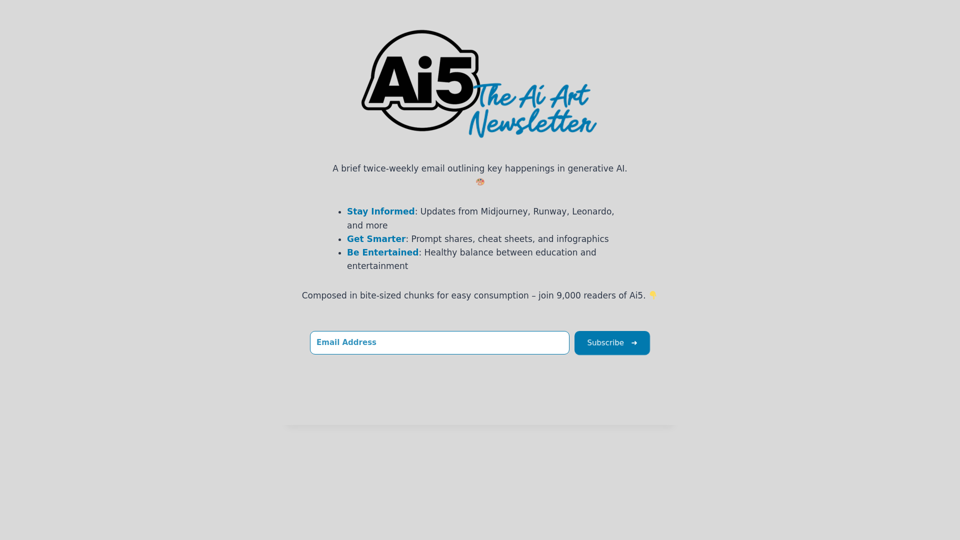
Ai5 is your go-to twice-weekly email outlining the most important events happening in generative AI. Stay informed, get smarter, and be entertained with Ai5.
0
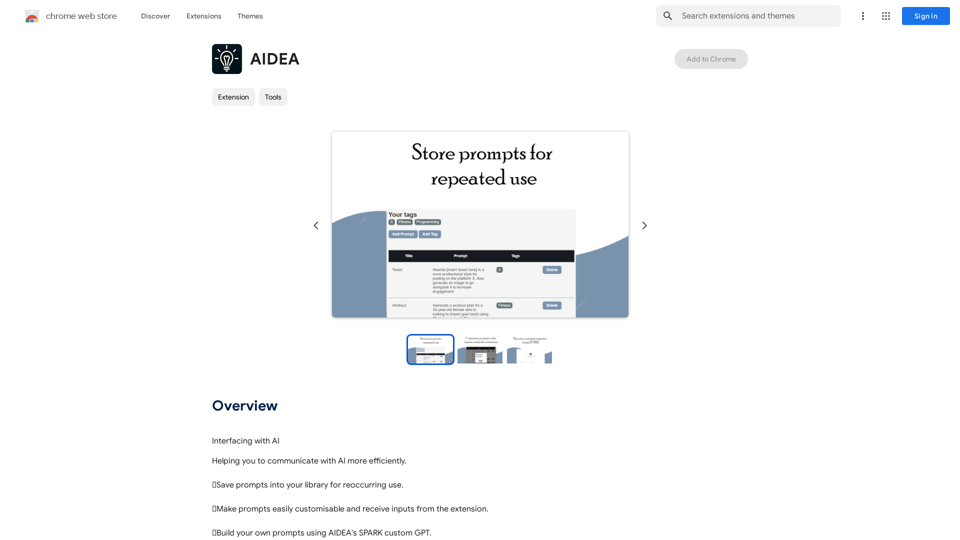
Interfacing with AI This document explores the various ways humans interact with artificial intelligence (AI). Types of Interfaces * Text-based Interfaces: These interfaces allow users to communicate with AI systems through written language. * Examples include chatbots, command-line interfaces, and search engines. * Voice-based Interfaces: Users interact with AI using spoken words. * Examples include virtual assistants like Siri, Alexa, and Google Assistant. * Graphical User Interfaces (GUIs): These interfaces use visual elements like icons, buttons, and menus to enable interaction with AI. * Examples include AI-powered image editing software and virtual reality experiences. * Gesture-based Interfaces: Users control AI systems through physical movements. * Examples include motion-controlled gaming and sign language recognition. Challenges of AI Interfacing * Natural Language Understanding (NLU): AI systems struggle to fully understand the nuances of human language. * Contextual Awareness: AI often lacks the ability to understand the broader context of a conversation or interaction. * Personalization: Creating AI interfaces that are tailored to individual user preferences and needs can be complex. * Ethical Considerations: * Bias in AI algorithms can lead to unfair or discriminatory outcomes. * Privacy concerns arise when AI systems collect and process personal data. Future of AI Interfacing * More Natural and Intuitive Interactions: Advancements in NLU and machine learning will lead to AI systems that can understand and respond to human input more naturally. * Multi-modal Interfaces: Future interfaces will likely combine multiple input methods (e.g., text, voice, gesture) for a richer and more immersive experience. * Personalized AI Assistants: AI assistants will become increasingly personalized, anticipating user needs and providing customized support. * Ethical AI Development: * Researchers and developers will continue to work on mitigating bias and ensuring responsible use of AI.
193.90 M
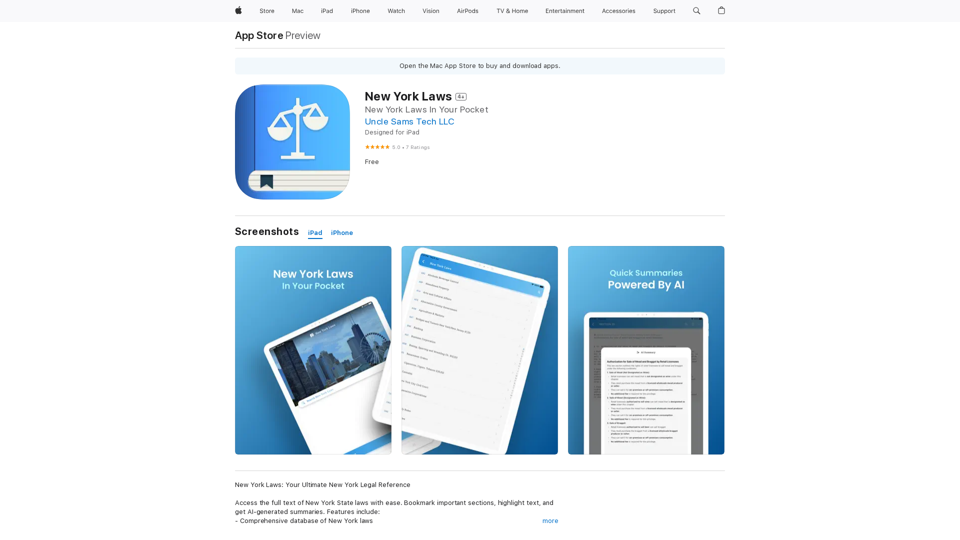
Access the full text of New York State laws with ease. Bookmark important sections, highlight text, and get AI-generated summaries. Features include: - Comprehensive search functionality to quickly find specific laws and regulations - Customizable bookmarks to mark important sections for future reference - Highlighting tool to emphasize key points and phrases - AI-powered summaries to provide a concise overview of complex laws
124.77 M
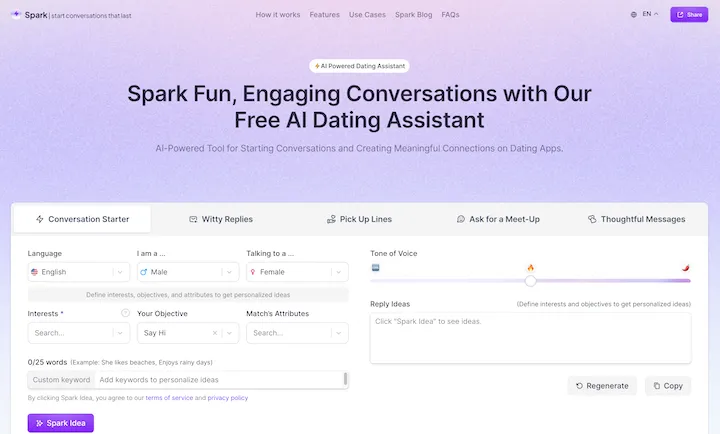
WithSpark.ai - The #1 Free AI Powered Dating Assistant
WithSpark.ai - The #1 Free AI Powered Dating AssistantSpark Fun, Engaging Conversations with Our Free AI Dating Assistant
0
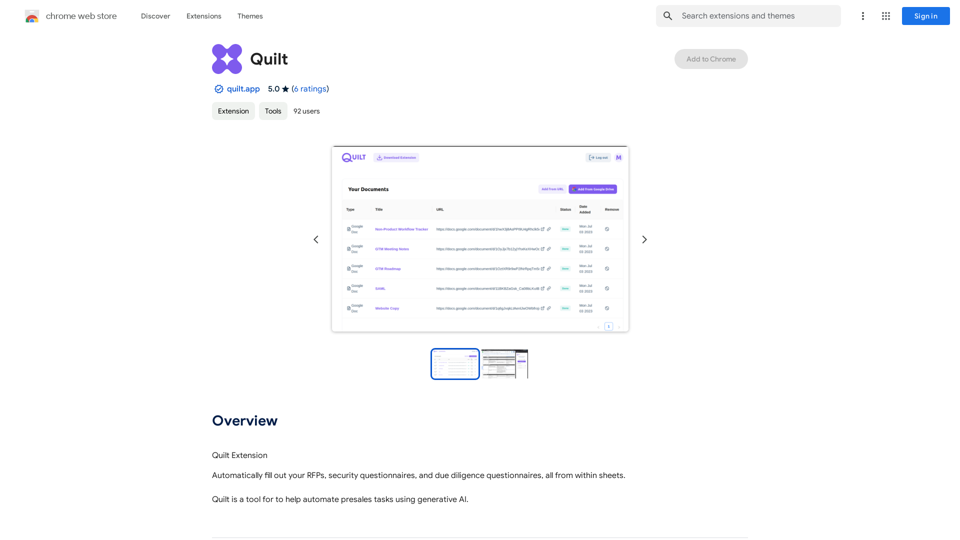
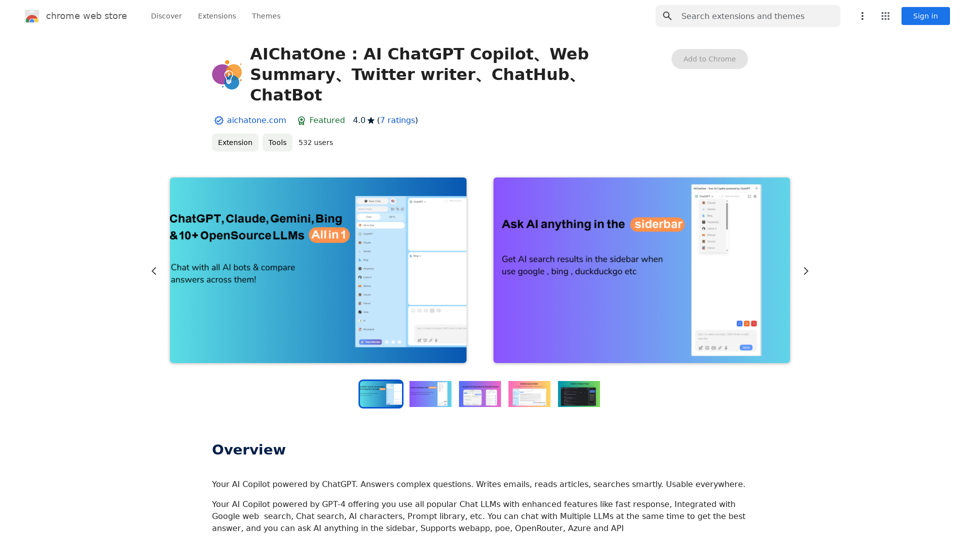
AIChatOne: AI ChatGPT Copilot, Web Summary, Twitter Writer, ChatHub, ChatBot
AIChatOne: AI ChatGPT Copilot, Web Summary, Twitter Writer, ChatHub, ChatBotYour AI Copilot powered by ChatGPT. Answers complex questions. Writes emails. Reads articles. Searches smartly. Usable everywhere.
193.90 M