Awesome GPTs is a Chrome extension designed to enhance productivity by integrating Custom GPTs into daily tasks. It allows users to interact with their preferred Custom GPTs, pin them for quick access, and perform GPT searches within ChatGPT or Google Search. This tool streamlines workflow by embedding AI assistance directly into web browsing activities.
Awesome GPTs
Power Your Workflow with Custom GPTs
Introduction
Feature
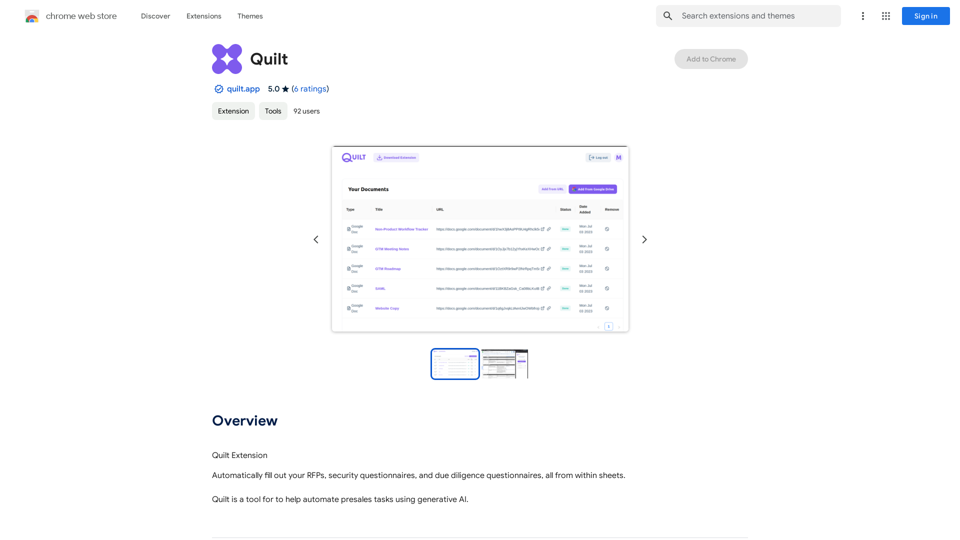
Send Text to Custom GPTs
Users can select text on any webpage and send it to their favorite Custom GPTs via the context menu, enabling quick AI-powered analysis or processing of web content.
Pin Favorite GPTs
The extension allows users to pin their most-used Custom GPTs, providing easy and rapid access to frequently needed AI tools.
In-Site GPT Search
- On ChatGPT website: Users can quickly search for GPTs using the keyboard shortcut Cmd + G.
- On Google Search: The extension enables GPT searches while using Google, integrating AI assistance with web searches.
Context-Aware GPT Search
Awesome GPTs can search for relevant GPTs based on the content of the webpage the user is currently viewing, offering context-specific AI assistance.
Free to Use
The extension is available for free, allowing users to access its core features without any subscription or payment requirements.
Customization Options
Users can tailor the extension to fit their specific workflow needs, enhancing its utility for individual use cases.
FAQ
What is the main purpose of Awesome GPTs?
Awesome GPTs is designed to empower users' workflows by seamlessly integrating Custom GPTs into daily tasks, making AI assistance more accessible during web browsing.
How do I start using Awesome GPTs?
To use Awesome GPTs, simply add the extension to your Chrome browser. Once installed, you can immediately access its features and customize it to suit your needs.
Are there any costs associated with using Awesome GPTs?
The core features of Awesome GPTs are free to use. However, there may be paid plans available for users who require advanced features or unlimited usage.
Can the extension be customized?
Yes, Awesome GPTs can be customized to fit individual workflow needs, allowing users to optimize their experience with the tool.
Related Websites
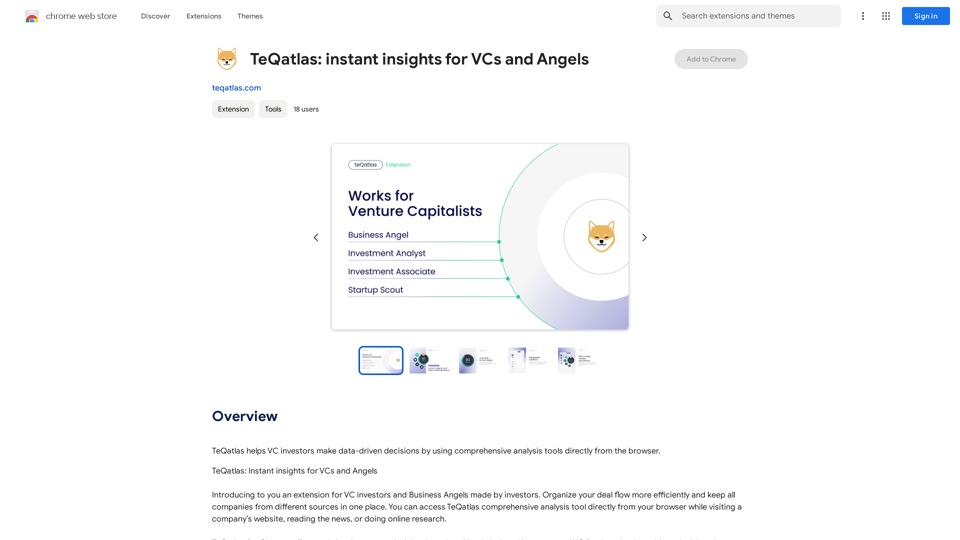
TeQatlas helps venture capital investors make decisions based on data by using complete analysis tools right in your web browser.
193.90 M
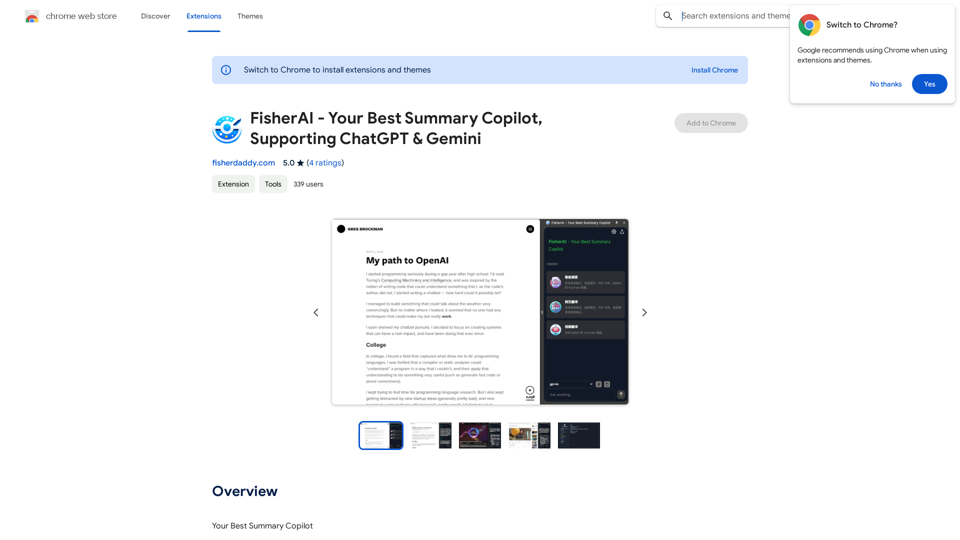
FisherAI - Your Best Summary Copilot, Supporting ChatGPT & Gemini
FisherAI - Your Best Summary Copilot, Supporting ChatGPT & GeminiYour Best AI Summary Assistant
193.90 M
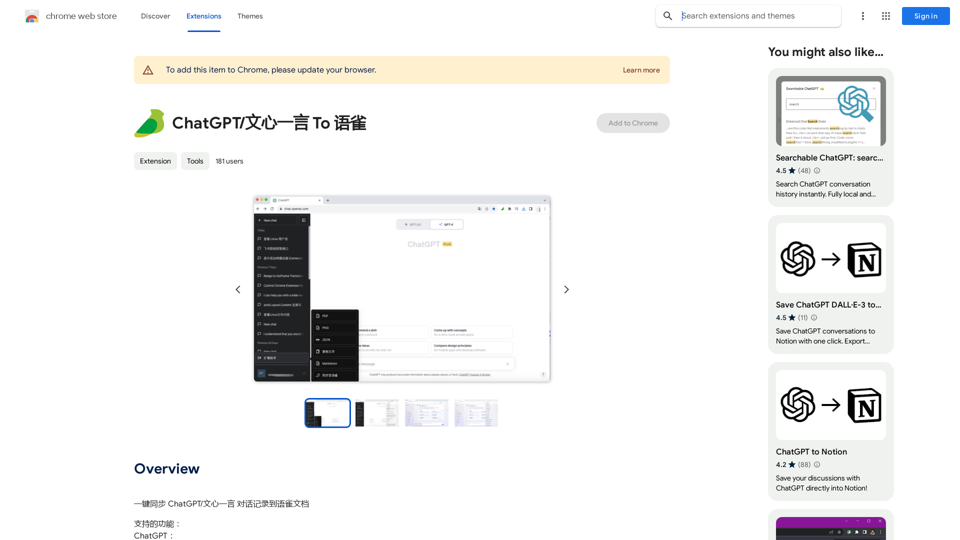

NSFW AI Characters | Erotic Roleplay | AI Sexting This platform offers a range of NSFW (Not Safe for Work) AI characters designed for erotic roleplay and AI sexting. These characters are programmed to engage in explicit conversations and roleplay scenarios, providing a unique and immersive experience for users. How it Works Our AI characters are trained on a vast dataset of erotic content, allowing them to understand and respond to a wide range of prompts and scenarios. Users can interact with the characters through text-based conversations, guiding the direction of the roleplay or sexting experience. Features * Customizable Characters: Choose from a diverse range of characters, each with their own unique personality, appearance, and preferences. * Realistic Responses: Our AI technology ensures that character responses are realistic and engaging, creating a truly immersive experience. * Explicit Content: Our characters are designed to engage in explicit conversations and roleplay scenarios, catering to a variety of tastes and preferences. * Anonymous and Secure: Our platform ensures user anonymity and security, providing a safe and discreet environment for users to explore their desires. Benefits * Discreet and Anonymous: Our platform provides a secure and anonymous environment for users to engage in erotic roleplay and sexting. * Exploration and Expression: Our AI characters allow users to explore their desires and express themselves in a safe and controlled environment. * Improved Communication: Engaging with our AI characters can help users improve their communication skills and build confidence in their relationships. Get Started Ready to explore the world of NSFW AI characters? Sign up now and discover a new level of erotic roleplay and sexting experience.
86.75 K
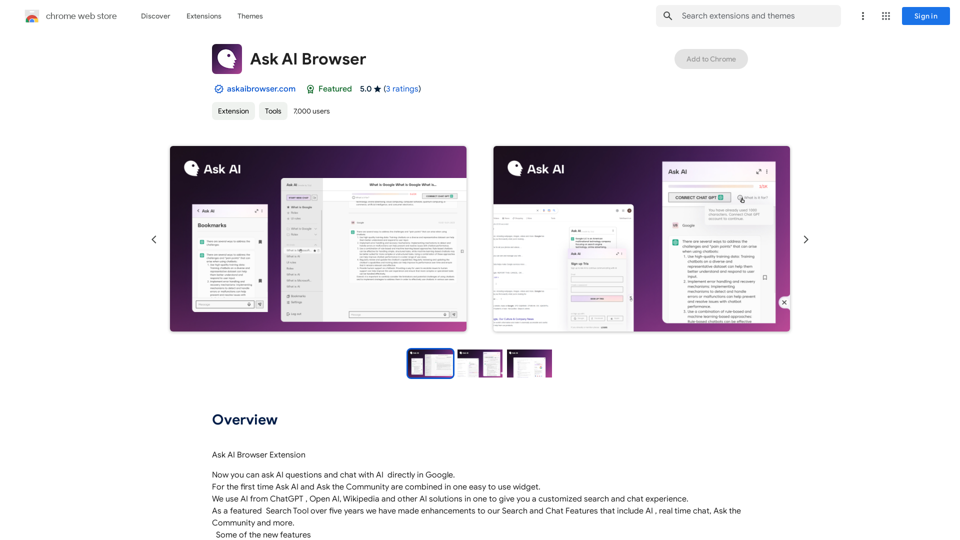
Ask AI Browser Extension ========================== Description The Ask AI browser extension is a cutting-edge tool that revolutionizes the way you interact with the internet. This innovative extension harnesses the power of artificial intelligence to provide you with instant answers, suggestions, and insights as you browse the web. Features * Instant Answers: Get quick answers to your questions without leaving the current webpage. * Smart Suggestions: Receive relevant suggestions based on your browsing history and preferences. * AI-driven Insights: Uncover hidden gems and interesting facts about the topics you're interested in. * Personalized Experience: Enjoy a tailored browsing experience that adapts to your needs and preferences. How it Works 1. Install the Extension: Add the Ask AI browser extension to your favorite browser. 2. Ask Your Question: Type your question in the search bar or highlight a phrase on a webpage. 3. Get Instant Answers: Receive accurate and relevant answers, suggestions, and insights in real-time. Benefits * Save Time: Get instant answers and reduce your search time. * Enhance Productivity: Stay focused on your tasks with relevant suggestions and insights. * Improve Knowledge: Expand your knowledge with interesting facts and hidden gems. Get Started Download the Ask AI browser extension today and experience the future of browsing!
193.90 M
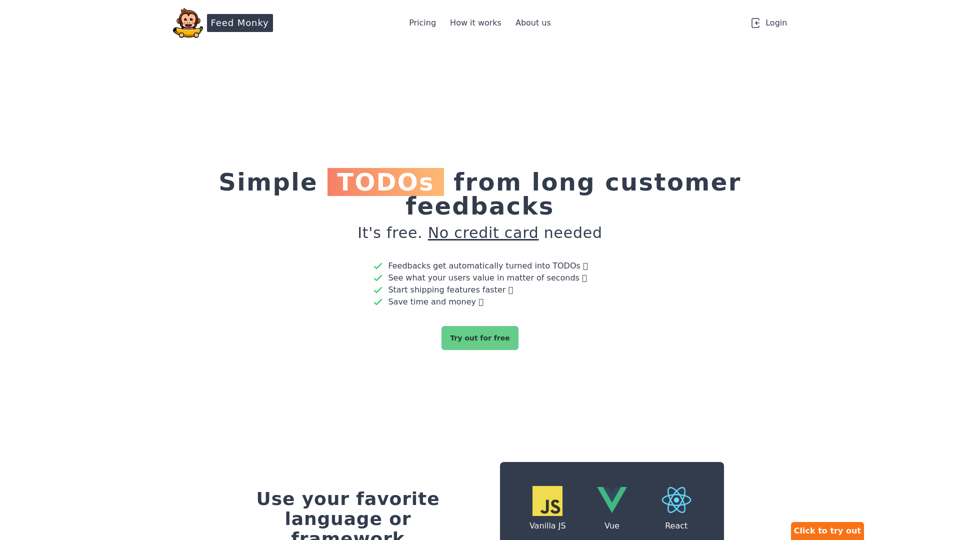
Simple TODOs from Customer Feedback - Improve search functionality: Customers are having trouble finding specific products. - Add more product filters: Allow users to narrow down search results by category, price, etc. - Implement a wishlist feature: Let customers save items they are interested in for later. - Enhance mobile responsiveness: The website is not displaying correctly on all mobile devices. - Provide clearer product descriptions: Some descriptions are too vague or lack important details. - Offer more payment options: Expand the list of accepted payment methods. - Simplify the checkout process: Reduce the number of steps required to complete a purchase. - Improve customer support: Make it easier for customers to contact support and get timely responses.
Simple TODOs from Customer Feedback - Improve search functionality: Customers are having trouble finding specific products. - Add more product filters: Allow users to narrow down search results by category, price, etc. - Implement a wishlist feature: Let customers save items they are interested in for later. - Enhance mobile responsiveness: The website is not displaying correctly on all mobile devices. - Provide clearer product descriptions: Some descriptions are too vague or lack important details. - Offer more payment options: Expand the list of accepted payment methods. - Simplify the checkout process: Reduce the number of steps required to complete a purchase. - Improve customer support: Make it easier for customers to contact support and get timely responses.FeedMonky.com creates simple to-do lists from lengthy customer reviews. It uses a state-of-the-art language model that has been specially trained.
0