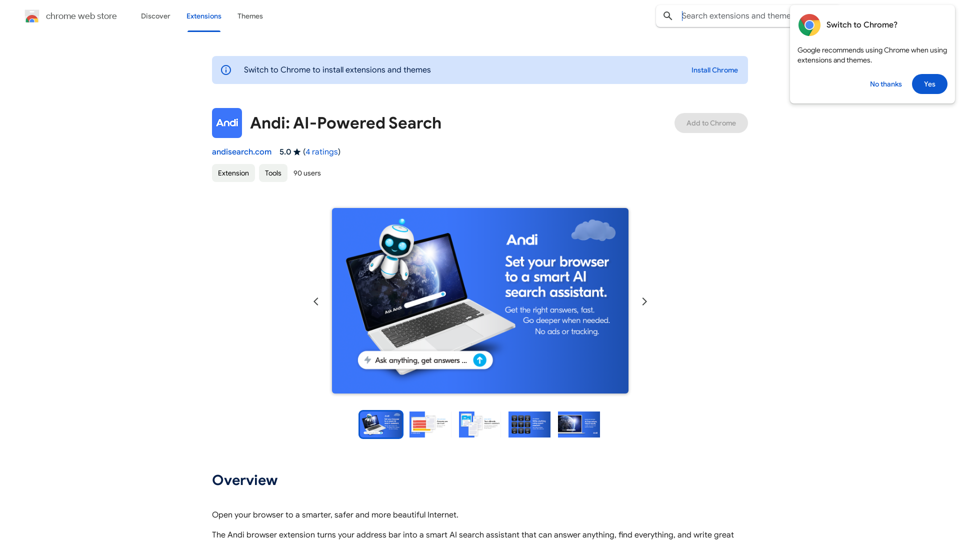
Andi is an innovative browser extension that transforms your address bar into a powerful AI-powered search assistant. It offers a wide range of capabilities, from answering questions and finding information to generating content. Andi's user-friendly interface allows for seamless searching directly from the address bar, making information retrieval effortless and efficient.
Andi: AI-Powered Search
Open your browser to a smarter, safer, and more beautiful internet.
Introduction
Feature
AI-Powered Search Assistant
Andi leverages advanced AI technology to provide accurate answers, summarize content, and even generate high-quality written material based on web research.
Comprehensive Information Retrieval
Users can ask any question and receive precise answers, making Andi a versatile tool for various information needs.
Content Generation and Summarization
Andi can create excellent content and provide concise summaries of complex information, saving users time and effort.
Visual Results
The extension offers visually appealing results and beautifully formatted content, enhancing the user experience.
Privacy-Focused
Andi prioritizes user privacy with no ads, spam, or tracking. The service is free and anonymous, ensuring a secure search experience.
Daily Free Usage
Users can enjoy 20 free Andi conversations per day, allowing them to explore the AI-powered tools for various tasks without cost.
Address Bar Integration
Andi seamlessly integrates with the browser's address bar, enabling users to search directly from the popup for quick and easy access.
FAQ
How does Andi work?
Andi utilizes AI technology to reimagine the search experience, offering a more efficient way to find and explore knowledge. It provides answers, summarizes information, and generates content using advanced AI algorithms.
Is user data protected?
Andi places a high value on user privacy. Your information is not used for training purposes, and you have the option to delete your account at any time, which will remove all associated data.
When should I consider a subscription?
If you find that the 20 free daily Andi conversations are insufficient for your needs and you rely heavily on the service, subscribing to Andi's affordable products might be beneficial.
What are some tips for maximizing Andi's use?
- Utilize Andi for answering questions and summarizing information
- Leverage the content generation feature for writing tasks
- Take advantage of the address bar integration for quick searches
- Explore the visual results and beautifully formatted content
Related Websites
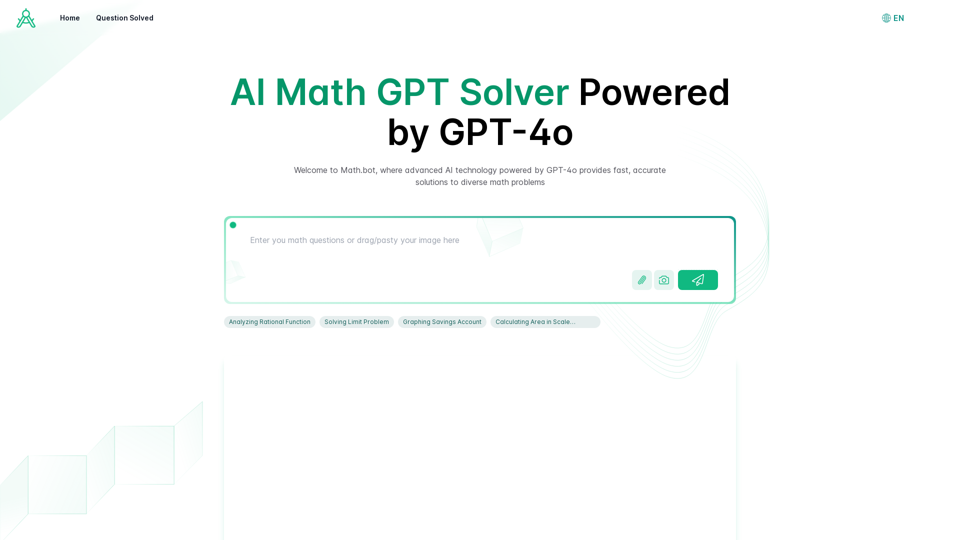
AI Math GPT Solver Powered by GPT-4: Free Online | Math Bot
AI Math GPT Solver Powered by GPT-4: Free Online | Math BotUnlock math solutions instantly with our free AI-powered Math Solver. Get step-by-step guidance on equations, word problems, and more, anytime, anywhere with GPT-4o technology
0
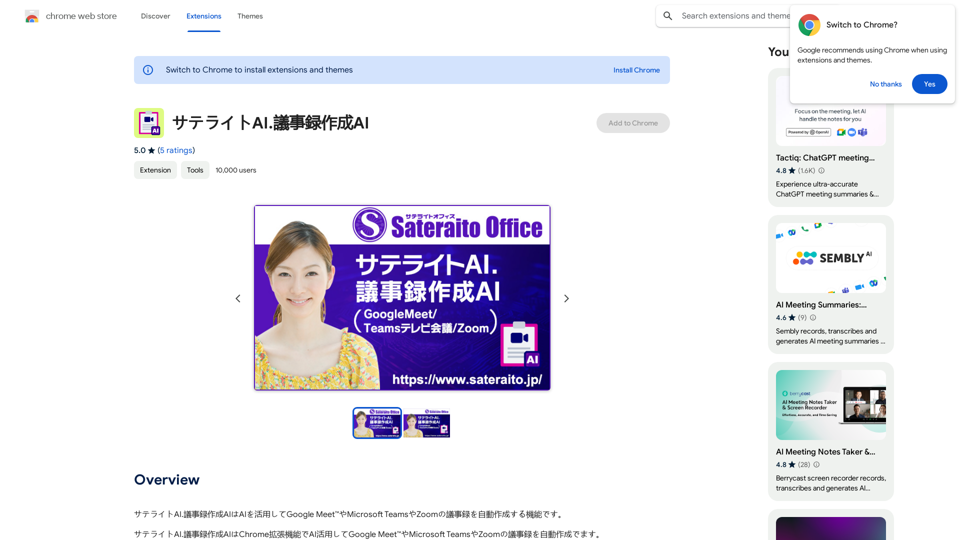
Satellite AI. The minutes creation AI is a function that utilizes AI to automatically create minutes of meetings on Google Meet™, Microsoft Teams, and Zoom.
193.90 M

Wallow To roll or move about in a lazy, relaxed way, often in a pleasant or enjoyable manner.
Wallow To roll or move about in a lazy, relaxed way, often in a pleasant or enjoyable manner.Wallow streamlines digital product development with real-time incident tracking, team alignment, and integrated communication tools. Experience seamless collaboration and boost productivity with Wallow.
847
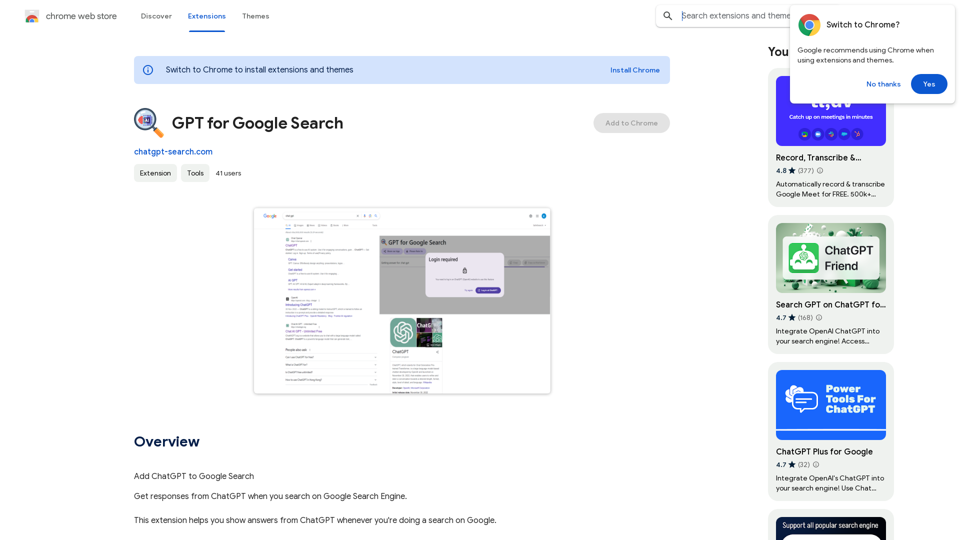
GPT for Google Search * What is GPT? GPT stands for Generative Pre-trained Transformer. It's a type of artificial intelligence (AI) that can understand and generate human-like text. * How could GPT improve Google Search? GPT could help Google Search in several ways: * Better understanding of natural language: GPT is trained on massive amounts of text data, allowing it to understand complex and nuanced search queries. * More conversational search experience: GPT could enable users to interact with Google Search in a more natural, conversational way. * Summarizing search results: GPT could condense large amounts of information from search results into concise summaries. * Generating different creative text formats: GPT could help users find information in new and interesting ways, such as generating poems, code, scripts, musical pieces, email, letters, etc., based on their search queries. * Challenges and Considerations: While GPT offers exciting possibilities, there are also challenges to consider: * Accuracy and bias: GPT models can sometimes generate inaccurate or biased information. It's crucial to ensure that GPT-powered search results are reliable and unbiased. * Transparency and explainability: It can be difficult to understand how GPT arrives at its results. Making GPT's decision-making process more transparent is important for building trust. * Ethical implications: The use of GPT in search raises ethical questions about the potential for misuse, such as generating harmful content or manipulating search results.
GPT for Google Search * What is GPT? GPT stands for Generative Pre-trained Transformer. It's a type of artificial intelligence (AI) that can understand and generate human-like text. * How could GPT improve Google Search? GPT could help Google Search in several ways: * Better understanding of natural language: GPT is trained on massive amounts of text data, allowing it to understand complex and nuanced search queries. * More conversational search experience: GPT could enable users to interact with Google Search in a more natural, conversational way. * Summarizing search results: GPT could condense large amounts of information from search results into concise summaries. * Generating different creative text formats: GPT could help users find information in new and interesting ways, such as generating poems, code, scripts, musical pieces, email, letters, etc., based on their search queries. * Challenges and Considerations: While GPT offers exciting possibilities, there are also challenges to consider: * Accuracy and bias: GPT models can sometimes generate inaccurate or biased information. It's crucial to ensure that GPT-powered search results are reliable and unbiased. * Transparency and explainability: It can be difficult to understand how GPT arrives at its results. Making GPT's decision-making process more transparent is important for building trust. * Ethical implications: The use of GPT in search raises ethical questions about the potential for misuse, such as generating harmful content or manipulating search results.Add ChatGPT to Google Search This is a popular idea! Many people think it would be amazing to have the power of ChatGPT directly integrated into Google Search. Imagine being able to ask Google a complex question and getting a clear, concise, and human-like response generated by ChatGPT. It could revolutionize how we search for information and interact with the web.
193.90 M