Open-source RightAI Tools Directory
  • Discover AI
  • Submit
  • Startup
  • Blog
Open-source RightAI Tools Directory
Discover the best AI tools of 2025 with the RightAI Tools Directory!

Friend Links

AI Anime GeneratorToolsApp AI

Support

Tap4
Privacy policyTerms & ConditionsContact Us
Loading...
loading...

Text Generation for X (formerly Twitter)

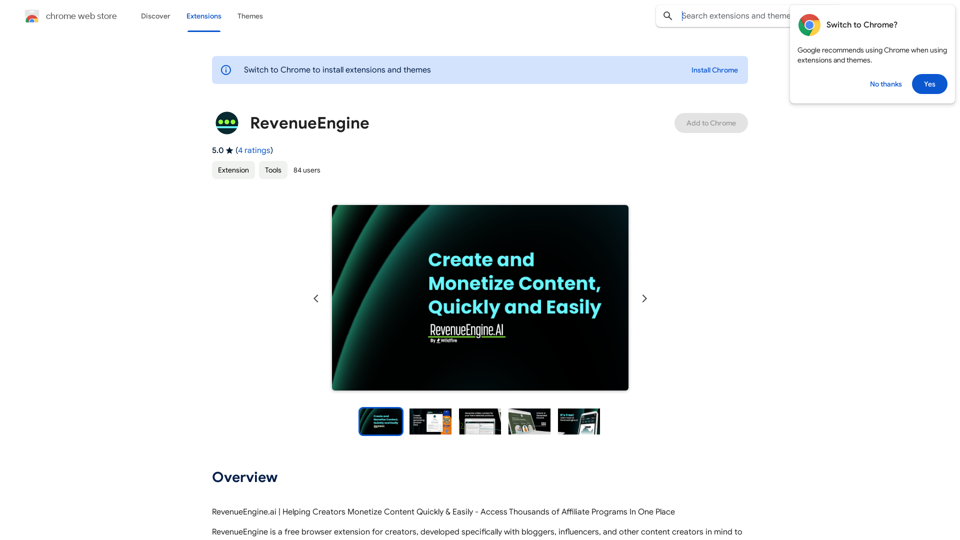
This is a Chrome extension that analyzes images you want to post to X (formerly Twitter) and automatically generates alternative text for them.
Visit Website
Text Generation for X (formerly Twitter)
Visit Website

Introduction

AltText.ai is an AI-driven platform offering a wide range of AI technologies for image understanding, text generation, and image creation. It provides tools for generating alt text, connecting to user accounts, and extracting text from images. The platform utilizes advanced AI technologies like OpenAI Vision API and Dalle3 for various tasks.

Feature

AI-Powered Image Analysis

AltText.ai employs OpenAI Vision API (gpt-4-vision-preview) to analyze images and generate accurate alt text, enhancing accessibility and image understanding.

Text Generation from Images

The platform offers an Image to Text feature, allowing users to extract text content from pictures efficiently.

Image Creation with AI

Utilizing Dalle3's text-to-image generation capability, AltText.ai enables users to create images from textual descriptions.

Free AI Tools Submission

AltText.ai provides a platform for users to explore and submit free AI tools, expanding the range of available AI-powered solutions.

Chrome Extension

A dedicated Chrome extension simplifies the use of AltText.ai's features directly from the browser, streamlining the user experience.

Flexible Pricing Options

The platform offers both free and paid subscription models, catering to different user needs and usage levels.

FAQ

How do I get started with AltText.ai?

To begin using AltText.ai:

  1. Install the Chrome extension from the Chrome Web Store
  2. Configure your API Key in the extension's options
  3. Start using the extension to generate alt text, connect to your account, and extract text from images

What are the main benefits of using AltText.ai?

Key benefits include:

  • Effortless text extraction from images
  • AI-powered image understanding and alt text generation
  • Access to a variety of free AI tools
  • Seamless integration through a browser extension

Is AltText.ai free to use?

AltText.ai offers a free version with limited usage and a paid subscription for extended access and additional features, providing flexibility for different user needs.

Related Websites
AI Image Editor │ Free Comprehensive Photo AI Tools
View Detail

AI Image Editor │ Free Comprehensive Photo AI Tools

AI Image Editor │ Free Comprehensive Photo AI Tools

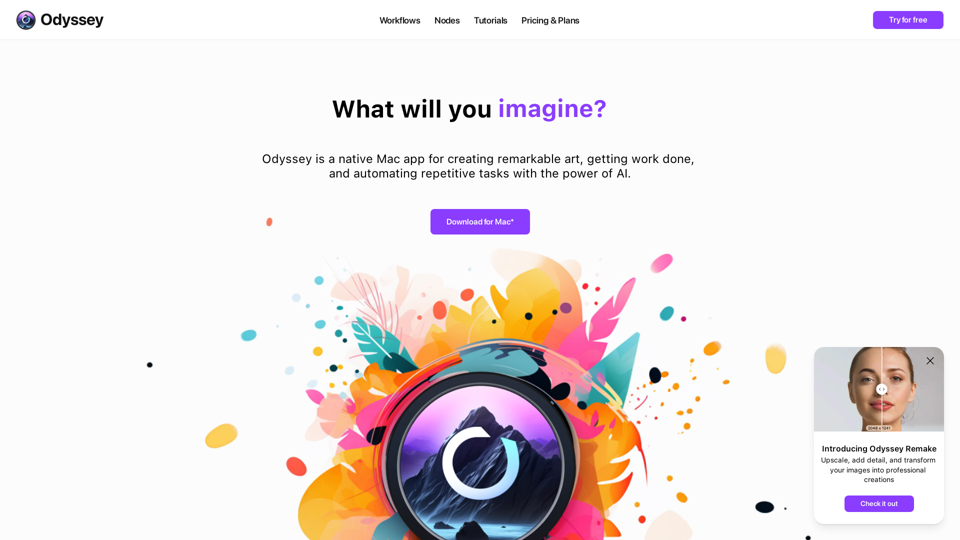
AIImageEditor.me offers 12 Free AI image tools—from image enhancement and watermark removal to style transfer and background editing—to simplify image editing.

21.99 K
Simpedit One Click to Change Your Image with a Stylish Trend
View Detail

Simpedit One Click to Change Your Image with a Stylish Trend

Simpedit One Click to Change Your Image with a Stylish Trend

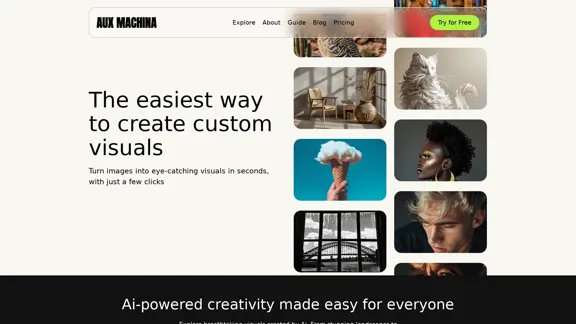
We've curated a rich library of effects. Transform your image into something beautiful and unique with just one click on Simpedit.

21.33 K
AVCLabs AI: Enhance Your Video and Photo Quality with AI
View Detail

AVCLabs AI: Enhance Your Video and Photo Quality with AI

AVCLabs AI: Enhance Your Video and Photo Quality with AI

AVCLabs is an AI products provider, which is dedicated to serving customers with products including Video Enhancer, Photo Editor, Photo Enhancer, and Video Blur AI.

356.07 K
ChatMoney, ChatMoney AI, AI Monetization, CodeMood, CodeMood AI, AI Chat, AI Knowledge Base, AI Painting, ChatMoney was born for AI monetization.
View Detail

ChatMoney, ChatMoney AI, AI Monetization, CodeMood, CodeMood AI, AI Chat, AI Knowledge Base, AI Painting, ChatMoney was born for AI monetization.

ChatMoney, ChatMoney AI, AI Monetization, CodeMood, CodeMood AI, AI Chat, AI Knowledge Base, AI Painting, ChatMoney was born for AI monetization.

Here is the translation in English, keeping the original format: ChatMoney, ChatMoneyAI, CodeMore AI, CodeMore, AI Source Code, ChatAI, ChatWork, Intelligent Chat System, Knowledge Base System, Painting System, Stable Diffusion, Midjourney, AI Chat, AI Knowledge Base, AI Painting, AI System.

0
DeepTube AI - Advanced Tools for YouTube & X
View Detail

DeepTube AI - Advanced Tools for YouTube & X

DeepTube AI - Advanced Tools for YouTube & X

Learn and extract knowledge from YouTube - share everything and grow on X.

193.90 M
Free Instant Influencer Search Tool - Find the Best Match for Your Influencer
View Detail

Free Instant Influencer Search Tool - Find the Best Match for Your Influencer

Free Instant Influencer Search Tool - Find the Best Match for Your Influencer

Receive instant research and discover the most relevant influencers with our AI-driven platform. Find YouTube influencers. Find the best fit TikTok & Instagram influencers.

0
Free Flux.1 | Flux | flux image generator | FLUX-1.net
View Detail

Free Flux.1 | Flux | flux image generator | FLUX-1.net

Free Flux.1 | Flux | flux image generator | FLUX-1.net

Free FLUX.1, online FLUX, FLUX ai image generator, FLUX-1.net

149
Journey ArtPrompt with Midjourney

This guide will walk you through creating stunning artwork using Midjourney, a powerful AI art generator. 

1. Accessing Midjourney

* You'll need a Discord account to use Midjourney. 
* Join the official Midjourney server: [https://discord.gg/midjourney](https://discord.gg/midjourney)

2. Understanding the Basics

* `/imagine` Command: This is the core command for generating images.
* Prompt:  A text description of the artwork you want to create. Be specific and descriptive!
* Parameters: Options that control aspects like image size, aspect ratio, and style.

3. Crafting Your Journey Prompt

Think about the story you want to tell with your artwork.  

* Setting: Where does your journey take place? (e.g., a mystical forest, a futuristic city, a desolate wasteland)
* Characters: Who is on this journey? (e.g., a lone traveler, a group of adventurers, mythical creatures)
* Mood: What feeling do you want to evoke? (e.g., adventurous, mysterious, hopeful, melancholic)
* Style: What artistic style appeals to you? (e.g., photorealistic, painterly, abstract)

4. Putting it Together

Combine these elements into a clear and concise prompt. 

Example:

`/imagine A lone traveler journeys through a mystical forest at sunset, bathed in golden light. The path ahead is shrouded in mist, hinting at unknown wonders. Style: painterly, ethereal`

5. Experiment and Refine

* Midjourney is all about experimentation! Try different prompts, parameters, and styles.
* Use the "upscale" command to enlarge your favorite images and reveal more detail.
* Don't be afraid to iterate and refine your prompts based on the results.
View Detail

Journey ArtPrompt with Midjourney This guide will walk you through creating stunning artwork using Midjourney, a powerful AI art generator. 1. Accessing Midjourney * You'll need a Discord account to use Midjourney. * Join the official Midjourney server: [https://discord.gg/midjourney](https://discord.gg/midjourney) 2. Understanding the Basics * `/imagine` Command: This is the core command for generating images. * Prompt: A text description of the artwork you want to create. Be specific and descriptive! * Parameters: Options that control aspects like image size, aspect ratio, and style. 3. Crafting Your Journey Prompt Think about the story you want to tell with your artwork. * Setting: Where does your journey take place? (e.g., a mystical forest, a futuristic city, a desolate wasteland) * Characters: Who is on this journey? (e.g., a lone traveler, a group of adventurers, mythical creatures) * Mood: What feeling do you want to evoke? (e.g., adventurous, mysterious, hopeful, melancholic) * Style: What artistic style appeals to you? (e.g., photorealistic, painterly, abstract) 4. Putting it Together Combine these elements into a clear and concise prompt. Example: `/imagine A lone traveler journeys through a mystical forest at sunset, bathed in golden light. The path ahead is shrouded in mist, hinting at unknown wonders. Style: painterly, ethereal` 5. Experiment and Refine * Midjourney is all about experimentation! Try different prompts, parameters, and styles. * Use the "upscale" command to enlarge your favorite images and reveal more detail. * Don't be afraid to iterate and refine your prompts based on the results.

Journey ArtPrompt with Midjourney This guide will walk you through creating stunning artwork using Midjourney, a powerful AI art generator. 1. Accessing Midjourney * You'll need a Discord account to use Midjourney. * Join the official Midjourney server: [https://discord.gg/midjourney](https://discord.gg/midjourney) 2. Understanding the Basics * `/imagine` Command: This is the core command for generating images. * Prompt: A text description of the artwork you want to create. Be specific and descriptive! * Parameters: Options that control aspects like image size, aspect ratio, and style. 3. Crafting Your Journey Prompt Think about the story you want to tell with your artwork. * Setting: Where does your journey take place? (e.g., a mystical forest, a futuristic city, a desolate wasteland) * Characters: Who is on this journey? (e.g., a lone traveler, a group of adventurers, mythical creatures) * Mood: What feeling do you want to evoke? (e.g., adventurous, mysterious, hopeful, melancholic) * Style: What artistic style appeals to you? (e.g., photorealistic, painterly, abstract) 4. Putting it Together Combine these elements into a clear and concise prompt. Example: `/imagine A lone traveler journeys through a mystical forest at sunset, bathed in golden light. The path ahead is shrouded in mist, hinting at unknown wonders. Style: painterly, ethereal` 5. Experiment and Refine * Midjourney is all about experimentation! Try different prompts, parameters, and styles. * Use the "upscale" command to enlarge your favorite images and reveal more detail. * Don't be afraid to iterate and refine your prompts based on the results.

New backgrounds with Midjourney on new tabs

193.90 M