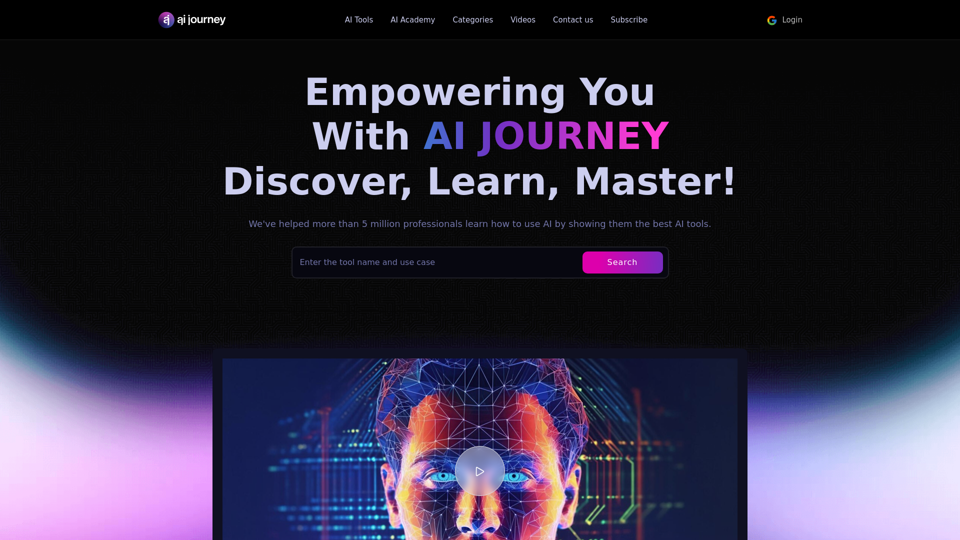
AI Journey is a comprehensive directory of AI tools, learning resources, and innovations designed to empower individuals and businesses in harnessing artificial intelligence. It serves as a one-stop platform for exploring, learning, and mastering various AI technologies, offering a wide range of tools and educational content to support users in their AI journey.
AI Journey: Explore the Leading AI Tools Software - Expert Reviews & Insights
Find the best AI tools and software with AIJourney. Our daily updates and expert reviews help you enhance your productivity and efficiency.
Introduction
Feature
Extensive AI Tool Directory
AI Journey provides a vast array of AI technologies categorized into various domains:
- AI Text Generator
- Image & Design
- Development & IT
- Video & Animation
- Business & Admin
- Education & Information
- Life Style & Entertainment
AI Academy
- Offers courses and resources for AI skill development
- Includes specific programs like "6 Steps To Make Money With Perplexity AI and ClickBank for Beginner in 2024"
- Provides recent posts to keep users updated on AI trends
Search and Exploration
- Users can search for AI tools by category or keyword
- Expert reviews and insights on top AI tools are available
Pricing Options
- Free trials for many AI tools and solutions
- Paid plans for premium AI tools and services
- Subscription options for exclusive AI tools and resources
Regular Updates
- Newsletters, blogs, and other resources to keep users informed about the latest AI trends and innovations
FAQ
What is AI Journey?
AI Journey is a comprehensive directory of AI tools, learning resources, and innovations designed to empower individuals and businesses in harnessing artificial intelligence.
How can AI Journey benefit businesses looking for AI tools and solutions?
AI Journey serves as an indispensable resource for businesses seeking AI tools and solutions by offering a curated directory of cutting-edge AI technologies across various categories.
What categories of AI tools are covered in the AI Journey directory?
AI Journey covers a range of important AI tool categories, including:
- AI Text Generator
- Image & Design
- Video & Animation
- Development & IT
- Business & Admin
- Education & Information
- Lifestyle & Entertainment
How can I stay updated on the latest trends and innovations in the AI industry through AI Journey?
AI Journey offers various resources to keep users informed about AI advancements, including:
- Newsletters
- Blogs
- Recent posts in the AI Academy section
- Regular updates to the AI tool directory
Related Websites
What is a Prompster? A Prompster is a person who assists a speaker, actor, or presenter by providing them with lines or cues, usually in a subtle and discreet manner, during a performance, presentation, or speech.
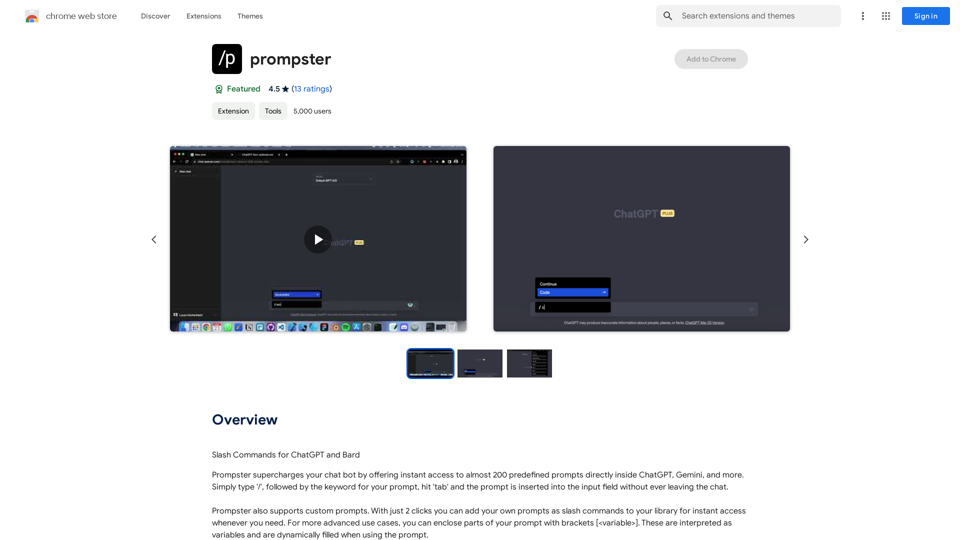
What is a Prompster? A Prompster is a person who assists a speaker, actor, or presenter by providing them with lines or cues, usually in a subtle and discreet manner, during a performance, presentation, or speech.Slash Commands for ChatGPT and Bard ===================================== Introduction Slash commands are a convenient way to interact with ChatGPT and Bard, allowing you to perform various tasks and actions within the chat interface. This guide provides an overview of the available slash commands for both ChatGPT and Bard. ChatGPT Slash Commands #General Commands * `/help`: Displays a list of available slash commands and their descriptions. * `/reset`: Resets the conversation, clearing all previous messages and context. #Conversation Management * `/start`: Starts a new conversation, allowing you to begin a fresh topic or task. * `/stop`: Ends the current conversation, stopping any ongoing tasks or topics. #Language and Tone * `/lang <language_code>`: Sets the language for the conversation (e.g., `/lang en` for English). * `/tone <tone>`: Adjusts the tone of the responses (e.g., `/tone formal` for formal tone). #Task Management * `/task <task_name>`: Creates a new task or topic for the conversation (e.g., `/task math problem`). * `/done`: Marks the current task as completed. #Information and Resources * `/define <word>`: Provides the definition of a word or phrase. * `/wiki <topic>`: Displays information about a topic from Wikipedia. Bard Slash Commands #General Commands * `/help`: Displays a list of available slash commands and their descriptions. * `/reset`: Resets the conversation, clearing all previous messages and context. #Conversation Management * `/start`: Starts a new conversation, allowing you to begin a fresh topic or task. * `/stop`: Ends the current conversation, stopping any ongoing tasks or topics. #Language and Tone * `/lang <language_code>`: Sets the language for the conversation (e.g., `/lang en` for English). * `/tone <tone>`: Adjusts the tone of the responses (e.g., `/tone formal` for formal tone). #Task Management * `/task <task_name>`: Creates a new task or topic for the conversation (e.g., `/task math problem`). * `/done`: Marks the current task as completed. #Information and Resources * `/define <word>`: Provides the definition of a word or phrase. * `/wiki <topic>`: Displays information about a topic from Wikipedia. * `/news <topic>`: Displays news articles related to a specific topic. Conclusion Slash commands provide a convenient way to interact with ChatGPT and Bard, allowing you to manage conversations, adjust language and tone, and access various resources. By mastering these commands, you can optimize your experience and get the most out of your interactions with these AI models.
193.90 M
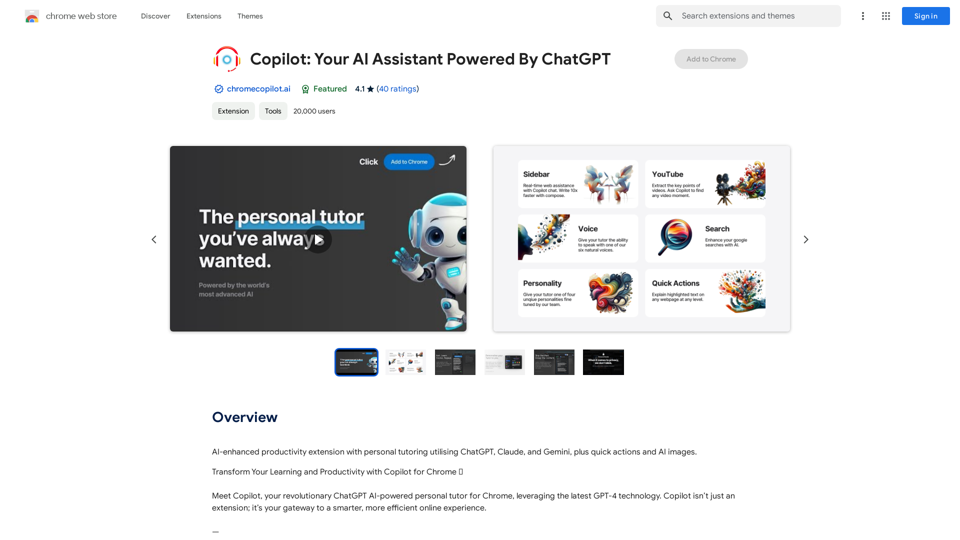
AI-powered productivity extension with personalized coaching using ChatGPT, Claude, and Gemini, plus rapid actions and AI-generated images.
193.90 M
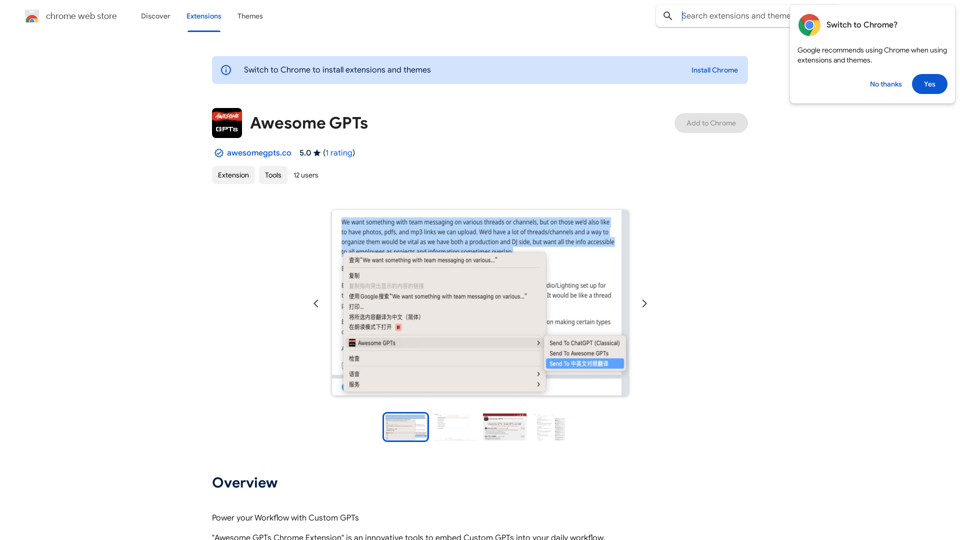
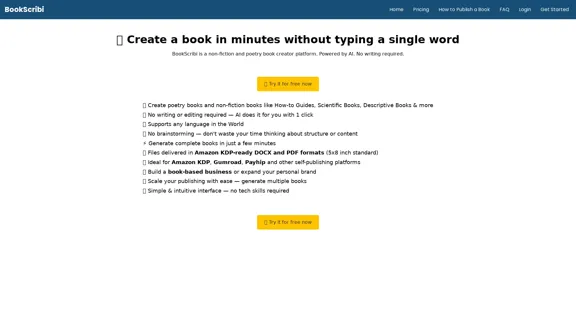
BookScribi is a platform for creating non-fiction and poetry books. Powered by AI. No writing needed.
445

Luxi.ai uses advanced image recognition technology to easily identify objects in uploaded images. Discover the items in your photos with precision and ease.
1.73 K