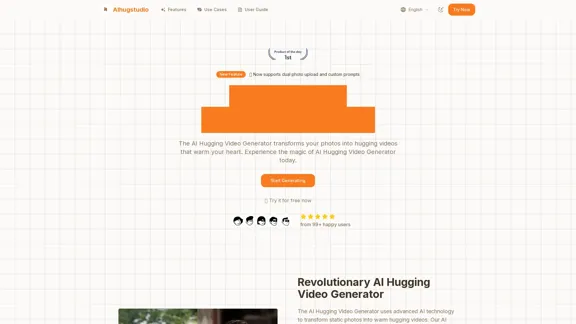
The AI Hugging Video Generator transforms static photos into heartwarming hugging videos using advanced AI technology. Users can upload single or dual photos and customize prompts to create videos that convey emotions perfectly. This tool is designed for various occasions, making it a versatile option for users looking to capture and share special moments.
AI Hugging Video Generator Free: Create AI-generated Hugging Videos
Generate AI hug videos with AIhugstudio! Our AI hug video generator can instantly create realistic hugs using the power of AI.
Introduction
Feature
-
Flexible Photo Upload
Supports single couple photo or separate photo uploads for automatic smart synthesis.
-
Smart Scene Prompts
Customize hugging scene atmosphere through text prompts to match your expectations.
-
High-Quality Generation
Utilizes the latest AI technology to generate smooth, natural hugging videos while preserving facial features.
-
Core Technical Features
-
Smart Photo Processing: Supports single person or couple photo uploads with automatic portrait recognition.
-
Deep Portrait Segmentation: Ensures detail integrity through advanced algorithms.
-
Scene Prompt Control: Allows precise control over scene style and interaction effects via natural language prompts.
-
Facial Feature Preservation: Maintains high fidelity of facial details and expressions.
-
High-Quality Output: Generates 1280x768 HD videos with 60fps playback.
-
Real-time Rendering: Optimized AI inference engine for quick video generation.
-
How to Use?
- Upload your photos in clear frontal formats for best results.
- Use the cropping tool to ensure faces are within the optimal 1280×768 ratio.
- Provide specific scene descriptions in the prompt box for better video outcomes.
FAQ
What makes the AI Hugging Video Generator special?
It combines cutting-edge computer vision and AI technology to create realistic hugging videos from your photos.
Is the AI Hugging Video Generator free?
Yes, it offers free trials for users to upload photos and generate videos without any cost.
Can I download the generated videos?
Yes, users can download the generated videos in mp4 format.
Can I use the generated videos commercially?
Yes, the generated videos can be used for commercial purposes while complying with relevant laws and regulations.
Price
- Free Trial: $0
- Premium Features: Pricing details not specified.
The price is for reference only, please refer to the latest official data for actual information.
Evaluation
The AI Hugging Video Generator effectively creates engaging and emotional videos from photos, making it a valuable tool for personal and professional use. The ability to customize prompts and upload multiple photos enhances user experience. However, the reliance on clear frontal images may limit usability for some users. Additionally, while the technology is impressive, further enhancements in video generation speed and additional editing features could improve overall functionality. Overall, it serves as a unique solution for capturing and sharing heartfelt moments.
Related Websites
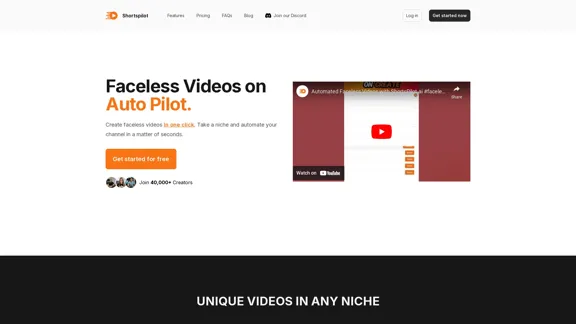
Transform your ideas into captivating short videos with ease. Our AI-powered tool automatically crafts and posts engaging shorts to your social media, effortlessly driving views and generating revenue.
51.15 K
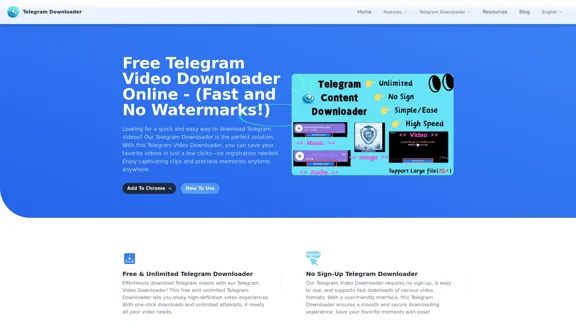
Free Telegram Video Downloader Online - (Quick and No Watermarks!)
Free Telegram Video Downloader Online - (Quick and No Watermarks!)The best Free Telegram Video Downloader for downloading high-quality videos from Telegram channels and groups—no watermarks, no sign-up, no limits. Enjoy seamless, user-friendly downloads with our Telegram Downloader. Get it now!
9.13 K
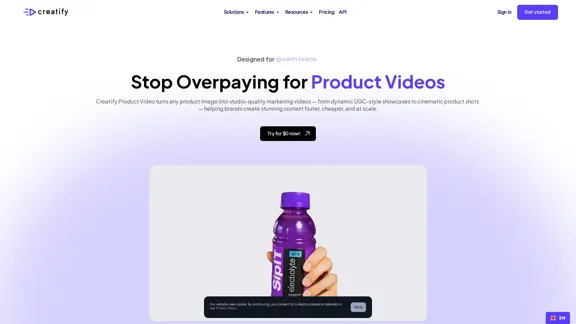
AI Product Video Generator - Convert Product Images into Videos
AI Product Video Generator - Convert Product Images into VideosTurn product images into stunning video ads in seconds. Create B-roll, UGC style, and more with Creatify's product video maker. Start now and scale quickly.
1.06 M

MukuAI: AI-Powered Viral Video Creator | Effortless Content for TikTok, Instagram & YouTube
MukuAI: AI-Powered Viral Video Creator | Effortless Content for TikTok, Instagram & YouTubeTransforms ideas into viral-ready videos for social media.
9.71 K
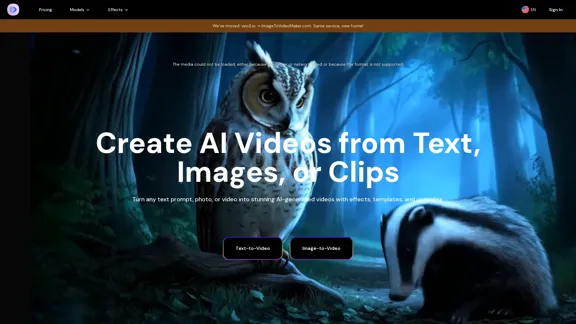
AI Video Generator – Create Videos from Text, Images, or Clips | Image-to-Video Maker
AI Video Generator – Create Videos from Text, Images, or Clips | Image-to-Video MakerGenerate AI videos from text, images, or video clips with the Image-to-Video Maker. Add effects, templates, and upscale to 4K—all in one powerful video platform.
25.40 K
Viral Video - Create viral videos in minutes with AI
Viral Video - Create viral videos in minutes with AITransform your ideas into viral videos with our AI-driven text-to-video tool. Effortlessly create engaging videos using AI voices, enhancing your content with ease. Boost your online presence and reach a wider audience by converting text into captivating video content.
1.81 K
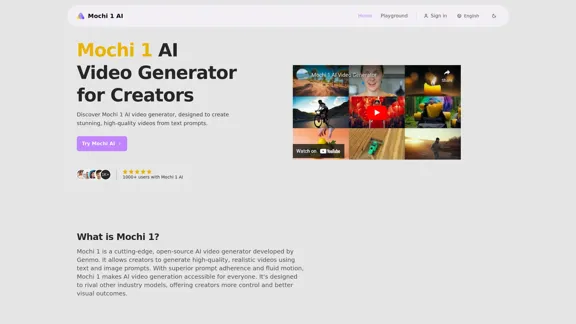
Mochi 1 - AI Video Generator for Stunning Creative Videos
Mochi 1 - AI Video Generator for Stunning Creative VideosMochi 1 makes it easy to turn your ideas into professional videos perfect for creators of all skill levels.
5.14 K
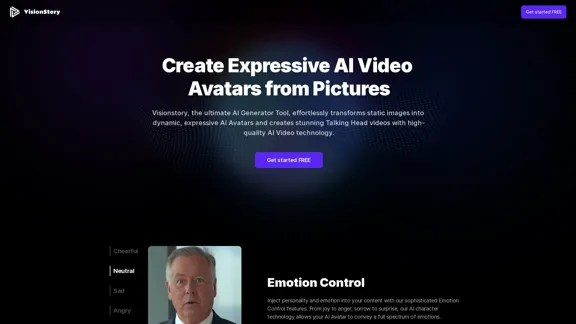
Create high-quality AI video avatars from your photos with our AI Text to Video and AI Image to Video generators. Upload your picture, input text or voice, and watch your AI character come to life with realistic expressions and voice cloning. Perfect for AI faces, talking heads, and more. Experience fast and expressive AI video creation comparable to Sora, Kling, Runway, Viggle and more.
163.64 K