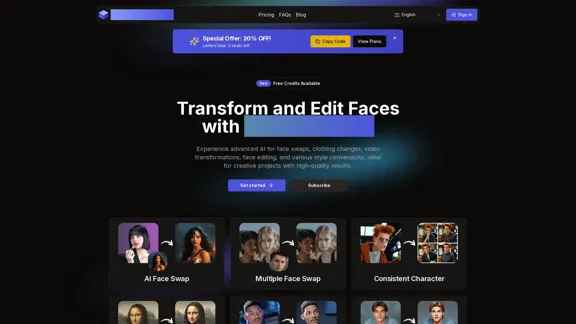
AI Face Studio is an advanced AI-powered platform for face transformation and editing. It offers a wide range of tools for face swaps, clothing changes, video transformations, and various style conversions. The platform is designed to produce high-quality results, making it ideal for creative projects and professional use.
AI Face Studio - AI Face Transformation & Editing Tools
AI Face Studio provides face swapping, outfit alterations, video transformations, style conversions, and facial editing with premium security and high-quality outcomes.
Introduction
Feature
State-of-the-Art AI Technology
AI Face Studio utilizes cutting-edge AI technology to create realistic face transformations and edits, ensuring high-quality results for users.
Diverse Transformation Tools
The platform offers a variety of tools including:
- AI Face Swap
- Multiple Face Swap
- Consistent Character
- AI Face To 3D
- AI Face To Clay
- AI Face To Emoji
- AI Face To Pixels
- AI Face To Video Game
- AI Face To Cartoon
- AI Face To Sticker
- AI Face To Toy
Seamless User Experience
AI Face Studio provides an intuitive interface designed for effortless face editing and creativity, making it accessible to users of all skill levels.
Rapid Transformations
Users can produce stunning face transformations and edits in seconds, maximizing productivity and efficiency.
Affordable Access
The platform offers cost-effective plans with free credits to get users started, making it accessible to a wide range of users.
High-Definition Exports
Projects can be exported in top resolution, ready for any use, with precise face editing capabilities.
Multi-Face Transformations
AI Face Studio allows users to easily transform and edit multiple faces in one image or video.
Versatile Style Conversions
Users can adapt faces into various styles and edit them for creative expressions, offering a wide range of artistic possibilities.
FAQ
Is AI Face Studio free to use?
AI Face Studio offers a free plan with limited features, including 50 one-time general credits and 30 credits for single face swap per day. Paid plans are available for more extensive use.
How realistic are the AI-generated transformations?
AI Face Studio utilizes state-of-the-art AI technology to produce highly realistic transformations and edits, ensuring lifelike results.
Can I use AI Face Studio on any device?
The platform is web-based, allowing users to access it from various devices with an internet connection.
What image formats are supported?
AI Face Studio supports common image formats, though specific details are not provided in the given content.
Can I use AI Face Studio for commercial projects?
While not explicitly stated, the platform offers various pricing plans, including a Premium plan, which suggests it can be used for commercial purposes. It's advisable to check the terms of service for specific usage rights.
What is the credit system and how does it work?
AI Face Studio uses a credit system where different actions consume a certain number of credits. The number of available credits varies depending on the chosen plan.
Do the credits expire?
The given information does not specify whether credits expire. It's best to check the platform's terms or contact support for clarification.
Related Websites

2. Understanding the Basics
* `/imagine` Command: This is the core command for generating images.
* Prompt: A text description of the artwork you want to create. Be specific and descriptive!
* Parameters: Options that control aspects like image size, aspect ratio, and style.
3. Crafting Your Journey Prompt
Think about the story you want to tell with your artwork.
* Setting: Where does your journey take place? (e.g., a mystical forest, a futuristic city, a desolate wasteland)
* Characters: Who is on this journey? (e.g., a lone traveler, a group of adventurers, mythical creatures)
* Mood: What feeling do you want to evoke? (e.g., adventurous, mysterious, hopeful, melancholic)
* Style: What artistic style appeals to you? (e.g., photorealistic, painterly, abstract)
4. Putting it Together
Combine these elements into a clear and concise prompt.
Example:
`/imagine A lone traveler journeys through a mystical forest at sunset, bathed in golden light. The path ahead is shrouded in mist, hinting at unknown wonders. Style: painterly, ethereal`
5. Experiment and Refine
* Midjourney is all about experimentation! Try different prompts, parameters, and styles.
* Use the "upscale" command to enlarge your favorite images and reveal more detail.
* Don't be afraid to iterate and refine your prompts based on the results.](https://static.right-ai.com/tools/2024/7/4/chromewebstore-google-com-detail-journey-artprompt-with-mi-pfjhhefanfhdijppdppillliedgaehko-thumbnail-1720092379.png "Journey ArtPrompt with Midjourney
This guide will walk you through creating stunning artwork using Midjourney, a powerful AI art generator.
1. Accessing Midjourney
* You'll need a Discord account to use Midjourney.
* Join the official Midjourney server: [https://discord.gg/midjourney](https://discord.gg/midjourney)
2. Understanding the Basics
* `/imagine` Command: This is the core command for generating images.
* Prompt: A text description of the artwork you want to create. Be specific and descriptive!
* Parameters: Options that control aspects like image size, aspect ratio, and style.
3. Crafting Your Journey Prompt
Think about the story you want to tell with your artwork.
* Setting: Where does your journey take place? (e.g., a mystical forest, a futuristic city, a desolate wasteland)
* Characters: Who is on this journey? (e.g., a lone traveler, a group of adventurers, mythical creatures)
* Mood: What feeling do you want to evoke? (e.g., adventurous, mysterious, hopeful, melancholic)
* Style: What artistic style appeals to you? (e.g., photorealistic, painterly, abstract)
4. Putting it Together
Combine these elements into a clear and concise prompt.
Example:
`/imagine A lone traveler journeys through a mystical forest at sunset, bathed in golden light. The path ahead is shrouded in mist, hinting at unknown wonders. Style: painterly, ethereal`
5. Experiment and Refine
* Midjourney is all about experimentation! Try different prompts, parameters, and styles.
* Use the \"upscale\" command to enlarge your favorite images and reveal more detail.
* Don't be afraid to iterate and refine your prompts based on the results.")
Journey ArtPrompt with Midjourney This guide will walk you through creating stunning artwork using Midjourney, a powerful AI art generator. 1. Accessing Midjourney * You'll need a Discord account to use Midjourney. * Join the official Midjourney server: [https://discord.gg/midjourney](https://discord.gg/midjourney) 2. Understanding the Basics * `/imagine` Command: This is the core command for generating images. * Prompt: A text description of the artwork you want to create. Be specific and descriptive! * Parameters: Options that control aspects like image size, aspect ratio, and style. 3. Crafting Your Journey Prompt Think about the story you want to tell with your artwork. * Setting: Where does your journey take place? (e.g., a mystical forest, a futuristic city, a desolate wasteland) * Characters: Who is on this journey? (e.g., a lone traveler, a group of adventurers, mythical creatures) * Mood: What feeling do you want to evoke? (e.g., adventurous, mysterious, hopeful, melancholic) * Style: What artistic style appeals to you? (e.g., photorealistic, painterly, abstract) 4. Putting it Together Combine these elements into a clear and concise prompt. Example: `/imagine A lone traveler journeys through a mystical forest at sunset, bathed in golden light. The path ahead is shrouded in mist, hinting at unknown wonders. Style: painterly, ethereal` 5. Experiment and Refine * Midjourney is all about experimentation! Try different prompts, parameters, and styles. * Use the "upscale" command to enlarge your favorite images and reveal more detail. * Don't be afraid to iterate and refine your prompts based on the results.
Journey ArtPrompt with Midjourney This guide will walk you through creating stunning artwork using Midjourney, a powerful AI art generator. 1. Accessing Midjourney * You'll need a Discord account to use Midjourney. * Join the official Midjourney server: [https://discord.gg/midjourney](https://discord.gg/midjourney) 2. Understanding the Basics * `/imagine` Command: This is the core command for generating images. * Prompt: A text description of the artwork you want to create. Be specific and descriptive! * Parameters: Options that control aspects like image size, aspect ratio, and style. 3. Crafting Your Journey Prompt Think about the story you want to tell with your artwork. * Setting: Where does your journey take place? (e.g., a mystical forest, a futuristic city, a desolate wasteland) * Characters: Who is on this journey? (e.g., a lone traveler, a group of adventurers, mythical creatures) * Mood: What feeling do you want to evoke? (e.g., adventurous, mysterious, hopeful, melancholic) * Style: What artistic style appeals to you? (e.g., photorealistic, painterly, abstract) 4. Putting it Together Combine these elements into a clear and concise prompt. Example: `/imagine A lone traveler journeys through a mystical forest at sunset, bathed in golden light. The path ahead is shrouded in mist, hinting at unknown wonders. Style: painterly, ethereal` 5. Experiment and Refine * Midjourney is all about experimentation! Try different prompts, parameters, and styles. * Use the "upscale" command to enlarge your favorite images and reveal more detail. * Don't be afraid to iterate and refine your prompts based on the results.New backgrounds with Midjourney on new tabs
193.90 M
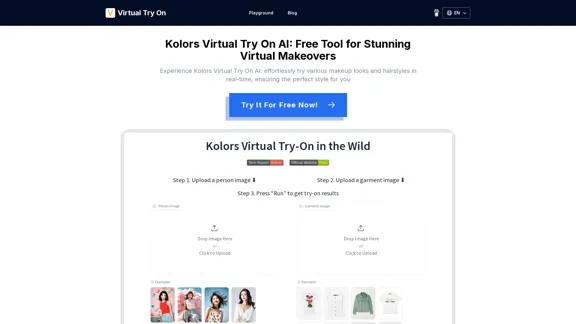
Kolors Virtual Try On AI: Free Tool for Stunning Virtual
Kolors Virtual Try On AI: Free Tool for Stunning VirtualExperience Kolors Virtual Try On AI: effortlessly try various makeup looks and hairstyles in real-time, ensuring the perfect style for you
0
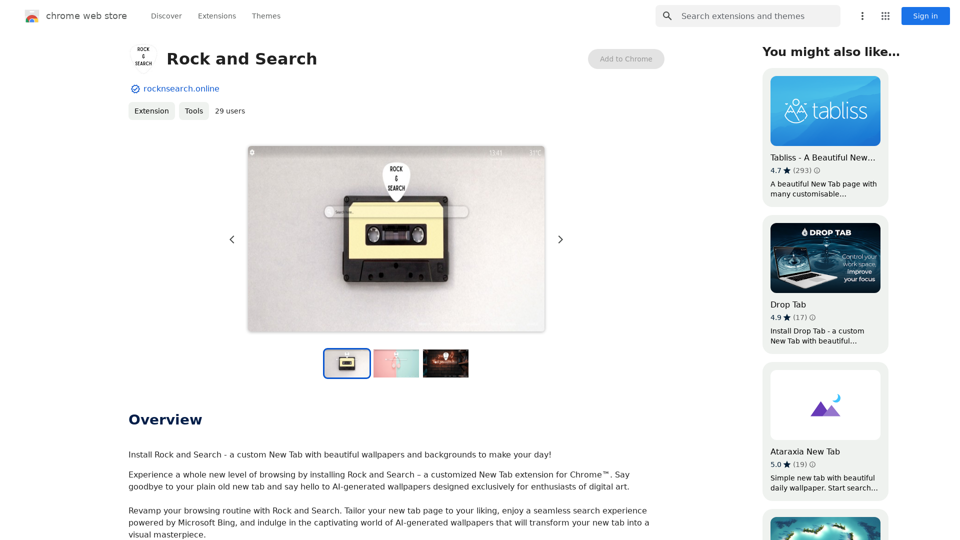
Install Rock and Search - a custom New Tab with beautiful wallpapers and backgrounds to brighten your day!
193.90 M

Krea makes generative AI intuitive. Generate, edit, and enhance images and videos using powerful AI for free.
5.34 M
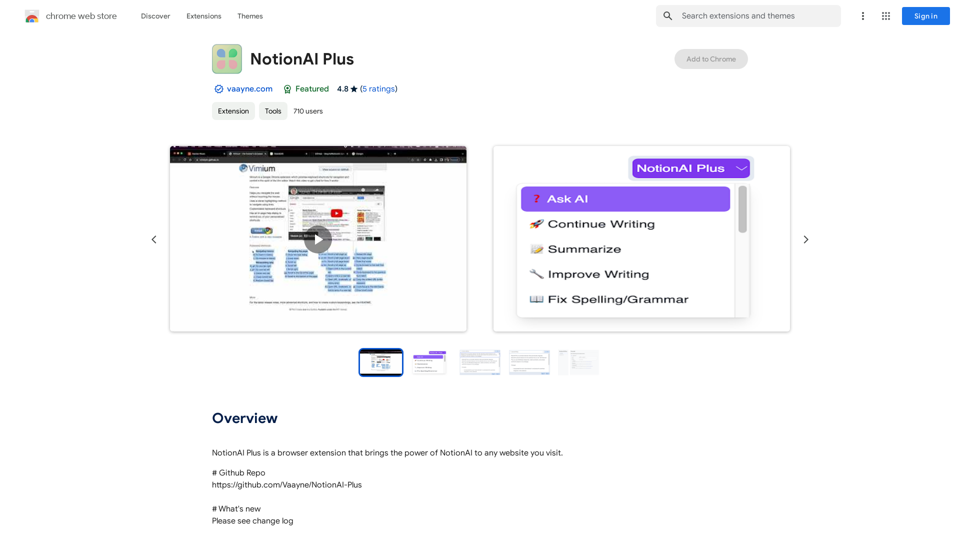
NotionAI Plus is a browser extension that brings the power of NotionAI to any website you visit.
193.90 M