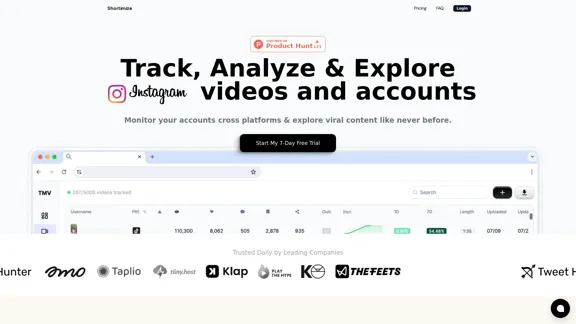
Shortimize is a comprehensive platform designed to enhance short-form content marketing efforts across multiple platforms. It offers tools for tracking, analyzing, and discovering viral content on TikTok, Instagram Reels, and YouTube Shorts. The platform aims to help users improve their short-form content strategy and performance through in-depth analytics, AI-powered search capabilities, and cross-platform account monitoring.
Shortimize
Track, analyze, and explore TikTok, Instagram Reels, and YouTube Shorts videos and accounts in one place. Monitor your accounts across platforms and explore viral content like never before.
Introduction
Feature
Cross-Platform Account Tracking
Track TikTok, Reels, or Shorts accounts by simply adding the URL. Monitor multiple accounts across different platforms effortlessly.
AI-Powered Viral Video Search
Utilize advanced AI technology to search through tens of thousands of viral videos using context or hooks. The platform adds 5,000 new viral videos daily.
Similar Content Discovery
Find videos and accounts similar to your own, helping you expand your reach and gather inspiration from successful content creators.
In-Depth Analytics
Access granular data for individual videos and accounts, providing insights to improve your content strategy and performance.
Competitor Analysis
Track and analyze your competitors' accounts to gain valuable insights and stay ahead in your niche.
Flexible Pricing Plans
Choose from various pricing tiers, including Pro, Business, and Enterprise plans, to suit your specific needs and budget.
Free Trial
Start with a 7-day free trial to explore the platform's features and capabilities before committing to a subscription.
FAQ
How does the free trial work?
Shortimize offers a 7-day free trial for new users to test the platform's features before subscribing to a paid plan.
How many videos can I track?
The number of trackable videos depends on your chosen plan:
- Pro: Up to 500 videos
- Business: Up to 5,000 videos
- Enterprise: Unlimited videos
How do I cancel my subscription?
Information on cancellation is not provided in the given content. It's recommended to check the account settings or contact customer support for cancellation instructions.
I need more features, can you help me?
For users requiring additional features, Shortimize offers an Enterprise plan with customizable options. You can book a call to discuss your specific needs and receive personalized assistance.
Related Websites
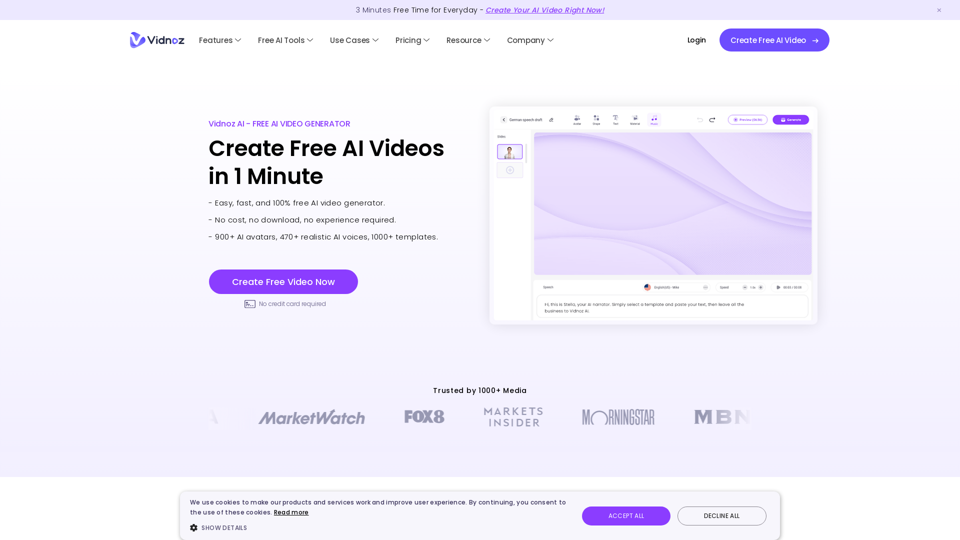
Vidnoz AI Tools: Create FREE Engaging AI Videos 10X Faster
Vidnoz AI Tools: Create FREE Engaging AI Videos 10X FasterVidnoz is the leading provider of free online video creation tools, powered by AI and intelligent automation. Use Vidnoz AI tools to create successful videos!
5.20 M
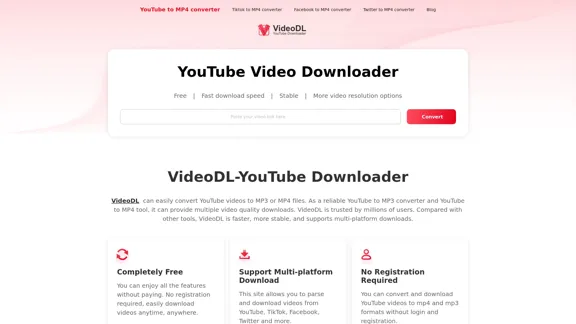
Free Youtube Video Downloader: Youtube to Mp4 Converter
Free Youtube Video Downloader: Youtube to Mp4 ConverterVideoDL is a free, fast, and stable online YouTube video downloader that allows you to convert YouTube videos to MP4 or MP3 with the highest quality.
0
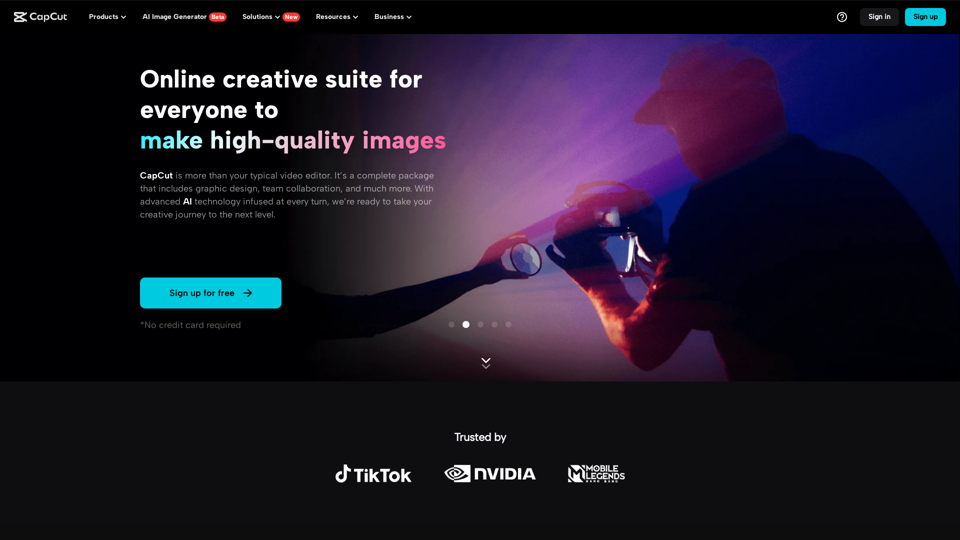
CapCut | All-in-one video editor & graphic design tool powered by AI
CapCut | All-in-one video editor & graphic design tool powered by AICapCut is an all-in-one creative platform powered by AI that enables video editing and image design on browsers, Windows, Mac, Android, and iOS.
39.44 M
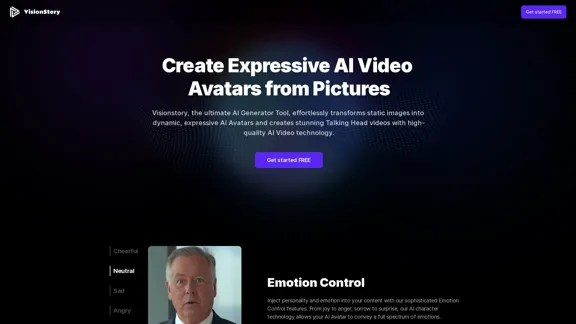
Create high-quality AI video avatars from your photos with our AI Text to Video and AI Image to Video generators. Upload your picture, input text or voice, and watch your AI character come to life with realistic expressions and voice cloning. Perfect for AI faces, talking heads, and more. Experience fast and expressive AI video creation comparable to Sora, Kling, Runway, Viggle and more.
163.64 K
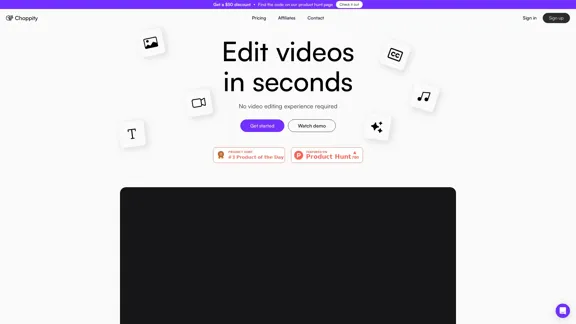
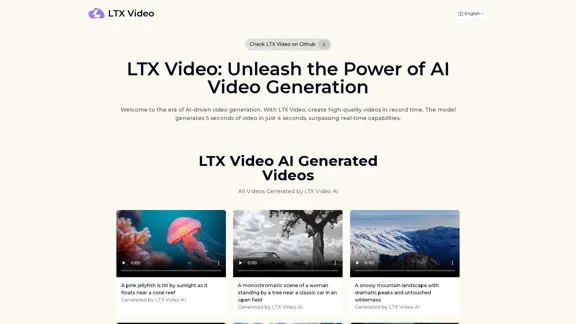
Experience the cutting-edge of AI video generation with LTX-Video AI! LTX-Video AI transforms text and images into dynamic, engaging videos in just minutes.
0
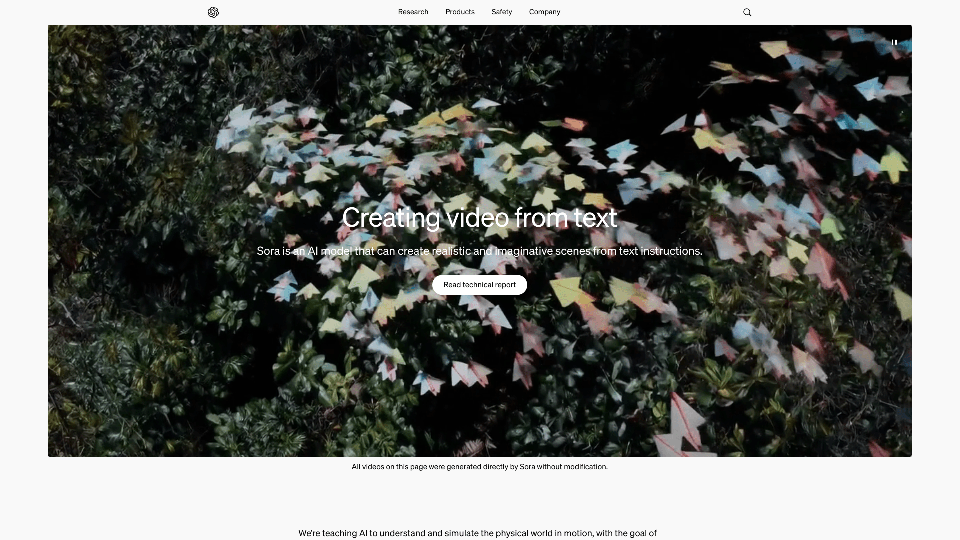

Wan 2.1: The Leading Model for AI Video Generation
Wan 2.1: The Leading Model for AI Video GenerationWan is an AI creative platform from Alibaba. It aims to reduce the barriers to creative work using artificial intelligence, providing features such as text-to-image, image-to-image, text-to-video, image-to-video, and image editing.
3.94 M